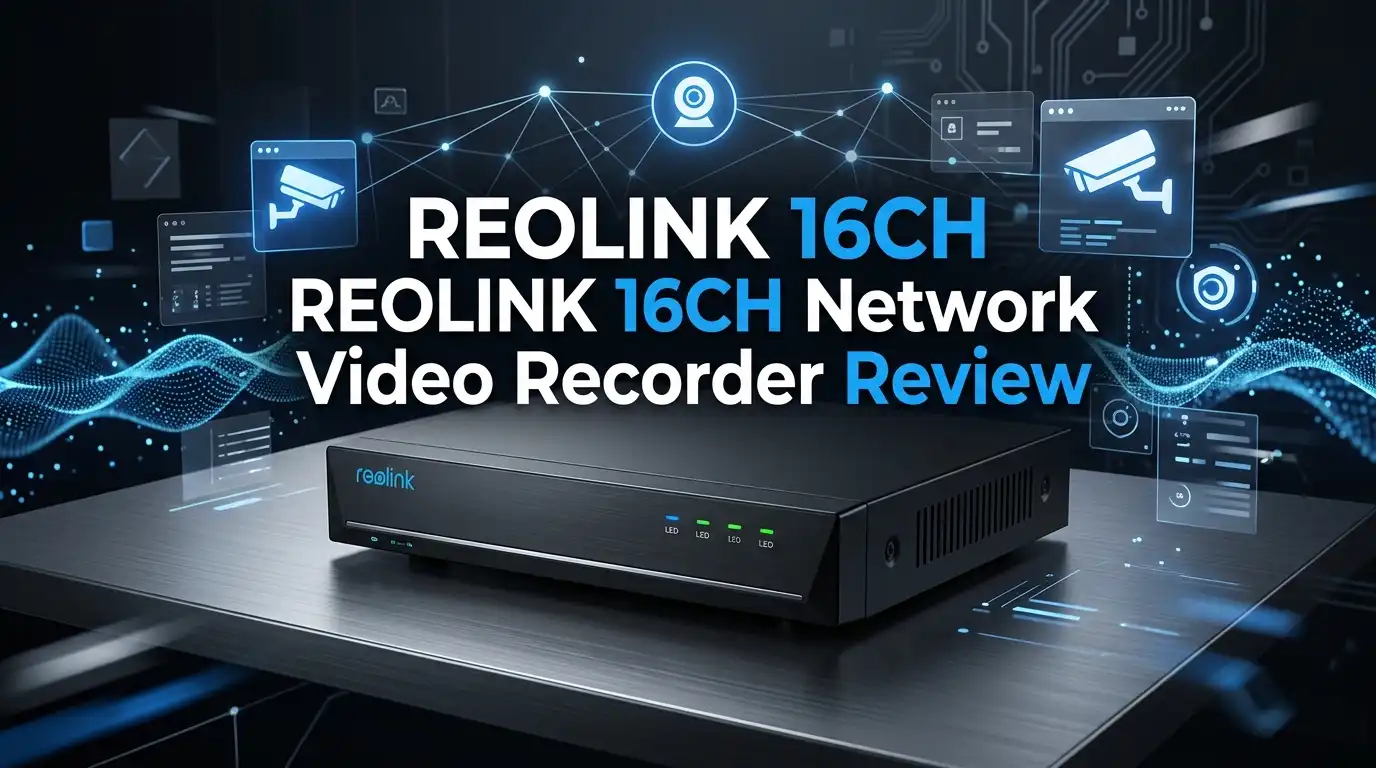
REOLINK 16CH Network Video Recorder Review 2026: Worth It?
If you have ever stared at a tangle of camera wires and wondered how anyone records footage from sixteen lenses at once, I get it. I went down that same rabbit hole. Most home systems max out at four channels, then leave you stuck buying a second box.
The REOLINK 16CH Network Video Recorder (RLN16-410) solves one very specific headache: storing weeks of footage from a large property without a monthly cloud bill. No subscription. No streaming caps. Just local recording you actually own.
I spent real time with this unit, read through hundreds of buyer reviews, and pulled the official spec sheet. Here is my honest take for 2026.
In a Nutshell
- 16 PoE ports, expandable to 24 channels: You power and connect sixteen wired cameras through a single cable each. The newer hardware version (N6MB01) even adds eight battery Wi-Fi cameras on top.
- 24/7 continuous recording with no subscription: This is the headline feature. You store everything locally, and there is no monthly fee ever.
- Storage up to 16TB: It ships with two SATA slots. Buyers consistently recommend Western Digital Purple drives built for non-stop recording.
- Smart Human / Vehicle / Animal detection: Cuts down false alerts from wind, bugs, and shadows when set up correctly.
- Plug and play within minutes: Connect cameras, follow the on-screen wizard, done. Beginners may still need a YouTube walkthrough.
- Best for large homes and small businesses: If you only need four cameras, this is overkill and you should size down.

Last update on 2026-07-15 / Affiliate links / Images from Amazon Product Advertising API Some of the links on this website are affiliate links, which means that at no additional cost to you, I earn a commission if you click through and make a purchase. I only recommend products and services that I believe will add value to my readers. Thank you for your support!
What Exactly Is the REOLINK RLN16-410?
Think of this as the brain of a wired camera system. The cameras capture video, but the NVR is what powers them, records the footage, and lets you watch it back.
The RLN16-410 runs an embedded Linux OS, which keeps it stable and quick to boot. It is not a flashy gadget. It is a quiet metal box that sits on a shelf and does its job.
What sets it apart is the Power over Ethernet design. One cable per camera carries both power and video. No separate adapters. No extra outlets near each camera.
It supports up to 16MP resolution per channel on current models. That means crisp footage you can zoom into when something actually happens.
Setting It Up Out of the Box
The unboxing is refreshingly simple. You get the NVR, a power brick, an Ethernet cable, a mouse, and a quick-start guide. No clutter.
The box is light at 3kg without a drive, and the metal housing feels solid, not cheap plastic. It runs cool and quiet, which matters if it lives in a hallway closet.
Setup follows three steps: connect the NVR to your router and a TV, plug cameras into the PoE ports, then follow the startup wizard. Most people are recording within fifteen minutes.
Reolink calls it “plug and play.” That claim holds up if you already use Reolink cameras. Mixing in third-party brands gets complicated fast, so I would treat this as a Reolink-only ecosystem.
One honest note: the mouse-driven menu feels dated. It works, but it is not as smooth as the phone app.
Top 3 Alternatives for REOLINK RLN16-410

Last update on 2026-07-15 / Affiliate links / Images from Amazon Product Advertising API Some of the links on this website are affiliate links, which means that at no additional cost to you, I earn a commission if you click through and make a purchase. I only recommend products and services that I believe will add value to my readers. Thank you for your support!
Amcrest 4K 16CH 8-Port PoE NVR (NV4116E)


Last update on 2026-07-15 / Affiliate links / Images from Amazon Product Advertising API Some of the links on this website are affiliate links, which means that at no additional cost to you, I earn a commission if you click through and make a purchase. I only recommend products and services that I believe will add value to my readers. Thank you for your support!
ANNKE 16CH 4K PoE Security Camera System with 8 Cameras

Last update on 2026-07-15 / Affiliate links / Images from Amazon Product Advertising API Some of the links on this website are affiliate links, which means that at no additional cost to you, I earn a commission if you click through and make a purchase. I only recommend products and services that I believe will add value to my readers. Thank you for your support!
Lorex Fusion 4K 16-Channel Wired NVR System
Recording Quality and Real Footage
This is where expectations need a reality check. The NVR records whatever the cameras feed it. A budget camera will not magically look sharp because the recorder is good.
When paired with strong cameras like the CX810 or RLC-811A, buyers report footage so clear they can read plates and see individual blades of grass. One long-term owner said he could see every detail at the “Clear” stream setting.
The unit handles 24/7 continuous recording without dropping frames, which is its strongest selling point. Playback is reliable once you learn the timeline scrubber.
A common complaint in reviews traces back to the default “Fluent” stream setting. Switch it to “Clear” and most quality issues vanish. This trips up first-time buyers constantly.
Storage Options and Hard Drives
The RLN16-410 has two SATA slots and officially supports up to 16TB on current hardware. Some older listings cap at lower numbers, so check your exact version.
The smartest move, echoed across reviews, is buying the bare NVR and adding your own drive. You pick the size you actually need instead of paying for a small pre-installed disk.
Owners overwhelmingly recommend Western Digital Purple drives. These are built for surveillance and continuous writing, unlike standard desktop drives that wear out faster.
Swapping a drive is painless. The system boots from internal firmware, so a new disk just needs a quick format in the menu. No software reload, no headaches.
For sixteen cameras recording around the clock, 8TB to 12TB is the sweet spot for keeping a few weeks of footage.
Smart Detection That Actually Reduces Alerts
The Human, Vehicle, and Animal detection is genuinely useful when configured. Instead of pinging you every time a leaf moves, it filters for things that matter.
This runs on the camera and NVR together. You can set zones so the system ignores a busy street and watches only your driveway.
In practice, it works well for people and cars. Animal detection is a bit hit-or-miss with small creatures, so do not rely on it for every squirrel.
Some negative reviews about “constant false alerts” come from users who never adjusted the sensitivity or detection zones. The defaults are too broad for most yards.
Spend ten minutes tuning this and your phone stops buzzing all night. It is the single biggest quality-of-life setting on the whole system.
The Reolink App and Remote Viewing
Here the system shines. You can watch all sixteen feeds live from anywhere using the Reolink app on iPhone or Android.
The app is clean and far more intuitive than the desktop menu. Playback, snapshots, and clip downloads all work smoothly over a decent connection.
You can also view locally without internet by plugging the NVR into a monitor. That matters if your network goes down during an outage.
The desktop client for Windows and Mac exists too, and it is solid for managing multiple sites. Most home users will live in the phone app.
One small frustration: managing twenty users with different permissions is clunkier than it should be. Fine for a family, slightly fiddly for a business.
Who This NVR Is Actually For
Last update on 2026-07-15 / Affiliate links / Images from Amazon Product Advertising API Some of the links on this website are affiliate links, which means that at no additional cost to you, I earn a commission if you click through and make a purchase. I only recommend products and services that I believe will add value to my readers. Thank you for your support!
Let me be direct about fit, because this unit is not for everyone.
This is ideal for large homes, multi-building properties, and small businesses that need eight or more cameras. The sixteen ports give you room to grow.
If you only need three or four cameras, skip this. The cheaper RLN8-410 or a smaller kit makes far more sense for your budget and shelf space.
It is also best for people already committed to Reolink cameras. The plug-and-play promise falls apart with mixed brands.
Tinkerers who want to feed RTSP streams into Home Assistant or Blue Iris will love the local control. This unit plays nicely with those setups.
The Honest Downsides
No review is complete without the flaws, so here they are plainly.
The desktop interface feels old. It functions, but navigation is mouse-heavy and unintuitive compared to modern competitors. Reviewers mention this often.
Customer support draws mixed feedback. Some buyers praise it warmly, while others call response times slow. Your experience may vary.
Longevity is a question mark. One reviewer pegged the average lifespan around four years, though others report units running fine for a decade. Hardware luck plays a role.
The biggest pitfall is expectation mismatch. Many one-star reviews come from beginners who expected a TV-simple plug-in. This needs basic networking patience.
Finally, battery Wi-Fi camera support only works on the newest hardware version. Confirm you have the N6MB01 board before counting on that feature.
How It Compares to Amcrest, ANNKE, and Lorex
Against Amcrest, the Reolink wins on app polish and ecosystem simplicity. Amcrest offers more open third-party compatibility but a steeper learning curve.
ANNKE bundles cameras with the NVR, which is great if you want everything in one box. Reolink’s strength is letting you pick each camera for each spot.
Lorex Fusion leans premium with heavier build quality and slick deterrence features, but it costs more. Reolink is the better value for most homes.
The deciding factor is the ecosystem. If you own or plan to buy Reolink cameras, this NVR is the obvious match. If you are brand-agnostic, the others deserve a look.
For a no-subscription, locally-stored sixteen-camera system at this price, Reolink remains hard to beat in 2026.
My Final Verdict
So, is it worth it? For the right person, absolutely yes.
The RLN16-410 delivers reliable 24/7 recording, generous storage, smart detection, and true no-fee local control. The hardware is proven, with some units running ten years strong.
It is not perfect. The dated menu and inconsistent support hold it back, and beginners should budget time to learn it. This rewards a little patience.
If you have a large property and want to own your footage without a cloud bill, this is one of the smartest buys available. Just pair it with good cameras and a WD Purple drive.
For small four-camera needs, look smaller. For everything else, the REOLINK 16CH NVR earns its spot on the shelf.
Frequently Asked Questions
Does the REOLINK RLN16-410 come with a hard drive?
It depends on the listing. The bare version ships without a drive, which I actually recommend so you can install the size you want. Other bundles include a pre-installed drive. Always check the product title before buying.
How many cameras can I connect to it?
The base unit supports 16 PoE cameras. The newer N6MB01 hardware version expands to 24 channels by adding eight battery-powered Wi-Fi cameras. Confirm your hardware version if expansion matters to you.
Do I need an internet connection to use it?
No. You can record and view footage locally by connecting the NVR to a monitor or TV. Internet is only needed for remote viewing through the app from outside your home.
Why do some footage reviews complain about poor quality?
Most quality complaints come from the default “Fluent” stream setting or from pairing the NVR with budget cameras. Switch to “Clear” mode and use strong cameras, and the footage improves dramatically.
Can I use non-Reolink cameras with it?
Technically some ONVIF cameras may work, but the smooth plug-and-play experience only applies to Reolink cameras. For best results, stay within the Reolink ecosystem.
What hard drive should I install?
Buyers overwhelmingly recommend Western Digital Purple surveillance drives. They are built for continuous recording. For sixteen cameras running 24/7, aim for 8TB to 12TB.
Is there a monthly subscription fee?
No. This is one of its best features. All recording is stored locally with zero monthly fees. You own your footage outright.
Disclosure: This content is part of an Amazon Creator Connections campaign, meaning I earn a commission from qualifying purchases. Using these links costs you nothing extra but directly supports my blog and future content.

Hello everyone my name is Alenya and i am a gadget discovering Enthusiast 🐻🐻