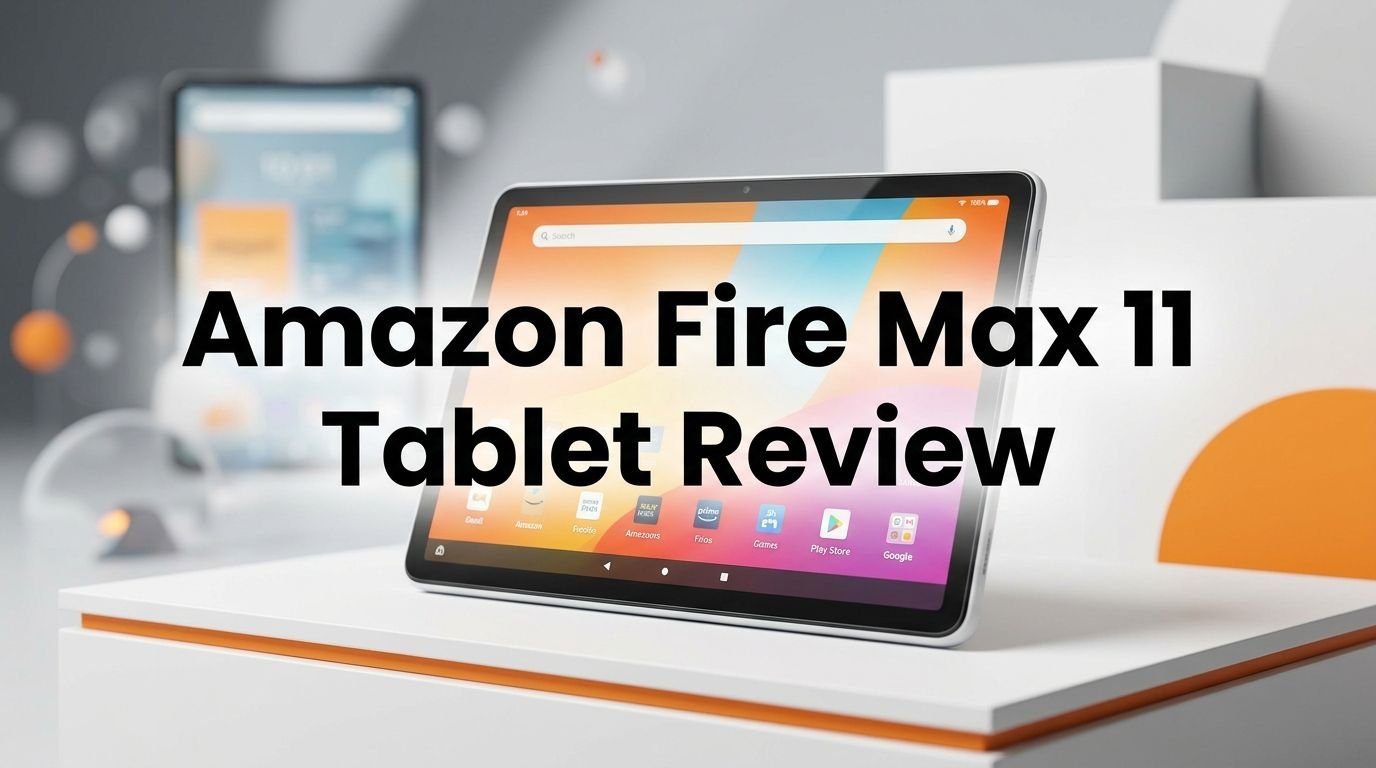
Amazon Fire Max 11 Tablet Review 2026: Top Tier or Trash?
Are you shopping for a budget tablet that does more than just the basics? The Amazon Fire Max 11 has been one of the most talked about affordable tablets since its launch in 2023.
It packs an 11 inch display, an octa core processor, and a 14 hour battery life into a device that costs a fraction of what iPads and Samsung flagships demand.
But here’s the real question. Does the Fire Max 11 still hold up in 2026? With newer tablets flooding the market, it can be hard to know if this Amazon tablet deserves your attention or your dollars.
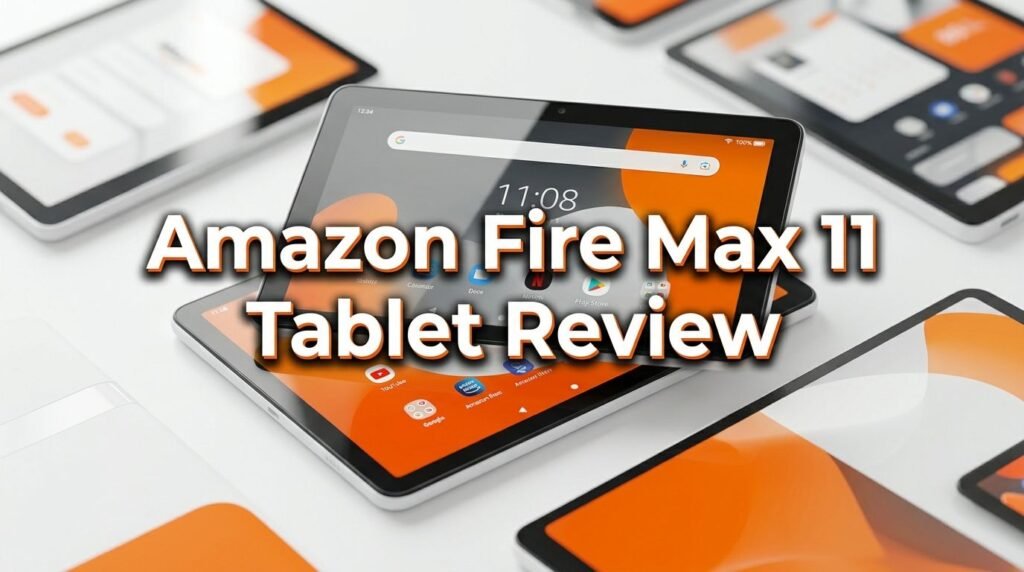
Key Takeaways:
- The display is a standout feature. The 11 inch, 2000 x 1200 resolution screen delivers sharp visuals and vivid colors. It is the best screen Amazon has ever put on a Fire tablet and makes streaming, reading, and browsing a joy.
- Performance is solid for everyday tasks. The MediaTek MT8188J octa core processor paired with 4 GB of RAM handles apps, multitasking, and media playback without major issues. Heavy gaming is not its strength, but light to moderate use runs smooth.
- Battery life is genuinely impressive. Amazon claims up to 14 hours on a single charge. Real world use typically lands around 10 to 12 hours, which is excellent for a tablet in this price range.
- The software experience has trade offs. The Fire Max 11 runs Fire OS, Amazon’s custom version of Android. You get the Amazon Appstore instead of Google Play. Some popular apps are missing or require workarounds to install.
- Build quality feels premium for the price. The aluminum back and slim profile give this tablet a more expensive feel. It weighs about one pound and is as thin as a pencil.
- The price makes it hard to ignore. With a starting price around $229.99 and frequent sales dropping it below $150, the Fire Max 11 offers strong value for casual users and Amazon ecosystem fans.

Amazon Fire Max 11 Tablet: Design and Build Quality
The Amazon Fire Max 11 immediately stands out from older Fire tablets in terms of design. It has an aluminum back that feels cool and sturdy in your hands. This is a significant upgrade from the plastic bodies found on previous models like the Fire HD 10.
The tablet measures just 7.5mm thin and weighs approximately 490 grams. You can hold it comfortably for long reading or streaming sessions. The slim profile makes it easy to slip into a bag or carry around the house.
Amazon gave the Fire Max 11 a clean, minimalistic look. The bezels around the screen are reasonably thin for a budget device. The power button doubles as a fingerprint sensor, which adds a layer of convenience and security.
On the edges, you will find a USB C port for charging and data transfer, a 3.5mm headphone jack, and volume buttons. The inclusion of a headphone jack is a nice touch that many premium tablets have dropped.
There is also a pogo pin connector on the bottom edge. This lets you attach the optional keyboard case and turn the tablet into a mini laptop. The keyboard case is sold separately, but it fits snugly and adds real productivity value.
Overall, the build quality punches above its price. If you pick up this tablet without seeing the price tag, you might guess it costs more than it actually does.
Display Performance: How Good Is the 11 Inch Screen?
The Fire Max 11 features an 11 inch IPS LCD display with a resolution of 2000 x 1200 pixels. This gives you a pixel density of about 213 PPI, which delivers clean and readable text at any size.
Colors look vibrant and well balanced. Streaming content from Netflix, Prime Video, and Disney Plus looks great on this screen. The display supports Dolby Vision content through compatible apps, which gives HDR content extra pop.
Brightness levels are adequate for indoor use. The screen performs well under normal room lighting and is bright enough for occasional outdoor use in the shade. Direct sunlight will wash out the screen, but that is common for most tablets in this category.
One area where this display does not compete with premium tablets is refresh rate. The Fire Max 11 runs at 60Hz, so scrolling and animations are not as buttery smooth as 90Hz or 120Hz screens. For casual use and streaming, you will not notice this much. Gamers and power users may feel the difference.
The 16:10 aspect ratio works well for both landscape and portrait use. Reading books in portrait mode feels natural, while movies fill the screen nicely in landscape orientation.
For a tablet under $230, the display quality is one of the strongest selling points of the Fire Max 11.
Processor and Performance: Can It Keep Up?
The Fire Max 11 runs on the MediaTek MT8188J octa core processor. This chip delivers a noticeable speed boost over older Fire tablets. Apps open quickly, and switching between tasks feels responsive.
With 4 GB of RAM, the tablet handles multitasking with reasonable ease. You can run a streaming app, a browser, and a note taking app without major slowdowns. The split screen feature works well for pairing two apps side by side.
Gaming performance has clear limits. Casual games like Candy Crush or crossword apps run without issues. More demanding games will show frame drops and longer load times. This is not a gaming tablet, and you should set expectations accordingly.
The storage options are 64 GB and 128 GB. Both models support microSD card expansion up to 1 TB, which is a huge advantage for storing movies, music, and downloaded content offline. This feature alone sets it apart from many competitors that skip expandable storage.
Top 3 Alternatives for Amazon Fire Max 11
Samsung Galaxy Tab A9+ is an excellent choice for users who want the full Google Play Store experience. It offers an 11 inch, 90Hz display, quad speakers, and a Snapdragon 695 processor. The software experience is smoother and more flexible than Fire OS.

Lenovo Tab M11 provides a solid 11 inch display with an included folio case and stylus pen in some bundles. It runs stock Android, giving you access to Google Play and a familiar interface. The MediaTek Helio G88 processor handles daily tasks well.

Samsung Galaxy Tab S9 FE steps up the competition with an IP68 dust and water resistance rating and an included S Pen. The 10.9 inch display runs at 90Hz, and the Exynos 1380 processor provides stronger performance for multitasking and light creative work.

Fire OS: The Software Experience Explained
The Fire Max 11 runs Fire OS, which is Amazon’s custom fork of Android. This operating system is built around the Amazon ecosystem. The home screen promotes Amazon services like Prime Video, Kindle, Audible, and Amazon Music.
You get the Amazon Appstore instead of Google Play Store. Most popular apps like Netflix, Spotify, TikTok, Hulu, and Microsoft Office are available. However, some apps you might expect are missing. Google apps like Gmail, Google Maps, and YouTube are not natively available.
Many users sideload Google Play Store onto the Fire Max 11 using a well documented process. This is not officially supported by Amazon, but it works and opens up access to the full Android app library. Keep in mind that sideloaded apps may not always run perfectly.
The lock screen shows ads by default on the standard model. You can pay extra at purchase or later to remove them. The ad supported model saves you money, but the ads can feel intrusive over time.
Battery Life: How Long Does It Really Last?
Amazon advertises a 14 hour battery life for the Fire Max 11. In practice, your experience will vary based on usage patterns, brightness, and the type of content you consume.
Streaming video at moderate brightness typically drains the battery in about 10 to 12 hours. This is a strong result that means you can watch several movies or binge a full season without reaching for the charger.
Web browsing and reading are even lighter on the battery. You can expect 12 to 13 hours of mixed browsing, email, and e book reading before the battery drops to zero.
Heavy multitasking and gaming will reduce battery life to around 7 to 9 hours. This is still respectable, but you should plan charging breaks during long gaming sessions.
The tablet charges through USB C and comes with a 9W charger in the box. Charging from empty to full takes about 4 hours, which is on the slower side. A faster third party USB C charger can speed this up, but Amazon does not officially rate faster charging speeds.
Audio Quality: Dual Speakers and Dolby Atmos
The Fire Max 11 comes with dual stereo speakers positioned on the sides. When held in landscape mode, the speakers fire from both sides and create a decent stereo separation effect.
Amazon included Dolby Atmos support, which enhances the spatial quality of audio. Movies and music benefit from a wider, more immersive sound stage than you would expect from a budget tablet.
At maximum volume, the speakers get reasonably loud but can sound slightly thin. Bass is noticeably lacking, which is common for thin tablets. For a more personal experience, connecting Bluetooth headphones or earbuds delivers a much better audio quality.
The 3.5mm headphone jack is a welcome addition. Many modern tablets and phones have removed this port. Having it here means you can plug in wired headphones without needing a dongle or adapter.
Camera Quality: Front and Rear
The Fire Max 11 has an 8 MP rear camera and an 8 MP front facing camera. Both cameras are functional but not impressive by modern standards.
The rear camera takes decent photos in good lighting. Colors are reasonably accurate, and detail is acceptable for quick snapshots or document scanning. Low light performance is poor, with noticeable grain and soft details.
The front camera is positioned for landscape use, which is ideal for video calls on platforms like Zoom, Teams, and Alexa calls. It centers your face well and provides a clear enough image for virtual meetings.
Video recording tops out at 1080p, which is fine for casual clips and video calls. Do not expect smooth or cinematic footage from this tablet. Stabilization is basic, and the microphone picks up ambient noise during recording.
Amazon clearly designed the cameras with video calling and basic photography in mind. This is not a tablet you would choose for serious photography or content creation. If you need strong cameras, a phone or higher end tablet will serve you better.
For the intended use cases, the cameras get the job done. Scanning documents, taking quick reference photos, and making video calls all work without issues.
Productivity Features: Keyboard, Stylus, and More
The Fire Max 11 supports a detachable keyboard case and a USI 2.0 stylus pen, both sold separately. These accessories turn the tablet into a lightweight productivity machine.
The keyboard case connects through the pogo pins on the bottom of the tablet. It does not need Bluetooth or a separate battery. The keys have decent travel and a comfortable layout. Typing long documents or emails feels surprisingly natural for a budget tablet accessory.
The stylus pen works well for note taking, sketching, and annotating documents. It supports palm rejection and pressure sensitivity, which makes handwriting feel smooth on screen. Artists and students will find it useful for quick sketches and lecture notes.
Split screen multitasking is built into Fire OS. You can run two apps side by side, which is helpful for referencing a webpage while writing notes or watching a video while chatting.
Who Should Buy the Amazon Fire Max 11?
The Fire Max 11 fits a specific type of user. If you are deep in the Amazon ecosystem, this tablet makes a lot of sense. Prime Video, Kindle, Audible, and Alexa all work seamlessly and feel like first class citizens on this device.
Casual users who want a tablet for streaming, reading, web browsing, and social media will find the Fire Max 11 offers strong value. The large screen and long battery life make it ideal for couch use, travel, and bedtime browsing.
Students on a budget can use this tablet for note taking, reading textbooks, and basic research. The optional stylus and keyboard case add real utility for school work without breaking the bank.
Parents looking for a family tablet will appreciate the robust parental controls. Amazon Kids+ integration lets you set time limits, filter content, and create kid friendly profiles with ease.
Amazon Fire Max 11 vs. iPad 10th Generation
The iPad 10th Generation is the most common comparison for the Fire Max 11. The iPad starts at $349, which puts it about $120 to $150 higher in price.
The iPad wins on processor performance. The A14 Bionic chip is significantly faster than the MediaTek MT8188J. Apps load quicker, and the overall experience feels snappier.
App availability is another clear win for the iPad. The Apple App Store has a larger selection of tablet optimized apps. The Fire Max 11 relies on the Amazon Appstore, which has a smaller catalog.
The Fire Max 11 fights back on price and storage flexibility. The microSD card slot lets you expand storage cheaply, while the iPad forces you to buy a higher storage model upfront. The Fire Max 11’s starting price is nearly half that of the iPad, which matters for budget shoppers.
Battery life is comparable between both devices, with each offering roughly 10 to 12 hours of real world use. Display quality is close too, though the iPad has a slightly higher pixel density.
If budget is your priority and you use Amazon services regularly, the Fire Max 11 is the smarter buy. If you want the best app ecosystem and performance, the iPad justifies the extra cost.
Storage Options and Expandability
The Fire Max 11 comes in two storage configurations. You can choose between 64 GB and 128 GB of internal storage. The price difference between the two is modest, so the 128 GB model is the better deal if you plan to store lots of content.
The real advantage here is the microSD card slot that supports cards up to 1 TB. This means you can add massive amounts of external storage at a low cost. Downloaded movies, music, audiobooks, and documents can all live on the microSD card.
Not all apps can be moved to the microSD card. Some apps and their data must remain on internal storage. However, media files and many downloaded items transfer easily to the card.
For users who download content for offline use during flights, road trips, or commutes, this expandable storage is a game changer. A 256 GB or 512 GB microSD card costs very little and gives you room for hundreds of movies and thousands of songs.
The USB C port also supports data transfer from external drives. You can plug in a USB C flash drive and access files directly, which is useful for transferring documents and media between devices.
Alexa Integration and Smart Home Control
One unique advantage of the Fire Max 11 is its deep Alexa integration. The voice assistant is built into the tablet and can be activated with a simple voice command or button press.
You can use Alexa to control smart home devices like lights, thermostats, cameras, and smart plugs. This turns the Fire Max 11 into a portable smart home hub. Set it on a stand in the kitchen, and it functions like a large Echo Show.
Show Mode is a special feature that converts the tablet into a full screen smart display. In this mode, the tablet shows the time, weather, calendar events, and news headlines. You can ask Alexa questions, play music, and make video calls hands free.
Alexa also helps with daily tasks like setting timers, creating shopping lists, checking the weather, and getting quick answers to questions. The voice recognition works well from across the room, though background noise can reduce accuracy.
Pros and Cons: Honest Summary
Pros of the Amazon Fire Max 11 include the excellent price to performance ratio. You get a large, sharp display, solid battery life, and premium build quality for under $230 at retail price and often under $150 on sale.
The expandable storage via microSD is a major plus. The fingerprint sensor, USB C charging, and headphone jack round out a well equipped hardware package.
Alexa integration and Amazon ecosystem support make this tablet ideal for Prime members. Parental controls and Amazon Kids+ support make it family friendly.
On the downside, Fire OS limits your app selection. The absence of Google Play Store out of the box is a real drawback for users who depend on Google apps and services.
The 60Hz display feels dated compared to the 90Hz and 120Hz screens on competing tablets. Camera quality is mediocre at best and should not be a buying factor.
Charging speed is slow with the included 9W charger. The tablet takes about 4 hours to charge fully, which is behind most competitors.
Final Verdict: Should You Buy the Amazon Fire Max 11 in 2026?
The Amazon Fire Max 11 remains a strong contender in the budget tablet market in 2026. Its combination of a sharp 11 inch display, long battery life, premium aluminum design, and a low price point makes it hard to beat for the money.
If you live inside the Amazon ecosystem and your main activities are streaming, reading, browsing, and light productivity, this tablet delivers everything you need. The optional keyboard and stylus accessories expand its usefulness even further.
The software limitations are real. Fire OS and the Amazon Appstore will frustrate users who want full Android flexibility. Sideloading Google Play is an option, but it requires extra effort and is not guaranteed to work perfectly.
For the price, especially during frequent Amazon sales that drop it below $150, the Fire Max 11 offers exceptional value. It is not the fastest, most feature rich, or most versatile tablet on the market. But it does what it does very well and at a price most people can afford.
Our recommendation: Buy the Fire Max 11 if you want an affordable, well built tablet for entertainment and casual use. Skip it if you need full Google app support, advanced gaming, or a high refresh rate display.
Frequently Asked Questions
Does the Amazon Fire Max 11 support Google Play Store?
The Fire Max 11 does not come with Google Play Store pre installed. It uses the Amazon Appstore as its default app marketplace. However, many users sideload Google Play Store by downloading and installing a set of APK files. This process is not officially supported by Amazon. Results may vary depending on the apps you want to use.
Is the Amazon Fire Max 11 good for reading books?
Yes, the Fire Max 11 is excellent for reading. The Kindle app comes pre installed and integrates directly with your Amazon account. The 11 inch display shows text clearly, and you can adjust font size, background color, and brightness. The tablet also supports Audible for audiobooks, giving you both reading and listening options.
Can you use the Amazon Fire Max 11 as a laptop replacement?
The Fire Max 11 can handle basic laptop tasks with the optional keyboard case. You can type documents, send emails, browse the web, and use productivity apps. However, it cannot fully replace a laptop for advanced tasks like video editing, programming, or running desktop software. Think of it as a complement to a laptop rather than a full replacement.
How long will Amazon support the Fire Max 11 with updates?
Amazon has committed to providing security updates for the Fire Max 11 through at least July 2030. This means the tablet will receive important security patches for several more years. Feature updates may slow down over time, but the device will remain secure for daily use.
Is the Fire Max 11 worth buying over the Fire HD 10?
The Fire Max 11 offers a larger screen, a faster processor, a better build with aluminum construction, and stylus plus keyboard support. If you want the best Fire tablet experience and do not mind spending a bit more, the Fire Max 11 is the better choice. The Fire HD 10 is a good option if you want to save money and do not need the extra screen size or accessories.
Does the Amazon Fire Max 11 have GPS?
No, the Fire Max 11 is a Wi Fi only tablet and does not include built in GPS hardware. It can estimate location using Wi Fi networks, but it is not suitable for turn by turn navigation or precise location tracking. If you need GPS, you will need to rely on your phone or a dedicated GPS device.