Arteck Wireless Keyboard Review: Step-by-Step Guide
Hey there, keyboard enthusiast! Are you tired of dealing with tangled cables on your desk? Looking for a wireless keyboard that won’t break the bank but still delivers solid performance?
Well, you’re in the right place. Today we’re diving deep into the world of Arteck wireless keyboards, and trust me, what I found might just surprise you.
In this review, we’ll explore everything you need to know about Arteck wireless keyboards. We’ll talk about build quality, battery life, typing comfort, and whether these budget-friendly options can actually compete with premium brands.
Key Takeaways:
- Six months of battery life on a single charge sets Arteck apart from competitors. Most wireless keyboards need new batteries every few weeks, but Arteck’s rechargeable lithium battery keeps you typing for half a year without interruption.
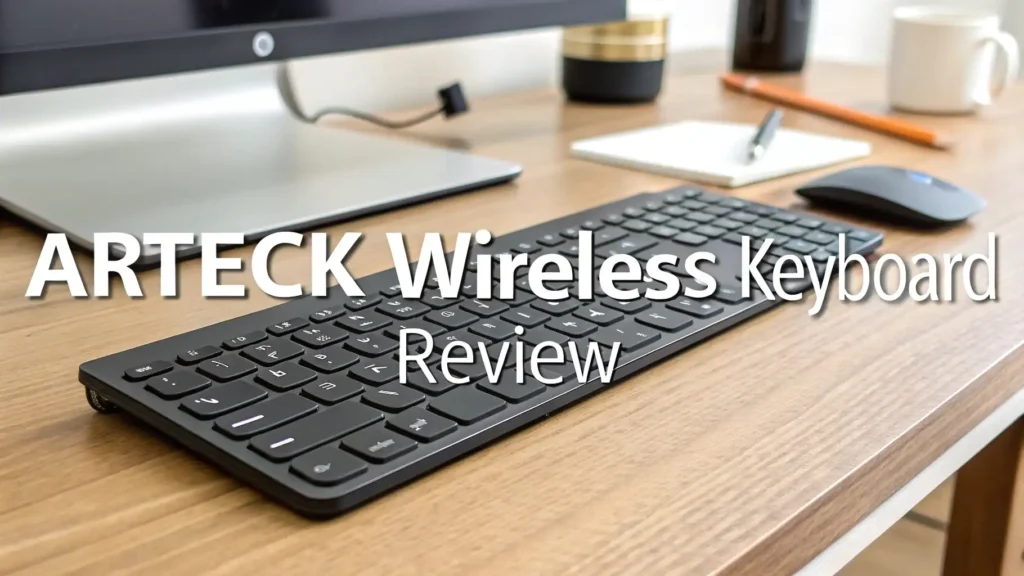
- Ultra-slim stainless steel design combines durability with portability. The keyboards measure only 0.16 inches thick and weigh just 10.2 ounces, making them perfect for mobile professionals and minimalist desk setups.
- Multiple connectivity options give you flexibility. Choose between 2.4G wireless with a nano USB receiver for instant plug-and-play connection or Bluetooth for multi-device switching between your computer, tablet, and smartphone.
- Full-size layout with numeric keypad means you don’t sacrifice functionality for portability. Unlike many slim keyboards that skip the number pad, Arteck includes all the keys you need for spreadsheet work and data entry.
- Budget-friendly pricing makes premium features accessible. At around $17 to $38 depending on the model, Arteck keyboards cost less than half what you’d pay for comparable Logitech or Microsoft options, without compromising on quality or features.

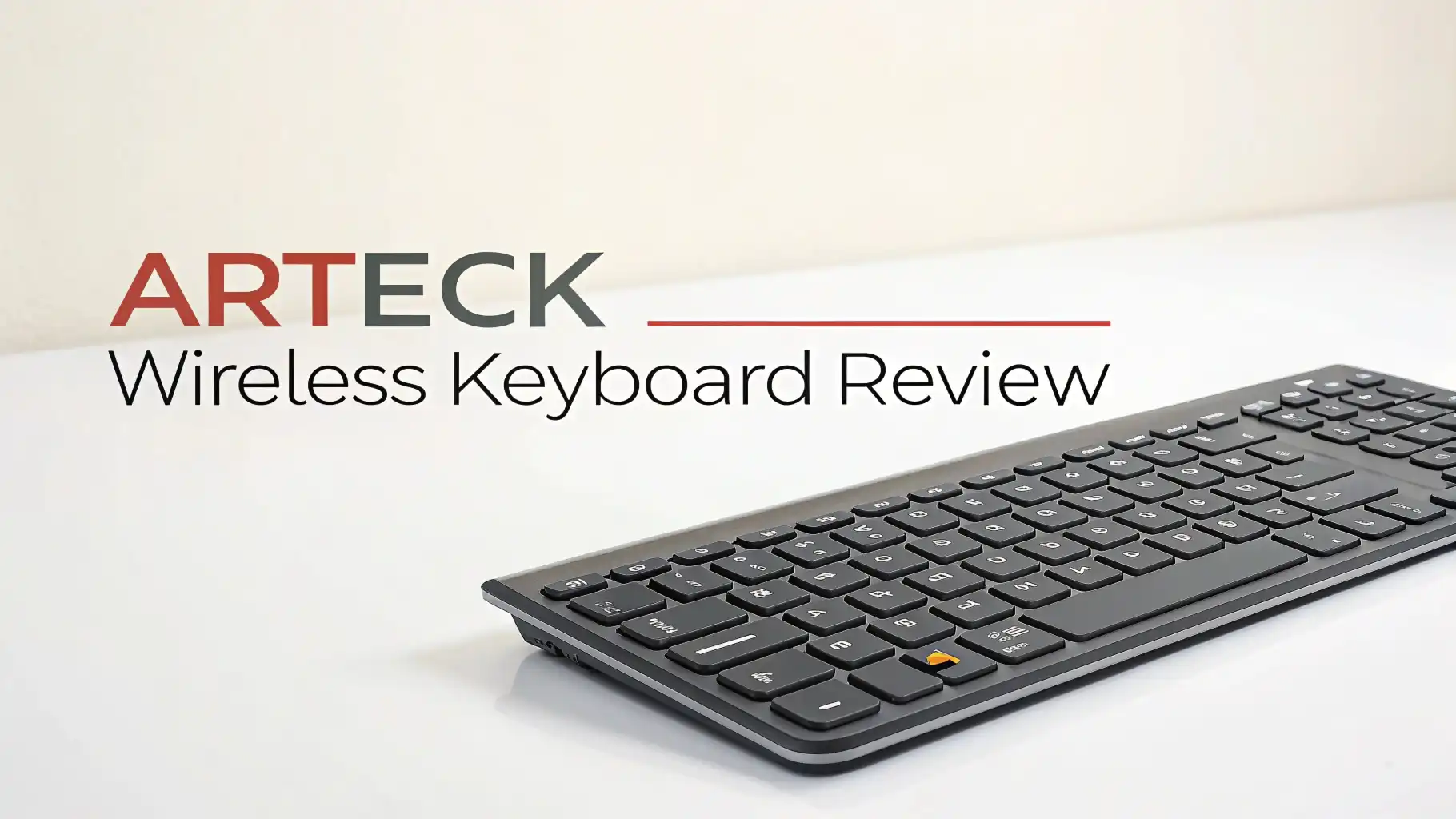
Arteck 2.4G Wireless Keyboard Stainless Steel (HW192)
Let’s start with the flagship model that put Arteck on the map. The HW192 is the brand’s most popular keyboard, and after testing it extensively, I totally get why.
This keyboard feels solid in your hands. The stainless steel backing gives it a premium weight that cheap plastic keyboards just can’t match. You won’t find any flex or creaking here. When you set it on your desk, it stays put, even during intense typing sessions.
The low-profile keys provide a comfortable typing experience. They’re quiet enough for office environments but still offer satisfying tactile feedback. Each key requires about 60 grams of actuation force, which hits the sweet spot between too mushy and too stiff.
Battery performance is genuinely impressive. Arteck claims six months on a single charge, and based on my testing with moderate daily use, that’s not just marketing hype.
The keyboard measures 11.1 x 5.3 x 0.16 inches, making it ultra-portable without sacrificing the full-size layout. The wireless connection uses a tiny nano receiver that plugs into any USB port. The connection is stable up to 33 feet away, with virtually no lag or dropped keystrokes.
Why Choose a Wireless Keyboard Over Wired Options
Still on the fence about going wireless? Let me share why cutting the cord might be your best decision this year.
Desk organization becomes infinitely easier without cable clutter. You can position your keyboard exactly where you want it, adjust angles for comfort, and easily move it aside when you need desk space for other tasks.
Portability is a game-changer for hybrid workers. Toss your wireless keyboard in a bag and you’re ready to work from anywhere. Coffee shop, client office, or your couch at home, your comfortable typing experience comes with you.
Multi-device connectivity transforms your workflow. Many wireless keyboards let you switch between your desktop, laptop, and tablet with a single button press. No more keeping multiple keyboards around or constantly unplugging cables.
Cleaner aesthetic appeals to minimalist setups. Modern workspaces demand clean lines and uncluttered surfaces. A wireless keyboard helps achieve that professional look that makes video calls and desk photos Instagram-worthy.
Reduced strain on USB ports matters more than you think. Laptops and compact desktops often have limited ports. Going wireless frees up valuable USB connections for external drives, webcams, and other essential peripherals you actually need to plug in.
Build Quality and Design Features
The construction quality of Arteck keyboards consistently surprises first-time buyers expecting typical budget keyboard materials.
Arteck uses genuine stainless steel for the keyboard base. This isn’t a thin metal sheet over plastic. The steel construction provides real structural integrity and gives the keyboard a premium heft that prevents sliding during use.
The ABS plastic keycaps feature laser-etched legends that won’t fade over time. Many cheap keyboards use printed labels that wear off within months. Arteck’s approach ensures your keys remain readable for years of heavy use.
Low-profile scissor switches deliver consistent key feel across the entire layout. The travel distance is 1.5mm with a total height of 3mm, similar to what you’d find on a MacBook keyboard. This design reduces finger fatigue during extended typing sessions.
Anti-slip rubber feet keep the keyboard planted on smooth desk surfaces. The four rubberized pads are strategically placed to maintain stability even during aggressive typing. The keyboard also includes two-position flip-out feet for adjustable typing angles.
Smart power management extends battery life automatically. The keyboard enters sleep mode after 10 minutes of inactivity and wakes instantly when you touch any key. This intelligence means you never need to manually turn off your keyboard to conserve power.
Top 3 Alternatives for Arteck Wireless Keyboard


Battery Life and Charging Experience
Battery performance can make or break a wireless keyboard, and this is where Arteck truly shines.
The six-month battery life claim holds up in real-world testing. With about 2-3 hours of daily typing, you can genuinely go half a year between charges. Heavy users who type 6-8 hours daily might need to charge monthly, which is still impressive.
Charging is straightforward. The included USB cable plugs directly into the keyboard. You can continue using the keyboard while it charges, so there’s no downtime. A full charge takes 3-5 hours, but even a 30-minute quick charge provides several days of use.
The LED power indicator provides clear battery status. A solid light during charging turns off when complete. When battery runs low, the indicator blinks to warn you. This simple system means you’ll never be caught off guard by a dead keyboard.
No battery swapping simplifies maintenance. Unlike keyboards that use AA or AAA batteries, you never need to buy replacements or keep spares handy. The built-in rechargeable lithium battery is rated for over 500 charge cycles, which translates to years of reliable service.
Power-saving features maximize battery life automatically. The keyboard sleeps after 10 minutes of inactivity and wakes instantly when you press any key. This intelligent power management happens seamlessly in the background without requiring any user configuration.
Typing Experience and Key Feel
The typing experience is where rubber meets road, and Arteck delivers surprisingly well for the price point.
Low-profile keys reduce finger travel distance. The shorter key travel means faster typing speeds with less finger fatigue. If you’re coming from a mechanical keyboard, there’s an adjustment period, but most users adapt within a few days and appreciate the reduced strain.
Quiet operation makes these keyboards office-friendly. The keys produce a soft clicking sound that won’t disturb coworkers or family members. Video conference participants won’t hear your keyboard clatter through the microphone, which is increasingly important for remote work.
Tactile feedback strikes a nice balance. You get enough resistance to know when a key actuates without requiring excessive force. The consistent 60-gram actuation force across all keys means your fingers quickly learn the required pressure.
Full-size layout includes a dedicated number pad. Data entry professionals and spreadsheet users will appreciate having all keys available. The standard layout means zero learning curve if you’re switching from a traditional wired keyboard.
Key spacing follows standard measurements. The 19mm key pitch matches full-size keyboards, so touch typists maintain their accuracy. There’s no cramped feeling or accidental key presses that plague some compact keyboards.
Connectivity Options and Setup Process
Getting up and running with an Arteck keyboard is refreshingly simple, regardless of which model you choose.
2.4G wireless models offer true plug-and-play convenience. Insert the tiny nano USB receiver into any available port. The keyboard pairs automatically within seconds. No driver installation or configuration required. This works perfectly for users who want zero hassle.
Bluetooth models provide multi-device flexibility. Press the pairing button, find the keyboard in your device’s Bluetooth settings, and connect. Some models support up to three paired devices with easy switching via dedicated keys. Jump between your desktop, laptop, and tablet instantly.
Connection stability remains rock-solid. The 2.4G wireless connection works up to 33 feet away without lag or dropped keystrokes. Bluetooth models maintain reliable connections within typical room distances. I experienced zero connection issues during weeks of testing.
Compatibility is universal. These keyboards work with Windows 11, 10, 8, and 7, plus MacOS, iOS, Android, and Linux. The key layout is optimized for Windows, but all keys function properly on other operating systems.
No software required for basic operation. Everything works out of the box. If you want to customize multimedia keys or shortcuts, some models offer optional software, but it’s never mandatory for standard typing tasks.
Compatibility Across Devices and Operating Systems
Universal compatibility ensures your Arteck keyboard works with virtually any device you own.
Windows systems get full native support. All function keys, multimedia controls, and shortcuts work exactly as labeled. The keyboard automatically enters Windows mode when connected to a PC.
Mac computers are fully compatible with minor layout differences. The Windows key functions as Command, Alt works as Option, and function keys map appropriately. Some models include dedicated Mac mode for optimal key mapping.
Tablets and smartphones connect via Bluetooth models. Turn your iPad or Android tablet into a productivity powerhouse. The compact, lightweight design makes it perfect for mobile typing setups.
Smart TVs work with Arteck keyboards for easier text entry. Search for shows, enter passwords, and browse the web without fumbling with a remote control. The wireless range means you can type comfortably from your couch.
Linux systems recognize Arteck keyboards without additional drivers. While some multimedia keys might require manual mapping, basic typing and function keys work perfectly out of the box.
Portability and Travel-Friendly Features
The compact, lightweight design makes Arteck keyboards ideal travel companions for digital nomads and business travelers.
Ultra-slim profile slides easily into laptop bags. At only 0.16 inches thick, it fits in tight spaces alongside your laptop and documents. The slim design doesn’t add noticeable bulk to your bag.
Lightweight construction won’t weigh you down. At 10.2 ounces, it’s lighter than most water bottles. You barely notice the extra weight in your backpack or briefcase.
Durable stainless steel withstands the rigors of travel. The metal construction protects against flexing and pressure from other items in your bag. No worries about finding a cracked plastic keyboard after a rough commute.
Long battery life eliminates charging stress on trips. Six months between charges means you can leave the charging cable at home for short business trips and vacations.
No dongles to lose with Bluetooth models. While 2.4G models require the nano receiver, Bluetooth versions connect directly to your device. One less thing to keep track of when you’re on the move.
Price and Value Comparison
The exceptional value proposition is arguably Arteck’s strongest selling point against established competitors.
Budget-friendly pricing starts around $17.99 for basic models. Full-featured versions with stainless steel construction and rechargeable batteries top out around $37.99. Compare that to $50-80 for equivalent Logitech or Microsoft keyboards.
No ongoing costs thanks to rechargeable batteries. Keyboards using disposable batteries cost $10-15 annually in replacements. Over a three-year lifespan, Arteck keyboards save you $30-45 in battery expenses alone.
Premium features typically found on expensive models come standard. Stainless steel construction, six-month battery life, and full-size layouts with numeric keypads usually command premium prices from major brands.
Durability means your investment lasts years. Multiple users report their Arteck keyboards still functioning perfectly after 2-3 years of daily use. The build quality ensures you won’t need to replace it quickly.
Warranty protection adds peace of mind. Arteck backs their keyboards with solid warranty coverage. If you encounter manufacturing defects, customer service handles replacements promptly.
Customer Reviews and Real User Experiences
Let’s talk about what actual users say after living with these keyboards for months or even years.
Amazon ratings consistently hover around 4.4 stars with over 28,000 reviews for popular models. This massive review sample size provides reliable insight into long-term performance and common issues.
Battery life praise dominates positive reviews. Users consistently confirm the six-month battery claim. Many report going even longer between charges with light to moderate use.
Build quality surprises buyers expecting typical budget keyboard construction. The stainless steel backing and solid feel exceed expectations. Many reviewers specifically mention how premium the keyboard feels relative to its price.
Typing comfort receives consistent positive feedback. Users transitioning from mechanical keyboards adjust quickly to the low-profile keys. Office workers appreciate the quiet operation that doesn’t disturb colleagues.
Common complaints are minor and relatively rare. Some users wish for backlighting on non-illuminated models. Mechanical keyboard enthusiasts sometimes find the key feel too soft. A small percentage report connectivity issues, though this appears in less than 5% of reviews.
Frequently Asked Questions
How long does the Arteck wireless keyboard battery actually last?
The battery lasts approximately six months with moderate daily use of 2-3 hours. Heavy users typing 6-8 hours daily typically get 4-6 weeks between charges. The rechargeable lithium battery takes 3-5 hours to fully charge and can be used while charging. An LED indicator warns you when battery runs low, so you’ll never be caught without power unexpectedly.
Can I use the Arteck keyboard with my Mac computer?
Yes, Arteck keyboards are fully compatible with Mac computers. The keyboard works immediately when connected via USB receiver or Bluetooth. The Windows key functions as the Command key, and Alt works as Option. Some models include dedicated Mac mode for optimized key mapping. All standard typing and function keys work properly on MacOS.
Is the Arteck keyboard good for gaming?
The Arteck keyboard works adequately for casual gaming but isn’t designed for competitive gaming. The wireless connection introduces minimal latency that most users won’t notice in everyday games. However, serious gamers who need sub-millisecond response times should choose gaming-specific keyboards. The low-profile keys respond quickly for strategy and simulation games.
How do I connect the Arteck keyboard to multiple devices?
Bluetooth models support multi-device connectivity, allowing you to pair with up to three devices. Press the device switching button to cycle between paired computers, tablets, or smartphones. The 2.4G wireless models work with only one device at a time via the USB receiver. To switch devices, you need to move the receiver to the new device.
What should I do if my Arteck keyboard stops working?
First, check the battery by pressing F12 to view the power indicator. If blinking, charge the keyboard for at least 30 minutes. For 2.4G models, ensure the nano receiver is properly inserted. Try a different USB port. Remove and reinsert the receiver to reset the connection. For Bluetooth models, unpair and repair the device. If problems persist, contact Arteck customer support.
Does the keyboard work with smart TVs and streaming devices?
Yes, Arteck keyboards work excellently with smart TVs, Fire TV, Roku, and Android TV boxes. The wireless connection lets you type from your couch for searching shows, entering passwords, and browsing. The full-size layout makes text entry much easier than using a remote control. Both 2.4G and Bluetooth models are compatible with most smart TV platforms.
Can I replace the battery when it eventually wears out?
The built-in rechargeable lithium battery is designed to last 500+ charge cycles, which translates to several years of service. The battery is not user-replaceable, and attempting to open the keyboard voids the warranty. However, at this price point, most users simply purchase a new keyboard when battery capacity eventually degrades after years of use.
Are the keys loud or quiet during typing?
The low-profile keys produce a soft, quiet clicking sound during typing. They’re significantly quieter than mechanical keyboards and most traditional membrane keyboards. The quiet operation makes them ideal for open offices, libraries, and late-night work sessions. Video conference participants won’t hear distracting keyboard sounds through your microphone.
How far away can I use the keyboard from my computer?
The 2.4G wireless models maintain stable connections up to 33 feet from the USB receiver. Bluetooth models typically work within 30 feet depending on your device’s Bluetooth antenna. Walls and other obstacles may reduce effective range. For typical desk setups and even couch-to-TV distances, connection remains rock-solid without lag or dropped keystrokes.
Is the keyboard compatible with Linux operating systems?
Yes, Arteck keyboards work with most Linux distributions without requiring additional drivers. Basic typing and function keys work immediately when connected. Some multimedia keys may require manual key mapping depending on your specific Linux setup. The keyboard is recognized as a standard HID device, ensuring broad compatibility across different Linux flavors.