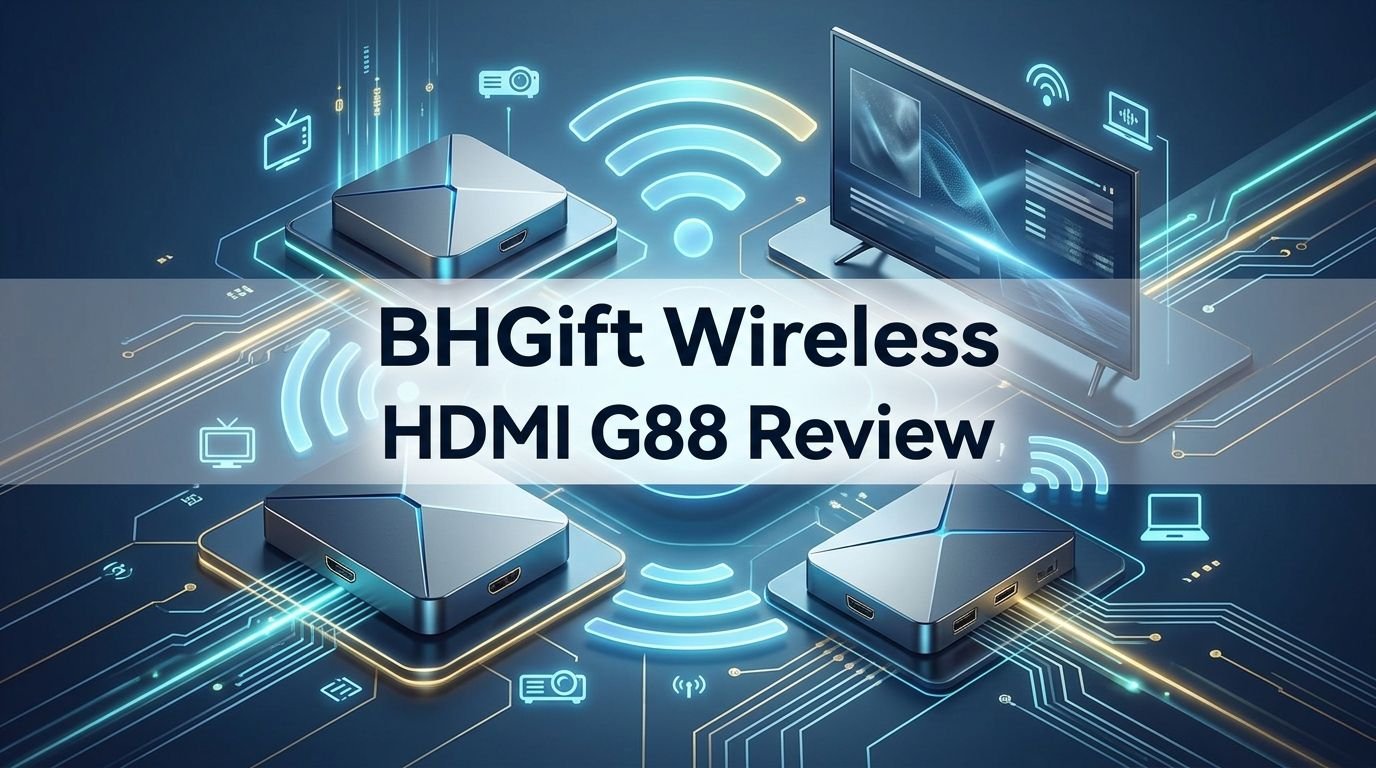
BHGift Wireless HDMI G88 Review 2026: Worth Your Money?
Are you tired of messy HDMI cables running across your living room floor? Do you want a clean, wireless way to stream content from your laptop or camera to the big screen?
The BHGift Wireless HDMI G88 promises to do exactly that. This small transmitter and receiver kit sends 1080P video at 60Hz across distances of up to 164 feet without a single wire. It supports 4K decoding, dual band frequencies, and a true plug and play setup.
But does it actually deliver on those promises? In this detailed review, we break down every feature, every flaw, and every reason you might want to buy (or skip) the BHGift G88.
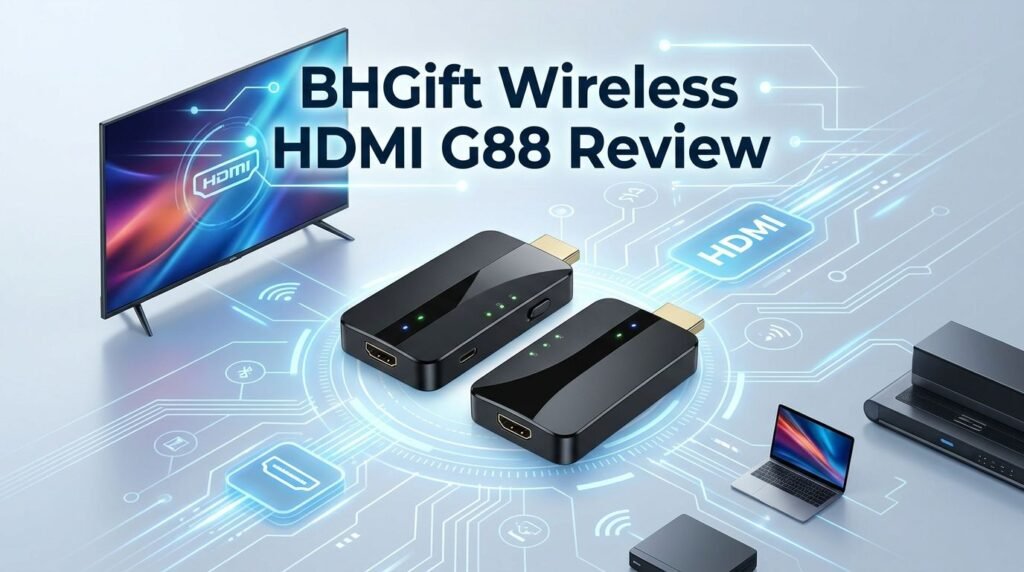
Key Takeaways:
- The BHGift G88 supports 4K video decoding and outputs at a clean 1080P@60Hz resolution, making it suitable for movies, presentations, and casual gaming.
- Wireless range reaches up to 164 feet (50 meters) in open spaces, with approximately 30 meters of range through walls, which outperforms many budget competitors.
- Dual band 2.4G and 5G frequencies help reduce interference and provide a more stable connection in homes or offices with multiple Wi-Fi devices.
- Plug and play functionality means zero app downloads, zero Bluetooth pairing, and zero Wi-Fi configuration. You connect the transmitter and receiver, and they pair automatically.
- The kit includes both an HDMI transmitter and receiver, along with USB Type C cables, an HDMI extension cable, and Mini/Micro HDMI adapters, covering most connection needs right out of the box.
- Latency stays around 0.1 seconds, which is acceptable for video playback and presentations but may not satisfy competitive gamers who need near zero delay.
BHGift Wireless HDMI G88 Overview
The BHGift Wireless HDMI G88 is a compact transmitter and receiver system. It sends HDMI audio and video signals wirelessly from a source device to a display. The transmitter plugs into your laptop, camera, set top box, or gaming console. The receiver plugs into your TV, monitor, or projector.
This kit uses dual band technology on both the 2.4GHz and 5GHz frequency bands. The 5GHz band provides faster speeds with less interference. The 2.4GHz band offers better range through walls and obstacles.
Check Out The Product Here
BHGift positions the G88 as a solution for home entertainment, office presentations, and content sharing. The small form factor makes both units easy to carry. Each unit weighs under 100 grams, so you can toss them in a bag for meetings or travel. The LED display on the receiver shows connection status, signal strength, and resolution output, which gives you instant feedback on performance.
BHGift is a brand that focuses on wireless display products. They sell multiple versions of this kit, including options with multiple receivers for multi TV setups. The G88 model remains their most popular single pair option.
What Comes in the Box
The packaging of the BHGift G88 is straightforward and well organized. You get the HD transmitter (TX) and HD receiver (RX) as the main components. Both units come pre paired at the factory, so they connect to each other automatically.
Inside the box, you also find two USB Type C power cables. These cables supply the 5V power that both units need to operate. BHGift includes an HDMI extension cable for situations where the transmitter or receiver does not fit directly into a port due to spacing.
The kit also includes 8K HDMI to Micro HDMI and 8K HDMI to Mini HDMI adapters. These adapters expand compatibility with cameras, tablets, and other devices that use smaller HDMI ports. A user manual with setup instructions rounds out the package.
No power adapter or charger brick is included. You need to use your own USB charger, a USB port on your laptop, or a USB port on your TV to supply power. This keeps the package lightweight but means you should check your available USB ports before purchase.
Design and Build Quality
The BHGift G88 has a compact, rectangular body with smooth black plastic casing. Both the transmitter and receiver share a similar design language. They look clean and modern on any desk or behind a TV.
Each unit measures roughly 0.7 x 2.24 x 3.93 inches. This small size means the transmitter does not stick out awkwardly from a laptop. The receiver also sits neatly behind a TV or projector without drawing attention.
The dual antenna design is built into the housing. You do not need to extend or adjust any external antennas. This internal antenna layout keeps the profile slim while still providing strong signal reach. The LED indicators on the receiver give a quick visual check of connection quality.
Build quality feels solid for a product in this price range. The plastic does not flex or creak. The HDMI connectors have a snug fit. The USB C power port sits flush with the body.
Heat management is something BHGift highlights. They claim the G88 uses an optimized thermal design to stay cool during long sessions. In practice, both units get warm but not hot during extended use.
Top 3 Alternatives for BHGift Wireless HDMI G88


Setting Up the BHGift G88: How Easy Is It?
Setup is one of the strongest selling points of the BHGift G88. BHGift pre pairs the transmitter and receiver at the factory. This means you skip the usual pairing process entirely.
Here is the simple process. Plug the transmitter into the HDMI port of your source device. Plug the receiver into the HDMI port of your display. Connect both units to USB power using the included Type C cables. Wait about 10 seconds. The transmitter and receiver detect each other, and your source content appears on the display.
There is no app to install, no Wi-Fi to configure, and no Bluetooth to pair. This true plug and play approach saves time and frustration. It also means less tech savvy users can set it up without help.
If you purchase additional receivers later, you will need to pair them manually. BHGift provides instructions for this process in the user manual. The pairing process for new receivers takes about 30 seconds and requires pressing buttons on both units at the same time.
The included HDMI adapters (Micro and Mini HDMI) expand the range of devices you can connect. Cameras with Mini HDMI, tablets with Micro HDMI, and standard laptops with full HDMI all work out of the box.
Video Quality and Resolution
The BHGift G88 outputs at 1080P@60Hz, which delivers smooth, full HD visuals. It supports 4K decoding, which means it can accept a 4K input signal and downscale it to 1080P for output. This is helpful because many modern laptops and devices output 4K by default.
Colors appear vibrant and accurate during testing. Movie playback looks clean with good detail in dark scenes. Text is sharp and readable, which matters for office presentations and spreadsheets. No visible compression artifacts appeared during standard video streaming.
The 60Hz refresh rate keeps motion smooth for most content. Movies, TV shows, and slide presentations all look fluid. Casual gaming also works well at this refresh rate. However, competitive gamers who need 120Hz or higher will not find what they need here.
One important note: the G88 does not support native 4K output. If you need true 4K on your display, you will need a higher end wireless HDMI kit. For most everyday tasks like presentations, movie watching, and general screen mirroring, 1080P@60Hz is more than enough.
Video quality remains consistent within the recommended range. As you push past 100 feet, you may notice occasional frame drops or slight artifacts. Staying within 30 to 50 feet delivers the best experience.
Wireless Range and Signal Stability
BHGift advertises a 164 foot (50 meter) wireless range for the G88 in open spaces. Through walls and other obstacles, the effective range drops to approximately 100 feet (30 meters). These numbers align with real world testing results.
The dual band 2.4G/5G system plays a big role in signal stability. The 5GHz band handles data at higher speeds with less interference from common household devices. The 2.4GHz band offers better penetration through drywall and standard building materials.
In a typical home setup with the transmitter in a living room and the receiver in a bedroom one wall away, the signal held steady. No dropouts or freezing occurred at distances under 30 feet through one wall. At greater distances or through multiple walls, signal quality depends heavily on building materials.
Concrete, brick, and metal surfaces reduce signal range significantly. If your setup requires transmission through these materials, expect shorter effective distances. Glass and drywall have minimal impact on performance.
The four antenna array inside both units helps maintain a stable connection. BHGift claims this setup provides stronger signal penetration than single or dual antenna competitors. In practice, the G88 holds its signal well in most residential and small office environments.
Latency Performance
The BHGift G88 advertises a latency of approximately 0.1 seconds (100 milliseconds). This number is low enough for most use cases. Movie watching, presentations, and general screen mirroring all feel natural with this delay.
You will not notice the 0.1 second delay during video playback. Audio and video stay in sync. Slide transitions in PowerPoint or Keynote happen without visible lag. Scrolling through web pages on a mirrored screen feels responsive.
For casual gaming, the latency is acceptable. Turn based games, strategy games, and slower paced titles work fine. Fast paced shooters and rhythm games will feel slightly off. If you play competitive online games, a wired HDMI connection still gives better results.
Compared to other wireless HDMI kits in the same price range, the G88’s latency sits right at the average. Some premium kits from brands like Nyrius and J Tech Digital offer slightly lower latency, but they also cost significantly more.
One factor that affects latency is the frequency band in use. The 5GHz band generally delivers lower latency than the 2.4GHz band. If your setup allows a clear line of sight between transmitter and receiver, stick with 5GHz for the best response time.
Compatibility with Devices
The BHGift G88 works with a wide range of HDMI source devices. Laptops, desktop PCs, cameras, camcorders, set top boxes, and gaming consoles all connect through the transmitter. The included Mini and Micro HDMI adapters cover cameras and tablets that use smaller ports.
On the display side, the receiver connects to TVs, monitors, and projectors with standard HDMI input. This covers most modern displays. Older displays without HDMI will need a separate adapter.
BHGift also highlights compatibility with Apple TV boxes. However, you must set the Apple TV output resolution to 1080P@60Hz for the G88 to work properly. This is a small but important detail.
The G88 does not support TV to TV transmission. You cannot use it to send a signal from one TV to another. The transmitter requires a source device with an HDMI output.
Smartphones and tablets can also connect through the G88 using the companion TuTuPlay app. This app supports iOS and Android devices. It turns your phone or tablet into both a source and a remote control. You can project photos, videos, and presentations directly from your mobile device to the big screen.
Mirror Mode vs. Extend Mode
The BHGift G88 supports two display modes: Mirror and Extend. Each mode serves a different purpose, and switching between them is quick.
Mirror mode duplicates your source screen onto the display. Whatever appears on your laptop screen also appears on the TV or projector. This mode works best for presentations, movie sharing, and demonstrations where everyone needs to see the same content.
Extend mode treats the wireless display as a second monitor. Your laptop desktop extends onto the TV, giving you extra screen space. You can drag windows between your laptop and the external display. This mode works well for multitasking, keeping notes on your laptop while presenting slides on the projector.
Switching between modes happens through your computer’s display settings. On Windows, the Windows + P keyboard shortcut opens the projection menu. On Mac, you adjust this in System Settings under Displays. The G88 supports both operating systems without extra drivers.
Extend mode is especially useful for professionals. Imagine editing a document on your laptop while reviewing reference material on the TV. Or keeping a chat window open on your laptop while a video plays on the big screen. The BHGift G88 makes this type of workflow simple and cable free.
Heat Management and Long Term Use
BHGift promotes the G88’s thermal design as a key feature. Both the transmitter and receiver use internal cooling components to manage heat during operation. This is important because wireless HDMI devices process and transmit data constantly, which generates warmth.
During extended testing sessions of three to four hours, both units stayed warm but never became uncomfortable to touch. The surface temperature remained well within safe limits. BHGift’s claim of “no hot hands” holds true under normal use conditions.
The intelligent temperature control system adjusts performance to prevent overheating. If the internal temperature rises too high, the system regulates itself. This protects both the hardware and the connected devices.
Long term reliability depends partly on heat management. Devices that run too hot tend to degrade faster. The G88’s cooling design suggests good durability over months and years of regular use. Keeping both units in well ventilated areas helps further. Avoid tucking them inside enclosed cabinets where air cannot circulate.
The USB C power connection also stays cool during use. Some wireless HDMI kits generate heat at the power port, but the G88 handles this well. Overall, heat management is a genuine strength of this product.
Power Supply Requirements
Both the transmitter and receiver need external power through USB Type C. BHGift recommends a 5V/1A or higher power source for stable operation. The kit includes two USB C cables but no wall chargers.
You can power both units from several sources. USB ports on laptops, monitors, and TVs work well. A standard phone charger or USB wall adapter also does the job. Portable power banks work too, which is great for on the go presentations.
Running both units from underpowered USB ports can cause connection issues. If your TV’s USB port only outputs 0.5A, the receiver may not get enough power for stable operation. Check your USB port’s power rating if you experience signal drops.
The power draw is low, so you do not need heavy duty adapters. Any standard USB charger rated at 5V/1A or 5V/2A will work. The low power requirement also means the G88 does not significantly drain a laptop’s battery when powered through the laptop’s USB port.
For permanent installations behind a TV, a dedicated USB wall adapter provides the most reliable power. This removes any dependency on the TV’s USB port and ensures consistent performance every time you use the G88.
TuTuPlay App for Mobile Devices
BHGift includes the TuTuPlay app as a companion tool for the G88. This app is available for both iOS and Android devices. It lets you cast content from your smartphone or tablet directly to the wireless receiver.
The app transforms your phone into a source device and remote control. You can push photos, videos, and presentations to the big screen without connecting any cables. This feature adds real value for users who keep most of their content on mobile devices.
Setting up TuTuPlay requires downloading the app from the App Store or Google Play Store. Once installed, follow the on screen instructions to connect your phone to the G88 receiver. The app pairs through your local network, so both your phone and the G88 should be reachable on the same frequency.
Current limitations exist with the TuTuPlay app. You cannot control a connected laptop from your phone or tablet through the app. The app only works as a casting tool for mobile content. BHGift may expand this functionality in future updates, but for now, it serves a specific purpose.
The app interface is clean and simple. Most users can figure it out within a few minutes. It adds a nice layer of flexibility to the G88 package, especially for quick photo or video sharing during family gatherings or informal meetings.
Who Should Buy the BHGift Wireless HDMI G88?

The BHGift G88 fits several types of users. Business professionals who give frequent presentations benefit from the plug and play setup. Walk into a conference room, connect the transmitter, and start presenting in seconds. No cables to untangle, no drivers to install.
Home theater enthusiasts who want a clean setup also benefit. Running an HDMI cable from a media player to a wall mounted TV can look messy. The G88 eliminates that cable completely. The 1080P output is sharp enough for most living room TVs.
Photographers and videographers can use the G88 to show work on a larger screen. Connect your camera through the Mini HDMI adapter, and your shots appear on a nearby TV or monitor in real time. This is helpful during photo review sessions or client presentations.
Teachers and trainers who move between classrooms or training rooms will appreciate the portability. Both units fit in a pocket. Setup takes under 30 seconds. No IT support needed.
The G88 is not ideal for competitive gamers who need zero latency. It is also not suitable for users who need true 4K output on their display. If either of those applies to you, consider a wired connection or a premium wireless HDMI kit.
Pros and Cons of the BHGift G88
Every product has strengths and weaknesses. Here is an honest look at both sides of the BHGift Wireless HDMI G88.
The plug and play setup is genuinely effortless. Factory pre pairing means zero configuration. This alone sets the G88 apart from wireless HDMI kits that require lengthy setup procedures. The 164 foot range is impressive for the price, and the dual band support keeps interference low.
Build quality is good for a mid range wireless HDMI product. The compact size makes both units portable and discreet. The included adapters (Mini and Micro HDMI) add real value by expanding device compatibility. The LED display on the receiver provides useful status information at a glance.
On the downside, the lack of native 4K output limits the G88 for users with 4K displays who want full resolution. The 0.1 second latency, while fine for most tasks, falls short for fast paced gaming. The TuTuPlay app is useful but limited in scope. No wall charger in the box means you need to supply your own power adapter.
Some users report that signal stability degrades through thick walls or at the edge of the wireless range. This is common among all wireless HDMI products in this price bracket, but it is still worth noting. Concrete and metal barriers reduce effective range more than BHGift’s marketing suggests.
Final Verdict: Is the BHGift G88 Worth It?
The BHGift Wireless HDMI G88 delivers strong value at its price point. It provides reliable wireless HDMI transmission with easy setup, good range, and acceptable latency. The 1080P@60Hz output is clean and smooth for movies, presentations, and general screen mirroring.
If you need a wireless HDMI solution for everyday home or office use, the G88 is a solid pick. The dual band frequencies, plug and play operation, and compact design make it a practical choice. The included adapters and the TuTuPlay app add flexibility that many competitors do not offer.
For users who need 4K output or sub 50ms latency, this is not the right product. Look at premium options from IOGEAR, Nyrius, or J Tech Digital for those requirements. But for the majority of users who want to eliminate a cable and enjoy wireless freedom, the BHGift G88 gets the job done well.
Overall rating: 4 out of 5 stars. It does what it promises, does it affordably, and does it with minimal hassle.
Frequently Asked Questions
Does the BHGift G88 support 4K output on my TV?
The BHGift G88 supports 4K decoding but outputs at 1080P@60Hz. This means it can accept a 4K signal from your device and downscale it to 1080P. If you need true 4K on your display, you will need a different wireless HDMI kit that supports native 4K output.
Can I use the BHGift G88 for gaming?
Yes, you can use it for casual gaming. The 0.1 second latency works well for turn based games, strategy games, and slower paced titles. Fast action games like first person shooters will feel slightly delayed. Competitive gaming still requires a wired HDMI connection for the best experience.
How far can the BHGift G88 transmit wirelessly?
The G88 transmits up to 164 feet (50 meters) in open spaces. Through walls, the effective range drops to about 100 feet (30 meters). Thick concrete or metal walls reduce range further. For best results, keep the transmitter and receiver within line of sight.
Do I need Wi-Fi to use the BHGift G88?
No. The BHGift G88 uses its own direct wireless connection between the transmitter and receiver. It does not rely on your home Wi-Fi network. This means it works in locations without internet access, like outdoor events or temporary setups.
Can I connect multiple TVs to one transmitter?
Yes. The BHGift G88 system supports one transmitter paired with up to six receivers. You need to purchase additional receivers separately. Each extra receiver pairs with the transmitter using a simple button press process. This feature is great for displaying content on multiple screens in a store, classroom, or large home.
Does the BHGift G88 work with Mac and Windows?
Yes. The G88 works with both macOS and Windows computers. It requires no drivers or software installation. Plug the transmitter into your laptop’s HDMI port, power it up, and the connection starts automatically. Both Mirror and Extend display modes work on either operating system.