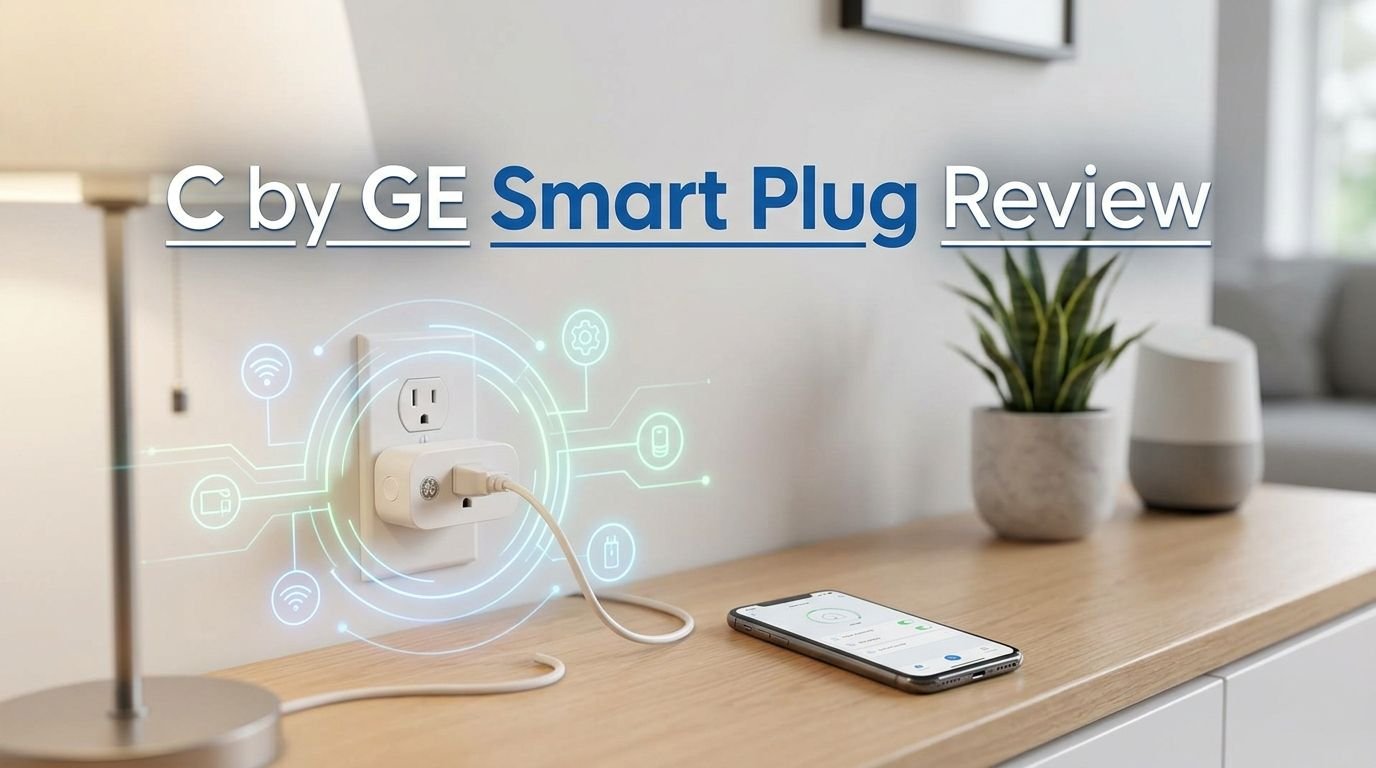
C by GE Smart Plug Review 2026: Is It Worth Buying?
Are you thinking about adding smart plugs to your home but confused by all the options? The C by GE Smart Plug, now rebranded under the Cync name, has been a popular choice for years. It promises easy setup, voice control, and app scheduling at a budget price.
But does it hold up in 2026? With Matter compatibility, new competitors, and smarter features flooding the market, you need to know if this plug is still a smart buy.
In this review, we break down everything from setup and performance to app experience and voice assistant support. We also compare it with the top alternatives so you can make a clear and confident decision.
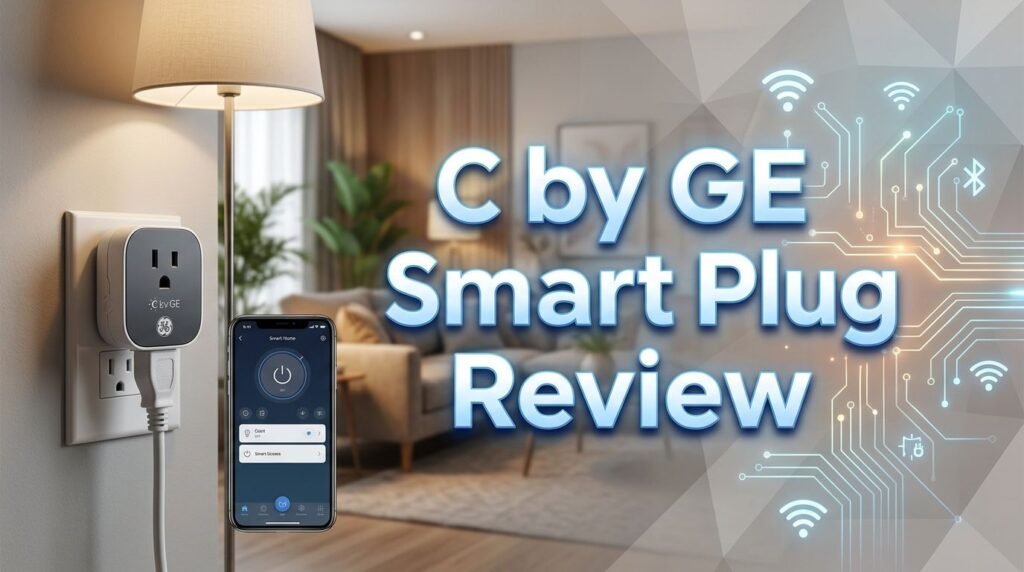
Key Takeaways
- The C by GE Smart Plug (now Cync) is a simple, affordable Wi-Fi smart plug that works with Amazon Alexa and Google Assistant right out of the box. It does not require a separate hub.
- Matter compatibility has been added to the latest version, which means it now connects directly with Amazon Alexa, Google Home, Samsung SmartThings, and Apple Home ecosystems.
- Setup is fast and straightforward. Most users report completing the process in under five minutes using the Cync app on iOS or Android.
- The plug does not include energy monitoring. If tracking electricity usage matters to you, consider alternatives like the TP-Link Kasa EP25 or Emporia Smart Plug.
- Scheduling and remote control work well through the Cync app. You can turn devices on and off from anywhere and create automated routines.
- The compact design fits standard outlets without blocking the second socket, making it a practical choice for lamps, fans, and small appliances.

What Is the C by GE Smart Plug?
The C by GE Smart Plug is an indoor Wi-Fi smart plug made by GE Lighting, a Savant company. GE rebranded the entire C by GE product line under the Cync name. The plug itself remains largely the same in function and design.
This smart plug turns any standard outlet into a smart outlet. You plug it into a wall socket, connect a lamp or appliance, and control it through the Cync app or your voice assistant. The idea is straightforward. You get remote power control without replacing existing switches or wiring.
The plug supports 2.4GHz Wi-Fi and includes Bluetooth for initial pairing. The latest model adds Matter support, which is a big deal for smart home users. Matter is a universal smart home standard. It allows the plug to work across multiple platforms like Alexa, Google Home, Apple Home, and Samsung SmartThings.
The C by GE Smart Plug is rated for 15 amps and 120 volts. It can handle lamps, fans, coffee makers, and other common household devices. It is not built for high-draw appliances like space heaters or air conditioners.
Design and Build Quality
The C by GE Smart Plug has a clean white rectangular body with rounded edges. It looks minimal and blends in with most wall outlets. The build feels solid without being bulky.
One of the better design choices is its compact footprint. The plug sits over one outlet without covering or blocking the adjacent socket. This is important because many smart plugs are oversized and take up both slots on a duplex outlet.
The front face has a small LED indicator light. This light tells you if the plug is powered on or off. It is subtle enough that it won’t bother you at night but bright enough to check status at a glance.
There is also a physical button on the side of the plug. You can press it to toggle power manually. This is useful during Wi-Fi outages or if you just want quick control without reaching for your phone.
The overall build quality is good for the price. The plastic housing feels durable. The prongs fit snugly into outlets and hold firm. There is no wobble or loose connection. For a plug that costs under $15, GE delivers a solid physical product.
How to Set Up the C by GE Smart Plug
Setting up the C by GE Smart Plug is one of the easiest processes in the smart plug market. You can get it running in just a few minutes. Here is how it works.
First, download the Cync app from the Apple App Store or Google Play Store. Create an account if you don’t already have one. The app walks you through each step with clear instructions.
Next, plug the smart plug into a wall outlet. The LED indicator will begin blinking, which means it is in pairing mode. Open the Cync app and tap the option to add a new device. The app uses Bluetooth to discover the plug nearby.
Once the app finds the plug, it will ask you to connect it to your 2.4GHz Wi-Fi network. Enter your Wi-Fi password and wait a few seconds. The plug connects and appears in your device list.
If you want to use it with Alexa or Google Assistant, you can link your Cync account inside the respective voice assistant apps. The Cync skill or action syncs your devices automatically. Most users report that Alexa discovers the plug within 30 seconds of linking.
For Matter setup, you scan the QR code on the plug or its packaging using a compatible Matter controller like Apple Home, Google Home, or SmartThings. The process is quick and hub-free.
Top 3 Alternatives for C by GE Smart Plug


Voice Assistant Compatibility
The C by GE Smart Plug works with Amazon Alexa and Google Assistant. These are the two biggest voice platforms in the smart home space. You can turn plugged-in devices on or off with simple voice commands.
For example, you can say “Alexa, turn off the living room lamp” or “Hey Google, turn on the fan.” The response time is fast. Most users report a delay of less than one second between the command and the action.
The latest Cync plug also supports Matter, which opens up compatibility with Apple HomeKit (via Apple Home) and Samsung SmartThings. This is a welcome addition for users who own Apple devices or prefer the SmartThings platform.
One thing to note is that Cync does not natively support IFTTT. If you rely on IFTTT automations for advanced smart home routines, this plug may feel limited. Competitors like Wyze and TP-Link Kasa include IFTTT support.
Voice control through Alexa and Google works reliably for on/off commands and scheduling. You can also create voice-activated routines in the Alexa or Google Home apps to group the plug with other devices.
The Cync App Experience
The Cync app is the central hub for controlling the C by GE Smart Plug. It is available on both iOS and Android. GE has improved the app over the years, and the current version offers a cleaner interface than earlier releases.
The home screen shows all your connected Cync devices. You can tap any device to toggle it on or off instantly. The app also lets you group devices by room, which makes management easier if you have multiple plugs or Cync smart bulbs.
Scheduling is a core feature. You can set specific times for the plug to turn on or off each day. You can also create scenes, which are pre-set configurations that activate multiple devices at once. For example, a “Good Morning” scene could turn on your coffee maker and living room lamp at 7 AM.
The app does have some drawbacks. Several user reviews mention occasional connection drops and slow loading times. Some Android users report more frequent issues than iOS users. However, app updates have improved stability over time.
One notable missing feature is energy monitoring. The Cync app does not show how much electricity your plugged-in devices consume. This is a feature that competitors like TP-Link Kasa and Emporia offer. If tracking energy usage is important to you, this plug falls short.
Scheduling and Automation Features
The C by GE Smart Plug offers solid scheduling and automation tools through the Cync app. These features let you automate daily routines without lifting a finger.
You can create time-based schedules that turn the plug on or off at specific hours. For example, you can set a lamp to turn on at sunset and off at midnight every day. The app lets you choose which days of the week each schedule applies to.
Scenes add another layer of control. A scene groups multiple actions into one command. You can create a “Movie Night” scene that dims your Cync smart lights and turns off a fan connected to the smart plug. All of this triggers with a single tap.
The Cync app also supports sunrise and sunset triggers. This means the plug can automatically adjust based on your location’s daylight hours. It is a handy feature for outdoor-facing lamps or security lighting.
You can also set countdown timers directly from the app. This is useful for turning off a device after a set period. For instance, you might want a fan to run for 30 minutes and then shut off automatically.
However, the automation options are basic compared to some competitors. The plug does not support geofencing or conditional triggers. It also lacks integration with IFTTT, which limits advanced automation. For most everyday users, the built-in scheduling will be more than enough.
Performance and Reliability
In real-world use, the C by GE Smart Plug performs consistently well for basic on/off control. Commands through the app and voice assistants execute quickly. There is very little lag between giving a command and seeing the result.
Wi-Fi connectivity is generally stable. The plug maintains its connection on most standard home routers. However, some users have reported occasional disconnection issues, especially on congested 2.4GHz networks or when placed far from the router.
The Bluetooth radio helps during initial setup but does not play a major role in daily operation. Once the plug connects to Wi-Fi, all commands flow through your home network and the cloud.
Response time is fast. When you tap the on/off button in the Cync app, the plug reacts within about one second. Voice commands through Alexa or Google Assistant add a slight delay, but it is still under two seconds in most cases.
The plug handles 15-amp loads without issue. Lamps, fans, humidifiers, and small kitchen appliances all work fine. The plug does not overheat during extended use, which is a good sign of quality internal components.
One area where the plug could improve is in its cloud dependence. If your internet goes down, you lose app and voice control. The physical button on the plug still works, but remote access stops entirely. Local control through Matter may help reduce this problem for supported setups.
Matter Support: What It Means for You
The addition of Matter compatibility is one of the biggest upgrades to the latest C by GE Smart Plug. Matter is a smart home connectivity standard developed by the Connectivity Standards Alliance. It aims to make smart devices work across all major platforms.
With Matter, the Cync smart plug connects directly to Apple Home, Google Home, Amazon Alexa, and Samsung SmartThings. You do not need to use the Cync app as a middleman. This gives you more freedom to use whichever smart home platform you prefer.
Setup with Matter is simple. You scan a QR code on the plug using your smart home app. The app adds the plug to your network. The process skips the need for a separate Cync account if you prefer.
Matter also improves local control. Some Matter controllers can communicate with the plug directly over your local network. This reduces reliance on cloud servers and can improve response times. It also means the plug may still work during internet outages, depending on your controller.
For users who mix and match smart home brands, Matter is a big advantage. You can place the Cync plug alongside devices from other brands and control them all from one app. This reduces app clutter and simplifies your smart home.
Who Should Buy the C by GE Smart Plug?
The C by GE Smart Plug is a good fit for beginners and budget-conscious smart home users. It does the basics well. You get reliable on/off control, voice assistant support, and scheduling at a low price.
If you already use Cync smart bulbs or other GE smart home products, this plug fits right in. It integrates smoothly with the Cync ecosystem. You can group plugs and bulbs together for coordinated scenes and routines.
Renters will also appreciate this plug. It requires no wiring, no drilling, and no permanent changes. You plug it in, set it up, and take it with you when you move. It is one of the simplest ways to add smart control to any space.
However, this plug is not ideal for power users. If you want energy monitoring, IFTTT integration, or advanced automation triggers, you will find the C by GE plug limited. Products like the TP-Link Kasa EP25 or Emporia Smart Plug serve those needs better.
It is also not suitable for outdoor use. GE makes a separate Cync Outdoor Smart Plug for that purpose. The indoor model has no weather resistance rating.
Pros and Cons of the C by GE Smart Plug
Pros:
- Affordable price under $15 for a single plug
- Easy setup through the Cync app with Bluetooth pairing
- Matter compatible for cross-platform smart home use
- Compact design that does not block the second outlet
- Works with Alexa and Google Assistant for hands-free voice control
- Scheduling and scene support through the Cync app
Cons:
- No energy monitoring feature in the app or plug
- No IFTTT support for advanced automations
- Occasional Wi-Fi disconnection reported by some users
- Cloud-dependent for remote control; loses function during internet outages
- Cync app can be slow or buggy for some Android users
C by GE Smart Plug vs. TP-Link Kasa EP25
This is one of the most common comparisons in the smart plug market. Both plugs sit in the same price range and offer similar basic features. But there are important differences.
The TP-Link Kasa EP25 includes energy monitoring, which the C by GE plug lacks. You can track how much electricity each device uses right from the Kasa app. This is valuable if you want to identify energy-hungry devices or reduce your electric bill.
The Kasa EP25 also supports Apple HomeKit natively without requiring Matter. This gives Apple users a smooth experience. The C by GE plug supports Apple Home only through its Matter implementation.
On the other hand, the C by GE plug integrates better with other Cync products. If you already own Cync bulbs or switches, the ecosystem benefits are real. The Kasa EP25 works best within the TP-Link Kasa ecosystem.
Both plugs offer compact designs and reliable performance. Both work with Alexa and Google Assistant. The choice comes down to whether you value energy monitoring and HomeKit (Kasa EP25) or Cync ecosystem integration and Matter (C by GE).
Is the C by GE Smart Plug Worth It in 2026?
The C by GE Smart Plug remains a solid budget option in 2026. It covers the basics well. The addition of Matter support makes it more future-proof than earlier versions.
For users who want a simple, reliable plug to control lamps, fans, or small appliances, it delivers. The price is right, the setup is fast, and voice control works as expected. It does exactly what most people need a smart plug to do.
However, the smart plug market has grown significantly. Competitors now offer energy monitoring, IFTTT support, and better app experiences at similar or lower prices. The C by GE plug is no longer the clear winner it once was.
If you are already invested in the Cync ecosystem or you want a Matter-ready plug from a trusted brand, it is still a good buy. If you are starting fresh and want the most features for your money, the TP-Link Kasa EP25 or Wyze Plug may serve you better.
Bottom line: The C by GE Smart Plug is a dependable, affordable smart plug that does the job. It won’t wow you with extra features, but it won’t let you down on the basics.
How to Reset the C by GE Smart Plug
Sometimes you may need to reset your plug. This can happen if it loses Wi-Fi connection or you want to move it to a new network. The reset process is quick and easy.
Press and hold the button on the side of the plug for about 10 seconds. The LED indicator light will start blinking rapidly. This means the plug has entered pairing mode and is ready for a fresh setup.
Open the Cync app and add the plug as a new device. Follow the same steps as the original setup. The app will discover the plug through Bluetooth and guide you through the Wi-Fi connection process.
If you are resetting the plug to sell or give away, make sure to remove it from your Cync account first. Go to the device settings in the app and select the option to remove or unpair the device. This clears your personal data from the plug.
A factory reset also helps if the plug becomes unresponsive or stuck. Most connectivity issues resolve after a reset and fresh pairing. GE’s support page also recommends power cycling your router before re-pairing if problems persist.
FAQs
Does the C by GE Smart Plug need a hub?
No. The C by GE Smart Plug connects directly to your 2.4GHz Wi-Fi network. It does not require a separate hub. It uses Bluetooth for the initial pairing process and Wi-Fi for all ongoing control and communication.
Can I use the C by GE Smart Plug with Apple HomeKit?
Yes. The latest version of the Cync Smart Plug supports Matter, which allows it to work with Apple Home. You can set it up by scanning the Matter QR code in the Apple Home app on your iPhone or iPad.
Does the C by GE Smart Plug monitor energy usage?
No. The C by GE Smart Plug does not include energy monitoring. If you need this feature, consider the TP-Link Kasa EP25 or Emporia Smart Plug, both of which track power consumption through their apps.
Is the C by GE Smart Plug safe to leave plugged in all the time?
Yes. The plug is UL certified and rated for continuous use at 15 amps and 120 volts. It is safe to leave plugged in 24/7 as long as you do not exceed its power rating.
Can I control the C by GE Smart Plug when I’m away from home?
Yes. You can control the plug remotely through the Cync app from anywhere with an internet connection. Voice control through Alexa and Google Assistant also works remotely as long as your home network is online.
Does the C by GE Smart Plug work with 5GHz Wi-Fi?
No. The plug only supports 2.4GHz Wi-Fi networks. Make sure your router has a 2.4GHz band enabled. Many dual-band routers broadcast both frequencies, so check your network settings if you have trouble connecting.
What devices can I use with the C by GE Smart Plug?
You can use it with lamps, fans, coffee makers, humidifiers, and other small appliances. It is rated for 15 amps. Do not use it with high-power devices like space heaters, air conditioners, or large kitchen appliances.