Corsair Wireless Keyboard Review: Your Complete Buying Guide
Wireless keyboards have changed the way we game and work. The freedom to move without cables creates a cleaner desk setup.
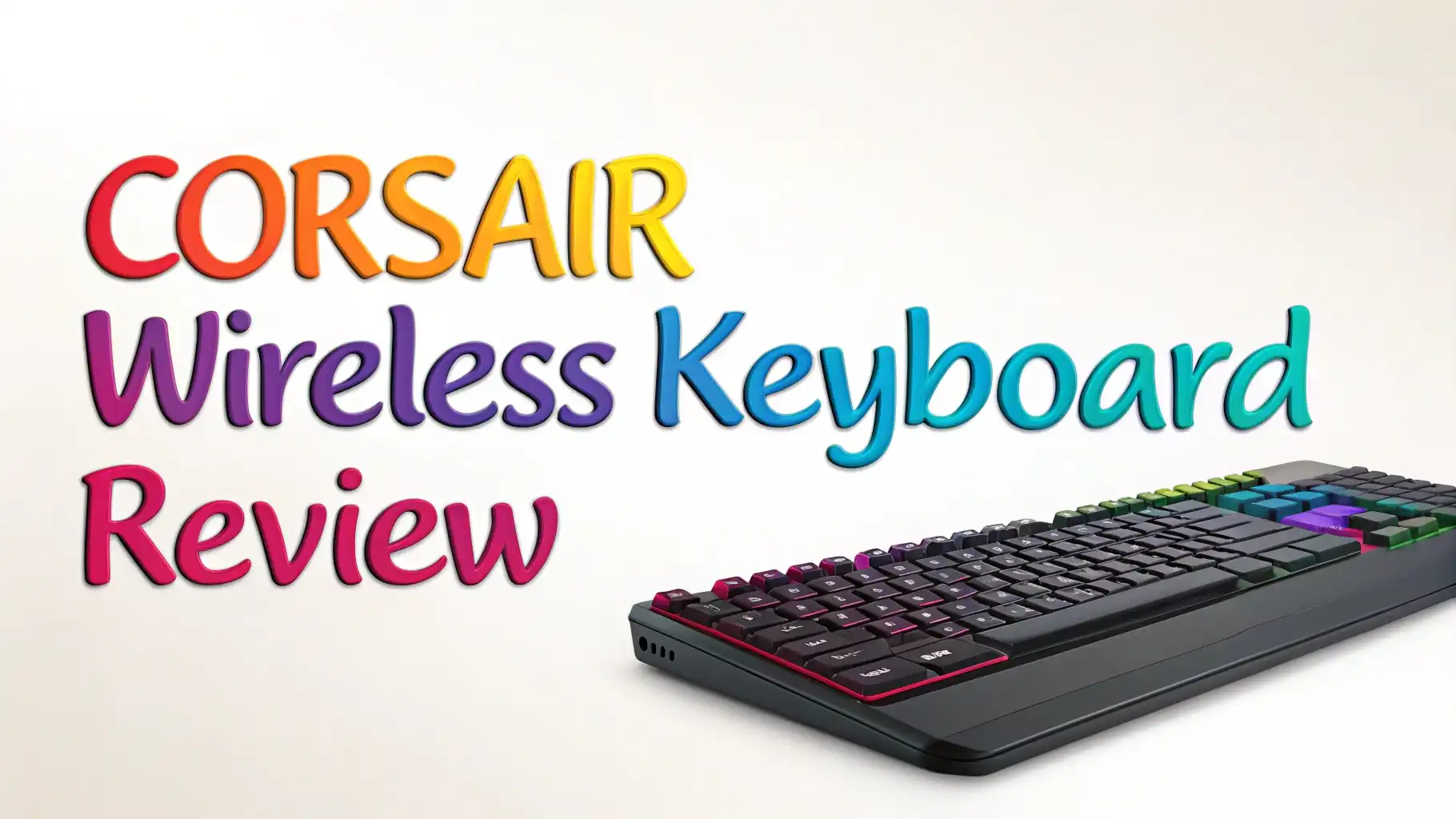
Corsair has built some of the best wireless keyboards on the market. This review will help you find the perfect Corsair wireless keyboard for your needs.
Gaming keyboards need speed, comfort, and style. Corsair delivers all three in their wireless lineup. You can choose from compact 60% layouts to full size boards.
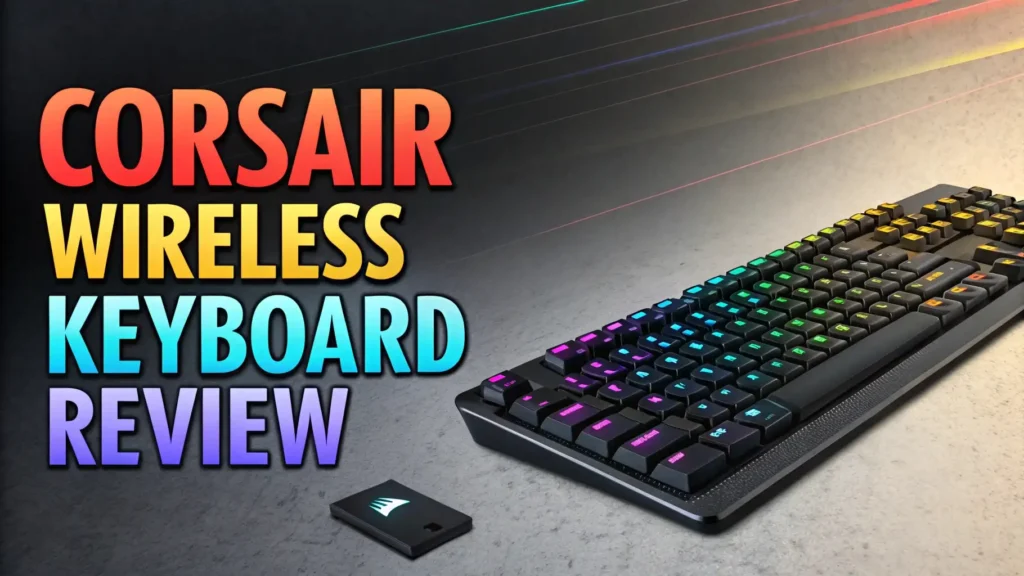
Key Takeaways:
- Multiple connectivity options make Corsair wireless keyboards versatile. Most models support both Bluetooth and 2.4GHz wireless connections. This means you can pair them with multiple devices.
- Battery life varies by model but generally lasts between 150 to 266 hours. The actual battery duration depends on RGB lighting usage and connection type. Turning off RGB extends battery life significantly.
- Hot swappable switches on select models let you customize your typing experience. You can change switches without soldering. This feature helps you find the perfect feel for gaming and typing.
- RGB lighting customization through iCUE software gives you millions of color options. You can sync lighting across all your Corsair devices. Custom profiles let you set up different lighting for each game.
- Price range spans from budget friendly to premium options. Entry level models start around $60 while high end keyboards reach $200. The mid range options around $100 offer the best value for most gamers.

Understanding Corsair Wireless Technology
Corsair uses SLIPSTREAM wireless technology in their keyboards. This system delivers fast response times under 1 millisecond. The connection stays stable even in crowded wireless environments. You get the same performance as wired keyboards without any cables.
The technology works on the 2.4GHz frequency band. This frequency avoids interference from other wireless devices. Your keyboard maintains a strong signal up to 50 feet away. The USB receiver plugs into your computer and stays out of the way.
Bluetooth connectivity adds extra versatility to these keyboards. You can connect to three devices at once. Switch between your gaming PC, laptop, and tablet with one button press. This makes Corsair wireless keyboards great for multiple device users.
Battery efficiency improves with each new model. The wireless chips use less power while maintaining fast speeds. Most keyboards recharge through USB C cables. You can even use your keyboard while it charges.
Corsair K65 Plus Wireless Features and Performance
The K65 Plus Wireless stands out as a top performer in 2026. This 75% layout keyboard saves desk space without losing important keys. You get arrow keys, function row, and navigation cluster in a compact design. The keyboard measures smaller than tenkeyless models but keeps more functionality.
Pre lubricated MLX Red switches feel smooth right out of the box. These linear switches require light actuation force. Each keypress feels consistent and quiet. The switches also support hot swapping if you want to experiment with different types.
RGB lighting shines through PBT dye sublimated keycaps. These keycaps resist wear better than ABS plastic. The legends never fade even after years of use. The textured surface provides better grip during intense gaming sessions.
Sound dampening foam layers reduce keyboard noise significantly. The dual layer design absorbs vibrations and hollow sounds. Your neighbors won’t hear you gaming late at night. Typing sounds deeper and more premium compared to basic keyboards.
Battery Life and Charging Capabilities

Corsair wireless keyboards deliver impressive battery performance. The K65 Plus offers 266 hours of use with RGB lighting turned off. This translates to over 11 days of continuous use. Real world battery life depends on your lighting preferences and usage patterns.
RGB lighting consumes the most battery power. Bright rainbow effects drain batteries faster than static colors. Setting your lighting to 50% brightness doubles your battery life. You can also create profiles that automatically dim lights to save power.
Charging happens through USB C cables included with most models. A full charge takes between 5 to 6 hours from empty. You can continue using your keyboard during charging. The cable detaches easily when you want wireless freedom.
Battery indicators help you monitor power levels. Small LED lights show when your keyboard needs charging. Some models display exact battery percentage in the iCUE software. You never get caught with a dead keyboard during important gaming sessions.
Fast charging technology speeds up the process. Plugging in for just 30 minutes gives you several hours of use. This feature saves you when you forget to charge overnight. The batteries maintain their capacity over hundreds of charge cycles.
Top 3 Alternatives for Corsair Wireless Keyboards


Corsair K100 Air Wireless Premium Experience
The K100 Air Wireless represents the peak of Corsair keyboard engineering. This ultra thin mechanical keyboard uses Cherry MX Ultra Low Profile switches. The low profile design feels different from standard mechanical keyboards. Your fingers travel less distance for each keypress.
The aluminum frame keeps the keyboard rigid despite thin construction. Metal materials also help dissipate heat from internal components. The finish resists fingerprints and scratches. This keyboard looks professional enough for any office environment.
Eight programmable macro keys sit on the left side of the keyboard. You can program complex command sequences for games or productivity. Each key activates instantly with a single press. The iCUE software lets you create unlimited macro profiles.
A dedicated media wheel controls volume and playback. The textured metal dial feels premium under your fingers. You can skip songs or adjust volume without leaving your game. Media keys also include play, pause, and mute buttons.
Advanced polling rates reach up to 8000Hz on wired connections. Wireless mode runs at 2000Hz which still exceeds most competitors. Higher polling rates mean your computer registers keypresses faster. Competitive gamers notice the difference in response time.
Mechanical vs Membrane Corsair Wireless Keyboards

Mechanical keyboards use individual switches under each key. These switches provide tactile feedback and audible clicks. Gamers prefer mechanical switches for their consistency and durability. Each switch lasts for 50 million keypresses or more.
Different switch types change how your keyboard feels. Linear switches press straight down without bumps or clicks. Tactile switches have a small bump you feel during actuation. Clicky switches make loud sounds that some users love.
Membrane keyboards use rubber domes under the keycaps. These feel softer and quieter than mechanical switches. Membrane technology costs less to manufacture. This makes membrane keyboards more affordable for budget conscious buyers.
Gaming performance differs between both technologies. Mechanical switches register faster than membrane designs. The actuation point happens higher in the keypress. You can tap keys rapidly without bottoming out.
Maintenance requirements vary between keyboard types. Mechanical keyboards let you replace individual switches. Membrane keyboards need complete replacement when switches fail. Most users never wear out either type during normal use.
RGB Lighting and iCUE Software Integration
RGB lighting transforms your keyboard into a light show. Millions of color combinations let you match your setup perfectly. Each key illuminates independently for custom effects. You can highlight important gaming keys or create waves of color.
The iCUE software controls all Corsair RGB devices from one program. You can sync lighting across keyboards, mice, headsets, and PC fans. Complex lighting effects require no programming knowledge. Drag and drop controls make customization simple.
Preset lighting profiles give you instant style options. Choose from rainbow waves, reactive typing, and color shifts. Gaming profiles highlight WASD keys and important abilities. You can also download profiles created by other users.
Custom lighting effects require more time but offer unlimited creativity. Set different colors for each key based on their function. Create lighting layers that change during specific games. Advanced users can program lights to react to in game events.
Battery life decreases with brighter RGB settings. Static colors use less power than animated effects. White light consumes more energy than other colors. Consider using dimmer settings or turning off RGB when battery runs low.
Compact 75% Layout vs Full Size Options

75% keyboards pack maximum functionality into minimal space. These boards include arrow keys, function row, and most navigation keys. The layout feels similar to full size keyboards but saves significant desk space. Gaming mice have more room for large sweeping movements.
The K65 Plus demonstrates perfect 75% design execution. No key feels cramped or difficult to reach. The layout adapts quickly even if you’re used to full size boards. Most users adjust within a few days of regular use.
Full size keyboards include the number pad on the right side. Data entry workers and accountants need this section daily. The extra width pushes your mouse further away. This creates awkward arm positions during gaming sessions.
Tenkeyless keyboards remove the number pad but keep everything else. These boards offer a middle ground between compact and full size. You lose number pad convenience but gain desk space. TKL layouts remain popular among both gamers and typists.
60% keyboards cut even more keys including arrow keys and function row. These ultra compact boards appeal to minimalists and custom keyboard enthusiasts. Learning the function layer takes time but rewards you with tiny desk footprint.
Corsair K70 Pro Mini Wireless Portability
The K70 Pro Mini brings tournament level performance in 60% form factor. This keyboard fits in most backpacks and laptop bags. LAN party attendees love the portability without sacrificing features. The small size also works great on crowded desks.
Hot swappable switch sockets make customization accessible. Pull out switches with the included tool and pop in new ones. No soldering skills required for this modification. Try different switch types until you find your perfect match.
PBT double shot keycaps last longer than standard printing methods. The legends sit inside the plastic rather than on top. This means letters never wear off even after intense use. The thick plastic also produces better sound when typing.
Wireless performance matches larger Corsair keyboards exactly. The same SLIPSTREAM technology powers this compact board. You get sub 1ms response times in a portable package. Battery life extends over 200 hours with RGB disabled.
Tournament mode locks the Windows key during competition. Accidentally pressing this key during games causes frustration. The lock feature prevents game interruptions. You can toggle this mode with a quick key combination.
Price Comparison Across Corsair Wireless Models
Entry level options start around $60 to $80 for basic features. These keyboards use membrane switches and simpler lighting. The K57 RGB Wireless fits this category well. You get solid wireless performance without premium features.
Mid range keyboards cost between $100 to $130 and offer better value. The K65 Plus Wireless dominates this price segment. You receive mechanical switches, PBT keycaps, and full RGB lighting. Most gamers find this price range offers the best features per dollar.
Premium models reach $160 to $200 with advanced features. The K100 Air Wireless justifies higher prices with premium materials. Ultra thin design and Cherry MX switches appeal to enthusiasts. These keyboards also include extra macro keys and metal frames.
Used and refurbished options save money for budget shoppers. Amazon offers renewed Corsair keyboards at 30% discounts. These keyboards work like new but cost significantly less. Check seller ratings and return policies before purchasing.
Sales and promotions reduce prices throughout the year. Black Friday and Prime Day offer the biggest discounts. Sign up for price alerts on your desired keyboard model. Patience can save you $20 to $40 on premium keyboards.
Gaming Performance and Latency Testing

Response time measures the delay between pressing a key and computer recognition. Corsair wireless keyboards achieve under 1 millisecond latency. This matches or beats many wired gaming keyboards. Professional gamers notice no difference between wired and wireless Corsair boards.
Polling rate determines how often your keyboard reports to your computer. Higher polling rates mean faster updates. Corsair wireless keyboards typically run at 1000Hz polling. Some models offer 2000Hz which doubles the update frequency.
Anti ghosting technology prevents missed keypresses during complex combinations. All Corsair gaming keyboards support full NKEY rollover. Press as many keys simultaneously as you want. The keyboard registers every input accurately.
Real world gaming tests show excellent performance. Fast paced shooters feel responsive on wireless Corsair keyboards. MOBA games benefit from programmable macro keys. Even rhythm games work well despite wireless connections.
Competitive gamers trust Corsair wireless keyboards in tournaments. The technology has proven reliable under pressure. Wireless freedom lets you adjust your keyboard position quickly. Cable management becomes one less thing to worry about during competition.
Build Quality and Durability Standards
Corsair constructs keyboards with premium materials. Aluminum top plates add rigidity and premium feel. The metal construction prevents keyboard flex during intense gaming. These keyboards survive drops and rough handling better than plastic models.
Rubber feet keep keyboards stable on smooth desks. The grip holds even during aggressive key mashing. Some models include adjustable height feet for ergonomic positioning. You can angle your keyboard to match your typing style.
Keycap quality varies across different Corsair models. Budget keyboards use ABS plastic which develops shine over time. Premium models feature PBT keycaps that resist wear. The textured surface maintains grip even after years of use.
Switch durability reaches 50 million actuations on mechanical models. This translates to decades of normal use. Membrane keyboards last shorter but still provide years of service. Most users upgrade before wearing out their switches.
Water resistance protects against accidental spills. The internal components have some coating against moisture. Quick action after spilling liquid prevents permanent damage. Never submerge your keyboard in water for cleaning.
Connectivity Options and Device Switching
Dual mode connectivity offers flexibility for different situations. Use 2.4GHz wireless for gaming performance. Switch to Bluetooth for better battery life during typing. Both modes work reliably across all Corsair wireless keyboards.
Multi device pairing supports up to three connected devices. Assign each device to a number key. Switch between your PC, laptop, and tablet instantly. This feature eliminates the need for multiple keyboards on your desk.
The USB receiver stores inside some keyboard models. This prevents losing the small dongle during transport. The receiver also features wireless extension cables. Place the receiver closer to your keyboard for stronger signals.
USB C wired mode works when batteries die unexpectedly. Just plug in the charging cable and keep gaming. The keyboard switches to wired mode automatically. Latency drops even lower in wired mode for ultimate performance.
Pairing new devices takes seconds through simple button combinations. Hold the Bluetooth button and select your device number. The keyboard enters pairing mode and shows up on your device. Connection happens automatically for future use.
Maintenance and Cleaning Best Practices
Regular cleaning extends keyboard lifespan significantly. Compressed air removes dust and debris from between keys. Spray from different angles to dislodge stuck particles. Do this monthly to prevent buildup.
Keycap removal allows deep cleaning of the keyboard surface. Use a keycap puller tool to avoid damage. Clean keycaps separately with warm soapy water. Let everything dry completely before reassembling.
The keyboard base needs gentle cleaning with microfiber cloths. Dampen the cloth slightly with water or electronics cleaner. Never spray liquid directly on the keyboard. Wipe in one direction to avoid spreading dirt.
Switch maintenance varies by keyboard type. Mechanical switches benefit from light lubrication every few years. Use specialized keyboard lubricant and apply sparingly. This keeps switches feeling smooth and consistent.
Firmware updates through iCUE software fix bugs and add features. Check for updates monthly to keep your keyboard current. Updates install quickly and usually add useful improvements. Always update before troubleshooting problems.
Frequently Asked Questions
How long do Corsair wireless keyboard batteries last?
Battery life ranges from 150 to 266 hours depending on the model. The K65 Plus offers the longest battery life at 266 hours with RGB off. Using bright RGB lighting reduces battery life to 20 to 40 hours. Most users charge their keyboards once per week with moderate RGB use.
Can I use Corsair wireless keyboards with gaming consoles?
Yes, most Corsair wireless keyboards work with PS5, PS4, and Xbox consoles. The keyboards connect through USB receivers or Bluetooth. Some game consoles limit keyboard functionality in certain games. Check your specific console’s compatibility before purchasing.
Do Corsair wireless keyboards have input lag for gaming?
Corsair wireless keyboards feature sub 1 millisecond latency through SLIPSTREAM technology. This matches wired keyboard performance in gaming scenarios. Professional gamers use these keyboards in tournaments without issues. You will not notice any delay during gameplay.
What switch types work with Corsair hot swappable keyboards?
Hot swappable Corsair keyboards accept most MX style switches. This includes Cherry MX, Gateron, Kailh, and other compatible brands. The switches must have 3 pin or 5 pin design. Check your specific keyboard model for exact switch compatibility.
How do I fix connection issues with my Corsair wireless keyboard?
Try moving the USB receiver closer to your keyboard first. Remove other wireless devices that might cause interference. Update your keyboard firmware through iCUE software. Reset the keyboard by holding specific key combinations listed in your manual.
Are Corsair wireless keyboards worth the extra cost over wired models?
Wireless keyboards provide cable free convenience and cleaner desk setups. The performance matches wired keyboards thanks to modern technology. You pay approximately $20 to $40 more for wireless capability. The investment makes sense if you value desk aesthetics and portability.
Can I replace the battery in Corsair wireless keyboards?
Most Corsair wireless keyboards use internal rechargeable batteries. These batteries typically last 2 to 3 years before degrading. Corsair does not officially support user battery replacement. Contact Corsair support when your battery no longer holds charge.
What makes Corsair keyboards better than other gaming brands?
Corsair offers excellent build quality at competitive prices. The iCUE software provides deep customization options. Hot swappable switches on newer models add flexibility. Corsair also includes better sound dampening than most competitors. Their wireless technology proves reliable for competitive gaming.