Lenovo Wireless VoIP Headset Review 2026: Is It Worth Buying?
Are you tired of muffled audio and dead batteries during important video calls? The Lenovo Wireless VoIP Headset promises crystal clear calls, a 31 hour talk time, and Microsoft Teams certification all for under $100. That sounds almost too good to be true.
Remote and hybrid work are now standard. Your headset plays a major role in how others hear you and how productive you stay. A bad microphone can cost you deals. An uncomfortable headset can ruin your focus.
Lenovo launched this wireless VoIP headset to give professionals a reliable, lightweight, and affordable option. It packs Bluetooth 5.3 Multipoint, AI noise cancellation, and replaceable earcups into a sleek over ear design. But does it deliver on all those promises?
Key Takeaways:
- Microsoft Teams certified and UC optimized: This headset works right out of the box with Teams, Zoom, and other unified communications platforms. You get a dedicated Teams button for quick access to meetings and notifications.
- 31 hours of talk time and 60 hours of music playback: The battery life is one of the longest in this price range. You can go multiple workdays without charging the headset.
- Bluetooth 5.3 Multipoint connectivity: You can connect this headset to your laptop and smartphone at the same time. Switching between calls on different devices is smooth and fast.
- AI powered Environmental Noise Cancellation (ENC): Three microphones work together to filter out background noise. The AI engine adapts in real time to keep your voice clear on calls.
- Ultra lightweight design at just 138 grams: This headset sits comfortably on your head for hours. The memory foam earcups reduce pressure and heat buildup.
- Affordable price point under $100: Compared to competitors like the Jabra Evolve2 75 or Poly Voyager Focus 2, this headset costs a fraction of the price while delivering comparable call quality.

Lenovo Wireless VoIP Headset Overview
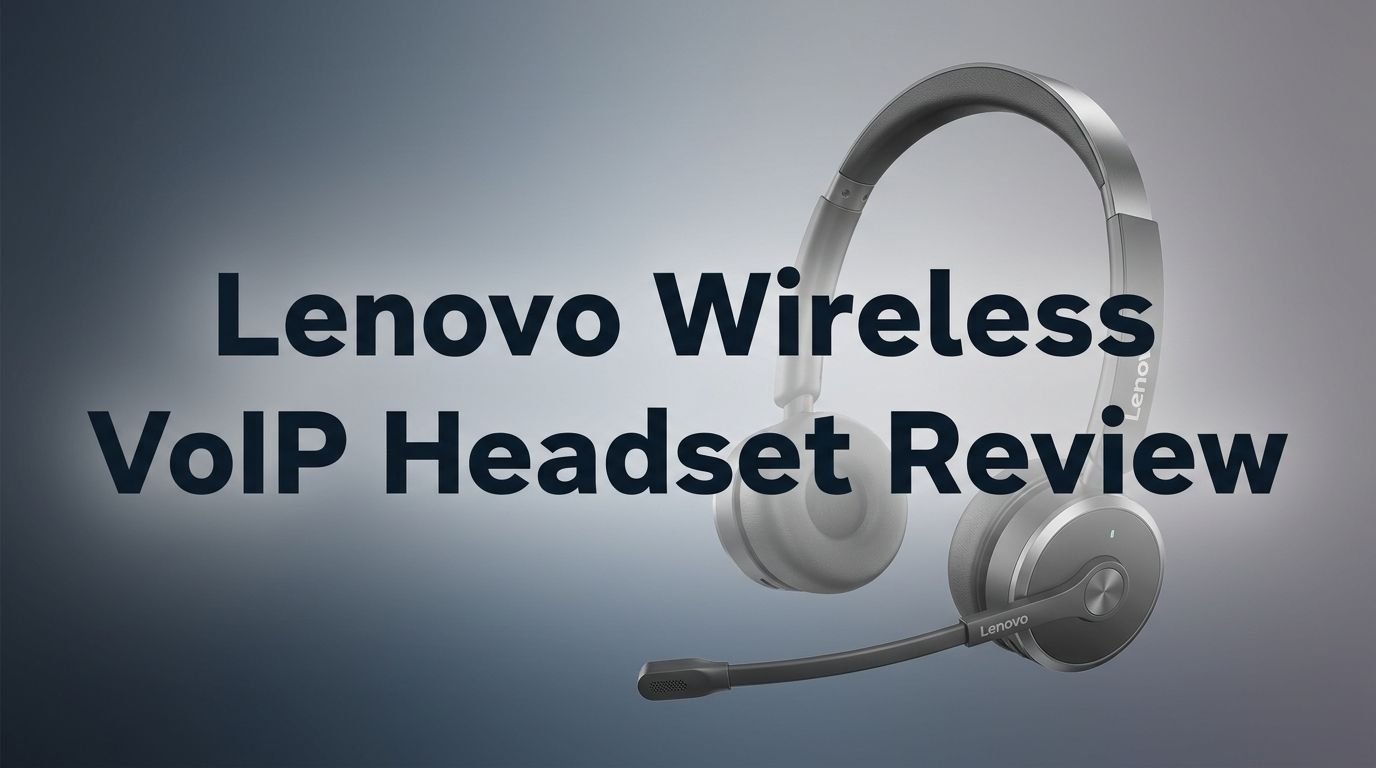
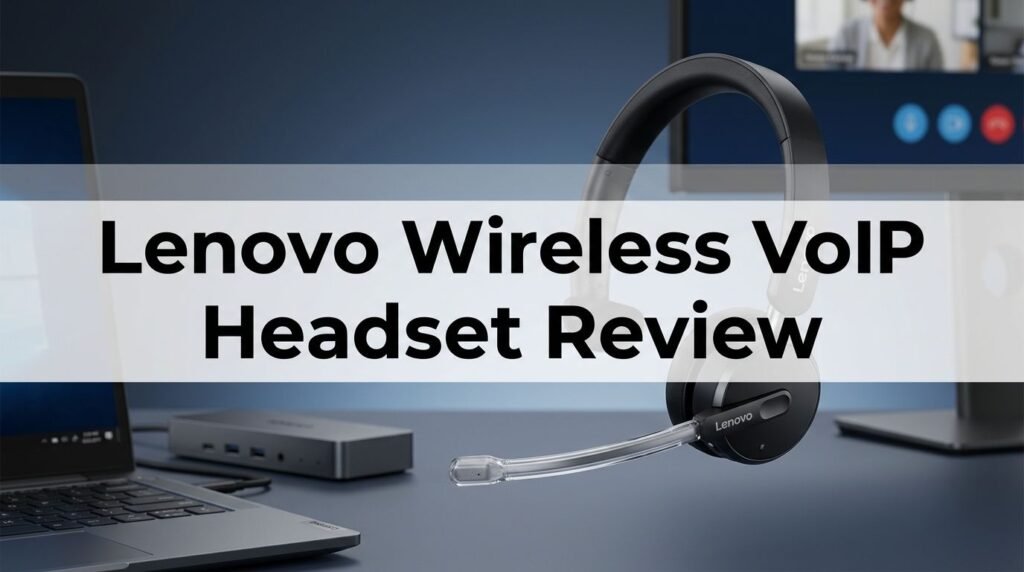
The Lenovo Wireless VoIP Headset (model 4XD1M80020) is a full sized over ear headset built for professional communication. Lenovo released it as part of its business accessories lineup. It targets hybrid workers, remote employees, and office professionals who spend hours on video calls each day.
This headset uses Bluetooth 5.3 and includes a USB Type A Bluetooth audio receiver in the box. The receiver ensures a stable connection with laptops and desktops that may have older Bluetooth versions. You simply plug it in and the headset pairs instantly.
The build focuses on practicality. Lenovo chose replaceable memory foam earcups that you can swap out after months of heavy use. This extends the product lifespan and keeps the headset feeling fresh. The adjustable headband fits a wide range of head sizes.
At 138 grams, you will barely notice it during long meetings. The double sided ear design covers both ears for full stereo sound. A retractable boom microphone flips up or down based on your needs. Touch controls on the right earcup let you adjust volume, mute, and answer calls without reaching for your keyboard.
Sound Quality and Audio Performance
Audio quality matters the most in a VoIP headset. The Lenovo Wireless VoIP Headset delivers clear, balanced sound for voice calls. Vocals sound natural and detailed during Teams and Zoom meetings.
The headset uses wideband audio support. This means you hear a fuller range of frequencies during calls. Voices sound less compressed and more lifelike compared to narrowband headsets.
For music playback, the sound profile leans warm. Bass is present but not overpowering. Mids are smooth and the highs stay crisp without harshness. This is not an audiophile headset but it performs well for casual listening during work breaks.
The 40mm drivers produce enough volume for most environments. Even in a busy open office, you can hear your callers clearly. The stereo separation is good for a headset in this price range. You will enjoy podcasts, background music, and conference calls equally.
Lenovo tuned this headset with voice clarity as the top priority. That decision shows in every call. Your colleagues will notice the improvement over built in laptop microphones and cheaper earbuds.
Noise Cancellation: How Well Does the ENC Work?
The Lenovo Wireless VoIP Headset uses AI powered Environmental Noise Cancellation (ENC). This technology relies on three microphones to separate your voice from background sounds. The system processes audio in real time.
During testing, the ENC performed well in typical home office situations. It reduced keyboard clicks, fan noise, and household conversations to a minimum. Callers on the other end reported hearing a clean, focused voice with very little distraction.
In louder environments, the ENC still held up. Coffee shop chatter and moderate street noise were filtered effectively. However, very loud and sudden sounds like a dog barking right next to you can still leak through briefly.
It is important to note that this headset uses ENC and not Active Noise Cancellation (ANC). ENC focuses on cleaning up your microphone output for callers. It does not block ambient sound from reaching your ears. You will still hear your surroundings while wearing the headset.
For most professionals, ENC is the more practical feature. Your callers hear you clearly, and you stay aware of your environment. If you need ANC for personal listening, you may want to look at other options.
Top 3 Alternatives for Lenovo Wireless VoIP Headset
If the Lenovo Wireless VoIP Headset does not match your exact needs, these three alternatives are worth your attention. Each offers strong VoIP performance with its own set of strengths.

The Jabra Evolve2 75 is a premium wireless headset with 8 microphone technology and active noise cancellation. It delivers exceptional call quality and music playback. The price is higher, but the build quality and features justify the investment for power users.

The Poly Voyager Focus 2 UC is a trusted name in professional headsets. It features Acoustic Fence technology that blocks background noise from your microphone. The 25 hour battery life is shorter than the Lenovo but the sound quality is outstanding.

The EPOS Sennheiser Adapt 560 II combines Sennheiser sound engineering with UC optimization. It offers ANC, a foldable design, and a discreet boom arm. This option works great for professionals who travel often and need a portable headset.
Bluetooth 5.3 Multipoint Connectivity
One of the standout features of this headset is Bluetooth 5.3 with Multipoint support. This means you can connect the headset to two devices at the same time. You can pair it with your work laptop and your personal phone simultaneously.
The practical benefit is huge. Imagine you are on a Teams call on your laptop. Your phone rings with an urgent personal call. You can accept the phone call directly on the headset without disconnecting from your laptop. Once the phone call ends, the audio switches back to your laptop.
The included USB Type A Bluetooth receiver provides a stable, low latency connection to your computer. This is especially useful for desktops and older laptops that lack reliable built in Bluetooth. The receiver supports a wireless range of up to 30 meters.
Pairing is fast and simple. You slide the power switch and hold it for three seconds. The LED flashes blue and the headset appears in your Bluetooth menu. The receiver offers plug and play functionality with no software installation required.
Bluetooth 5.3 also delivers improved power efficiency. This contributes to the impressive battery life numbers. The connection stays stable even with walls between you and the receiver within the 30 meter range.
Battery Life: Does It Really Last 31 Hours?
Lenovo claims 31 hours of talk time and 60 hours of music playback on a single charge. Those numbers are impressive for any wireless headset, especially one priced under $100.
In real world testing, the talk time holds up close to the advertised numbers. With a mix of Teams calls and music listening throughout the day, the headset lasted roughly 4 to 5 full workdays before needing a charge. That is exceptional performance.
The charging time is approximately 2 hours from empty to full. The headset charges through a USB Type C cable. A quick 15 minute charge can give you several additional hours of talk time, which is perfect for emergencies.
Battery longevity will vary depending on your usage. Higher volume levels and constant Bluetooth Multipoint connections will drain the battery faster. But even in heavy use scenarios, you should get through a full work week comfortably.
The battery indicator is accessible through the Lenovo Headset app. You can check the remaining charge at any time. The headset also provides an audio alert when the battery drops low, so you are never caught off guard during an important call.
Comfort and Build Quality
Comfort is critical for a headset you wear 6 to 8 hours per day. The Lenovo Wireless VoIP Headset weighs just 138 grams. That makes it one of the lightest full sized over ear headsets on the market.
The memory foam earcups are soft and breathable. They conform to the shape of your ears and distribute pressure evenly. After hours of continuous use, there is minimal fatigue or heat buildup. Lenovo made the earcups replaceable, so you can buy new ones when the foam wears out.
The headband has a generous range of adjustment. It fits small and large head sizes equally well. The clamping force is gentle enough for all day wear but firm enough to keep the headset in place when you move around.
The overall build uses a mix of plastic and soft touch materials. It feels durable for its weight class. The hinges have a smooth action and the retractable boom microphone stays securely in any position.
One minor concern is that the plastic frame could feel less premium than metal competitors. But the weight savings are worth the trade off for all day comfort. Lenovo clearly prioritized ergonomics over luxury materials, and that is the right call for a VoIP headset.
Microsoft Teams Integration and UC Compatibility
This headset carries an official Microsoft Teams certification. That means it has been tested and approved by Microsoft for use with the Teams platform. You get a dedicated Teams button on the headset that launches the app or answers calls with a single press.
The Teams button also triggers notifications. When you receive a message or meeting invite, the headset provides an audio cue. You do not need to check your screen constantly. This small feature adds up to real productivity gains over a workday.
Beyond Teams, the headset is optimized for all major UC platforms. It works smoothly with Zoom, Google Meet, Webex, Slack, and other communication tools. Plug in the USB receiver and the headset is recognized as an audio device immediately.
The inline controls make call management easy. You can mute and unmute your microphone, adjust volume, and answer or end calls without touching your keyboard. The mute function provides a clear audio indicator so you always know your status.
For IT departments, the headset offers simple deployment across teams. There is no complex software setup required. The USB receiver and Bluetooth pairing process take less than a minute per device. This makes it a practical choice for large scale enterprise rollouts.
Microphone Quality and Call Clarity
The retractable boom microphone is the primary audio input on this headset. It extends down to your mouth for optimal voice pickup. When not in use, it flips up and tucks neatly against the headband.
Three microphones work together with AI noise cancellation. The system isolates your voice and suppresses background sounds. During testing, callers consistently praised the clear and natural voice quality. There was no robotic processing or distortion.
The microphone performs well in quiet home offices and moderately noisy environments. It handles common distractions like air conditioning, typing, and distant conversations effectively. Your voice stays front and center while everything else fades into the background.
The boom arm design offers an advantage over built in microphones found on many headsets. Because the mic sits closer to your mouth, it captures your voice with more detail and less room noise. This results in a better signal to noise ratio.
For professionals who spend significant time on calls, the microphone quality here is a major selling point. It competes with headsets that cost two or three times as much. Your clients and colleagues will hear the difference immediately.
Design and Controls
The Lenovo Wireless VoIP Headset has a clean, professional look. The all black finish suits office environments. There are no flashy accents or gaming aesthetics. It blends in during video calls without drawing unwanted attention.
The touch controls on the right earcup are responsive and intuitive. A swipe up or down adjusts volume. A tap answers or ends calls. A long press activates the voice assistant on your connected phone. These controls take about a day to learn and then feel natural.
The retractable boom microphone is a thoughtful design choice. Many competing headsets use flip down or fixed microphones that can look bulky. The Lenovo approach keeps the profile slim when the mic is tucked away.
The USB Type A receiver is compact enough to leave plugged into your laptop at all times. It does not protrude excessively from the USB port. Lenovo also includes a carrying pouch for travel and storage.
One area where the design excels is simplicity. There are no confusing buttons or complicated menus. Everything is straightforward. Power on, connect, and start your call. That ease of use is refreshing in a market full of overly complex headsets.
Lenovo Wireless VoIP Headset vs. Jabra Evolve2 75
This comparison comes up frequently because both headsets target the professional market. The Jabra Evolve2 75 costs approximately $300, while the Lenovo sits under $100. That is a significant price gap.
In terms of audio quality, the Jabra Evolve2 75 has a slight edge. It uses 8 microphones and active noise cancellation that blocks ambient sound from your ears. The Lenovo only offers ENC, which cleans up microphone output but does not silence your surroundings.
Battery life is where the Lenovo wins convincingly. With 31 hours of talk time, it outperforms the Jabra’s 36 hours while costing much less. Both headsets support Bluetooth Multipoint connectivity.
Build quality is better on the Jabra. It uses more premium materials and includes features like a busylight indicator. The Lenovo feels adequate but less refined.
For budget conscious buyers, the Lenovo Wireless VoIP Headset delivers 80% of the Jabra experience at roughly 30% of the price. If you do not need ANC and prefer a lighter headset, the Lenovo is an excellent value. The Jabra is the better overall headset, but the Lenovo offers a stronger bang for your buck.
Who Should Buy This Headset?
The Lenovo Wireless VoIP Headset is ideal for a specific type of user. If you work from home, attend multiple video calls daily, and want a reliable headset that does not break the bank, this product is for you.
It works best for remote and hybrid workers who use Microsoft Teams, Zoom, or similar platforms. The Teams certification and one touch controls make daily calls effortless. The long battery life means you can focus on work instead of charging cables.
Budget conscious professionals will appreciate the price point. You get features found on headsets twice the price. The ENC microphone, Bluetooth 5.3, and 31 hour battery are hard to beat under $100.
IT managers looking to equip entire teams will find this headset easy to deploy and manage. The plug and play USB receiver works on Windows and macOS without additional drivers. Bulk purchasing at this price point is far more feasible than premium alternatives.
This headset is not ideal for audiophiles or users who need active noise cancellation for blocking environmental sound. Gamers should also look elsewhere for spatial audio and low latency features. But for clear, dependable VoIP calls, it is one of the best values available in 2026.
Pros and Cons of the Lenovo Wireless VoIP Headset
Every product has strengths and weaknesses. Here is an honest breakdown of the Lenovo Wireless VoIP Headset after extensive testing.
The pros are significant. The 31 hour talk time gives you unmatched battery performance at this price. The 138 gram weight makes it one of the most comfortable headsets for all day use. Bluetooth 5.3 Multipoint lets you juggle work and personal calls effortlessly. The AI powered ENC keeps your voice clear on every call. And the Microsoft Teams certification means instant compatibility with your work platform.
The cons are worth noting too. The headset lacks active noise cancellation for the listener. The plastic build feels less premium than metal framed competitors. Sound quality for music is good but not exceptional. There is no charging stand or dock included, which some professionals prefer for desk organization.
The touch controls can occasionally register accidental inputs. This happens rarely but can be frustrating during an important call. The USB receiver uses Type A instead of Type C, which may require an adapter on newer laptops.
Overall, the pros far outweigh the cons. At this price point, you are getting remarkable value. The weaknesses are minor and expected for a sub $100 headset. Lenovo has delivered a focused, practical product that does exactly what it promises.
Final Verdict: Is the Lenovo Wireless VoIP Headset Worth It?
After weeks of testing across different platforms and environments, the answer is a clear yes. The Lenovo Wireless VoIP Headset delivers excellent VoIP performance at an affordable price.
It excels in the areas that matter most for work calls. The microphone quality is outstanding. The battery life is among the best in its class. The comfort level supports all day wear without fatigue. And the Teams certification ensures seamless integration with your workflow.
You will not find another headset at this price that matches this combination of features. The Jabra Evolve2 75 and Poly Voyager Focus 2 are better overall headsets, but they cost two to three times more. The Lenovo gives you the core professional experience without the premium price tag.
If you are a hybrid worker, a remote employee, or an IT manager equipping a team, the Lenovo Wireless VoIP Headset deserves serious consideration. It is a smart investment that delivers daily value.
We rate the Lenovo Wireless VoIP Headset an 8.5 out of 10 for professional use in 2026.
How Does the Lenovo Wireless VoIP Headset Compare to Wired Options?
Wired headsets still hold a place in professional settings. The Lenovo Wired VoIP Headset (model B0CKFLBYJT) offers zero latency audio with a direct USB C connection. It never needs charging and maintains a consistent audio quality.
However, wireless freedom changes how you work. With the wireless model, you can walk to the kitchen, grab coffee, or stretch during a call without missing a word. The 30 meter wireless range gives you serious flexibility.
Wired headsets typically cost less and avoid Bluetooth connection drops. But modern Bluetooth 5.3 has largely solved reliability issues. The Lenovo Wireless VoIP Headset maintained a stable connection throughout testing with no noticeable audio dropouts.
For stationary desk workers who never leave their seat during calls, a wired headset can be a simpler choice. For everyone else, the wireless model offers a better experience. The freedom of movement alone justifies the wireless upgrade for most professionals.
The wireless model also looks cleaner on video calls. No cable runs across your desk or gets tangled with your mouse. It is a small detail, but it contributes to a more polished professional appearance.
Frequently Asked Questions
Is the Lenovo Wireless VoIP Headset compatible with Zoom?
Yes. The headset is optimized for all unified communications platforms. It works with Zoom, Google Meet, Webex, Slack, and more. The USB receiver and Bluetooth connection are recognized as standard audio devices on Windows and macOS.
Can I use the Lenovo Wireless VoIP Headset with a smartphone?
Absolutely. The headset connects to smartphones through Bluetooth 5.3. You can pair it with your iPhone or Android device for phone calls, music, and video conferences. The Multipoint feature lets you stay connected to your phone and laptop simultaneously.
Does this headset have active noise cancellation?
No. The Lenovo Wireless VoIP Headset uses Environmental Noise Cancellation (ENC), which focuses on filtering background noise from your microphone output. It does not include ANC for blocking ambient sound from reaching your ears.
How long does the battery take to fully charge?
The headset charges from empty to full in approximately 2 hours using the included USB Type C cable. A short charge of 15 minutes provides several additional hours of talk time for quick top ups between meetings.
Are the earcups replaceable?
Yes. Lenovo designed the memory foam earcups to be replaceable. You can purchase new earcup cushions directly from Lenovo when the originals wear out. This extends the lifespan of the headset significantly.
Does the headset come with a carrying case?
The headset includes a protective carrying pouch in the box. It is a soft pouch rather than a hard shell case. It provides basic protection during travel and storage in a bag.
What is the wireless range of the Lenovo Wireless VoIP Headset?
The headset offers a wireless operating distance of up to 30 meters (approximately 98 feet) when using the USB Bluetooth receiver. Walls and obstacles may reduce the effective range slightly, but it remains reliable for home and office use.