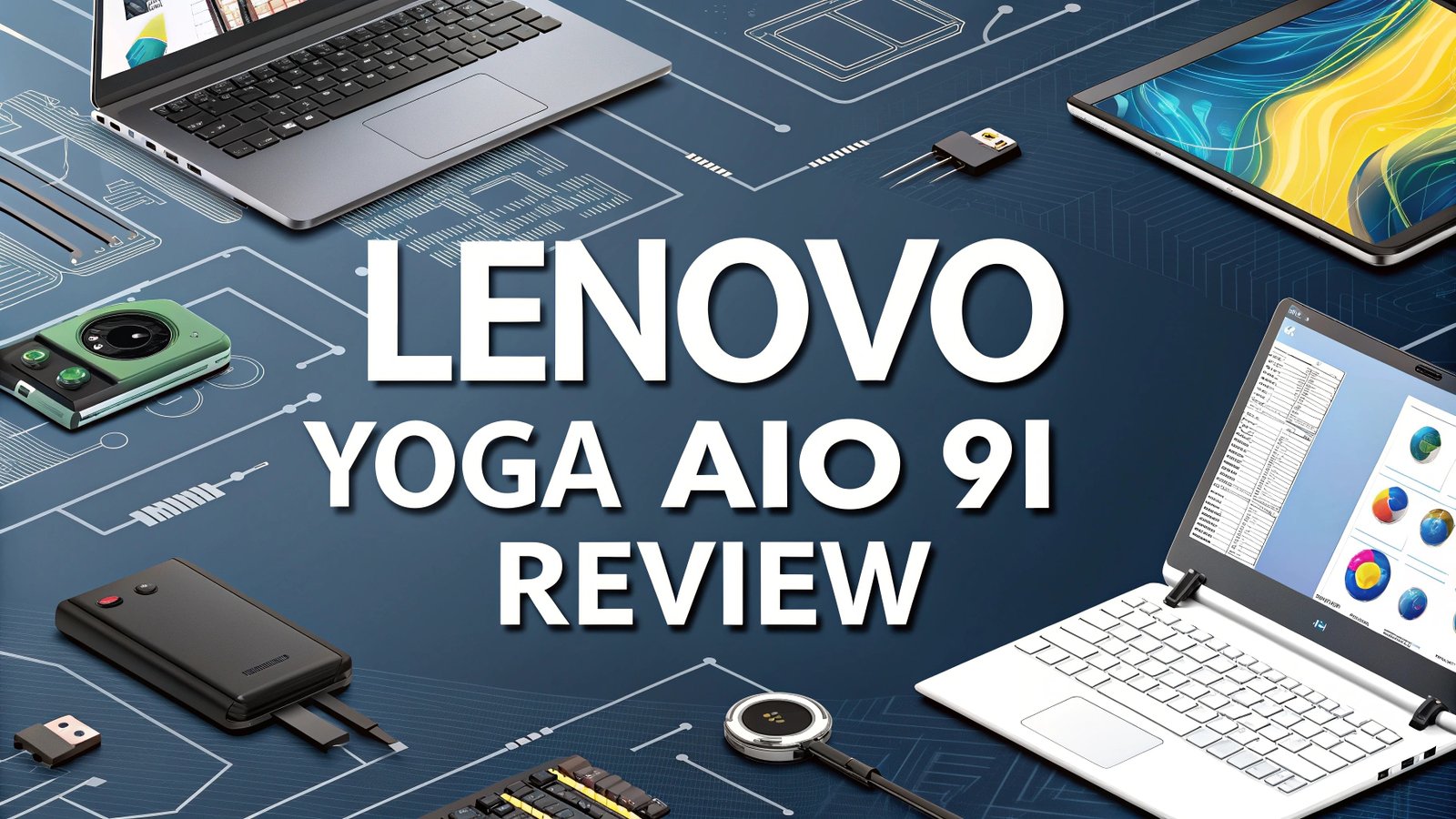
Lenovo Yoga AIO 9i Review: Is It Really Worth the Hype?
The world of all-in-one desktop computers has seen remarkable innovation in recent years. Among the standout performers, the Lenovo Yoga AIO 9i emerges as a true flagship device that combines cutting-edge technology with stunning design.
This comprehensive review explores every aspect of this premium all-in-one computer to help you make an informed decision.
This powerful combination creates a workstation that rivals traditional desktop setups while maintaining the clean, space-saving benefits of an all-in-one design.
Key Takeaways:
- Massive 31.5-inch 4K HDR600 display provides stunning visual clarity with factory-calibrated colors and Delta E under 1.0 for professional-grade accuracy
- Intel Core i9-13900H processor with 14 cores delivers flagship-level performance that outperforms most competitors in productivity benchmarks
- Premium build quality features elegant Storm Grey finish with chrome oval stand design that doubles as wireless phone charging pad
- Comprehensive connectivity includes USB4, USB-C, HDMI output, Wi-Fi 6E, and Bluetooth for modern peripheral compatibility
- Excellent audio system powered by Harman Kardon speakers with surprising bass depth and clarity for multimedia consumption
- Competitive pricing starts around $1,799 making it more affordable than comparable premium all-in-one alternatives

Performance Powerhouse: Intel Core i9-13900H Processor
The heart of the Lenovo Yoga AIO 9i beats with incredible power. The Intel Core i9-13900H processor represents the pinnacle of mobile computing technology adapted for desktop use. This chip features six Performance cores and eight Efficient cores working together to deliver 20 threads of processing capability.
Real-world performance testing reveals impressive results across multiple scenarios. The processor achieves base clock speeds of 2.6GHz with boost capabilities reaching 5.4GHz on Performance cores. This configuration proves especially effective for video editing, 3D rendering, and complex multitasking scenarios where users need maximum computational power.
Professional applications like Adobe Creative Suite, Autodesk software, and video transcoding tools benefit significantly from this processing architecture. The hybrid core design allows background tasks to run on Efficient cores while Performance cores handle demanding applications. This intelligent resource allocation ensures smooth operation even during intensive workloads.
Benchmark comparisons show the Yoga AIO 9i outperforming most competitors in productivity tests. PCMark 10 scores exceed 4,000 points, indicating excellent performance for everyday applications like Microsoft Office, web browsing, and media consumption.
Stunning Visual Experience: 31.5-Inch 4K Display
The display technology in the Yoga AIO 9i sets new standards for all-in-one computers. The 31.5-inch IPS panel delivers 4K resolution at 3,840 by 2,160 pixels, providing crystal-clear detail for both work and entertainment applications.
Color accuracy receives particular attention from Lenovo engineers. Every unit undergoes factory calibration to achieve Delta E values under 1.0, ensuring professional-grade color reproduction. This level of precision makes the system suitable for graphic design, photo editing, and video production where color accuracy remains critical.
The HDR600 certification enables enhanced contrast and brightness levels that bring content to life. Peak brightness measurements exceed industry standards, making the display easily readable even in well-lit office environments. The wide viewing angles ensure consistent image quality regardless of seating position.
Professional reviewers consistently praise the display quality, noting its exceptional clarity and vibrant colors. The large screen real estate eliminates the need for multiple monitors in many scenarios, creating a clean and organized workspace that enhances productivity.
Top 3 Alternatives for Lenovo Yoga AIO 9i


No products found.
Design Excellence: Premium Build Quality and Aesthetics
The Yoga AIO 9i showcases sophisticated design philosophy that balances functionality with visual appeal. The Storm Grey finish provides a professional appearance that complements modern office environments while avoiding fingerprint visibility common with darker colors.
The distinctive chrome oval stand design serves multiple purposes beyond simple support. This elegant structure houses the wireless charging pad functionality that accommodates Qi-enabled smartphones. The thoughtful integration eliminates desk clutter while providing convenient device charging during work sessions.
Build quality demonstrates Lenovo’s commitment to premium materials and construction. The overall dimensions measure 21.2 by 28.5 by 10 inches with a total weight of 19 pounds, creating substantial presence without excessive bulk. The medium-thickness bezels strike an appropriate balance between modern aesthetics and practical durability.
The 20-degree tilt adjustment allows users to optimize viewing angles for different seating positions and lighting conditions. While height adjustment would enhance versatility, the fixed position works well for most standard desk configurations.
Connectivity and Port Configuration
Modern connectivity requirements receive comprehensive attention in the Yoga AIO 9i design. The system includes multiple USB ports, HDMI output, and advanced wireless capabilities to support diverse peripheral needs and workflow requirements.
Port selection includes two USB 3.2 Type-A ports, two USB-C connections (one supporting USB4 specification), and dedicated HDMI output for external monitor connectivity. The USB4 port provides enhanced bandwidth for high-speed storage devices and advanced peripheral connections.
Wi-Fi 6E technology delivers improved wireless performance with support for the latest network standards. This advancement provides faster connection speeds and reduced latency compared to previous Wi-Fi generations. Bluetooth connectivity enables seamless integration with wireless keyboards, mice, and audio devices.
The rear-mounted port configuration represents the primary design compromise. While this arrangement maintains clean front aesthetics, it creates accessibility challenges for frequently connected devices like USB drives or temporary peripherals.
Audio Excellence: Harman Kardon Sound System
Audio performance in the Yoga AIO 9i exceeds expectations through its Harman Kardon speaker configuration. The system combines two 2-watt tweeters with two 5-watt woofers strategically positioned in the base structure for optimal sound dispersion.
Bass response surprises users accustomed to typical all-in-one audio limitations. The larger base housing allows for enhanced low-frequency reproduction that adds depth to music, movies, and video conference calls. Volume capabilities reach impressive levels without significant distortion at moderate settings.
The Dolby Audio processing includes multiple preset configurations optimized for different content types. Users can select dynamic, music, movie, game, and voice presets depending on their current activity. The voice optimization proves particularly valuable for video conferencing and online meetings.
Audio quality surpasses most competitors in the all-in-one category, approaching dedicated speaker system performance levels. This eliminates the immediate need for external speakers in many usage scenarios.
Wireless Peripherals and User Interface
The included wireless keyboard and mouse combination provides essential input devices with thoughtful design considerations. Both peripherals feature USB-C charging ports with impressive battery life that minimizes maintenance requirements.
The low-profile keyboard design incorporates a full numeric keypad alongside standard QWERTY layout. Dedicated shortcut keys provide quick access to Calculator, Settings, Show Desktop, and Alt-Tab functions. The typing experience offers laptop-style feel with shallow but responsive key travel.
Mouse performance meets professional standards with comfortable ergonomics and precise tracking. The DPI adjustment button allows sensitivity customization for different tasks. Forward and Back buttons enhance web browsing and document navigation efficiency.
USB dongle storage within the mouse compartment prevents loss of the wireless receiver. This thoughtful design detail demonstrates attention to real-world usage scenarios where dongles frequently disappear.
Webcam and Security Features
Video communication capabilities receive adequate attention through the 1080p webcam system. The camera supports Windows Hello face recognition for secure and convenient system access without requiring additional hardware.
Image quality performs reasonably well in typical office lighting conditions with acceptable color reproduction and detail levels. However, the camera falls short of true 1080p sharpness, appearing more similar to 720p resolution in practical use.
The physical webcam shutter switch provides privacy control through manual camera blocking. This mechanical solution offers superior security compared to software-only privacy controls that could potentially be compromised by malicious software.
Windows Camera app integration supports basic features like automatic framing, though advanced options like background blur remain unavailable due to hardware limitations.
Storage and Memory Configuration
The Yoga AIO 9i ships with 16GB LPDDR5 memory soldered directly to the motherboard. This configuration provides excellent performance for most applications while limiting future upgrade possibilities. The high-speed memory specification ensures optimal performance with the Intel Core i9 processor.
Storage options include 512GB or 1TB PCIe NVMe SSDs depending on the selected configuration. The solid-state storage delivers fast boot times and application loading speeds that enhance overall system responsiveness. The PCIe interface provides maximum bandwidth for demanding applications that require rapid data access.
Storage expansion possibilities remain limited due to the all-in-one form factor constraints. Users requiring additional storage capacity should consider external solutions or cloud storage services to supplement the internal drive capacity.
The memory and storage combination proves adequate for most professional and creative applications, though power users may desire expanded RAM capacity for intensive workflows.
Gaming and Graphics Performance
Graphics capabilities rely on Intel Iris Xe integrated graphics rather than discrete GPU options. This configuration provides adequate performance for casual gaming and general graphics acceleration while maintaining system efficiency and thermal management.
3DMark benchmark results demonstrate competent performance for integrated graphics solutions. The system handles DirectX 12 gaming simulations and modern graphics APIs effectively within the limitations of integrated solutions.
Game streaming services like NVIDIA GeForce Now provide access to high-end gaming performance through cloud computing. The fast processor and excellent display create an ideal platform for streaming-based gaming that bypasses local graphics limitations.
Professional graphics applications benefit from the large, color-accurate display and powerful processor, though intensive 3D rendering tasks may require longer processing times compared to systems with dedicated graphics cards.
Thermal Management and Noise Levels
Thermal performance in the Yoga AIO 9i receives careful engineering attention to balance performance with quiet operation. The all-in-one form factor presents unique cooling challenges that Lenovo addresses through intelligent design solutions.
Fan noise levels remain minimal during typical office tasks and light productivity work. The system maintains quiet operation that suits professional environments where noise distraction could impact concentration or video calls.
Sustained heavy workloads may trigger more aggressive cooling with increased fan activity and potential performance throttling. This behavior represents normal operation for compact high-performance systems managing heat generation.
Surface temperatures stay reasonable during normal use, though the slim profile may result in noticeable warmth during intensive tasks. The design prioritizes user comfort while maintaining component protection.
Software Experience and Lenovo Vantage
Windows 11 Home provides the foundation operating system with full feature compatibility and regular security updates. The clean installation avoids excessive bloatware while including essential Lenovo utilities for system management.
Lenovo Vantage software centralizes system information, updates, and configuration options. The application provides hardware monitoring, driver updates, and performance optimization tools that simplify system maintenance.
Audio customization through Dolby Audio controls allows users to fine-tune sound characteristics for different content types. The integrated Wi-Fi security features provide additional network protection beyond standard Windows security.
Voice command support through Lenovo Voice enables spoken system control and dictation capabilities. While not essential, these features demonstrate the company’s commitment to modern user interface options.
Value Proposition and Pricing Analysis
Starting price around $1,799 positions the Yoga AIO 9i competitively within the premium all-in-one market segment. This pricing provides significant value compared to separate high-end monitor and desktop combinations while maintaining superior integration and design aesthetics.
Configuration options affect total cost with larger storage capacities commanding premium prices. The 1TB SSD model at $1,879.99 represents the sweet spot for most users requiring additional storage capacity.
Frequent promotional pricing often reduces costs by $200 or more, making the system even more attractive to budget-conscious buyers seeking premium performance. Best Buy and Lenovo direct sales typically offer the most competitive pricing options.
Total cost of ownership remains reasonable considering the included wireless peripherals, premium display, and powerful processor that would cost significantly more when purchased separately.
Frequently Asked Questions
Is the Lenovo Yoga AIO 9i good for gaming?
The Yoga AIO 9i uses integrated Intel Iris Xe graphics rather than a dedicated gaming GPU. While it can handle casual games and older titles at moderate settings, serious gaming requires either cloud gaming services like GeForce Now or consideration of alternatives with discrete graphics cards.
Can I upgrade the RAM or storage in the Yoga AIO 9i?
The 16GB LPDDR5 memory is soldered to the motherboard and cannot be upgraded. Storage expansion options are also limited due to the all-in-one design. Users should choose configurations that meet their long-term needs at purchase time.
How does the display compare to Apple iMac screens?
The 31.5-inch 4K display offers excellent color accuracy with factory calibration achieving Delta E under 1.0. While comparable to iMac displays in color reproduction and brightness, the traditional 16:9 aspect ratio differs from Apple’s design choices.
What warranty coverage does Lenovo provide?
Standard warranty includes one year of phone support followed by mail-in service. Extended warranty options and next-business-day on-site service are available for additional cost starting at $29.99 annually.
Does the webcam support background blur effects?
The 1080p webcam supports Windows Hello face recognition but lacks advanced features like background blur or eye contact correction that are available on higher-end webcam systems.
Can I use the HDMI port for input from other devices?
The HDMI port functions as output only for connecting external monitors. The system cannot accept video input from gaming consoles or other devices through this connection.
How loud are the speakers at maximum volume?
The Harman Kardon speakers produce surprisingly powerful audio that can reach levels requiring volume moderation in office environments. The sound quality includes impressive bass response for an all-in-one system.
Is the wireless charging pad compatible with all smartphones?
The Qi wireless charging pad in the base works with most modern smartphones supporting wireless charging. iPhones 8 and newer, Samsung Galaxy devices, and other Qi-compatible phones charge effectively.