Lutron Motion Sensor Review 2026: Should You Buy This?
Have you ever walked into a dark bathroom at 2 AM and fumbled for the light switch like it owed you money? Or left the garage light blazing for hours because you forgot to flip it off?
Yeah, same. That is exactly why motion sensor switches exist — and in 2026, Lutron is still the name most people trust to solve this problem fast and reliably.
Whether you are upgrading a bathroom, setting up a smarter garage, or just tired of paying for wasted electricity, the Lutron Motion Sensor is a product that genuinely delivers. It is affordable, easy to install, works with any bulb type, and has over 13,500 customer reviews on Amazon with a solid 4.6-star rating.
Key Takeaways
- It works with any bulb type. LED, CFL, incandescent, and fluorescent bulbs all work with the Lutron Maestro Motion Sensor. You do not need to buy new bulbs to make it function.
- XCT Technology is the secret weapon. Lutron’s exclusive XCT (eXclusive Compensating Technology) detects very fine motion — like brushing your teeth or working at a desk — so lights do not shut off while someone is still in the room.
- It covers a large area. The sensor delivers a 180-degree field of view and covers up to 900 square feet (30 ft x 30 ft). This is more than enough for most rooms in a typical home.
- You get two smart modes. The sensor runs in occupancy mode (lights turn on and off automatically) or vacancy mode (you turn on manually, lights turn off automatically). Each mode fits different use cases.
- It saves real money on electricity. Lutron states that motion sensors can reduce lighting energy use by up to 30% in high-traffic spaces. Over time, the sensor easily pays for itself.
- Installation is DIY-friendly. Most homeowners install this sensor in under 30 minutes. It requires a ground wire but does not need a neutral wire on the basic Maestro model.

What Is the Lutron Motion Sensor and Why Does It Matter in 2026?
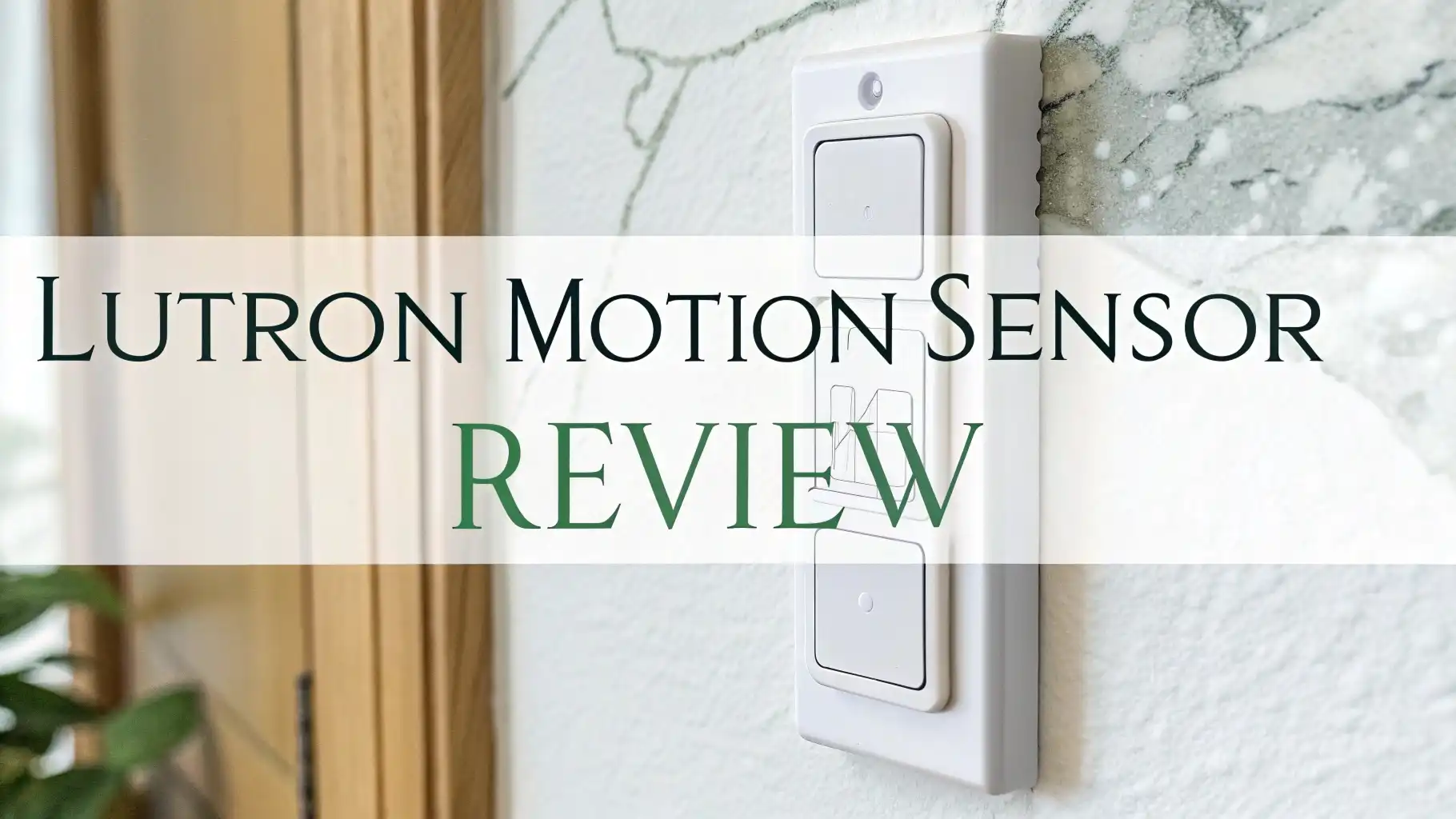
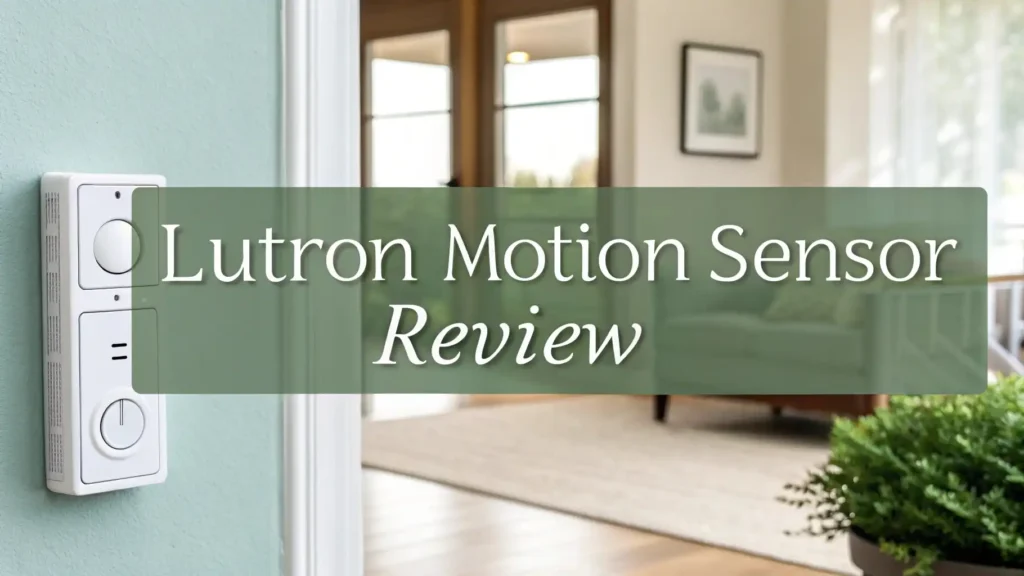
The Lutron Motion Sensor is an in-wall occupancy and vacancy sensor switch that replaces a standard light switch. It uses passive infrared (PIR) technology to detect body heat and movement in a room. When it senses a person walking in, it turns the lights on. When the room is empty, it turns the lights off after a set time.
Lutron is one of the oldest and most respected names in lighting control. The company has been making dimmer switches and lighting technology since 1961. In 2026, Lutron continues to improve its motion sensor lineup, with products like the Maestro Motion Sensor Switch and the Caséta Smart Occupancy Sensor leading the way for residential use.
What makes the Lutron Motion Sensor relevant today is simple. Smart home adoption is at an all-time high. More homeowners want hands-free lighting that actually works without a hub, an app, or a complicated setup. The Lutron Maestro fills that exact gap. It is a standalone device that does one job and does it very well.
Key Features of the Lutron Motion Sensor You Need to Know
The Lutron Maestro Motion Sensor comes packed with features that make everyday lighting much more convenient. Here is a clear look at what you get:
Dual Operating Modes: The sensor supports occupancy mode, where it auto-on and auto-off, and vacancy mode, where you manually turn the lights on but the sensor handles the off. Occupancy mode is best for bathrooms and garages. Vacancy mode works great for bedrooms where you may not always want automatic lights.
Adjustable Timeout Settings: You can set how long the lights stay on after the last detected motion. The options are 1, 5, 15, or 30 minutes. This gives you control over energy use based on how you use each room.
Ambient Light Detection: The sensor has a built-in light level detector. In auto-on mode, it checks the natural light in the room first. If the room is already bright enough, it will not turn the lights on. This adds another layer of smart energy savings to the device.
No Neutral Wire Required (Base Models): Many smart switches require a neutral wire, which many older homes do not have. The standard Maestro Maestro model needs only a ground wire — making it much easier to install in most homes without calling an electrician.
Works With Any Bulb: This sensor is compatible with LED, CFL, incandescent, and fluorescent bulbs. You do not need to replace your existing bulbs to start using it right away.
How Lutron’s XCT Technology Sets It Apart From the Rest
One of the biggest complaints about generic motion sensor switches is that they turn the lights off while someone is still in the room. You’re sitting at your desk or quietly reading, and suddenly — darkness. It is annoying and a design failure.
Lutron solved this with its patented XCT Technology (eXclusive Compensating Technology). XCT is a passive infrared sensing system that goes beyond basic motion detection.
It filters out background noise and temperature changes in the environment and focuses only on detecting actual human motion. This means the sensor can pick up very fine, low-activity movements like typing at a keyboard, brushing teeth, or sitting still in a chair.
Standard PIR sensors look for large, fast movements. If you slow down or become less active, they lose you. Lutron’s XCT-enabled sensors have much higher sensitivity to subtle body heat differences. The result is a sensor that almost never fails to notice you are still in the room.
Lutron Motion Sensor Models: Which One Should You Choose?
Lutron offers two main types of motion sensors for home use in 2026. Understanding the difference helps you pick the right one.
Lutron Maestro Motion Sensor Switch (MS-OPS2-WH): This is the classic in-wall sensor. It replaces your existing wall switch and requires a ground wire.
It is affordable at around $22.95, works as a standalone device without any hub or app, and is the go-to pick for bathrooms, garages, laundry rooms, and closets. It supports both occupancy and vacancy modes and covers up to 900 sq ft.
Lutron Caséta Smart Occupancy Sensor (PD-OSENS-WH): This is the wireless, battery-powered version. It does not need to be wired into the wall at all. You place it anywhere — a corner shelf, near a doorway, or on a wall.
It communicates wirelessly with the Caséta smart system to control any number of dimmers, switches, fan controls, and even smart shades within 60 feet. It requires a Caséta Smart Hub for full functionality. Priced at around $54.95, it is pricier but much more flexible and scalable.
Top 3 Alternatives for Lutron Motion Sensor


How to Install the Lutron Motion Sensor: A Simple Step-by-Step Guide
Installing the Lutron Maestro Motion Sensor is a straightforward DIY task. Most homeowners complete it in 20 to 30 minutes. Here is how to do it:
Step 1 — Turn Off the Power. Go to your home’s electrical panel and turn off the circuit breaker for the room where you are installing the sensor. Use a voltage tester to confirm the power is off before touching any wires.
Step 2 — Remove the Old Switch. Unscrew the wall plate and the existing light switch from the electrical box. Carefully pull the switch out and note which wires are connected to which terminals.
Step 3 — Connect the Wires. The Lutron Maestro connects to the hot wire (black) on the LINE terminal and the load wire (also black or red) on the LOAD terminal. Connect the bare copper or green wire to the green ground screw. A neutral wire is not required for the basic model.
Step 4 — Secure and Mount. Gently tuck the wires into the electrical box and screw the sensor switch into place. Attach the wall plate.
Step 5 — Restore Power and Configure. Turn the breaker back on. Use the small programming button on the sensor to set your preferred mode (occupancy or vacancy) and timeout duration.
How the Lutron Motion Sensor Saves Energy and Money
One of the biggest selling points of the Lutron Motion Sensor is energy savings. Lutron states that motion sensors can reduce lighting energy consumption by up to 30% in high-traffic areas like bathrooms, garages, and hallways. Let’s break down what that actually means for your wallet.
Say you have a 60-watt equivalent LED bulb running for an average of 4 hours per day in a bathroom. With a motion sensor, that light only runs when someone is actually in the room. If the sensor cuts active usage down to 2 hours per day, you cut that light’s electricity cost in half. Multiply that across multiple rooms and bulbs, and the savings add up quickly.
The standard Lutron Maestro Motion Sensor costs around $22.95. Based on average electricity costs in the United States, many users report the sensor pays for itself within 1 to 3 years depending on usage patterns. After that, every month is pure savings.
The ambient light detection feature also contributes. When natural daylight is sufficient, the sensor will not activate the lights at all. This passive daylight integration reduces unnecessary power draw during daytime hours even further.
Where to Use the Lutron Motion Sensor in Your Home
The Lutron Motion Sensor works well in many spaces throughout a home. Here are the best placements for maximum benefit:
Bathroom: This is the most popular use case. Lights turn on the moment you walk in and off a few minutes after you leave. You never have to touch the switch again. The XCT Technology ensures lights stay on during low-activity moments like brushing teeth.
Garage: The garage benefits hugely from motion sensing. You pull in with both hands full and the lights come on automatically. When you leave, they shut off on their own. No more accidentally leaving the garage light on overnight.
Laundry Room: Laundry rooms often get left lit for hours. A motion sensor solves this completely. The light turns off automatically after your last load is done.
Lutron Motion Sensor Performance: Real User Experiences
With over 13,500 reviews on Amazon and a consistent 4.6 out of 5-star rating, real user feedback for the Lutron Maestro Motion Sensor is overwhelmingly positive. Here is what buyers are actually saying.
Most users praise the sensor’s reliable detection as its biggest strength. Many report that after months or even years of use, the sensor has never failed to detect them entering a room. “Works as advertised every single time” is a phrase that appears repeatedly in reviews.
The easy installation process is another common highlight. Homeowners with basic electrical knowledge complete the installation without any professional help, and the included instructions are clear and straightforward.
Energy savings are frequently mentioned by long-term users. Several reviewers note noticeably lower electricity bills after installing multiple sensors throughout their homes.
Pros and Cons of the Lutron Motion Sensor
Every product has strengths and limitations. Here is an honest breakdown:
Pros:
- Reliable detection: XCT Technology provides consistent, accurate motion detection even for fine or slow movements. The sensor almost never shuts off while a person is still in the room.
- Wide coverage area: A 180-degree field of view and 900 sq ft detection range cover most rooms with ease.
- Works with any bulb: No bulb upgrades needed. LED, CFL, incandescent, and fluorescent bulbs all function correctly.
- Easy DIY install: No neutral wire needed on the standard model. Most installs take under 30 minutes.
- Affordable price: At around $22.95, the Maestro sensor is one of the best values in the motion sensor category.
- Works as standalone device: No hub, no app, no Wi-Fi required for the base Maestro model.
Cons:
- No smart home integration on the standard model: The basic Maestro operates independently. If you want app control or voice assistant integration, you need the Caséta Smart System with a hub, which costs more.
- Limited color options: Available in White, Ivory, Almond, and a few other standard finishes but not as many designer colors as some competitors.
- Cold environment challenges: In very cold spaces like unheated garages in winter, passive infrared sensors may occasionally struggle with detection accuracy.
How to Set Up and Program Your Lutron Motion Sensor
Programming the Lutron Maestro Motion Sensor is simple and does not require any apps or smart devices. The sensor has a small programming button on the face of the switch that you use to configure all settings.
Setting the Mode: Press and hold the programming button for 3 seconds until the LED blinks. Then tap the button to cycle through occupancy mode (auto on and auto off) and vacancy mode (manual on, auto off). The LED shows your selection.
Setting the Timeout Duration: After selecting your mode, you can set the timeout. Options are 1 minute, 5 minutes, 15 minutes, or 30 minutes. Tap the button to cycle through these options. The default timeout is 5 minutes for most models.
Setting the Ambient Light Sensitivity: Some Maestro models let you adjust how much natural light triggers the “don’t turn on” threshold. This is useful if your bathroom gets bright morning sunlight but still feels dim enough to need lights.
Is the Lutron Motion Sensor Worth Buying in 2026?
The short answer is yes. The Lutron Motion Sensor is worth buying in 2026 for most homeowners who want reliable, hands-free lighting without complicated setup or ongoing subscription costs.
At its price point, the Lutron Maestro competes well against every other motion sensor switch on the market. It combines Lutron’s trusted XCT Technology, wide coverage, dual-mode operation, and universal bulb compatibility into a product that just works.
If you already use or plan to use the Lutron Caséta Smart System, the wireless Caséta Occupancy Sensor extends that investment even further, controlling multiple devices from a single sensor without any wiring.
The only scenario where Lutron may not be the best fit is if you specifically want Wi-Fi-based control and phone app access without a hub. In that case, the Kasa KS200M at a similar price point gives you native Wi-Fi connectivity at a comparable cost.
Frequently Asked Questions
Does the Lutron Motion Sensor require a neutral wire?
No. The standard Lutron Maestro Motion Sensor Switch does not require a neutral wire. It only needs a ground wire and the standard line and load connections. This makes it easier to install in older homes that do not have neutral wires in their switch boxes.
What is the detection range of the Lutron Motion Sensor?
The Lutron Maestro Motion Sensor has a 180-degree field of view and detects motion across an area up to 30 feet by 30 feet (900 square feet). This covers most standard rooms in a residential home without any difficulty.
Can the Lutron Motion Sensor work with LED bulbs?
Yes. The Lutron Maestro Motion Sensor works with all common bulb types including LED, CFL, incandescent, and fluorescent. You do not need to replace your existing bulbs to use the sensor.
What is the difference between occupancy mode and vacancy mode?
In occupancy mode, the sensor turns the lights on when it detects motion and turns them off automatically after the set timeout with no motion. In vacancy mode, you turn the lights on manually, but the sensor turns them off automatically after no motion is detected. Vacancy mode is preferred in bedrooms or spaces where you do not always want automatic light activation.
Does the Lutron Maestro Motion Sensor work with smart home systems?
The standard Lutron Maestro sensor works as a standalone device and does not connect to Wi-Fi, Zigbee, or Z-Wave. For smart home integration, Lutron offers the Caséta Smart Occupancy Sensor, which connects to the Caséta Smart Hub and can control multiple devices and integrate with Alexa, Google Home, and Apple HomeKit.
How long does the Lutron Motion Sensor last on batteries?
The standard wired Maestro model does not use batteries as it is powered through your home’s wiring. The wireless Caséta Occupancy Sensor (PD-OSENS-WH) is battery powered, and many users report the batteries lasting one to two years under normal use conditions.
Can I use the Lutron Motion Sensor in a garage?
Yes. The Lutron Motion Sensor works well in garages. You can disable the ambient light detection so the sensor activates regardless of the light level outside. Many users specifically use it in garages for the convenience of hands-free light control when pulling in or out with a vehicle.
What is Lutron XCT Technology?
XCT (eXclusive Compensating Technology) is Lutron’s patented passive infrared sensing method. It filters out environmental noise such as temperature changes and air movement, and focuses only on actual human motion. This allows the sensor to detect very fine or slow movements like typing, brushing teeth, or sitting still, preventing the lights from shutting off while a person is still in the room.