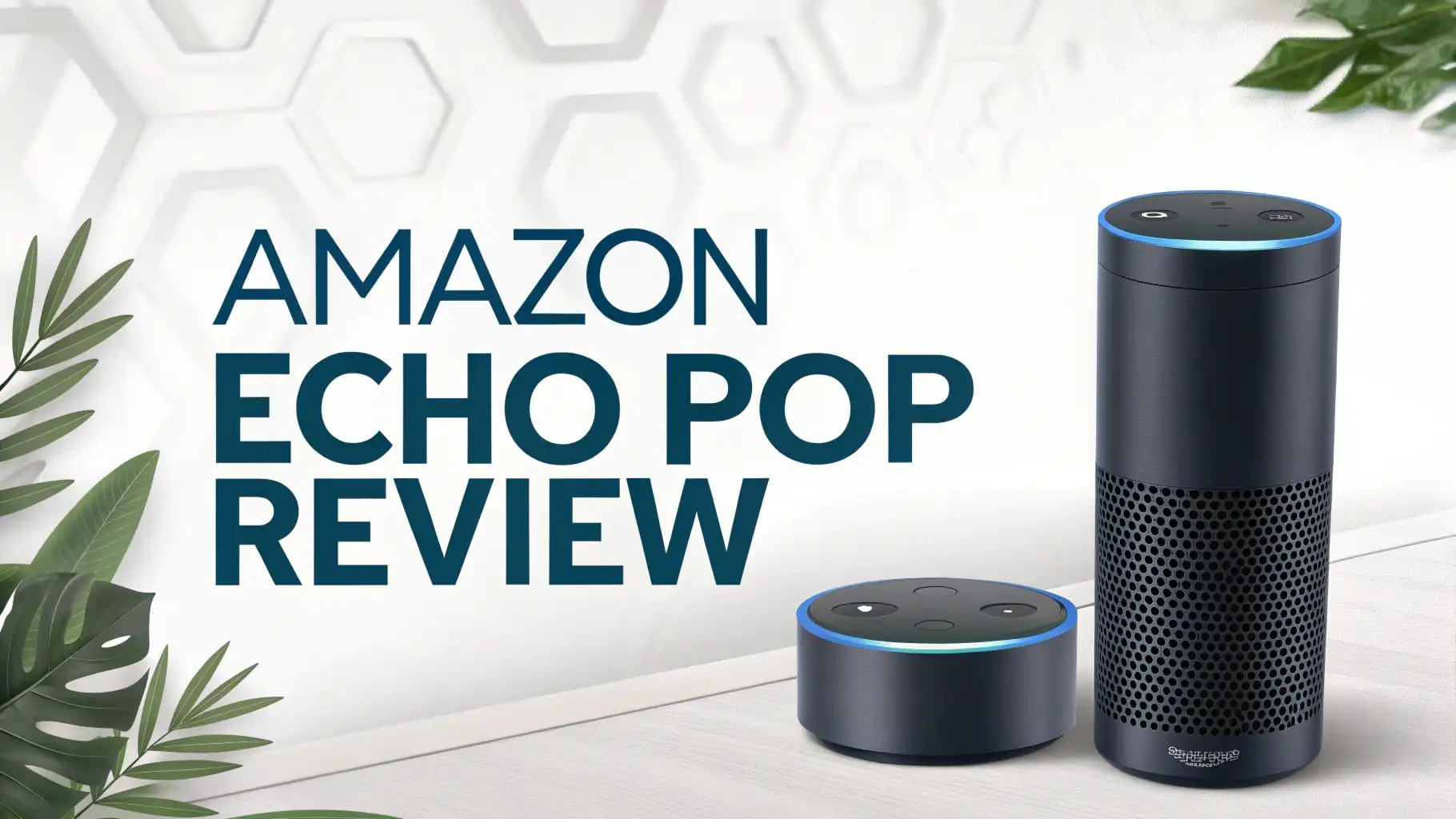
Amazon Echo Pop Review 2026: Worth the Price Tag?
Are you looking for a smart speaker that delivers great sound without eating up your space or your budget? The Amazon Echo Pop might be exactly what your bedroom, office, or kitchen needs.
This tiny powerhouse has been making waves since its release, and in 2026, it remains one of the most popular compact smart speakers on the market.
With its unique half-sphere design and surprisingly robust audio output, the Echo Pop proves that good things truly come in small packages.
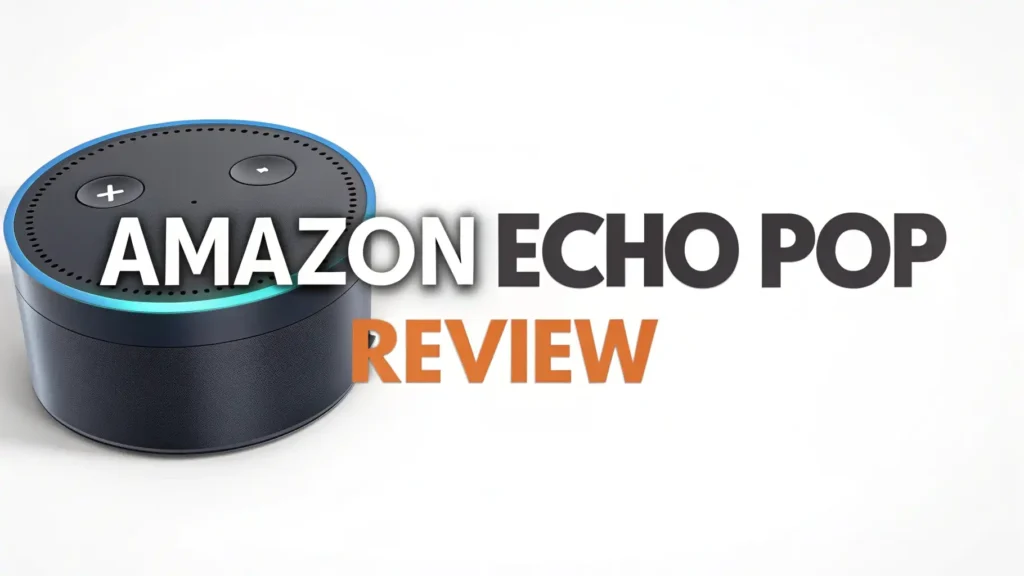
Key Takeaways:
- Incredibly Compact Design – At just 3.9 inches wide and 3.6 inches high, the Echo Pop is Amazon’s smallest smart speaker. It fits perfectly on nightstands, bookshelves, and tight spaces where larger speakers simply cannot go.
- Budget Friendly Price Point – Priced at just $39.99, the Echo Pop offers tremendous value for money. You get full Alexa functionality and decent sound quality without breaking the bank.
- Multiple Color Options – Choose from Glacier White, Charcoal, Midnight Teal, and Lavender Bloom to match your room decor. The variety ensures you can find the perfect color that complements your personal style.
- Full Alexa Integration – Despite its small size, you get complete access to all Alexa features including smart home control, music streaming, voice calls, reminders, and thousands of Alexa skills.
- Great for Small Spaces – The Echo Pop delivers full sound that works wonderfully in bedrooms, small offices, bathrooms, and dorm rooms. It is specifically designed for intimate spaces where a full-sized speaker would be overkill.

Last update on 2026-09-19 / Affiliate links / Images from Amazon Product Advertising API Some of the links on this website are affiliate links, which means that at no additional cost to you, I earn a commission if you click through and make a purchase. I only recommend products and services that I believe will add value to my readers. Thank you for your support!
What is the Amazon Echo Pop
The Amazon Echo Pop represents a strategic shift in Amazon’s smart speaker lineup. Released in 2023 and still going strong in 2026, this device fills an important gap between affordability and functionality.
The Echo Pop is essentially a stripped-down version of the Echo Dot, designed specifically for people who need Alexa in multiple rooms without spending a fortune. The device features a distinctive hemispherical shape with a flat front face, making it instantly recognizable and easy to place against walls or on shelves.
Inside that compact body, you will find a front-facing speaker driver, four far-field microphones, and all the processing power needed to run Alexa seamlessly.
The Echo Pop supports WiFi connectivity for internet access and Bluetooth for direct audio streaming from your phone or tablet. It comes with a 15W power adapter and measures significantly smaller than any other Echo device in the current lineup.
Design and Build Quality You Can Trust
The Echo Pop showcases a refreshing design approach that sets it apart from traditional round smart speakers. The half-sphere design is not just about looking different; it serves a practical purpose. The flat back allows the speaker to sit flush against walls, maximizing your usable space.
The speaker grill covers the entire front face, giving it a clean and modern appearance. Amazon has used quality plastic materials that feel solid and durable in hand. The device weighs just enough to feel substantial without being heavy.
The top surface houses the action button for manual control when voice commands are not practical. A subtle light ring around the base provides visual feedback for Alexa interactions, volume changes, and device status.
The fabric mesh on the front gives it a premium look while protecting the speaker driver inside. Color options like Midnight Teal and Lavender Bloom add personality to what could have been a boring tech gadget. The compact footprint means you can easily move it from room to room as needed.
Sound Quality Performance Analysis
When you first look at the Echo Pop, you might wonder how such a small device can produce decent audio. The reality is both impressive and limited. The Echo Pop features a front-facing speaker that delivers surprisingly clear vocals and decent midrange frequencies.
Music sounds crisp and well-defined at low to medium volumes. You can easily enjoy podcasts, audiobooks, and voice calls without any issues. However, the laws of physics cannot be defied. Bass response is noticeably weak, which is expected from a speaker this size.
If you listen to bass-heavy music genres like hip-hop or electronic dance music, you will definitely notice the absence of low-end punch. The speaker gets reasonably loud for small rooms but struggles to fill larger spaces with sound.
At maximum volume, audio quality deteriorates with some distortion creeping in. The Echo Pop works best in bedrooms, bathrooms, and small offices where you sit relatively close to the speaker.
The three-band equalizer in the Alexa app lets you tweak treble, midrange, and bass to your preference, though it cannot magically create bass that the hardware cannot produce. For casual listening and voice interactions, the sound quality exceeds expectations for the price point.
Top 3 Alternatives for Echo Pop


Last update on 2026-09-19 / Affiliate links / Images from Amazon Product Advertising API Some of the links on this website are affiliate links, which means that at no additional cost to you, I earn a commission if you click through and make a purchase. I only recommend products and services that I believe will add value to my readers. Thank you for your support!

Last update on 2026-09-19 / Affiliate links / Images from Amazon Product Advertising API Some of the links on this website are affiliate links, which means that at no additional cost to you, I earn a commission if you click through and make a purchase. I only recommend products and services that I believe will add value to my readers. Thank you for your support!

Last update on 2026-09-19 / Affiliate links / Images from Amazon Product Advertising API Some of the links on this website are affiliate links, which means that at no additional cost to you, I earn a commission if you click through and make a purchase. I only recommend products and services that I believe will add value to my readers. Thank you for your support!
Setting Up Your Echo Pop Device
Getting started with your Echo Pop is remarkably straightforward. First, plug the device into a power outlet using the included adapter. The light ring will illuminate and Alexa will greet you with setup instructions. Download the Amazon Alexa app on your smartphone or tablet if you have not already.
Open the app and tap on Devices at the bottom of the screen. Select the Plus icon, then choose Add Device. Select Amazon Echo from the device categories, followed by Echo, Echo Dot, Echo Pop and more. The app will search for your new Echo Pop device.
Once found, follow the prompts to connect the speaker to your WiFi network. You will need to enter your WiFi password when prompted. After successful connection, you can customize your device name, choose your preferred language, and set your location for accurate weather and traffic information.
The entire process typically takes less than five minutes. The Alexa app will then walk you through some basic commands and features to help you get started. You can link music services like Spotify, Apple Music, or Amazon Music during setup or later through the app settings.
Alexa Features and Smart Home Integration
The Echo Pop gives you access to the complete Alexa ecosystem despite its budget-friendly price. You can control thousands of compatible smart home devices including lights, thermostats, locks, cameras, and plugs. Simply say “Alexa, turn on the living room lights” or “Alexa, set the thermostat to 72 degrees” and watch your commands come to life.
The device supports routines, allowing you to automate multiple actions with a single command. For example, you can create a “Good Morning” routine that turns on lights, reads the weather, and starts your coffee maker simultaneously.
Alexa can answer questions, set timers and alarms, create shopping lists, and provide news briefings. You can make hands-free calls to other Alexa devices or phone numbers using Alexa Calling.
Drop In functionality lets you use Echo devices as intercoms throughout your home. The Echo Pop supports thousands of Alexa Skills, which are essentially voice-activated apps that extend functionality.
Connectivity Options Explained
The Echo Pop offers two primary connectivity methods. WiFi connection is essential for Alexa functionality and internet-based services. The device supports standard 802.11a/b/g/n WiFi networks on both 2.4 GHz and 5 GHz bands, though it performs best on 2.4 GHz for better range.
You cannot use the Echo Pop without an internet connection; it requires constant WiFi access to process voice commands through Amazon’s cloud servers. Bluetooth connectivity allows you to use the Echo Pop as a regular Bluetooth speaker.
Pair your smartphone, tablet, or laptop to stream audio directly to the speaker. This works great when you want to play music from apps that do not have native Alexa support. You can also connect Bluetooth headphones to the Echo Pop for private listening, though this feature is less commonly used.
The device supports simple Bluetooth pairing through voice command by saying “Alexa, pair Bluetooth.” Once paired, your device will automatically reconnect when in range. The Echo Pop does not have an auxiliary input jack or optical output, so Bluetooth and WiFi are your only options. This limitation keeps costs down but may disappoint users who prefer wired connections.
Who Should Buy the Echo Pop
The Echo Pop is perfect for specific user groups and situations. First-time smart speaker buyers will appreciate the low entry price and simple setup process. Students living in dorm rooms get a space-saving device that handles music, alarms, and studying timers efficiently.
Renters who cannot install complex smart home systems benefit from the plug-and-play nature of the Echo Pop. Families looking to expand their Alexa ecosystem affordably can place Echo Pops in every bedroom without spending hundreds of dollars.
Minimalists who value clean aesthetics and small footprints will love how the Echo Pop disappears into their carefully curated spaces. People who primarily use voice assistants for simple tasks like weather updates, timers, and smart home control will find the Echo Pop meets all their needs.
Budget-conscious shoppers who want Alexa functionality without premium sound quality get exceptional value here. The Echo Pop also makes an excellent gift for tech-curious friends and family members who have not yet jumped into the smart home world. Anyone with limited counter space or shelf space will appreciate the compact dimensions.
Comparing Echo Pop to Echo Dot
Many potential buyers struggle to choose between the Echo Pop and Echo Dot. Both devices offer full Alexa functionality at similar price points, but key differences exist. The Echo Dot features a spherical design compared to the Echo Pop’s half-sphere shape.
This gives the Echo Dot slightly better sound dispersion in all directions, while the Echo Pop projects sound primarily forward. The Echo Dot costs about ten dollars more but includes a built-in temperature sensor that the Echo Pop lacks.
Sound quality comparisons reveal that the Echo Dot delivers slightly better bass response and gets a bit louder at maximum volume. However, the differences are subtle and may not matter for casual listening.
The Echo Pop’s design makes it easier to place against walls and in tight spaces. Color variety is better with the Echo Pop, offering more playful options like Lavender Bloom. Both devices have identical smart home capabilities and voice recognition performance.
The Echo Dot better suits open spaces where sound needs to fill the room from a central position. The Echo Pop excels in corner placements and against walls where its directional audio works perfectly.
Music Streaming Experience
Music lovers need to understand what the Echo Pop can and cannot deliver. The speaker handles vocals beautifully, making it excellent for podcasts, audiobooks, and vocal-heavy music genres. Singer-songwriter tracks, acoustic performances, and classical music sound surprisingly good.
The clear midrange reproduction ensures that lyrics come through distinctly. However, electronic music, hip-hop, and rock songs lose their impact without substantial bass. The Echo Pop simply cannot reproduce the low frequencies that make these genres exciting.
Volume output is adequate for background music while you work or cook. You can comfortably listen from across a small room without straining to hear. At higher volumes, the speaker maintains clarity better than expected, though some compression becomes noticeable.
The Alexa app’s equalizer helps you customize the sound profile to your taste. Boosting the bass setting adds a bit more warmth, though it cannot create true bass extension. Multi-room audio works wonderfully when you pair the Echo Pop with other Echo devices, creating a synchronized sound experience throughout your home.
Privacy and Security Features
Privacy concerns are legitimate when placing microphones throughout your home. Amazon has implemented several features to give users control over their data. The Echo Pop includes a microphone mute button that physically disconnects the microphones. When activated, a red light indicator shows that the device cannot hear you.
Amazon stores your voice recordings in the cloud, but you can review and delete them anytime through the Alexa app. You can also enable automatic deletion of recordings after three or eighteen months.
The Privacy Hub in the Alexa app shows exactly what data Amazon collects and how it is used. You can manage permissions for individual skills and services. Amazon claims that voice recordings are encrypted during transmission and storage.
The company has also committed to not selling your personal data to third parties. However, recordings may be reviewed by human employees for quality improvement purposes unless you opt out.
Value for Money Assessment
At $39.99, the Echo Pop delivers exceptional value for the money. You get full Alexa functionality that would cost significantly more in competing devices. The build quality feels solid and should last for years with normal use.
When you consider that a basic Bluetooth speaker without smart features often costs the same price, the Echo Pop becomes even more attractive. The ability to control your entire smart home, make voice calls, stream music, and get instant information adds tremendous value beyond the hardware itself.
Amazon frequently discounts the Echo Pop during sales events, sometimes dropping the price to $20 or $25, making it an absolute steal. The low price point also removes the financial risk of trying your first smart speaker.
If you decide voice assistants are not for you, the Echo Pop works perfectly fine as a simple Bluetooth speaker. The included power adapter and simple setup mean no hidden costs or required accessories.
Common Issues and Limitations
Despite its many strengths, the Echo Pop has limitations you should know about. The lack of a battery means you need to keep it plugged in constantly, limiting portability compared to battery-powered Bluetooth speakers. Sound quality clearly prioritizes convenience and price over audiophile-grade performance.
You will not use this speaker for serious music listening sessions or parties. The front-facing speaker design means audio projects mainly in one direction, which can be limiting in certain room configurations.
WiFi connectivity issues occasionally occur, particularly if your router is far away or if you have a crowded wireless environment. The microphones sometimes struggle to hear you if loud music is playing, requiring you to raise your voice or move closer.
The Echo Pop lacks the 3.5mm audio jack found on some older Echo devices, preventing wired connections to external speakers. There is no Zigbee smart home hub built in like higher-end Echo devices, potentially requiring separate hubs for certain smart home products.
Frequently Asked Questions
Can the Echo Pop make phone calls without a smartphone
Yes, the Echo Pop can make phone calls using Alexa Calling and Messaging without your smartphone nearby. You can call anyone in your contacts who has the Alexa app or another Echo device. Simply say “Alexa, call Mom” and the speaker will place the call. However, you cannot dial regular phone numbers directly unless you have an Echo Connect device or compatible VoIP service set up.
Does the Echo Pop work without WiFi
No, the Echo Pop requires a WiFi internet connection to access Alexa and most of its features. Without WiFi, you lose voice control, music streaming, smart home control, and information requests. However, you can still use the Echo Pop as a regular Bluetooth speaker when connected to your phone or tablet, even without WiFi. This limited functionality means the device works better as a portable Bluetooth speaker during WiFi outages, but you lose all the smart features that make it special.
Can I use Echo Pop as a computer speaker
Yes, you can use the Echo Pop as a computer speaker through Bluetooth connection. Enable Bluetooth on your computer, then say “Alexa, pair Bluetooth” to put the Echo Pop in pairing mode. Select the Echo Pop from your computer’s Bluetooth device list and connect. Audio from your computer will then play through the Echo Pop speaker. Keep in mind that Bluetooth audio has slight latency, which may cause synchronization issues with video content.
How many Echo Pops can I connect together
You can create multi-room music groups with unlimited Echo Pop devices through the Alexa app. This allows you to play synchronized music throughout your home on multiple speakers simultaneously. You can also create stereo pairs with two Echo Pop speakers for left and right channel audio, though this requires both speakers to be in the same room. The Alexa app makes grouping simple through the Devices tab. Name your groups by room or function, then control them all with a single voice command.
Is Echo Pop good for seniors
The Echo Pop can be excellent for seniors, depending on their comfort with technology. The voice interface eliminates the need to navigate complicated menus or small touchscreens. Seniors can easily ask Alexa to call family members, set medication reminders, play their favorite music, or get weather updates without touching any buttons. The simple plug-and-play setup means minimal technical knowledge is required. However, some seniors may find voice commands unnatural at first and require patience during the learning period.
Can Echo Pop control all smart home devices
The Echo Pop can control thousands of compatible smart home devices, but not every device on the market. Most major brands including Philips Hue, TP-Link, Wyze, Ring, Nest, and Samsung SmartThings work with Alexa. Check if your specific devices are Alexa-compatible before purchasing. Some devices require you to enable their Alexa Skill in the app before they work. The Echo Pop lacks a built-in Zigbee hub, so certain Zigbee devices may require a separate hub.

Hello everyone my name is Alenya and i am a gadget discovering Enthusiast 🐻🐻