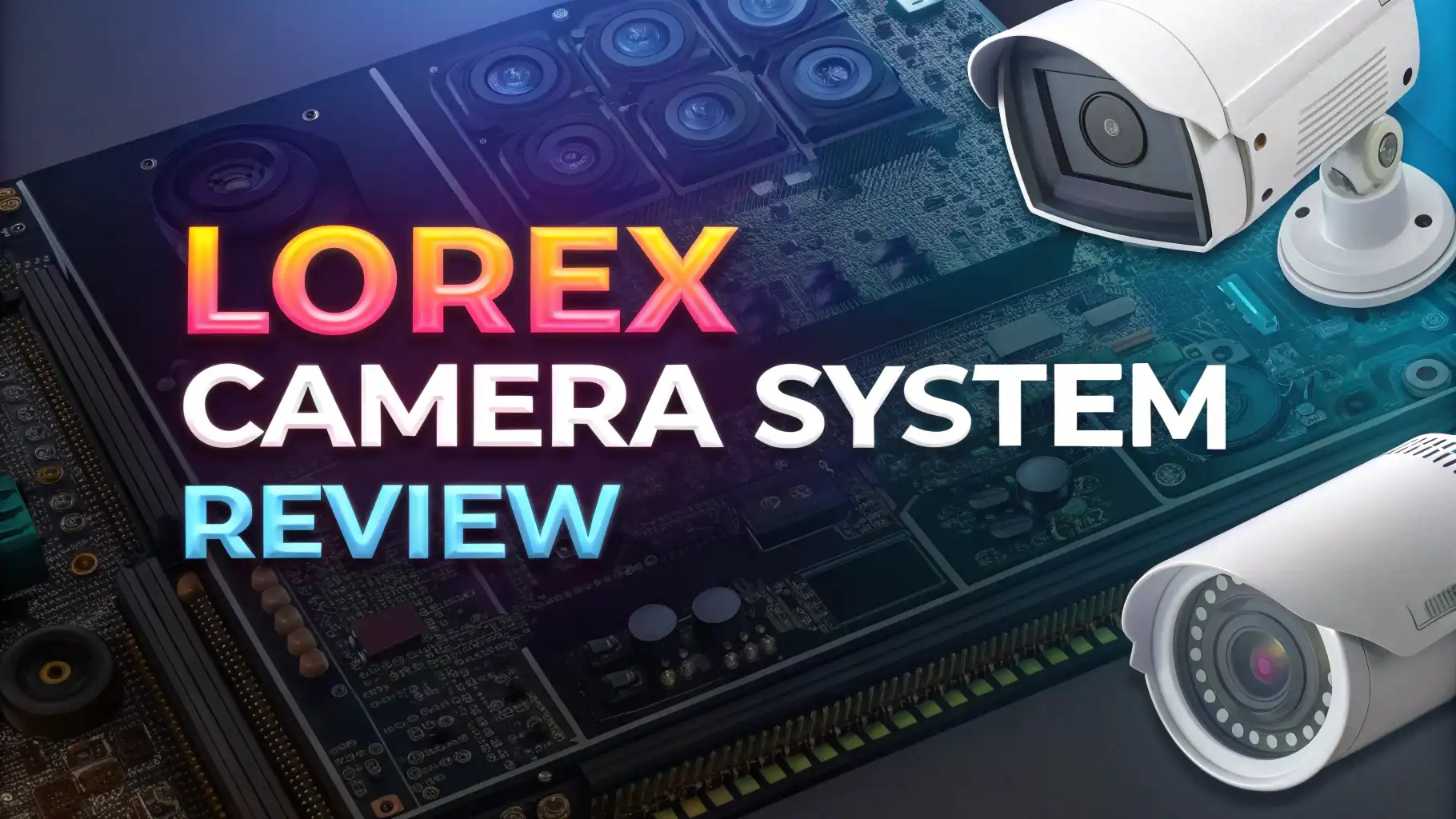
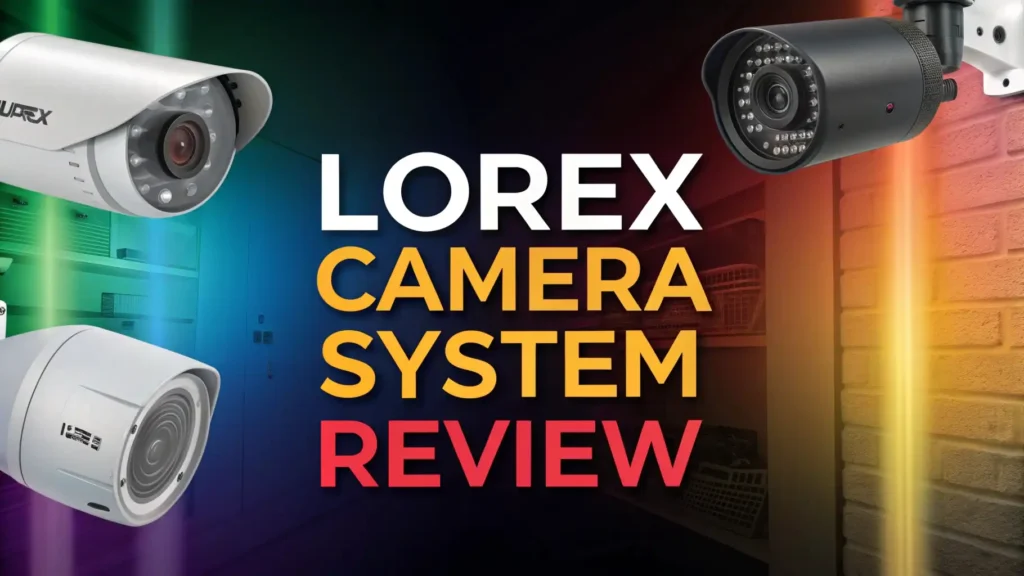
Lorex Camera System Review 2026: Top Tier or Trash?
If you have been looking for a security camera system that works hard without draining your wallet every month, you are in the right place.
The Lorex Camera System has been one of the most talked-about names in home security for years. But does it still hold up in 2026? That is exactly what this review answers.
Whether you are protecting a small apartment or a large property, picking the wrong camera system wastes your money and leaves your home exposed. This review cuts through the confusion and gives you the real picture, from video quality and night vision to storage options and pricing.
In a Nutshell:
- 4K Ultra HD Video Quality: Lorex delivers crystal-clear footage at up to 4K resolution, letting you see faces, license plates, and fine details even from a distance. This level of sharpness puts it ahead of many budget competitors.
- No Monthly Fees Required: Unlike Ring or Arlo, Lorex stores footage locally on a DVR or NVR hard drive. You pay once and own your system outright. This alone saves most homeowners hundreds of dollars every year.
- Commercial-Grade Build Quality: Lorex cameras carry an IP67 weatherproof rating and can handle temperatures from -40°F to 131°F. They are built to last through all seasons without flinching.
- Advanced Night Vision: Most Lorex cameras offer color night vision up to 200 feet in low-light conditions. When it gets completely dark, infrared night vision kicks in and covers up to 120 feet.
- Smart Motion Detection: The Lorex system uses AI-powered smart motion detection. It distinguishes between people, vehicles, and animals. This cuts down on false alerts from trees, shadows, and passing animals.
- Optional Cloud Storage: If you want a backup plan, Lorex offers affordable cloud storage starting at just $3.99 per month per camera. You are never locked into a forced subscription.

Last update on 2026-09-19 / Affiliate links / Images from Amazon Product Advertising API Some of the links on this website are affiliate links, which means that at no additional cost to you, I earn a commission if you click through and make a purchase. I only recommend products and services that I believe will add value to my readers. Thank you for your support!
What Is the Lorex Camera System?
Lorex is a security camera brand that started by serving businesses and commercial properties. Over time, it expanded to offer home security solutions without compromising on quality. The company is currently owned by Dahua Technology and offers a wide range of wired and wireless camera systems.
The Lorex Camera System refers to a complete surveillance package. It typically includes multiple cameras, a central DVR or NVR recorder, cables, and mounting hardware. The defining feature of Lorex is local storage, meaning all your footage saves directly to a hard drive inside your home. This approach keeps your recordings private and eliminates the need for cloud subscriptions.
In 2026, Lorex now separates its residential and commercial product lines. Homeowners can find everything they need under the residential category, while businesses can register separately for commercial-grade options.
Key Features of the Lorex Camera System
The Lorex Camera System comes packed with features that set it apart from most home security brands. Here is a breakdown of what makes it stand out.
IP67 Weatherproof Rating means the cameras hold up in rain, snow, dust, and extreme heat or cold. You can mount them anywhere outside without worrying about damage. PoE (Power over Ethernet) technology lets you run power and data through a single cable to each camera. This simplifies installation and keeps cable clutter to a minimum.
Color Night Vision is one of Lorex’s strongest selling points. Most cameras show black-and-white footage at night, but Lorex cameras capture full color even in low-light conditions. This makes identifying people and vehicles much easier after dark.
The Lorex Fusion system supports both wired and wireless cameras on the same network. You can mix and match camera types to suit different areas of your property. Two-way audio is built into many Lorex models, allowing you to speak with visitors or warn potential intruders directly through the camera.
Video Quality and Resolution
Video quality is where Lorex truly shines. The system supports resolutions from 1080p up to 4K Ultra HD at 30 frames per second. At 4K, the footage is sharp enough to capture fine details like facial features and license plates from a significant distance.
During real-world testing, 4K footage allowed up to 25x digital zoom without losing meaningful detail. This kind of zoom capability is rare in residential camera systems and is more common in commercial setups. The 4K Dual-Lens camera model captures a 180-degree panoramic field of view from a single device, covering wide areas without gaps.
That said, 4K recording does come with trade-offs. You need at least 25 Mbps upload speed per camera for smooth streaming. Storage consumption is also much higher at 4K. One 1TB hard drive fills up in about five days when four cameras record simultaneously in 4K.
Top 3 Alternatives for Lorex Camera System

Last update on 2026-09-19 / Affiliate links / Images from Amazon Product Advertising API Some of the links on this website are affiliate links, which means that at no additional cost to you, I earn a commission if you click through and make a purchase. I only recommend products and services that I believe will add value to my readers. Thank you for your support!

Last update on 2026-09-19 / Affiliate links / Images from Amazon Product Advertising API Some of the links on this website are affiliate links, which means that at no additional cost to you, I earn a commission if you click through and make a purchase. I only recommend products and services that I believe will add value to my readers. Thank you for your support!

Last update on 2026-09-19 / Affiliate links / Images from Amazon Product Advertising API Some of the links on this website are affiliate links, which means that at no additional cost to you, I earn a commission if you click through and make a purchase. I only recommend products and services that I believe will add value to my readers. Thank you for your support!
Night Vision Performance
Night vision is one of the most important features in any security camera system, and Lorex performs exceptionally well here. The outdoor cameras are equipped with both color night vision and infrared night vision, which gives you coverage in almost any lighting condition.
Color night vision activates when there is some ambient light present, such as street lights or porch lights. Under these conditions, the cameras capture full-color footage up to 200 feet away. This level of range is significantly better than brands like Ring (30 feet) and Google Nest Cam (20 feet) when tested under similar conditions.
When the environment becomes completely dark, the cameras automatically switch to infrared (IR) night vision. Infrared mode covers up to 120 feet, which is more than enough to monitor most residential properties. The transition between color and infrared modes is smooth and automatic. You do not need to manually adjust settings.
Some premium Lorex models also feature Smart Deterrence lighting, which includes built-in spotlights that activate when motion is detected. This creates both a visual deterrent and improved color night vision simultaneously.
Motion Detection and Smart Alerts
Lorex uses AI-powered smart motion detection to filter out irrelevant triggers and send you meaningful alerts. This system can detect and classify people, vehicles, and animals separately. This means you will not get a flood of notifications every time a bird lands on your fence or a tree branch sways in the wind.
The RapidRecap feature is one of the most practical tools in the Lorex system. It compiles all motion events from the day into a short, time-stamped video. Instead of scrolling through hours of footage, you get a quick recap of everything that happened. This saves a significant amount of time when you are reviewing your recordings.
Smart Deterrence cameras take motion detection a step further. When a person or vehicle is detected, these cameras activate visible red and blue flashing lights along with an audible alarm. This active deterrence can stop a potential intruder before they even reach your property.
Storage Options: Local vs. Cloud
One of the biggest advantages of the Lorex Camera System is its flexible storage approach. You can use local storage, cloud storage, or both at the same time. Most Lorex systems come with a built-in DVR or NVR that includes a pre-installed hard drive ranging from 1TB to 4TB depending on the model.
Local storage is completely free once you own the equipment. There are no recurring fees to store your footage on the hard drive. A 2TB hard drive can hold roughly 20 to 30 days of continuous recording depending on the resolution you choose. If you need more storage, you can upgrade to a larger hard drive.
Cloud storage is available as an optional add-on starting at just $3.99 per month for one camera with 30 days of event history. If you want coverage for up to 10 cameras, the plan costs $11.99 per month. These prices are significantly lower than competitors like Arlo, which charges $17.99 per month for unlimited cameras.
Installation and Setup Process
Setting up the Lorex Camera System is a straightforward process, but it does require some patience and basic DIY skills. The wired DVR and NVR systems involve running cables from each camera back to the central recorder. This usually means drilling holes, routing cables through walls or ceilings, and mounting cameras on walls or soffits.
The DVR or NVR unit itself is easy to set up. You plug it in, connect it to your router with an Ethernet cable, and power it on. The recorder boots up quickly and guides you through the initial configuration on screen. Most users complete the recorder setup in under 15 minutes.
Camera placement and cable routing is where installation gets more involved. Each wired camera needs two cables: one for power and one for data. PoE cameras simplify this by running both power and data through a single Ethernet cable, which is a significant improvement over older wired systems.
Lorex also offers Wi-Fi cameras and completely wire-free battery-powered cameras for anyone who prefers a simpler installation. These models sacrifice some video quality but are far easier to set up and reposition. If you are not comfortable with cable routing and drilling, Lorex recommends hiring a third-party installer.
The Lorex App Experience
The Lorex Secure app is the central hub for managing your camera system remotely. It is available on both iOS and Android devices and works across tablets and smartphones. The app gives you access to live streaming, recorded footage, push notifications, and camera settings all in one place.
One of the most useful features of the app is multi-camera viewing. You can display live feeds from multiple cameras on a single screen simultaneously. This makes self-monitoring much more efficient since you do not need to switch between cameras one at a time.
The app supports two-way audio, allowing you to speak through any compatible camera directly from your phone. This is useful for communicating with delivery drivers, greeting guests, or warning intruders. Push notifications arrive quickly after motion is detected, and you can manage alert settings for each individual camera from the app.
The RapidRecap feature is accessible through the app, letting you review the day’s motion events in a condensed video format. Cloud storage footage is also viewable directly through the app, with event history stretching back up to 30 days on the paid plans.
Smart Home Integration
Lorex cameras fit comfortably into a modern smart home setup. The system works with both Amazon Alexa and Google Assistant, allowing voice-command control through compatible smart speakers and displays. You can ask Alexa to show a specific camera feed on an Echo Show device, for example.
Some Lorex devices also connect with Android smart TVs, Apple TV, and Chromecast-enabled TVs through the Lorex Secure app. This means you can pull up your security feeds on your living room television without needing to connect the DVR directly via HDMI, though that option remains available.
The Lorex Fusion collection supports mixing wired PoE cameras with Wi-Fi cameras on the same system. You can also add compatible alarm sensors to open channels, creating a more complete home security network. This flexibility is genuinely useful for homeowners who want to expand their system over time without replacing existing equipment.
Pricing and Value for Money
Lorex offers strong value for the features you get, especially when you factor in the absence of mandatory monthly fees. Individual 4K cameras start around $150 to $200, while complete systems with multiple cameras and a DVR or NVR recorder range from approximately $400 to over $1,000.
The Lorex Fusion 4K 8-Channel system with 2TB NVR and 4 cameras is priced at around $674.99 on Amazon. This gives you a complete, ready-to-install system at a price that is competitive with other premium brands. For comparison, building an equivalent Arlo system with cloud storage would cost more in the long run due to ongoing subscription fees.
Lorex also offers open box deals on gently used systems at discounted prices, all backed by a one-year warranty. This is a great option if you want the full Lorex experience at a reduced upfront cost.
Optional cloud storage starts at $3.99 per month per camera or $11.99 per month for up to 10 cameras. These plans are entirely optional since the local DVR storage handles all recording without any subscription. If you plan to avoid cloud storage entirely, your ongoing cost after purchase is essentially zero.
Pros and Cons of the Lorex Camera System
Every product has its strengths and weaknesses. Here is an honest look at both sides of the Lorex Camera System.
Pros:
Commercial-grade build quality sets Lorex apart from most residential brands. The cameras use metal housings, carry an IP67 weatherproof rating, and operate reliably in extreme weather conditions. No mandatory monthly fees is a major advantage.
You own the system and your footage stays local. This alone can save you $100 to $200 per year compared to subscription-dependent brands. The 4K video quality with up to 25x zoom delivers genuine detail that is useful for identifying people and vehicles.
Color night vision up to 200 feet is impressive for a residential system, far exceeding what most competitors offer. Smart AI motion detection reduces false alerts by distinguishing between people, vehicles, and animals, making the system easier to live with daily.
Cons:
Installation of wired systems requires DIY skills and patience. Running cables through walls is not beginner-friendly, and professional installation adds extra cost. The cameras are bulky and industrial in appearance. If you care about aesthetics, Lorex cameras can look out of place in a residential setting.
Customer support quality is inconsistent, with some users reporting rushed or unhelpful interactions. The 4K resolution demands significant bandwidth and storage. If your home internet is not fast or your router is outdated, 4K streaming may struggle. Lorex does not offer professional monitoring, so responding to alerts is entirely your responsibility.
Who Should Buy the Lorex Camera System?
The Lorex Camera System is a great fit for a specific type of homeowner. You should buy it if you want a high-quality, locally-stored system with no monthly fees. People who dislike subscription-based security systems will find Lorex especially appealing.
It is ideal for homeowners with medium to large properties who need wide coverage, long night vision range, and the ability to record continuously without worrying about cloud storage limits. If you are comfortable with basic DIY installation or are willing to hire a local technician, the wired Lorex system gives you a professional-grade setup at a reasonable price.
Business owners and property managers who want commercial-level surveillance for a residential building or small office will find Lorex cameras more than capable. The Lorex Fusion system’s ability to mix wired and wireless cameras makes it adaptable to any property layout.
You should probably look elsewhere if you are a renter, live in a small apartment, or want a completely wireless system with zero installation effort. Brands like Arlo or Ring may suit you better in those cases. Also, if you want professional monitoring where a response team contacts emergency services on your behalf, Lorex does not offer that service and you would need to look at SimpliSafe or ADT.
FAQs
Is the Lorex Camera System worth buying in 2026?
Yes, the Lorex Camera System is worth buying in 2026 if you want a high-resolution system without monthly fees. It offers 4K video, strong night vision, and commercial-grade build quality at a competitive price. The lack of a mandatory subscription makes it a strong long-term investment compared to Ring, Arlo, or Nest.
Does Lorex require a monthly subscription?
No, Lorex does not require a monthly subscription. The system stores all footage locally on a built-in DVR or NVR hard drive. An optional cloud storage plan starts at $3.99 per month per camera if you want an additional backup, but it is never required.
How long does Lorex camera footage stay on the hard drive?
The storage duration depends on the size of your hard drive and the recording resolution. A 1TB hard drive holds approximately 20 days of continuous 4K recording from a single camera. With four cameras recording simultaneously in 4K, the same drive fills up in about five days. Choosing 2K or 1080p resolution extends storage duration significantly.
Can I access my Lorex cameras remotely?
Yes. The Lorex Secure app lets you view live footage, review recorded clips, and receive motion alerts from anywhere with an internet connection. The app is available for both iOS and Android and supports multi-camera viewing on a single screen.
How difficult is it to install a Lorex Camera System?
Wired Lorex systems require running cables from each camera to the central DVR or NVR. This involves drilling, cable routing, and basic networking setup. Most tech-comfortable homeowners complete the process in a few hours. Lorex also offers Wi-Fi and battery-powered cameras for a simpler installation experience. If you are uncomfortable with DIY work, hiring a third-party installer is a practical option.
Does Lorex work with Alexa and Google Assistant?
Yes. Lorex cameras are compatible with both Amazon Alexa and Google Assistant. You can use voice commands to view camera feeds on Alexa Show devices or Google Nest displays. Some models also work with Android TV, Apple TV, and Chromecast-enabled televisions.
Is Lorex better than Reolink or Arlo?
It depends on your needs. Lorex offers better build quality and more advanced night vision than Reolink. Compared to Arlo, Lorex provides local storage with no subscription, while Arlo offers a completely wireless experience. For homeowners who prioritize long-term value, privacy, and video quality, Lorex is generally the stronger choice.
What is the warranty on Lorex camera systems?
Lorex typically offers a one-year warranty on new products. Open box certified units also carry a one-year warranty. It is always a good idea to check the specific warranty terms on the product page before purchasing.

Hello everyone my name is Alenya and i am a gadget discovering Enthusiast 🐻🐻