Kwikset Z-Wave Smart Lock Review 2026: Is It Still Worth Buying?
Imagine never fumbling for your keys again. No more patting your pockets in the dark. No more locked-out panic at midnight.
That is exactly the kind of freedom a good Z-Wave smart lock promises. And the Kwikset SmartCode 888 Z-Wave Smart Lock has been a popular name in that conversation for a while now.
With so many smart locks flooding the market, picking the right one can feel overwhelming. In this review, we dig deep into everything the Kwikset Z-Wave smart lock offers.
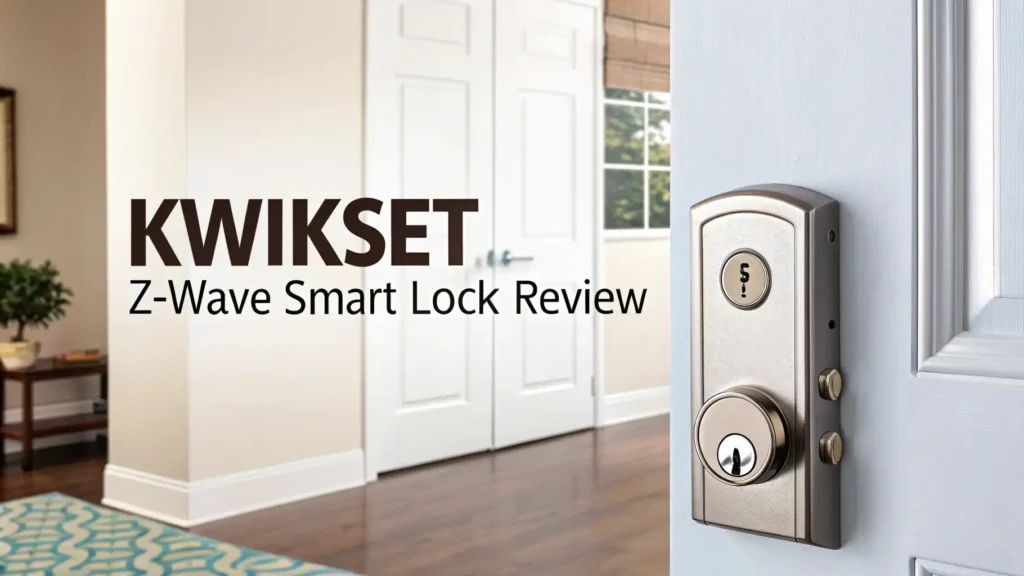
In a Nutshell:
- Z-Wave Plus Certified: The Kwikset SmartCode 888 uses the Z-Wave 500 series chipset. This gives it extended wireless range and strong 128-bit encryption compared to older Z-Wave locks.
- SmartKey Security Technology: The lock uses Kwikset’s patented SmartKey system. This lets you re-key the lock yourself in seconds without calling a locksmith.
- Up to 30 Access Codes: You can program up to 30 unique user codes. This is great for families, housekeepers, dog walkers, and Airbnb hosts.
- Broad Smart Home Compatibility: This lock pairs with Samsung SmartThings, Ring Alarm, Wink, Vera, and other Z-Wave hubs. Voice control works through Amazon Alexa and Google Assistant via a compatible hub.
- Auto-Lock Feature Included: The auto-lock feature lets the door lock itself after a set time delay ranging from 30 seconds to 3 minutes. You never have to worry about leaving the door unlocked by accident.
- Affordable Entry Point for Z-Wave: Compared to premium competitors, the Kwikset 888 sits at a wallet-friendly price point. It gives you solid Z-Wave connectivity without a high price tag.

Last update on 2026-10-14 / Affiliate links / Images from Amazon Product Advertising API Some of the links on this website are affiliate links, which means that at no additional cost to you, I earn a commission if you click through and make a purchase. I only recommend products and services that I believe will add value to my readers. Thank you for your support!
What Is the Kwikset Z-Wave Smart Lock?
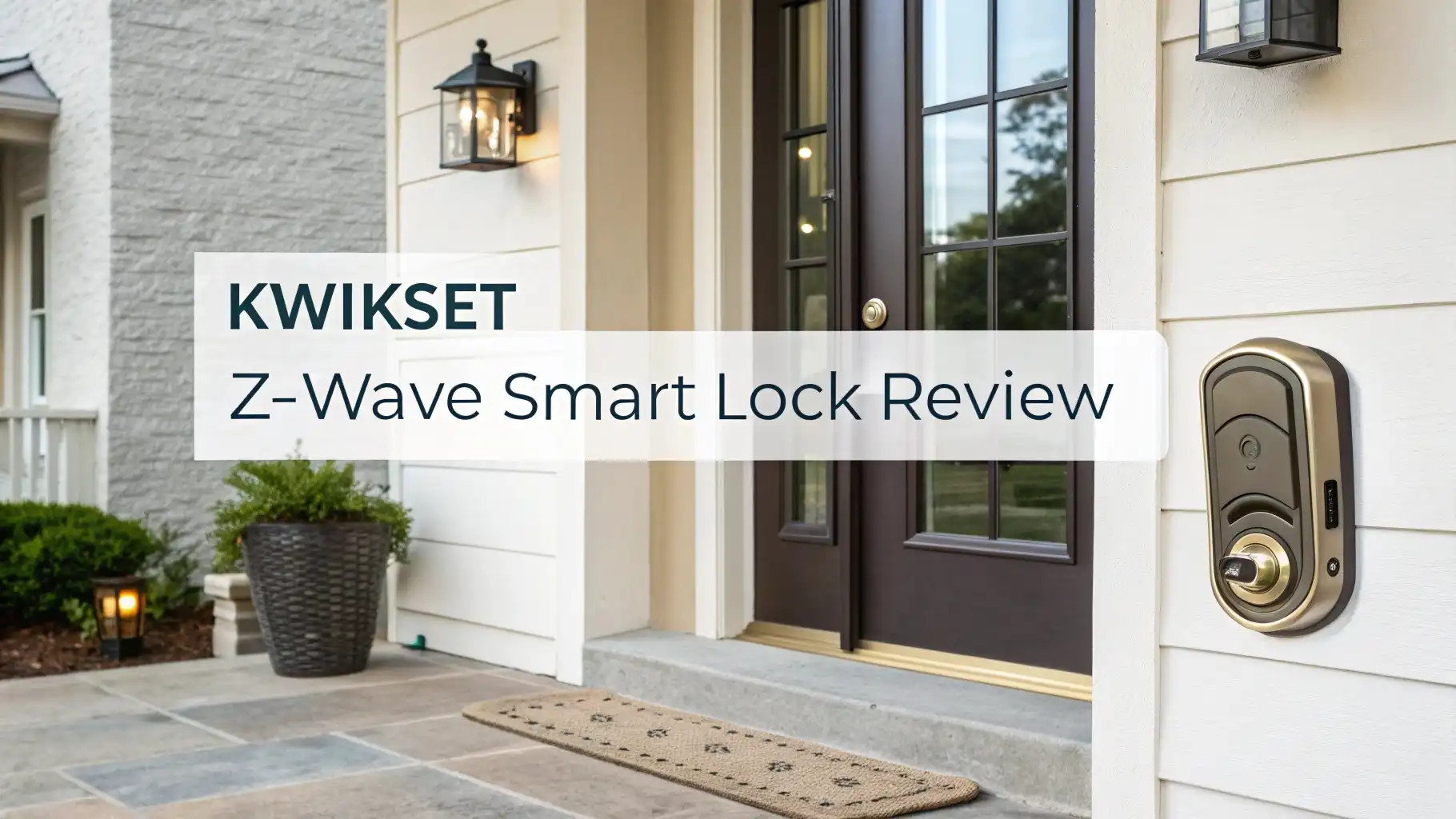
The Kwikset SmartCode 888 is a touchpad electronic deadbolt with built-in Z-Wave Plus technology. Kwikset is one of the most recognized lock brands in North America. The company has been in the security hardware business for nearly 80 years. Their SmartCode line brings that legacy into the smart home era.
This specific model is a single-cylinder motorized deadbolt. It sits on your front door and replaces your existing deadbolt. The lock uses a backlit touchpad for keyless entry. You enter a personal code, and the motor turns the bolt for you. There is also a physical key slot on the back for emergency backup access.
The SmartCode 888 uses Z-Wave Plus, which is a wireless communication protocol. Z-Wave allows smart home devices to talk to each other. It operates on the 908.42 MHz frequency in the United States.
This frequency avoids interference from Wi-Fi signals, which run on 2.4 GHz or 5 GHz. This makes Z-Wave more reliable and less prone to wireless congestion in busy homes. The 888 requires a Z-Wave hub to connect to your smart home network. It does not have built-in Wi-Fi.
Key Features That Make This Lock Stand Out
There are several features that make the Kwikset SmartCode 888 worth a closer look. Let us break them down one by one.
Z-Wave Plus 500 Series Chipset: The 888 uses the Z-Wave 500 series chipset. This offers longer wireless range and stronger encryption than older Z-Wave generations. The range improvement is noticeable in larger homes where the hub sits farther from the door.
Backlit Keypad: The touchpad has a backlit number pad. This makes it easy to enter your code at night. The buttons are raised and tactile, which helps with accurate input.
Auto-Lock Timer: You can set the lock to auto-lock after 30 seconds, 1 minute, 2 minutes, or 3 minutes. This is one of the most practical features of this lock. You never have to wonder if you forgot to lock the door.
One-Touch Locking: Press the Kwikset button once on the keypad, and the lock engages immediately. This is fast and intuitive.
Alarm Integration: When connected to a Z-Wave hub, the lock can trigger alarm notifications. You get alerts on your phone whenever someone enters or exits.
SmartKey Re-Key Technology: This is a standout feature. You can re-key the cylinder yourself in under 15 seconds using the included tool. No locksmith needed. This is very helpful if you move into a new home or lose a key.
Design and Build Quality
The Kwikset SmartCode 888 has a clean and traditional look. It comes in multiple finishes including Satin Nickel, Venetian Bronze, Polished Brass, and Matte Black. These options let you match the lock to your existing door hardware.
The lock feels solid in the hand. It is not the heaviest lock on the market, but it does not feel cheap either. The exterior keypad housing is made from reinforced plastic with a metallic finish overlay. The actual deadbolt and interior mechanism are metal.
The dimensions are standard for a residential deadbolt. Installation is straightforward on most standard US doors with a 2-1/8 inch bore hole. The interior assembly is a bit bulky compared to slimmer models. Some users with narrow door frames note that the interior piece can look large. However, for most standard doors, the fit is clean.
The touchpad buttons have a satisfying click feel when pressed. They do not wobble or feel hollow. Overall, the build quality is good for the price point. It does not match the premium feel of a Schlage, but it is a step above budget-tier locks.
Top 3 Alternatives for Kwikset Z-Wave Smart Lock

Last update on 2026-09-19 / Affiliate links / Images from Amazon Product Advertising API Some of the links on this website are affiliate links, which means that at no additional cost to you, I earn a commission if you click through and make a purchase. I only recommend products and services that I believe will add value to my readers. Thank you for your support!

Last update on 2026-09-06 / Affiliate links / Images from Amazon Product Advertising API Some of the links on this website are affiliate links, which means that at no additional cost to you, I earn a commission if you click through and make a purchase. I only recommend products and services that I believe will add value to my readers. Thank you for your support!

Last update on 2026-09-19 / Affiliate links / Images from Amazon Product Advertising API Some of the links on this website are affiliate links, which means that at no additional cost to you, I earn a commission if you click through and make a purchase. I only recommend products and services that I believe will add value to my readers. Thank you for your support!
How Easy Is Installation?
One of the best things about the Kwikset SmartCode 888 is how simple it is to install. Most users complete the full installation in under 30 minutes. You do not need professional help.
The package includes everything you need. You get the exterior keypad assembly, the interior motor unit, a strike plate, mounting screws, a backup key, and a step-by-step instruction manual. The installation guide uses clear diagrams. Kwikset also has video tutorials on their official website and YouTube channel.
The basic steps are as follows. First, remove your old deadbolt. Second, insert the latch into the door edge. Third, attach the exterior keypad from the outside. Fourth, connect the cable and mount the interior assembly. Fifth, insert 4 AA batteries. Sixth, program your first access code.
The only potential challenge is if your door has non-standard measurements. If your backset is not the standard 2-3/8 or 2-3/4 inches, you may need an adapter. The lock also works on doors from 1-3/8 to 1-3/4 inches thick. Most US residential doors fall within this range.
After installation, pairing with a Z-Wave hub takes just a few minutes. You put the hub into inclusion mode and then follow the lock’s pairing procedure. The process is smooth and consistent across most major hubs.
Z-Wave Connectivity and Smart Home Integration
Z-Wave is the backbone of what makes this lock smart. The Kwikset SmartCode 888 is Z-Wave Plus certified, which means it meets strict interoperability standards set by the Z-Wave Alliance. This guarantees it will work with any certified Z-Wave hub.
Compatible hubs and platforms include Samsung SmartThings, Ring Alarm, Wink Hub, Vera, Hubitat, and Home Assistant. Once paired, you can lock and unlock your door remotely from your phone.
You can also set automation rules. For example, you can create a rule that locks the door automatically at 10:00 PM every night. Or you can set the lock to unlock when your phone arrives home.
Voice control is also possible. Through Amazon Alexa and Google Assistant connected to a SmartThings or Ring hub, you can say things like “Alexa, lock the front door.” The lock responds within seconds.
One important note: The SmartCode 888 does not have built-in Wi-Fi. It requires a Z-Wave hub to connect to the internet. This is actually an advantage in terms of reliability. Z-Wave connections are more stable and power-efficient than Wi-Fi.
Battery life is significantly better on Z-Wave locks compared to Wi-Fi locks. However, if you want a truly standalone smart lock without a hub, you will want to look at a Wi-Fi-native option instead.
Security Features You Need to Know
The Kwikset SmartCode 888 takes security seriously on multiple fronts. Here is a breakdown of its key security features.
128-Bit Encryption: The Z-Wave communication between this lock and your hub uses full 128-bit AES encryption. This is the same encryption standard used in banking systems. It prevents unauthorized digital interception of your lock signals.
SmartKey Re-Key Technology: As mentioned earlier, SmartKey lets you re-key the lock yourself. Kwikset’s patented side-locking bar technology also improves pick resistance compared to traditional pin-tumbler mechanisms. This makes the physical lock harder to manipulate.
ANSI Grade 2 Certification: The SmartCode 888 carries ANSI Grade 2 residential security certification. This is the standard grade for most residential front door locks. It is not Grade 1 like some premium Schlage locks, but it provides good everyday security for home use.
Auto-Lock Feature: Forgetting to lock your door is one of the most common home security mistakes. The auto-lock feature on the 888 eliminates this risk entirely. Once enabled, the door locks itself after your chosen time delay.
Tamper Alert: When connected to a smart home hub, the lock can send tamper alerts. If someone enters an incorrect code multiple times, the lock triggers a lockout mode. This prevents brute-force code guessing.
Access Codes and User Management
The Kwikset SmartCode 888 supports up to 30 user access codes. Each code can be 4 to 8 digits long. You program codes directly on the keypad using the lock’s built-in programming menu. When connected to a Z-Wave hub with a compatible app, you can also manage codes remotely from your smartphone.
This is very useful for households with multiple people. You can assign a unique code to each family member. You can also give temporary codes to guests, delivery services, or housekeepers. When someone no longer needs access, you delete their code from the app or keypad.
Some Z-Wave platforms like Samsung SmartThings allow you to create time-limited or scheduled access codes. For example, you can create a code for a house cleaner that only works on Tuesdays between 10 AM and 2 PM. This gives you precise control over who enters your home and when.
The lock also keeps an activity log. Every time a code is used to enter or exit, the action is recorded in your hub’s app. You can see exactly who came and went, at what time. This is valuable for families with kids or for rental property management.
Battery Life and Performance
The Kwikset SmartCode 888 runs on 4 AA batteries. Under normal use, these batteries last approximately 6 to 12 months. Kwikset estimates this based on about 10 lock and unlock cycles per day.
In practice, battery life can vary. Factors that affect it include the frequency of use, the responsiveness of your Z-Wave network, and whether your door is properly aligned.
If the door has any resistance during the lock or unlock motion, the motor works harder and drains batteries faster. Make sure your door latch and strike plate are properly aligned for the best battery performance.
The lock provides a low battery indicator. When batteries are running low, a red light flashes and you may hear audio beeps. This gives you enough warning to replace the batteries before they die completely. There is also a backup 9-volt battery terminal on the exterior of the lock.
This is a small but very important safety feature. You will never be completely locked out due to dead batteries.
App Control and Remote Access
The Kwikset SmartCode 888 does not have its own dedicated app. Remote access and app control happen through your Z-Wave hub’s platform. The most popular options are Samsung SmartThings, Ring, and Hubitat.
Through the SmartThings app, for example, you can lock and unlock the door from anywhere in the world. You get real-time notifications when someone uses a code to enter. You can also view the activity history and manage access codes remotely.
Ring Alarm users get similar functionality within the Ring app. You can link the lock to Ring’s security system. If the Ring alarm is triggered, you can quickly check if your door is locked from the app.
The experience through these third-party apps is generally smooth. The lock responds quickly to remote commands, usually within one to three seconds. The one limitation is that your hub must be online for remote access to work. If your internet goes down, you can still use the keypad codes locally, but remote features will be unavailable.
Pros and Cons of the Kwikset Z-Wave Smart Lock
Every product has its strengths and weaknesses. Here is an honest breakdown.
Pros:
- The price point is competitive. The SmartCode 888 offers genuine Z-Wave Plus functionality at a lower cost than many competitors. It is a great entry into smart lock technology without overspending.
- Easy DIY installation is a major plus. Most people can install this lock without any special tools or skills. The instruction manual is clear, and Kwikset offers video support.
- The SmartKey re-key feature saves money and time. You never need to call a locksmith to re-key the lock.
- Broad Z-Wave hub compatibility means it works with most major smart home setups. SmartThings, Ring, Vera, Wink, and Hubitat all play well with this lock.
Cons:
- The lock has no built-in Wi-Fi. You must own a Z-Wave hub to use any smart features. This is an added cost and complexity for new smart home users.
- Battery life can be shorter than expected under heavy use or with a misaligned door. Some users report replacing batteries every 3 to 4 months.
- The ANSI Grade 2 rating means it is not the strongest physical lock available. For very high-security needs, a Grade 1 lock from Schlage may be a better option.
- The interior assembly is a bit bulky. It protrudes noticeably from the inside of the door. This is a minor aesthetic issue but worth noting.
Who Should Buy This Lock?
The Kwikset SmartCode 888 Z-Wave Smart Lock is a great fit for several types of buyers.
It is ideal for existing Z-Wave smart home users. If you already have a SmartThings hub, a Ring Alarm, or a Vera system, this lock integrates seamlessly. You add a reliable smart deadbolt to your network without any major investment.
It works well for families. The 30-code capacity covers every family member, the dog walker, the babysitter, and more. The activity log keeps you informed about comings and goings.
Rental property owners and Airbnb hosts will appreciate the code management features. Assign unique codes to guests, set expiry times through your hub app, and monitor access remotely.
Budget-conscious buyers who want real Z-Wave functionality without paying premium prices will find good value here. You get solid performance at a mid-range price.
However, if you have no existing Z-Wave hub and do not plan to build a smart home ecosystem, a simpler Wi-Fi lock might be a better starting point. The 888 needs a hub to deliver its full promise.
Final Verdict: Is This Lock Worth It in 2026?
The Kwikset SmartCode 888 Z-Wave Smart Lock remains a solid choice in 2026. It is not the flashiest lock. It does not have a fingerprint scanner or a built-in camera. But it does exactly what a good smart lock should do. It is reliable, secure, easy to install, and plays well with the major smart home platforms.
For its price range, the combination of Z-Wave Plus connectivity, 30-user codes, auto-lock, SmartKey technology, and broad hub compatibility is genuinely impressive. It punches above its weight class.
If you are building or expanding a Z-Wave smart home, the Kwikset SmartCode 888 is a trustworthy front door companion. It earns a strong recommendation for smart home enthusiasts, families, and rental property owners looking for dependable keyless access without breaking the bank.
Frequently Asked Questions
Does the Kwikset SmartCode 888 work without a hub?
Yes and no. The keypad entry, auto-lock, and access code features all work without a hub. You can use the lock as a basic keypad deadbolt right out of the box. However, you need a Z-Wave hub for remote access, app control, smart home automation, and real-time notifications.
What hubs are compatible with the Kwikset SmartCode 888?
The lock is compatible with any certified Z-Wave hub. Popular options include Samsung SmartThings, Ring Alarm, Wink Hub 2, Vera, Hubitat, and Home Assistant. It is also compatible with some professional security systems like Alarm.com.
Can I use the Kwikset SmartCode 888 with Amazon Alexa?
Yes, but you need a compatible hub in between. Alexa does not connect directly to the lock. When paired through SmartThings or Ring, you can use Alexa voice commands to lock your door. Note that most smart home systems disable voice unlocking by default as a security measure.
How many access codes can the Kwikset SmartCode 888 hold?
The lock supports up to 30 unique user access codes. Each code can be between 4 and 8 digits. You can program codes directly on the keypad or through your Z-Wave hub’s app.
What happens when the batteries die on the Kwikset 888?
The lock gives you a low battery warning with flashing red lights and audio beeps before the batteries are completely dead. If batteries do die while you are locked out, you can press a standard 9-volt battery to the external contacts on the bottom of the exterior keypad. This provides enough power to enter your code and unlock the door.
Is the Kwikset SmartCode 888 easy to install?
Yes. Most users complete installation in 15 to 30 minutes with just a screwdriver. The package includes all necessary hardware, and Kwikset provides a clear step-by-step guide. Video installation tutorials are also available on YouTube.
Is the Kwikset SmartCode 888 secure enough for a front door?
The lock carries an ANSI Grade 2 security rating, which is standard for residential front door deadbolts. It uses 128-bit wireless encryption and Kwikset’s SmartKey side-locking bar technology. For most residential applications, it provides solid security. If you need maximum physical security, a Grade 1 lock like the Schlage Connect would be a stronger option.
Does the Kwikset 888 work with Google Home?
Yes, indirectly. When the lock is connected through a Google Home compatible Z-Wave hub like SmartThings, you can control it with Google Assistant voice commands. Direct native integration with Google Home is not available without a hub.

Hello everyone my name is Alenya and i am a gadget discovering Enthusiast 🐻🐻