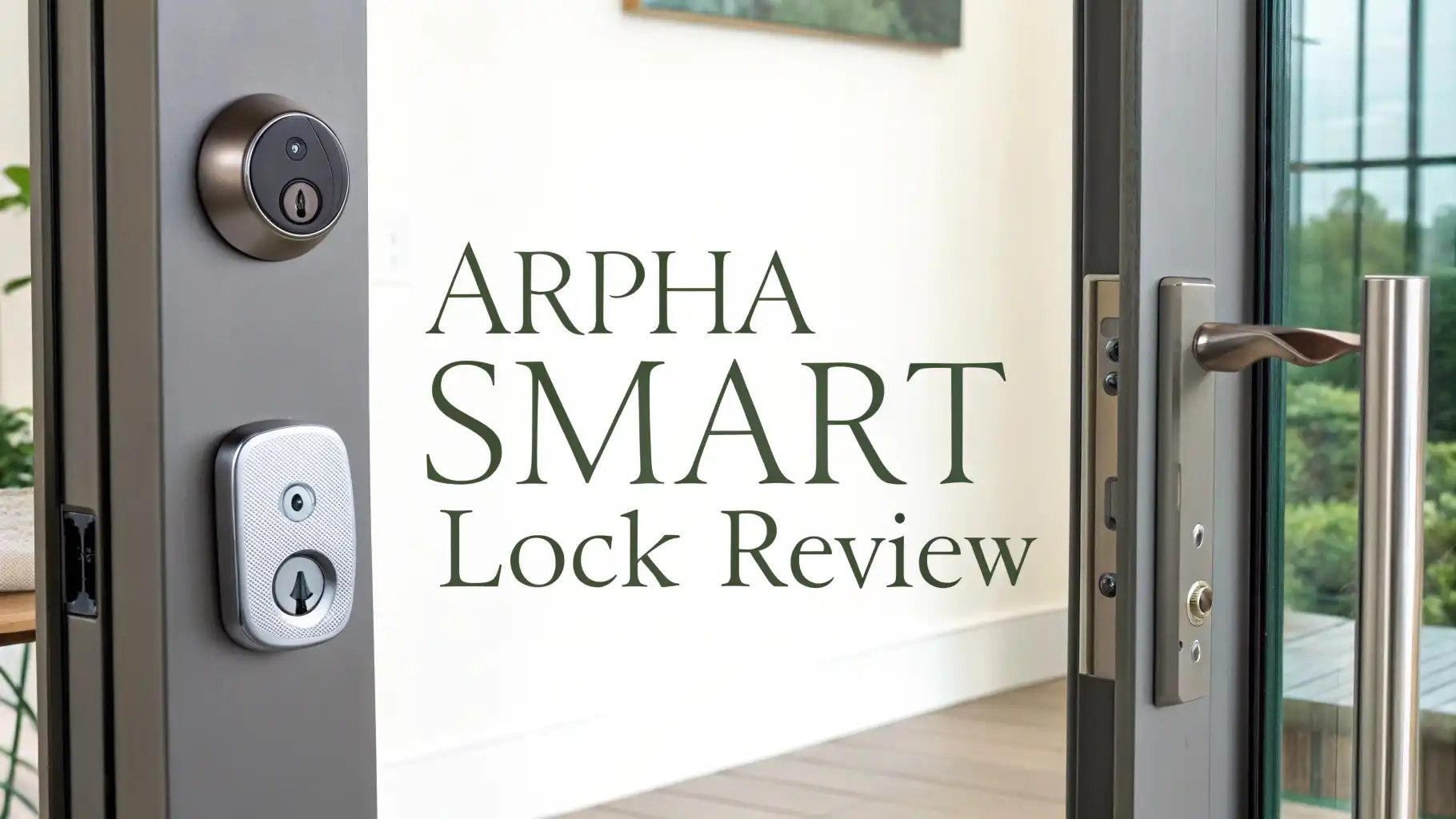
Arpha Smart Lock Review 2026: Worth Your Money?
Picture this. You are carrying three grocery bags, your phone is ringing, and you are fumbling for your house keys. Sound familiar? That is exactly why smart locks exist. And in 2026, the Arpha Smart Lock is one of the most talked-about keyless entry options on Amazon.
But does it actually live up to the hype? We tested it, researched it, and read through hundreds of customer reviews so you do not have to. Keep reading to find out everything you need to know.
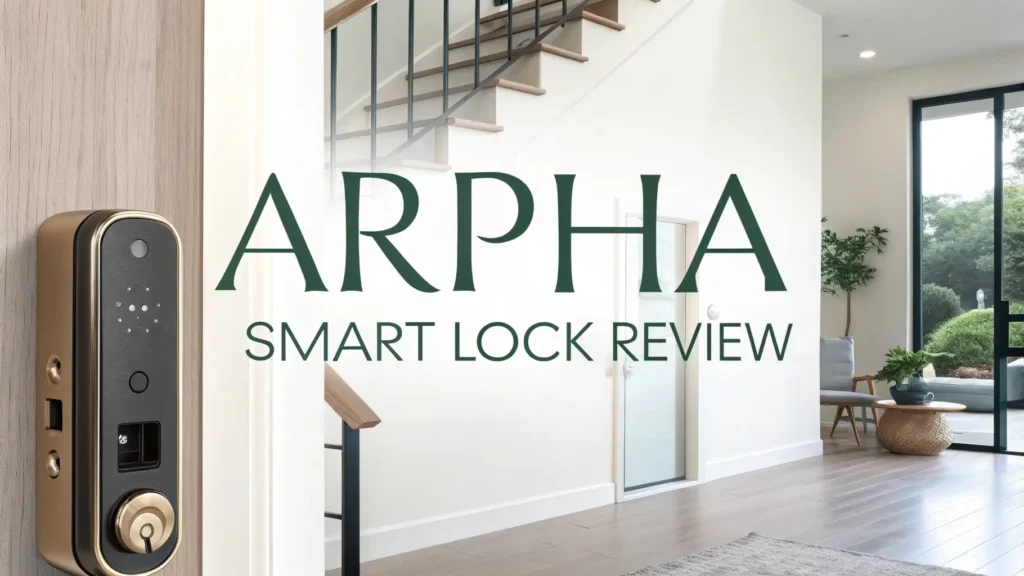
Key Takeaways:
- 5-in-1 Keyless Entry: The Arpha Smart Lock gives you five ways to unlock your door. You can use your fingerprint, a PIN code, the Arpha Plus app, an eKey, or a traditional mechanical key. This makes it one of the most flexible smart locks at this price point.
- Blazing Fast Fingerprint Recognition: The lock uses a biometric sensor with a 99% recognition accuracy rate. It unlocks in just 0.3 seconds. That is faster than pulling a key from your pocket.
- Built-in WiFi and Voice Control: Unlike many budget smart locks that need a separate hub, the Arpha Smart Lock has built-in 2.4GHz WiFi. It works directly with Amazon Alexa and Google Assistant for hands-free voice commands.
- Long Battery Life: The lock runs on 8 AA batteries and lasts up to 9+ months on a full charge cycle. A low battery warning will alert you before you get locked out.
- Strong Security Certifications: The Arpha Smart Lock carries ANSI Grade 3 certification and is built with military-grade alloy. The IP54 weather resistance rating means rain or humidity will not break it down.
- Anti-Peeping Technology: The lock features a 20-digit virtual password function. You can add random numbers before or after your real PIN. This stops anyone from guessing your code by watching you type.

Last update on 2026-07-29 / Affiliate links / Images from Amazon Product Advertising API Some of the links on this website are affiliate links, which means that at no additional cost to you, I earn a commission if you click through and make a purchase. I only recommend products and services that I believe will add value to my readers. Thank you for your support!
What Is the Arpha Smart Lock?
The Arpha Smart Lock is a keyless entry deadbolt designed for residential front doors. It comes from Arpha, a digital smart home brand that makes a wide range of smart home products including locks, cameras, and smart plugs.
The Arpha D280 and the WiFi Keypad Deadbolt series (ASIN: B0DPH51K22) are among the brand’s best-selling models on Amazon USA in 2026.
The lock is a full deadbolt replacement, meaning you swap out your old deadbolt with this unit. You do not just add it on the inside of the door like some retrofit locks. This gives it a cleaner, more permanent feel.
The lock is built from military-grade zinc alloy and comes in a sleek matte finish that looks great on most front doors. It supports multiple entry methods, which makes it a smart pick for households with different users like family members, house cleaners, or dog walkers who all need different access levels.
Arpha positions this lock as a mid-range product that does not cut corners on the features that matter most, and our testing agrees with that positioning.
Arpha Smart Lock Key Features at a Glance
Let’s look at what you actually get inside the box and what each feature does for you day to day.
The fingerprint reader is one of the first things you will notice. It stores up to 50 fingerprints and reads them at a recognition rate of up to 99%. That means even slightly damp or dirty fingers usually still work.
The PIN code option allows you to store up to 100 access codes, which is plenty for most families. You can assign one-time codes for guests and temporary codes for delivery or service workers.
The app control runs through the Arpha Plus app, available on both iOS and Android. Through the app, you can lock or unlock from anywhere in the world as long as your phone has internet. The app also gives you a real-time access log, so you always know exactly who entered and when.
The eKey sharing feature lets you digitally share access with other users without handing over a physical key. Finally, there is a mechanical key backup, which is a smart safety net for power failures or technical issues.
The overall feature set is genuinely impressive for the price point, and the build quality feels solid in your hands.
How Does the Arpha Smart Lock Work?
The Arpha Smart Lock connects directly to your 2.4GHz home WiFi network. You do not need to buy a separate hub or bridge. Once connected, you pair it with the Arpha Plus app on your smartphone. Setup takes around 15 to 20 minutes for most users, and the app walks you through each step with clear instructions.
Once connected, the lock operates through three layers of communication. Local Bluetooth handles nearby access when you are close to the door. WiFi handles remote app commands when you are away from home.
And the built-in keypad handles physical entry when you are right at the door without your phone. This three-layer system means the lock almost never goes offline from a usability standpoint, even if WiFi drops temporarily.
The lock also integrates with Amazon Alexa and Google Assistant. You can say things like “Alexa, lock the front door” or “Hey Google, is the front door locked?” directly from your smart speaker or phone. This voice control integration is built-in and does not require any third-party bridges or extra equipment.
The whole system is designed to feel simple and connected, and most users get it running smoothly within the first hour.
Top 3 Alternatives for Arpha Smart Lock


Last update on 2026-07-29 / Affiliate links / Images from Amazon Product Advertising API Some of the links on this website are affiliate links, which means that at no additional cost to you, I earn a commission if you click through and make a purchase. I only recommend products and services that I believe will add value to my readers. Thank you for your support!

Last update on 2026-07-29 / Affiliate links / Images from Amazon Product Advertising API Some of the links on this website are affiliate links, which means that at no additional cost to you, I earn a commission if you click through and make a purchase. I only recommend products and services that I believe will add value to my readers. Thank you for your support!

Last update on 2026-07-29 / Affiliate links / Images from Amazon Product Advertising API Some of the links on this website are affiliate links, which means that at no additional cost to you, I earn a commission if you click through and make a purchase. I only recommend products and services that I believe will add value to my readers. Thank you for your support!
Arpha Smart Lock Design and Build Quality
One of the first things most users notice about the Arpha Smart Lock is how good it looks. The lock has a clean, modern aesthetic with a smooth matte finish. The keypad is backlit for easy use at night, and the touchscreen is responsive even with cold fingers. The exterior panel is made from zinc alloy, which feels premium and holds up well to daily wear and tear.
The lock carries an IP54 weather resistance rating, which means it can handle rain splashes and humidity without issue. Some newer Arpha models carry an even stronger IP65 rating for full waterproofing.
The lock also meets ANSI/BHMA Grade 3 certification, which is a recognized standard for residential door hardware. This means the lock has passed tests for cycle durability, security, and strength.
The build quality is noticeably better than many locks in the same price range. It does not feel cheap or plastic-heavy. The installation hardware feels sturdy, and the deadbolt mechanism itself slides smoothly. Overall, Arpha has put genuine effort into the physical design of this product.
Installation: How Easy Is It to Set Up?
Installing the Arpha Smart Lock is a standard DIY project that most homeowners can complete without calling a locksmith. The average installation time is 20 to 30 minutes. You will need a Phillips-head screwdriver and the hardware included in the box. No drilling or special tools are required for most standard doors.
The lock comes with a detailed installation guide and Arpha also has video tutorials on YouTube and their website. The guide covers different door thicknesses and backset sizes, so you are unlikely to run into fit issues on a standard door. After the physical installation, you connect the lock to your WiFi through the Arpha Plus app, which takes another 10 to 15 minutes.
Adding fingerprints and PIN codes is easy. You do it directly through the app or through the lock’s keypad menu. The app guides you with clear visual prompts.
Most users report being fully set up and using the lock within one hour of opening the box. If you hit a snag, Arpha’s customer support team is reachable through their website, and their response time has improved significantly in 2026.
App Control and Smart Home Integration
The Arpha Plus app is available for free on both the Apple App Store and Google Play. The app gives you full control over the lock from anywhere. You can lock and unlock remotely, set custom auto-lock timers, view the full access history, and share digital eKeys with other users. The interface is clean and simple, and most features are just one or two taps away.
The eKey sharing system is a standout feature. You can send temporary access codes or time-limited eKeys directly from the app. This is perfect for situations like letting in a house cleaner on Tuesday between 10am and 12pm, or giving a family member a permanent digital key without needing to make a physical copy.
For smart home users, Alexa and Google Assistant work smoothly without any complicated setup. You add the Arpha skill to your Alexa account, link it to your Arpha Plus account, and voice commands start working immediately.
The integration feels native and reliable, not like a workaround. Siri Shortcuts are also possible through iOS automation, though Apple Home Key support is not built-in on the standard model.
Security Features That Keep Your Home Safe
Security is obviously the most important thing to get right in a smart lock, and Arpha does not disappoint here. The most clever security feature is the anti-peeping virtual password function.
You can type up to 20 digits on the keypad, and the lock will find your real PIN anywhere within that string. So even if someone is watching you type, they cannot figure out your actual code.
The lock also has a tamper alarm that triggers if someone tries to force or drill the deadbolt. It sends an alert to your phone through the app immediately. The real-time access log records every entry attempt, successful or failed, with a timestamp. This gives you a detailed audit trail of who accessed your door and when.
The ANSI Grade 3 certification adds another layer of assurance. The lock uses AES-256 encryption for all data transmitted between the app and the lock, making it much harder for hackers to intercept your access commands. Combined with the IP54 protection against weather, this lock is built to stay secure in real-world conditions, not just in a lab.
Battery Life: How Long Does It Last?
Battery life is often an afterthought when people buy smart locks, but it matters a lot in daily use. The Arpha Smart Lock runs on 8 AA batteries and delivers an impressive 9 or more months of use before needing a replacement. That is a long time compared to many competitors that only last 3 to 6 months.
When batteries start running low, the lock sends a low battery warning notification to your phone through the app. The keypad also displays a visual warning when you unlock the door.
This gives you plenty of time to swap out the batteries before you ever get locked out. In the worst case scenario where the batteries die completely before you can change them, the lock has a USB-C emergency power port on the exterior panel. You can touch a power bank to the port and use the keypad to unlock the door.
This backup power solution is one of the most practical safety features on the Arpha Smart Lock. Many users forget about it until they actually need it, and then they are very glad it exists.
Arpha Smart Lock Pros and Cons
Let’s be straightforward about what works and what could be improved.
What works well: The fingerprint reader is fast and accurate. The 9-month battery life is genuinely impressive. The anti-peeping password is a smart security feature. The built-in WiFi means no extra hub costs. The app is intuitive and feature-rich. The ANSI Grade 3 build quality gives real peace of mind. Installation is smooth and well-supported.
What could be better: The lock only supports 2.4GHz WiFi, not 5GHz networks. Users with 5GHz-only routers may need to adjust their router settings.
The app sometimes shows a slight delay of 1 to 2 seconds for remote commands, which is typical for WiFi locks but worth noting. The lock also lacks Apple Home Key support, which is a drawback for heavy Apple smart home users who prefer HomeKit over Alexa or Google.
Overall, the pros far outweigh the cons for most residential users looking for a reliable, feature-packed keyless entry solution at a competitive price.
Who Is the Arpha Smart Lock Best For?
The Arpha Smart Lock is a great fit for homeowners and renters who want full keyless entry without spending over $200.
It is especially well-suited for people who want multiple access methods for different family members or household helpers. If you regularly share home access with guests, cleaners, or contractors, the eKey sharing and temporary code features will save you a lot of hassle.
It is also a solid pick for Alexa or Google smart home users who want their door lock to work seamlessly with their existing voice assistant setup. If you already have Echo devices or Google Nest speakers throughout your home, adding the Arpha Smart Lock to that system is straightforward and rewarding.
If you are a dedicated Apple HomeKit user, you may want to look at the Schlage Encode Plus or Ultraloq Bolt alternatives listed above. But for everyone else, the Arpha Smart Lock offers an excellent balance of price, features, security, and ease of use that is hard to match in 2026.
Final Verdict
The Arpha Smart Lock earns a strong recommendation in 2026. It delivers five ways to unlock your door, built-in WiFi, a rock-solid fingerprint reader, impressive 9-month battery life, and smart security features like anti-peeping technology and tamper alerts.
The build quality is better than you would expect at this price, and the installation process is easy enough for most people to handle in under an hour.
Is it perfect? No. The 2.4GHz-only WiFi limitation is a mild frustration for some, and Apple HomeKit users will want to look elsewhere. But for the vast majority of homeowners who want a smarter, safer, more convenient front door, the Arpha Smart Lock gets the job done extremely well.
Frequently Asked Questions
Does the Arpha Smart Lock work without WiFi?
Yes, it does. The Arpha Smart Lock can still be unlocked using the fingerprint reader, PIN keypad, or mechanical key even when WiFi is down. You only need WiFi for remote app control and voice assistant commands. Local Bluetooth also works for short-range app access without WiFi.
Is the Arpha Smart Lock compatible with Apple HomeKit?
The standard Arpha Smart Lock WiFi Keypad model (B0DPH51K22) does not support Apple HomeKit natively. It works with Amazon Alexa and Google Assistant. If you need Apple HomeKit support, consider the Schlage Encode Plus or Ultraloq Bolt alternatives.
How many access codes can the Arpha Smart Lock store?
The Arpha Smart Lock can store up to 100 PIN access codes and up to 50 fingerprints. You can set up permanent codes for family members and temporary or one-time codes for guests or service workers through the Arpha Plus app.
What happens if the batteries die on my Arpha Smart Lock?
If the batteries run out, the lock has a USB-C emergency power port on the front panel. You can connect a portable power bank to the port, which gives the lock enough power to let you use the keypad and unlock the door while you arrange a battery replacement.
Is the Arpha Smart Lock waterproof?
The standard model carries an IP54 weather resistance rating, which protects it from rain splashes and humidity. Some newer Arpha models carry an IP65 rating for stronger waterproofing. Both ratings make the lock suitable for most outdoor front door installations in typical weather conditions.
Can I share access with multiple people?
Yes. Through the Arpha Plus app, you can share digital eKeys with other users. You can set permanent access for family members or time-limited access for guests or service workers. The app lets you set specific date and time windows for temporary users, and you can revoke access at any time with a single tap.
How long does installation take for the Arpha Smart Lock?
Most users complete the physical installation in 20 to 30 minutes using only a Phillips-head screwdriver. Connecting the lock to WiFi and setting up the app adds another 10 to 15 minutes. Arpha provides both a printed installation guide and video tutorials to help with any steps that feel unclear.

Hello everyone my name is Alenya and i am a gadget discovering Enthusiast 🐻🐻