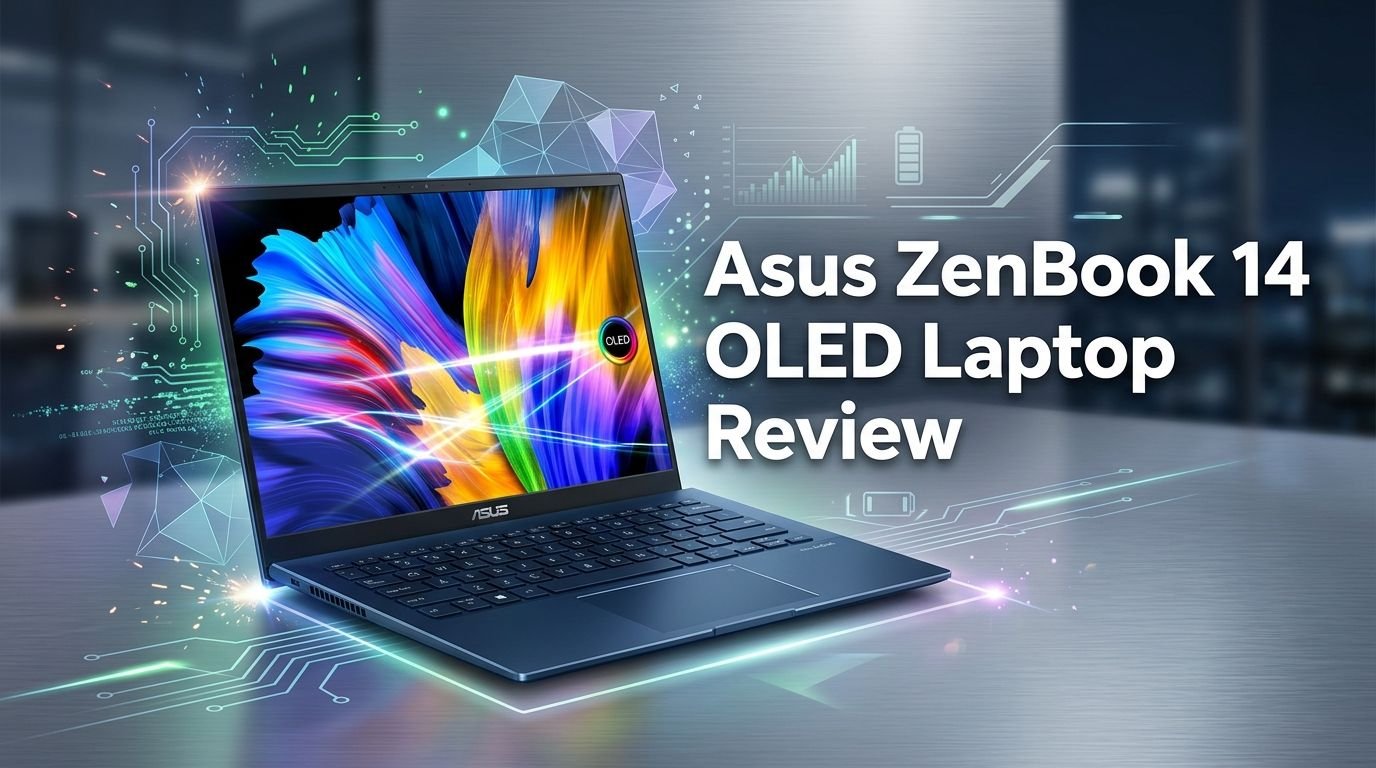
Asus ZenBook 14 OLED Laptop Review 2026: Worth Buying?
Are you searching for a premium laptop that does not break the bank? The Asus ZenBook 14 OLED might be exactly what you need.
This laptop combines a stunning OLED display, powerful Intel performance, and an ultra-light build into one sleek package. It sits at a sweet spot between mainstream and flagship, and that balance is hard to find in 2026.
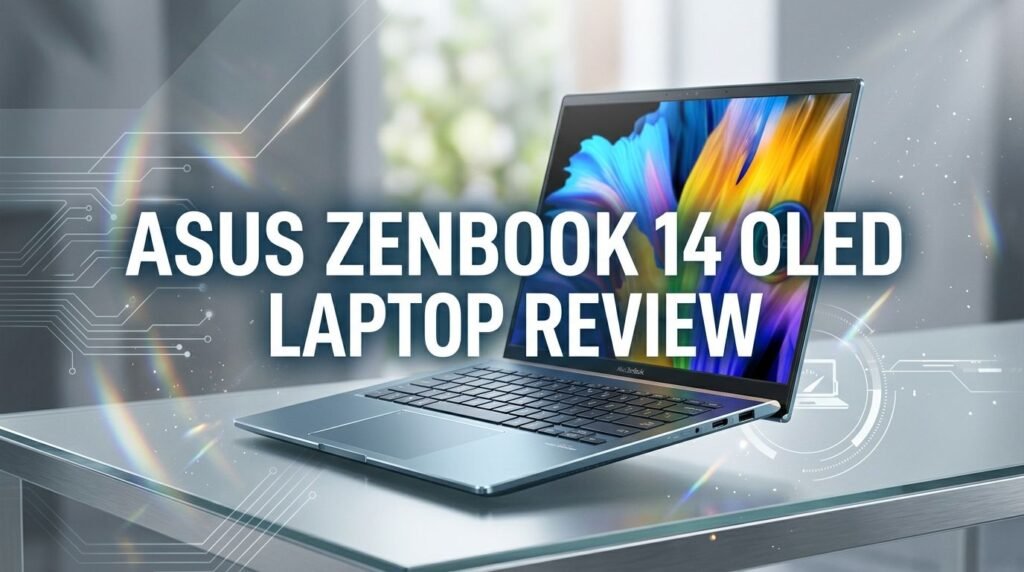
ASUS has quietly refined this laptop year after year. The latest version packs an Intel Core Ultra 9 285H processor, up to 32GB of RAM, and a gorgeous 14-inch OLED touchscreen.
Key Takeaways:
- The OLED display is gorgeous. You get 100% sRGB coverage, 92% DCI-P3, and perfect contrast on a 14-inch touchscreen panel. Colors pop, blacks are deep, and the viewing experience is top-tier for this price range.
- Performance punches above its weight. The Intel Core Ultra 9 285H with 16 cores delivers strong single-core and multi-core results. It outclasses most Lunar Lake and Snapdragon X Elite competitors in everyday tasks and light creative work.
- Battery life is excellent. Real-world usage delivers around 14 to 15 hours on a single charge. The 75Wh battery combined with the power-efficient 60Hz OLED screen keeps you going all day without hunting for a charger.
- The 60Hz refresh rate is the biggest compromise. While the panel quality is outstanding, the 60Hz cap makes scrolling and animations feel less smooth. Competitors at this price often offer 90Hz or 120Hz displays.
- Build quality is solid but not flagship-level. The all-metal body feels sturdy and premium. However, it lacks the ceramic finish and refined details found on the pricier ZenBook S 14.
- Port selection is surprisingly complete. You get two Thunderbolt 4 ports, one USB-A 3.2, HDMI 2.1, and a 3.5mm audio jack. That is more than most ultrabooks offer at this size.

Last update on 2026-09-19 / Affiliate links / Images from Amazon Product Advertising API Some of the links on this website are affiliate links, which means that at no additional cost to you, I earn a commission if you click through and make a purchase. I only recommend products and services that I believe will add value to my readers. Thank you for your support!
Asus ZenBook 14 OLED Laptop Overview
The Asus ZenBook 14 OLED (model UX3405) is a 14-inch ultraportable laptop built for professionals, students, and everyday users. ASUS positions it between its mainstream Vivobook lineup and the premium ZenBook S series. This placement gives buyers access to flagship-level specs at a mid-range price.
The laptop runs Windows 11 and supports the latest AI-powered features from Intel. It ships with configurations ranging from an Intel Core Ultra 5 with 8GB RAM at $800 to the Core Ultra 9 285H with 32GB RAM and 1TB SSD at around $1,300.
ASUS has focused on what matters most here. You get a brilliant OLED panel, a fast processor, long battery life, and a lightweight body. The ZenBook 14 OLED does not try to be everything. It aims to deliver a premium experience where it counts and trims costs in areas that matter less to most users.
Design and Build Quality
The Asus ZenBook 14 OLED uses an all-metal construction that feels solid in the hand. The chassis resists flex well, and the hinge operates smoothly. You can open the laptop with one hand, which speaks to the balanced weight distribution.
ASUS finishes the laptop in a color called Jasper Gray. It looks professional and understated. The top lid features the ASUS logo without the ceramic treatment found on the ZenBook S line. This is one area where cost-cutting becomes visible. The ceramic finish on the S-series models looks and feels noticeably better.
The bottom panel uses a separate piece of aluminum rather than a single unibody design. This small difference makes the ZenBook 14 feel slightly less refined than true premium machines. Still, for a laptop at this price, the build quality is well above average. Most competitors in the $800 to $1,300 range use plastic in at least some areas. The ZenBook 14 avoids that entirely.
Display Quality and Visual Experience
The 14-inch OLED panel on this laptop is a standout feature. It delivers 1920 x 1200 resolution (FHD+) with a 16:10 aspect ratio. Colors are vivid and accurate. You get 100% sRGB coverage, 92% DCI-P3, and 90% AdobeRGB. Peak brightness reaches over 400 nits in HDR mode.
Blacks are truly black on this OLED panel. Contrast is essentially infinite. Every photo, video, and document looks crisp and detailed. The touch functionality works well for scrolling, sketching, and quick interactions.
The 14-inch screen size at FHD+ resolution provides adequate pixel density. Text looks sharp, and icons appear clean. You will not notice individual pixels during normal use. However, if you place this screen next to a 3K OLED panel, the difference in sharpness becomes clear.
The major letdown is the 60Hz refresh rate. Scrolling through websites and documents feels choppy compared to 90Hz or 120Hz displays. Most competing laptops in this price range now offer higher refresh rates. This is a trade-off that helps battery life but hurts the overall user experience.
Top 3 Alternatives for Asus ZenBook 14 OLED
If the ZenBook 14 OLED does not check every box for you, here are three strong alternatives worth considering. Each one offers something different, from a 2-in-1 form factor to a higher-resolution display.
1. Lenovo Slim 7i OLED 14 — A direct competitor with a similar 14-inch OLED display, Intel Core Ultra processor, and lightweight design. Lenovo’s keyboard is often considered slightly better.

Last update on 2026-09-08 / Affiliate links / Images from Amazon Product Advertising API Some of the links on this website are affiliate links, which means that at no additional cost to you, I earn a commission if you click through and make a purchase. I only recommend products and services that I believe will add value to my readers. Thank you for your support!
2. Dell XPS 14 (9440) — This laptop steps up to a 3.2K OLED display with a 120Hz refresh rate. It costs more but delivers a sharper and smoother visual experience. It also includes optional RTX 4050 graphics.

Last update on 2026-10-14 / Affiliate links / Images from Amazon Product Advertising API Some of the links on this website are affiliate links, which means that at no additional cost to you, I earn a commission if you click through and make a purchase. I only recommend products and services that I believe will add value to my readers. Thank you for your support!
3. HP OmniBook Ultra Flip 14 (Next Gen Spectre x360) — A premium 2-in-1 with a 2.8K OLED touch display and Intel Core Ultra 7. It offers pen support, a 360-degree hinge, and a luxurious build.

Last update on 2026-10-14 / Affiliate links / Images from Amazon Product Advertising API Some of the links on this website are affiliate links, which means that at no additional cost to you, I earn a commission if you click through and make a purchase. I only recommend products and services that I believe will add value to my readers. Thank you for your support!
Processor Performance and Speed
The Asus ZenBook 14 OLED comes with the Intel Core Ultra 9 285H in its top configuration. This is a 16-core Arrow Lake chip with a base clock of 2.5GHz and boost speeds up to 4.8GHz. It includes 24MB of Intel Smart Cache.
This processor outperforms most thin-and-light competitors. In Geekbench 6, it scored 2,807 in single-core and 15,390 in multi-core tests. Cinebench 2024 results showed 125 in single-core and 746 in multi-core. These numbers beat Lunar Lake chips and the Snapdragon X Elite by a comfortable margin.
The smaller chassis does limit sustained multi-core performance. A larger laptop with the same chip, like the MSI Prestige 16, scores about 10% higher in multi-core tests. But for a 14-inch ultrabook, these numbers are impressive. Everyday tasks like web browsing, document editing, video calls, and even light photo editing feel fast and responsive.
The Intel Arc integrated graphics also deserve attention. They handle casual gaming, video editing previews, and hardware-accelerated tasks with ease. The Arc iGPU crushes the Snapdragon X Elite’s Adreno GPU and keeps pace with AMD’s Radeon 780M.
Battery Life and Charging
Battery life is one of the strongest selling points of the ZenBook 14 OLED. ASUS claims up to 18 hours of battery life. Real-world testing paints a slightly different picture, but it is still excellent.
During mixed use with web browsing, light photo editing, document work, and video streaming, the laptop lasted about 14 to 15 hours on a single charge. This was on the Balanced power plan with screen brightness around 50%.
The 75Wh battery is large for a 14-inch laptop. The 60Hz OLED display plays a major role in this strong battery performance. A higher refresh rate would drain the battery faster. This is the upside of that 60Hz limitation.
Charging happens through USB-C with 65W power delivery. You can use any compatible USB-C charger. The laptop charges from empty to around 60% in about an hour. It is fast enough for quick top-ups between meetings or classes.
Keyboard and Trackpad Experience
The keyboard on the ZenBook 14 OLED is comfortable for long typing sessions. Key travel is slightly deeper than average. This benefits heavy-handed typists who like to feel each keystroke. The backlight is even and adjustable.
The layout is standard with no unusual key placements. Function keys, arrow keys, and the power button are all where you expect them. ASUS includes a physical webcam privacy shutter that is easy to toggle.
One minor issue is the key bottoming-out feel. The longer travel means the keys can feel slightly mushy at full press. Light typists might miss keystrokes occasionally. It is not a deal-breaker, but the keyboards on the MacBook Pro and Lenovo Yoga Slim 9i feel more refined.
The trackpad is large and responsive. It uses a mechanical click mechanism rather than haptic feedback. Windows gestures work reliably, and multi-finger swipes are accurate. Palm rejection could be better, though. Some users report accidental trackpad touches while typing.
Port Selection and Connectivity
The Asus ZenBook 14 OLED offers a surprisingly generous port selection for its slim size. Many ultrabooks in 2026 force you to carry dongles. This laptop avoids that problem.
You get two Thunderbolt 4 ports on the left side. These support charging, data transfer at 40Gbps, and external display output. On the right side, you find one USB-A 3.2 port, one HDMI 2.1 output, and one 3.5mm headphone jack.
This port arrangement covers most daily needs. You can connect an external monitor through HDMI, plug in a USB drive or mouse through USB-A, and charge through either Thunderbolt 4 port. You rarely need an adapter with this laptop.
Wi-Fi 7 and Bluetooth 5.4 handle wireless connectivity. Internet speeds are fast and stable. The Wi-Fi 7 support is a nice upgrade over Wi-Fi 6E, especially if you have a compatible router. File transfers and video calls over wireless run without hiccups.
Webcam and Audio Quality
The ZenBook 14 OLED includes a 1080p webcam above the display. It produces decent image quality in well-lit environments. Colors appear natural, and detail is acceptable for video calls and online meetings.
In low-light settings, the webcam struggles. You will notice grain and motion smearing as the sensor tries to compensate. This is common among laptop webcams at this price. An external webcam will serve you better if you frequently take calls in dim rooms.
ASUS adds a physical privacy shutter for the camera. You can slide it closed with one finger. This is a welcome security feature that more laptop makers should adopt.
The built-in speakers deliver clear audio for casual listening. They get reasonably loud and handle podcasts, YouTube videos, and music well. Bass response is thin, as expected from a thin laptop. For serious audio work or entertainment, a good pair of headphones will make a significant difference.
Software and Windows 11 Experience
The Asus ZenBook 14 OLED ships with Windows 11 Home or Pro depending on the configuration. ASUS includes its MyASUS app, which provides system diagnostics, battery health management, and display color profile controls.
The MyASUS app is genuinely useful. It lets you switch between performance modes, adjust fan profiles, and check hardware status. The battery health charging feature limits charge to 80% to extend long-term battery lifespan. This is a thoughtful addition.
ASUS does pre-install some third-party apps that most users will want to remove. The bloatware is not excessive, but a clean install of Windows 11 will give you a faster and cleaner experience. The uninstall process takes about 10 minutes.
Intel’s AI features are available through the Core Ultra processor. Windows Copilot and other AI-assisted tools run smoothly. The NPU (Neural Processing Unit) inside the chip handles local AI tasks without draining the CPU.
Who Should Buy the Asus ZenBook 14 OLED?
This laptop is ideal for professionals and students who need a portable, powerful, and visually stunning machine. It fits well in a backpack, lasts all day on battery, and handles productivity tasks with ease.
Content creators who work with photos and standard video projects will appreciate the color-accurate OLED display. The processor has enough power for photo editing in Lightroom and basic video cuts in Premiere Pro. Heavy 4K video editing will push its limits, though.
Business users benefit from the Thunderbolt 4 ports, Wi-Fi 7 connectivity, and long battery life. The laptop pairs well with docking stations for office use and transitions smoothly to mobile work.
If you are a gamer or heavy creative professional, this is not the right choice. The integrated Intel Arc graphics cannot handle modern games at high settings. A laptop with a dedicated GPU like the Dell XPS 14 with RTX 4050 would serve you better.
Asus ZenBook 14 OLED Pros and Cons
Last update on 2026-09-19 / Affiliate links / Images from Amazon Product Advertising API Some of the links on this website are affiliate links, which means that at no additional cost to you, I earn a commission if you click through and make a purchase. I only recommend products and services that I believe will add value to my readers. Thank you for your support!
Every laptop involves trade-offs. The ZenBook 14 OLED gets a lot right, but it does cut some corners. Here is a clear summary.
The strengths are hard to ignore. The OLED display delivers stunning visuals at a price that undercuts most competitors. Battery life easily pushes past a full workday. The Intel Core Ultra 9 285H provides excellent performance for a thin-and-light. The all-metal build feels solid and professional.
The weaknesses are worth knowing. The 60Hz display refresh rate feels outdated in 2026. The keyboard, while good, does not match the best in its class. Palm rejection on the trackpad could improve. The base $800 model with only 8GB RAM is hard to recommend for anyone doing more than basic web browsing.
The $1,100 to $1,300 configurations offer the best balance of price and performance. They give you enough RAM, storage, and processing power to stay productive for years.
How Does It Compare to the MacBook Air?
The MacBook Air M4 is the most obvious competitor to the ZenBook 14 OLED. Both laptops target the same audience: portable professionals who want strong performance and long battery life.
The MacBook Air weighs slightly less and offers a fanless design. Its Liquid Retina display looks sharp and bright, though it is not OLED. The ZenBook 14 OLED wins on display quality thanks to its perfect black levels and wider color gamut. OLED simply delivers a better visual experience for media and creative work.
In raw CPU performance, the Core Ultra 9 285H matches or beats the Apple M4 in multi-core tasks. The M4 holds an advantage in power efficiency and single-core workloads. Battery life is comparable between both machines, with each lasting around 14 to 16 hours depending on usage.
The port selection is a clear win for the ZenBook. The MacBook Air offers only two USB-C ports, a MagSafe charger, and a headphone jack. The ZenBook adds HDMI 2.1, USB-A, and Thunderbolt 4.
Your choice comes down to ecosystem preference. macOS users should stick with the MacBook Air. Windows users who want the best display quality at a competitive price should strongly consider the ZenBook 14 OLED.
Final Verdict: Is the Asus ZenBook 14 OLED Worth Buying in 2026?
The Asus ZenBook 14 OLED remains one of the best value ultrabooks available in 2026. It delivers a premium experience in the areas that matter most: display quality, processor performance, battery life, and portability.
The 60Hz refresh rate is a genuine drawback. If smooth scrolling and animation matter to you, look at the ZenBook S 14 or Dell XPS 14 instead. But if you prioritize battery life and can accept 60Hz, this laptop rewards you with an extra few hours away from the charger.
At $1,100 to $1,300 for the recommended configurations, the ZenBook 14 OLED offers more than most laptops at this price. The OLED display alone sets it apart from competitors that still use IPS panels. Add strong Intel performance, a complete port selection, and a lightweight build, and you get a laptop that punches well above its price.
The Asus ZenBook 14 OLED earns a strong recommendation. It is not perfect, but no laptop at this price is. For the money, it delivers one of the best combinations of performance, display quality, and battery life you will find in a 14-inch Windows ultrabook.
Frequently Asked Questions
Is the Asus ZenBook 14 OLED good for students?
Yes, the Asus ZenBook 14 OLED is an excellent student laptop. It weighs just 2.82 pounds, lasts up to 15 hours on battery, and handles all productivity apps smoothly. The OLED display makes reading and studying comfortable. The $800 base model works for basic tasks, but the $1,100 model with 16GB RAM is a better long-term investment.
Can the Asus ZenBook 14 OLED run games?
The integrated Intel Arc graphics can handle casual and older games at low to medium settings. Games like Minecraft, Stardew Valley, and League of Legends run well. Modern AAA titles will struggle. If gaming is important, consider a laptop with a dedicated GPU like the NVIDIA RTX 4050 or higher.
Does the Asus ZenBook 14 OLED have a touchscreen?
Yes, the OLED display is a touchscreen. It supports finger touch input and works with ASUS Pen styluses. You can fold the screen flat for drawing and note-taking. The touch response is accurate and smooth for daily interactions.
How long does the battery last on the Asus ZenBook 14 OLED?
Real-world battery life averages around 14 to 15 hours with mixed use. This includes web browsing, document editing, and video streaming at moderate brightness. Heavy tasks like video editing or running multiple resource-heavy apps will reduce this to around 8 to 10 hours.
Is the 60Hz display a deal-breaker on the ZenBook 14 OLED?
It depends on your sensitivity to refresh rates. If you have used a 90Hz or 120Hz display, you will notice the difference. Scrolling and animations feel less fluid at 60Hz. For most productivity tasks, 60Hz is perfectly acceptable. The trade-off delivers significantly better battery life.
What is the best configuration of the Asus ZenBook 14 OLED to buy?
The Intel Core Ultra 7 with 16GB RAM and 512GB SSD at $1,100 offers the best value for most users. The Core Ultra 9 with 32GB RAM at $1,300 is worth the upgrade if you plan to keep the laptop for several years or run demanding applications. Avoid the base 8GB RAM model unless your needs are very basic.

Hello everyone my name is Alenya and i am a gadget discovering Enthusiast 🐻🐻