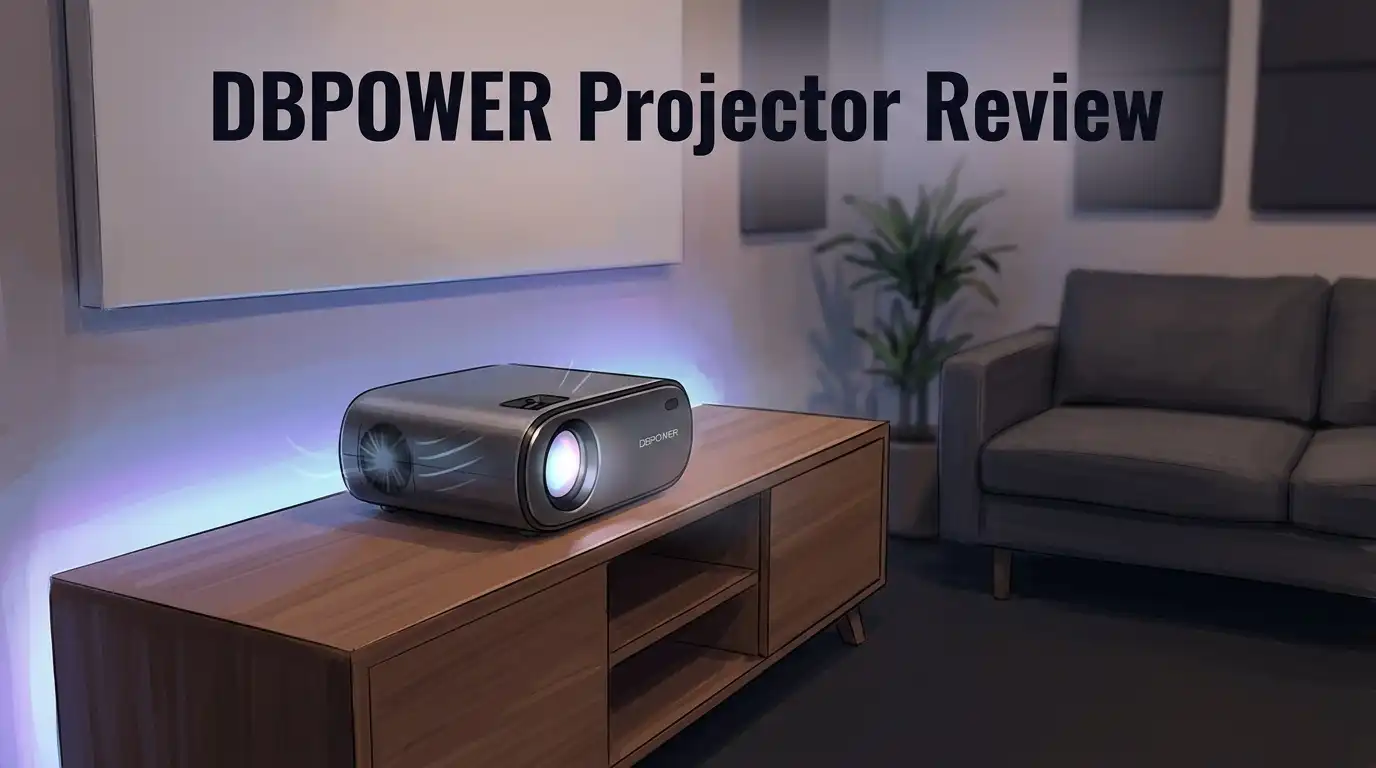
DBPOWER Projector Review 2026: Still Competitive?
Looking for a projector that fits your lifestyle? The DBPOWER projector often pops up in search results. But does it still hold up against bigger brands today?
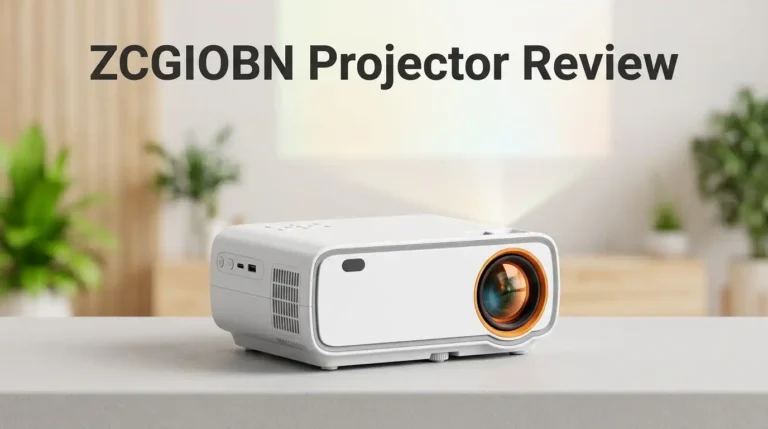
This projector brings simple features to the table. It has a 4 inch LCD TFT display and supports resolutions up to 1080p. You also get multiple ports like HDMI, USB, VGA, and AV.
Many buyers love its compact size. You can carry it easily and set it up in minutes. Some models even include WiFi and Bluetooth for wireless streaming.
In a Nutshell
- Portable design: The compact shape makes it easy to carry. You can move it room to room without hassle.
- Basic connectivity: It supports USB, VGA, HDMI, and AV inputs. This gives you flexibility with older and newer devices.
- Streaming support: The E2 model offers built in apps. You get quick access to shows without extra gadgets.
- Brightness varies: Some models offer only 120 lumens. Others go up to 1500 lumens, so output depends on which version you pick.
- Sound needs a boost: The built in speakers feel weak. Pairing it with an external speaker gives better results.
- Durability concerns: A few users report issues after long term use. It may not survive rough daily handling.
Key Specifications and Display Quality
The DBPOWER projector delivers a straightforward spec sheet that appeals to users seeking basic home entertainment. Its native resolution of 800×480 handles standard content well, though it can upscale to 1080p for compatible sources. This means you get decent clarity for casual viewing, but don’t expect the sharpness you’d find in premium projectors.
Brightness represents a key differentiator across DBPOWER’s lineup. Models range from 120 lumens on compact versions up to 1500 lumens on larger units. Lower brightness works fine in dark rooms but struggles in spaces with ambient light. If you plan daytime viewing or lit environments, check the specific model’s lumen output carefully.
The 4-inch LCD TFT display keeps the projector lightweight and portable. This compact screen technology contributes to the device’s travel-friendly nature while maintaining acceptable image quality for movie nights and presentations. The LED light source consumes less power than traditional lamp projectors, which means lower electricity bills over time.
Connectivity options give you flexibility. The DBPOWER projector accepts USB, VGA, HDMI, and AV inputs, so you can connect older devices alongside modern electronics. Some models include WiFi and Bluetooth, letting you stream content wirelessly from phones or tablets.
Audio output requires attention. Built-in speakers provide basic sound, but audiophiles and movie enthusiasts should budget for external speakers. The onboard audio feels thin and lacks the depth needed for immersive viewing experiences.
Display quality depends on your expectations. For casual movie nights, light gaming, and basic presentations, the DBPOWER projector performs adequately. The resolution and brightness suit these purposes. However, professionals needing sharp graphics or users in bright rooms may find limitations frustrating.
Durability concerns appear in long-term user reviews, particularly around the LED light source and internal components. Some users report performance issues after extended use. This suggests the projector works best for occasional entertainment rather than heavy daily operation.
Overall, the DBPOWER projector offers honest specs for entry-level buyers. You get basic features without unnecessary complexity.
![[Auto Focus/Keystone] DBPOWER Projector 4K with 5G WiFi and Bluetooth, FHD Native 1080P Outdoor Movie Projector with 4P4D/PPT/Zoom, Mini Home Projector Compatible w iOS/Android/HDMI/TV Stick](https://devicediscoveries.blog/wp-content/plugins/aawp/public/image.php?url=YUhSMGNITTZMeTl0TG0xbFpHbGhMV0Z0WVhwdmJpNWpiMjB2YVcxaFoyVnpMMGt2TXpGR0xUUlFWMWRPUTB3dVgxTk1NVFl3WHk1cWNHYz18MTc4NzQ2NjQyMQ=)
Last update on 2026-07-28 / Affiliate links / Images from Amazon Product Advertising API Some of the links on this website are affiliate links, which means that at no additional cost to you, I earn a commission if you click through and make a purchase. I only recommend products and services that I believe will add value to my readers. Thank you for your support!
Brightness and Image Performance
Brightness stands as the most critical factor when choosing a DBPOWER projector. The lineup ranges from 120 lumens on compact mini models up to 1500 lumens on larger units. This wide gap matters because it directly affects where you can use the projector.
Lower brightness models work best in dark rooms. You’ll see sharp images during evening movie nights or indoor presentations. Daytime use or well-lit spaces? These models struggle. The 120 lumen versions feel limiting for anything beyond casual viewing.
Higher output models deliver better flexibility. With 1500 lumens available on select DBPOWER units, you gain options for semi-lit environments. Bedrooms and living rooms with moderate lighting become viable. Outdoor use remains challenging across the entire lineup, though brighter models perform better than their dimmer counterparts.
The 4-inch LCD TFT display drives the image quality story. This screen size keeps the projector portable and lightweight. You sacrifice some picture clarity compared to larger displays, but portability gains make this tradeoff worthwhile for mobile users.
Resolution support varies by model. Native resolution sits at 800×480 on most DBPOWER projectors. However, many models accept 1080p input signals. The projector scales 1080p content down to its native resolution, so you won’t see true 1080p sharpness. Text appears softer than on native 1080p projectors. Movies and photos still look acceptable for casual viewing.
Color accuracy remains average across DBPOWER’s range. The LED light source produces decent color reproduction without professional-grade precision. Contrast ratios are respectable but not exceptional. Shadows show detail, and bright scenes don’t wash out completely.
Real-world performance depends on your room conditions. Dark spaces maximize brightness perception. Light control through curtains or blinds helps significantly. Expectation management matters here. DBPOWER projectors deliver solid entry-level performance. They won’t match premium brands in brightness or resolution. For casual home entertainment and portable presentations, they perform adequately. Heavy users or professionals should consider stronger alternatives.
Connectivity and Input Options
DBPOWER projectors offer multiple connection ports that let you plug in almost any device. The standard lineup includes HDMI, VGA, USB, and AV inputs. This mix covers older laptops, streaming devices, gaming consoles, and even basic DVD players.
HDMI stands as the most popular choice for modern setups. You can connect your phone, tablet, or laptop directly without extra adapters. The VGA port serves users with older computers or presentation equipment. USB connectivity opens doors for direct file playback from flash drives or external hard drives.
The AV input works for legacy devices that many households still own. This flexibility means you won’t need to buy extra cables or converters just to get started. Real-world users appreciate this range because it eliminates frustration during setup.
WiFi and Bluetooth appear on select models like the E2 version. These wireless options let you stream content without physical cables cluttering your space. You can mirror your smartphone screen or connect to streaming apps directly. Wireless connectivity adds convenience, though connection stability depends on your router strength.
Built-in apps on certain models reduce your need for external devices. You access Netflix, YouTube, or other services straight from the projector menu. This feature works well for casual viewing but may lag compared to dedicated streaming boxes.
The 4-inch LCD TFT display connects to all these inputs smoothly. Signal processing happens quickly, so you won’t experience annoying delays between device and screen.
One limitation worth noting: the projector lacks some advanced ports found on premium models. There’s no USB-C, no DisplayPort, and no network Ethernet. These omissions reflect the entry-level positioning of DBPOWER units.
For casual movie nights or light presentations, the connectivity setup proves more than adequate. Families switching between devices appreciate the straightforward plug-and-play approach. Business users doing simple slideshows find the VGA option especially useful.
Overall, DBPOWER keeps connectivity simple and practical. You get the essentials without overwhelming complexity. This straightforward approach matches the projector’s target audience perfectly.
Top 3 Alternatives
Anker Nebula Capsule

Last update on 2026-07-24 / Affiliate links / Images from Amazon Product Advertising API Some of the links on this website are affiliate links, which means that at no additional cost to you, I earn a commission if you click through and make a purchase. I only recommend products and services that I believe will add value to my readers. Thank you for your support!
ASUS VivoBeam

Last update on 2026-07-28 / Affiliate links / Images from Amazon Product Advertising API Some of the links on this website are affiliate links, which means that at no additional cost to you, I earn a commission if you click through and make a purchase. I only recommend products and services that I believe will add value to my readers. Thank you for your support!
Epson EpiqVision Mini


Last update on 2026-07-28 / Affiliate links / Images from Amazon Product Advertising API Some of the links on this website are affiliate links, which means that at no additional cost to you, I earn a commission if you click through and make a purchase. I only recommend products and services that I believe will add value to my readers. Thank you for your support!
Portability and Design
The DBPOWER projector stands out for its compact and lightweight build. You can carry this device from room to room without strain. The 4-inch LCD TFT display keeps the overall footprint small, making it ideal for users who move their setup frequently.
The design prioritizes simplicity over complexity. The projector features a straightforward rectangular body with minimal buttons and controls. This approach means you spend less time figuring out settings and more time enjoying your content. The placement of ports on the back keeps cables organized and out of sight.
Weight matters when you transport a projector regularly. DBPOWER models weigh significantly less than traditional lamp based projectors. You can pack it into a bag for travel, backyard movie nights, or office presentations. The lightweight construction also reduces stress on mounting brackets if you choose to install one.
The exterior casing feels durable enough for casual handling. However, the plastic materials suggest this projector works best for indoor use rather than rugged outdoor conditions. Protecting it from drops and impacts remains important for long-term reliability.
Portability extends to power consumption as well. LED light sources require less energy than lamp alternatives. This means you can run the projector for extended periods without worrying excessively about electricity usage. Some models even support battery operation through external power banks, adding another layer of convenience.
Thermal management is straightforward. The cooling system operates quietly, so you won’t hear loud fan noise during movie nights. This quiet operation makes the projector suitable for bedrooms and small living spaces.
The design does have trade-offs. The compact size means limited internal components and cooling capacity. This influences brightness levels and sustained performance during longer sessions. Users in large rooms or bright environments may find the portability advantage offset by performance limitations.
Overall, the DBPOWER projector excels for users prioritizing mobility and ease of setup. The lightweight frame and simple design make it accessible for anyone new to projectors. If you value carrying your projector to different locations or want minimal setup hassle, this design philosophy delivers exactly that.
Audio Quality and Built-in Features
The DBPOWER projector includes built-in speakers that handle basic audio output. These speakers deliver sound suitable for casual viewing in small rooms. However, they fall short for serious movie watching or presentations requiring clear, powerful audio.
The speaker system produces tinny, thin sound at higher volumes. Dialogue becomes harder to understand during action scenes. Bass response is minimal, which affects your overall experience. You’ll notice the audio limitation immediately if you’re accustomed to quality sound systems.
For better results, connect external speakers through the audio jack. This simple step transforms your listening experience dramatically. Most users pair the projector with a soundbar or small Bluetooth speaker. The connection process takes just seconds and costs you nothing extra in setup time.
Built-in features vary significantly across DBPOWER models. The E2 version includes streaming apps like Netflix and YouTube. This means you can watch content without connecting a separate device. Other models require you to plug in a streaming stick or laptop.
WiFi connectivity appears on select models, allowing wireless screen mirroring. Bluetooth support lets you connect headphones or wireless speakers easily. These features add convenience for modern users who expect wireless options.
The USB port supports media playback from flash drives. You can display photos, videos, and documents directly. The HDMI input remains the fastest way to connect laptops or gaming consoles. VGA works for older computers that still use this connection type.
The audio weakness represents the biggest trade-off in the DBPOWER design. The company prioritized portability and affordability over sound quality. This choice makes sense for entry-level buyers who plan to add external speakers anyway.
If audio quality matters most to you, budget accordingly for a separate speaker system. The projector itself handles the visual side competently. Pairing it with decent audio equipment creates a complete home theater setup. Many owners report satisfaction once they upgrade the speakers independently.
Pros and Cons
Pros
- Lightweight and portable design makes it easy to move between rooms or take on trips
- LED light source uses less power than traditional lamp projectors
- Multiple input options (HDMI, USB, VGA, AV) work with most devices you already own
- Select models include WiFi and streaming apps built in
- Simple setup process requires minimal technical knowledge
Cons
- Brightness maxes out at 120 lumens on mini models, making it hard to use in bright rooms
- Built-in speakers sound thin and tinny, especially at higher volumes
- Native resolution stays at 800×480, which limits sharpness on larger screens
- Long-term durability concerns appear in extended user reviews
Who Should Buy It
The DBPOWER projector works best for specific user groups with clear needs and expectations.
First, consider this projector if you travel frequently or move between rooms often. The compact size and lightweight design make it simple to pack into a bag or carry by hand. You won’t struggle with heavy equipment or complicated setup procedures. This matters if you present at multiple locations or want a projector that doesn’t stay in one place.
Second, the DBPOWER fits well for casual home use in darker spaces. Bedrooms, basements, or home theaters with controlled lighting work great. The brightness levels suit dimly lit environments where you watch movies or stream content. Bright living rooms or outdoor settings will disappoint you because the light output cannot compete with sunlight or strong indoor lighting.
Third, you should buy this model if you already own external speakers. The built-in audio system sounds thin and weak. Adding a quality speaker setup transforms the viewing experience. If you’re willing to invest in separate audio equipment, the DBPOWER becomes a more complete solution.
Fourth, this projector appeals to budget conscious buyers who want to test projector technology without major commitment. You get a functional device that handles basic streaming, presentations, and movie watching. Think of it as an entry point into the projector world rather than a permanent, high performance solution.
Fifth, the DBPOWER works for users who prioritize portability over image sharpness. The 800×480 native resolution won’t deliver razor sharp details on large screens. If you watch movies casually and don’t need cinema quality visuals, this limitation matters less.
Finally, avoid this projector if you need brightness for daytime use, pristine image quality, or premium audio. Skip it if you plan to leave the projector stationary in one room permanently. Professional presentations requiring high resolution displays also demand a different device.
The DBPOWER serves casual, mobile users perfectly. It fails for demanding environments and quality focused buyers. Know your actual needs before deciding.
Final Verdict
So is the DBPOWER projector still competitive? The answer depends on what you need from a projector today.
This model holds its ground in a crowded market. It offers simple functionality without complicated menus or confusing setups. Anyone can plug it in and start watching within minutes.
Modern alternatives from Epson and Optoma push higher resolution and brighter output. DBPOWER competes differently. It focuses on ease of use and casual entertainment rather than cinema level performance.
Think about your viewing habits before deciding. Do you watch movies in a dark room or use projectors for quick presentations? If yes, this model handles those tasks well.
Compare that to someone who wants crisp visuals for gaming or sports. In that case, other brands might serve you better.
The DBPOWER projector fits a specific niche. It works for people who want a no fuss viewing experience. It suits those who don’t need professional grade image quality.
Technology moves fast, and newer models keep raising the bar. Still, this projector holds relevance for casual users and first time buyers. It remains a solid entry point into projector ownership.
Your final decision should match your expectations. Set realistic goals before you buy. Know what this projector can and cannot do.
If you want something simple, portable, and easy to use, this projector delivers. If you demand sharp image quality and premium sound, look elsewhere.
Every projector has trade offs. The DBPOWER makes its trade offs clear from the start. That honesty makes it a reasonable choice for the right buyer.
In short, the DBPOWER projector stays relevant for basic home entertainment. It won’t replace high end projectors, but it doesn’t try to. Choose it for convenience, not for cutting edge performance. That is where it truly shines.
Frequently Asked Questions
Can I use the DBPOWER projector in a bright room?
Not ideally. The mini models produce only 120 lumens, which struggles against natural sunlight or strong overhead lighting. You’ll see a washed-out image in bright spaces. For best results, use this projector in dimly lit rooms or at night. If you need brightness for daytime viewing, consider competitors like Epson or Optoma instead.
What audio quality should I expect?
The built-in speakers deliver thin, tinny sound. They work for casual movie nights but lack depth and volume. Pairing this projector with external speakers is highly recommended. A simple Bluetooth speaker or soundbar transforms the viewing experience significantly. Many owners upgrade their audio setup right after purchase.
Does it support high resolution content?
The native resolution sits at 800×480 pixels. While it can upscale to 1080p content, the output won’t be truly sharp. Text appears blurry on larger screens, and gaming or sports viewing shows pixelation. If crisp visuals matter to you, this projector has limitations compared to newer models.
Which input options does it have?
This projector includes HDMI, USB, VGA, and AV ports. You can connect laptops, phones, tablets, and streaming devices easily. Select models add WiFi and Bluetooth for wireless content. Most devices you already own will work with this projector without adapters.
Is this projector durable for long term use?
Extended user reviews mention durability concerns over time. The LED light source lasts longer than traditional lamps, but some units show wear after heavy use. Buy from sellers with good return policies if durability worries you.

Hello everyone my name is Alenya and i am a gadget discovering Enthusiast 🐻🐻