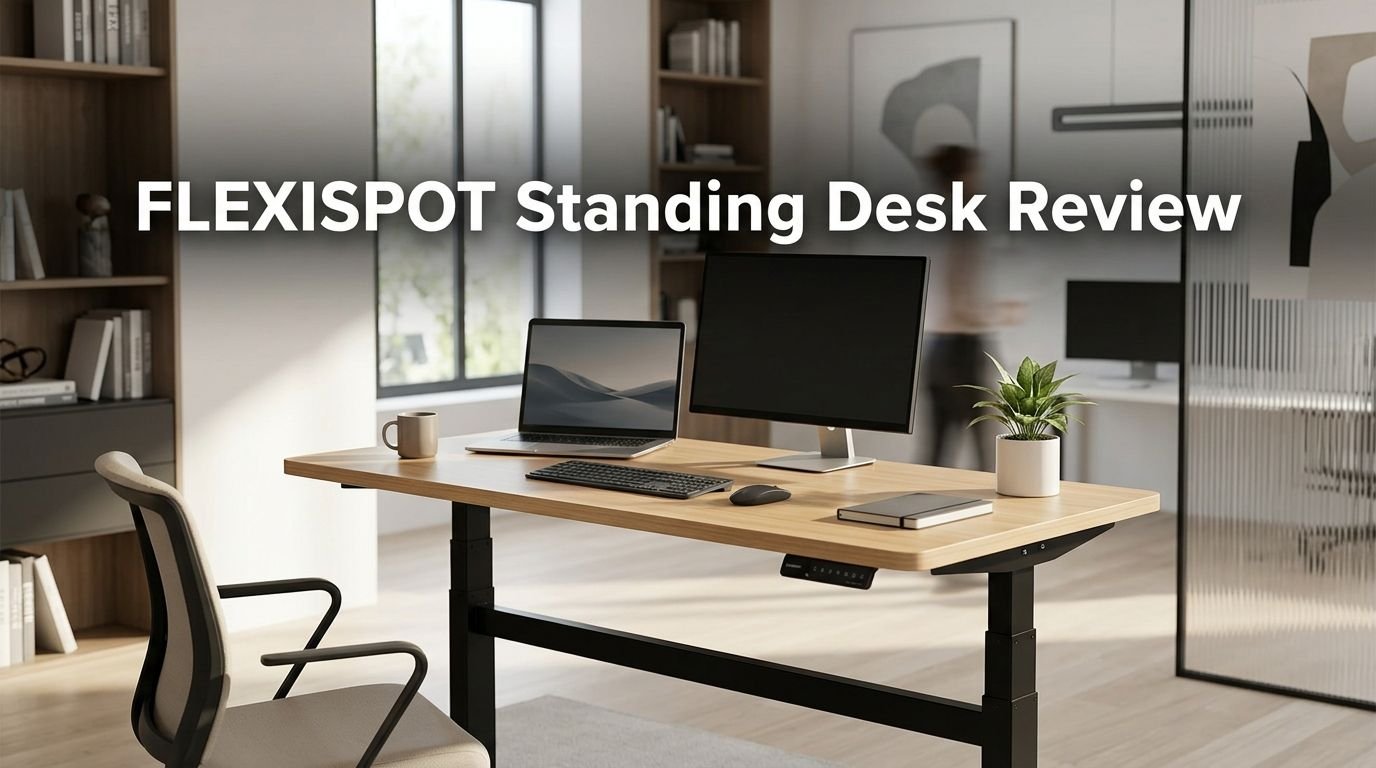
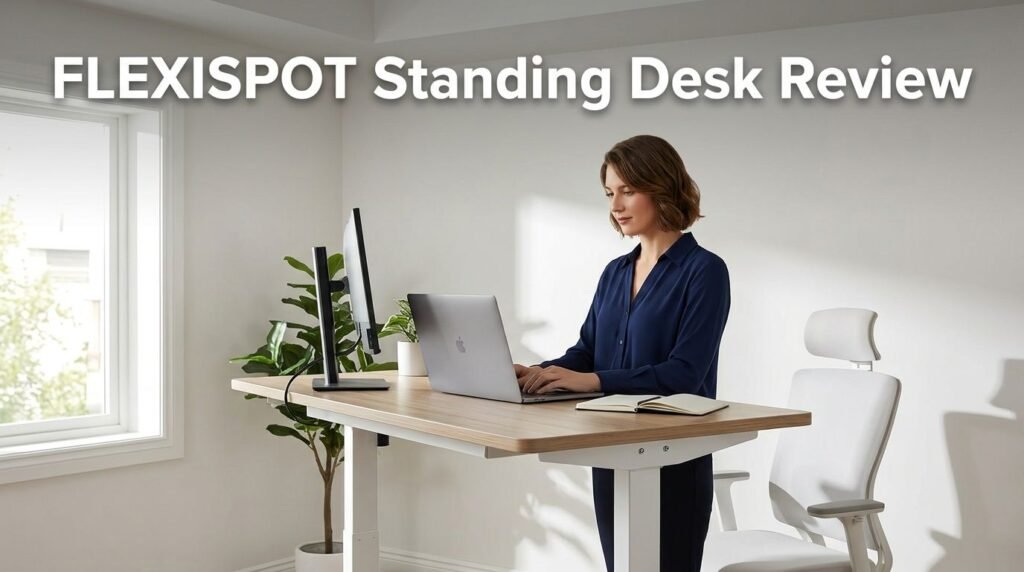
FLEXISPOT Standing Desk Review 2026: Live Up To The Hype?
Are you tired of sitting all day and feeling stiff by 5 PM? You are not alone. Millions of remote workers and office employees deal with back pain, poor posture, and low energy from long hours at a regular desk.
The FLEXISPOT Standing Desk has been a fan favorite for years, and the buzz around it has only grown louder in 2026. But does it truly live up to the hype?
In this in-depth review, we break down everything about the FLEXISPOT Standing Desk lineup. We cover the build quality, motor performance, stability, price, and real user feedback.
Key Takeaways
- FLEXISPOT offers a wide range of standing desks that fit budgets from under $300 to over $600. The EN1, E7 Pro, E6 MAX, and Comhar are the most popular models right now. Each one targets a different type of user, from budget shoppers to power users.
- The dual motor system on premium models like the E7 Pro delivers smooth, quiet height adjustments. Noise levels stay under 45 dB, and the motor can lift up to 440 lbs on higher-end frames. This makes it one of the strongest options in its price range.
- Assembly is simple and takes about 30 to 60 minutes for most users. FLEXISPOT includes clear instructions and all the hardware you need. Some models even come with a one-piece desktop, which cuts setup time.
- Build quality uses industrial-grade steel for the frame and high-quality MDF or bamboo for the desktop. The desks feel solid at both sitting and standing heights with minimal wobble.
- Memory presets let you save your favorite heights so you can switch between sitting and standing with a single button press. Most models offer 3 to 4 programmable presets.
- FLEXISPOT backs its desks with strong warranties, often ranging from 5 to 15 years depending on the model. Customer service reviews are generally positive across Amazon and Reddit.
FLEXISPOT EN1 Standing Desk Overview
The FLEXISPOT EN1 is the entry-level model that has won over thousands of budget-conscious buyers. It comes with a 48 x 24 inch one-piece desktop and a single motor frame. The height range adjusts from about 28 inches to 47.6 inches, which suits most people between 4’10″ and 6’3″.
The EN1 uses a single motor system that lifts up to 154 lbs. That is more than enough for a dual monitor setup, a laptop, and desk accessories. The motor runs quietly, and the transition from sitting to standing takes only a few seconds.
Check Out The Product Here
Check Out The Product Here
One standout feature of this model is the seamless one-piece desktop. Unlike desks that ship with a split board, this one arrives as a single slab. That means no gaps, no alignment issues, and a cleaner look. The desktop material is a thick, scratch-resistant MDF with a smooth finish.
The control panel sits on the right side of the desk and includes up/down buttons and memory presets. You can save your preferred sitting and standing heights and recall them instantly. This small detail makes daily use much more convenient.
For the price, the EN1 is hard to beat. It does not have the dual motor power or the highest weight capacity, but it covers the essentials well. If you want a reliable electric standing desk under $300, this one should be on your short list.
Build Quality and Materials
FLEXISPOT uses industrial-grade steel for the desk frame across its entire product line. The legs feature a powder-coated finish that resists scratches and rust. Even the entry-level EN1 frame feels heavy and solid right out of the box.
The desktop options vary by model. The EN1 and EN2 use high-density MDF with a laminate coating. The E6 MAX and E7 Pro offer bamboo tops as an option. Bamboo is harder, more sustainable, and gives the desk a premium look.
The welding on the frame joints is clean and consistent. There are no rough edges or visible defects on the steel parts. The crossbar that connects the two legs adds extra support and reduces side-to-side movement.
The cable management tray on higher-end models is a nice touch. It keeps power cords and cables hidden under the desk. This helps your workspace look tidy and organized.
Overall, the build quality matches or exceeds many desks that cost $100 to $200 more. FLEXISPOT has clearly invested in material sourcing and quality control. You get a product that feels built to last for years of daily use.
Motor Performance and Noise Levels
The motor is the heart of any electric standing desk. FLEXISPOT offers single motor and dual motor configurations depending on the model you choose. The EN1 runs on a single motor, while the E7 Pro and E6 MAX use dual motors.
Dual motors provide faster lifting speed and higher weight capacity. The E7 Pro can lift up to 440 lbs and moves at roughly 1.5 inches per second. The EN1 single motor handles up to 154 lbs at a slightly slower pace.
Noise is a big concern for people who share a workspace or take calls at their desk. FLEXISPOT motors operate at under 45 dB, which is quieter than a normal conversation. You can raise or lower the desk during a Zoom call without anyone noticing.
The motors also include anti-collision technology. If the desk hits an obstacle while moving, it automatically stops and reverses. This protects your equipment, pets, and anything stored under the desk.
Motor longevity is another strong point. FLEXISPOT rates its motors for over 10,000 cycles, which translates to many years of daily use. Combined with the long warranty, this gives you solid peace of mind.
FLEXISPOT E6 MAX Standing Desk Review

Last update on 2026-04-18 / Affiliate links / Images from Amazon Product Advertising API Some of the links on this website are affiliate links, which means that at no additional cost to you, I earn a commission if you click through and make a purchase. I only recommend products and services that I believe will add value to my readers. Thank you for your support!
The FLEXISPOT E6 MAX is a mid-range powerhouse. It features a 55 x 28 inch bamboo desktop, dual motors, and a 3-stage lifting column. The weight capacity reaches 330 lbs, which handles heavy equipment with ease.
The E6 MAX comes with built-in cable management and locking caster wheels. The wheels let you reposition the desk without heavy lifting. Lock them in place, and the desk stays put with zero movement.
Height adjustment on this model ranges from about 24.4 inches to 50 inches. That is a wider range than most competitors offer. Taller users and shorter users both benefit from this extended range.
The bamboo desktop feels premium and looks great in any home office. It is a single-piece design, so there are no seams or gaps. The surface is smooth, water-resistant, and easy to clean.
The control panel includes 4 memory presets, an up/down toggle, and a sit/stand reminder. The reminder nudges you to change positions after a set time period. This is a small feature that has a big impact on your daily health habits.
For anyone who wants a step up from the EN1 without paying E7 Pro prices, the E6 MAX hits a sweet spot. It offers premium features at a mid-range cost.
Top 3 Alternatives for FLEXISPOT Standing Desk
If FLEXISPOT does not check every box for you, these three alternatives are worth a close look. Each one brings something different to the table.
1. FEZIBO Electric Standing Desk (48 x 24 Inches)


Last update on 2026-08-31 / Affiliate links / Images from Amazon Product Advertising API Some of the links on this website are affiliate links, which means that at no additional cost to you, I earn a commission if you click through and make a purchase. I only recommend products and services that I believe will add value to my readers. Thank you for your support!
The FEZIBO is one of the most popular budget standing desks on Amazon. It offers electric height adjustment, a clean design, and a price tag that often dips below $200. The motor supports heights from 28.3 inches to 46.5 inches. It is a strong pick if you want an affordable first standing desk.
2. VIVO Electric 60 x 24 Inch Standing Desk

Last update on 2026-06-30 / Affiliate links / Images from Amazon Product Advertising API Some of the links on this website are affiliate links, which means that at no additional cost to you, I earn a commission if you click through and make a purchase. I only recommend products and services that I believe will add value to my readers. Thank you for your support!
VIVO is known for solid, no-frills office furniture. This 60-inch model gives you extra workspace for multi-monitor setups. The all-steel frame supports up to 220 lbs, and the memory controller stores your preferred heights. It offers great value in the mid-price segment.
3. UPLIFT V2 Commercial Standing Desk Frame

Last update on 2026-07-12 / Affiliate links / Images from Amazon Product Advertising API Some of the links on this website are affiliate links, which means that at no additional cost to you, I earn a commission if you click through and make a purchase. I only recommend products and services that I believe will add value to my readers. Thank you for your support!
The UPLIFT V2 is a premium option with German-made dual motors, a 355 lb lifting capacity, and advanced anti-collision technology. The height range goes from 21.6 inches to 47.7 inches. It is a top choice for users who want maximum stability and customization.
Height Adjustment Range and Flexibility
One area where FLEXISPOT stands out is height adjustment range. The E7 Pro covers roughly 22.8 inches to 48.4 inches. The E6 MAX goes from 24.4 inches to 50 inches. These ranges accommodate users from about 4’2″ to well over 6’4″.
Most competitors offer a narrower window. A wider range means the desk works for more body types and chair setups. It also means you can use a drafting stool or a tall office chair without maxing out the height setting.
The 3-stage lifting column on premium models provides this extended range. Budget models like the EN1 use a 2-stage column with a slightly smaller range but still cover the vast majority of users.
Switching between heights is fast. The dual motor models move at about 1.5 inches per second. You go from a full sit position to a standing position in roughly 10 to 12 seconds. That speed removes any friction from your sit-stand routine.
The programmable memory presets save your exact heights. You press one button, and the desk moves to your saved position. No guessing, no holding the button, no checking measurements.
Desktop Size and Surface Options
FLEXISPOT offers multiple desktop sizes across its lineup. The most common sizes include 48 x 24, 55 x 28, and 60 x 30 inches. Some models like the E7 Pro even go up to 71 x 32 inches for users with large multi-monitor setups.
The surface materials include MDF laminate, bamboo, and solid wood options. The MDF laminate is the most affordable and comes in colors like white, black, and maple. Bamboo offers a more natural look and better durability.
The one-piece desktop design on newer models is a major improvement. Older standing desks often shipped with a two-piece board that you had to align and bolt together. FLEXISPOT has moved away from that approach on most current models.
Each desktop is about 1 inch thick, which provides solid support without sagging. The edges are rounded and smooth, so there are no sharp corners to worry about. This matters if you have kids around or tend to bump into your desk.
If you need a larger work surface, the E6 MAX and E7 Pro models give you that extra room. The bigger desktops make it easy to spread out paperwork, use a drawing tablet, or run a triple monitor display.
Stability and Wobble Test
Stability is the number one complaint people have about cheap standing desks. FLEXISPOT addresses this with wide-set legs, heavy steel frames, and crossbar support. The result is a desk that stays firm at both sitting and full standing height.
At maximum height, there is a slight amount of lateral movement. This is normal for any two-leg standing desk. However, it is far less noticeable on FLEXISPOT models compared to brands in the same price range.
The E7 Plus and E7 Plus MAX models take stability further with a four-leg design. These models hold up to 440 lbs and 660 lbs respectively. They are almost immovable at any height.
For the standard two-leg models, the crossbar is the key. It connects the two legs near the floor and acts like a stabilizer. Without it, the desk would sway more during typing or mouse movement.
If stability is your top concern, look at the E7 series or the E6 MAX. Both deliver strong performance during everyday tasks like typing, writing, and video calls.
Assembly Process and Setup Time
FLEXISPOT desks arrive in one or two boxes depending on the model. The desktop usually comes in its own box, and the frame parts come in another. All hardware, screws, and an Allen wrench are included.
The instructions are clear with labeled diagrams and step-by-step photos. You do not need advanced DIY skills. A basic understanding of screwdrivers and bolts is all you need. A power drill makes the job faster but is not required.
Most users report assembly times between 30 and 60 minutes. Models with a one-piece desktop save time because you skip the step of aligning and bolting two boards together. The EN1 and Comhar models are especially quick to set up.
The heaviest part of the process is flipping the desk upright after attaching the legs. The frame and desktop together can weigh 60 to 90 lbs depending on the model. Having a second person helps, but it is doable alone.
Once assembled, you plug the desk into a wall outlet, and the motor is ready to go. There is no calibration or software setup required. Press the up or down button, and the desk starts moving right away.
FLEXISPOT Comhar Standing Desk with Drawers

Last update on 2026-07-04 / Affiliate links / Images from Amazon Product Advertising API Some of the links on this website are affiliate links, which means that at no additional cost to you, I earn a commission if you click through and make a purchase. I only recommend products and services that I believe will add value to my readers. Thank you for your support!
The FLEXISPOT Comhar is a unique option in the lineup because it includes built-in drawers and USB charging ports. It targets users who want a clean, all-in-one desk without extra accessories.
The desktop measures 48 x 24 inches and is made from FSC-certified wood with an industrial-grade steel frame. The height range goes from 28.3 inches to 47.6 inches. The motor lifts up to 110 lbs.
The built-in drawer runs along the front of the desk and provides storage for pens, notebooks, cables, and small gadgets. It keeps your desktop free of clutter. The drawer slides smoothly and feels well-built.
USB-A and USB-C ports are integrated into the desk surface. You can charge your phone, tablet, or earbuds without plugging into a wall outlet or power strip. This is a feature you will not find on most competing desks at this price.
The Comhar also comes in a glass-top version for a more modern look. The tempered glass is durable and easy to wipe clean. It adds a sleek visual touch to any office setup.
If you value organization and built-in features, the Comhar is one of the smartest picks in the FLEXISPOT family. It costs slightly more than the EN1 but delivers a lot of extra utility.
Warranty and Customer Support
FLEXISPOT offers some of the longest warranties in the standing desk industry. The E7 Pro and E6 MAX come with a 15-year warranty on the frame and a 5-year warranty on the motor. The EN1 and Comhar models carry a 5-year overall warranty.
The warranty covers defects in materials and workmanship. This includes motor failure, frame bending, and control panel malfunction. Normal wear and tear on the desktop surface is typically not covered.
Customer support is available through email, phone, and the FLEXISPOT website. Response times are generally fast, with most users reporting a reply within 24 to 48 hours. Amazon buyers can also use Amazon’s return and refund process for the first 30 days.
Many users on Reddit and Amazon reviews praise FLEXISPOT for handling warranty claims quickly. Some report receiving replacement parts within a week. Others have received partial refunds for minor cosmetic issues.
This strong warranty is a big reason why FLEXISPOT competes so well against pricier brands. You get long-term protection without paying a premium price.
Who Should Buy the FLEXISPOT Standing Desk?
The FLEXISPOT lineup covers a broad audience. The EN1 is perfect for first-time standing desk buyers who want a reliable, affordable option. It works well for students, freelancers, and anyone setting up a basic home office.
The E6 MAX suits mid-level users who want more power, a bigger desktop, and features like cable management and caster wheels. It is a solid choice for professionals who spend 8+ hours at their desk each day.
The E7 Pro targets power users who need the highest weight capacity, the quietest motor, and the widest height range. It is ideal for creators, engineers, and multi-monitor setups.
The Comhar is best for people who value organization. Its built-in drawers and USB ports make it great for small spaces where every inch counts. It also appeals to users who prefer a cleaner, more modern aesthetic.
If you have back pain, poor posture, or low energy from sitting all day, any FLEXISPOT model can help. Standing desks encourage movement throughout the day. Even alternating between sitting and standing for 20 minutes at a time can reduce discomfort and boost focus.
FLEXISPOT Standing Desk Pros and Cons
Pros:
The desks offer excellent value for money at every price point. Build quality is strong across the lineup. Motor noise stays low, and the anti-collision feature adds safety. The memory presets save time and make daily sit-stand transitions effortless. Warranty coverage is among the best you will find.
Assembly is straightforward with clear instructions and included hardware. The one-piece desktop design on newer models eliminates common alignment headaches. Desktop options range from budget MDF to premium bamboo.
Cons:
The EN1 single motor has a lower weight capacity of 154 lbs, which may not suit heavy equipment setups. At maximum standing height, there is minor wobble on two-leg models, though it is typical for this desk category. The Comhar’s 110 lb weight limit is also on the lower side.
Some users report that the desktop edges can chip if hit hard during a move. The cable management tray is only included on select models, not the entire lineup. Customer support is good but phone support hours can be limited.
These cons are minor in the big picture. No standing desk is flawless, and FLEXISPOT manages to keep its downsides small relative to the price you pay.
Final Verdict: Is FLEXISPOT Worth It in 2026?
Yes, FLEXISPOT remains one of the best standing desk brands in 2026. The combination of build quality, motor performance, and pricing is hard to match. Whether you spend $250 on the EN1 or $550 on the E7 Pro, you get a desk that performs above its price class.
The brand has improved its product line steadily over the years. The shift to one-piece desktops, quieter motors, and longer warranties shows that FLEXISPOT listens to customer feedback. The addition of built-in USB ports on the Comhar line is another smart move.
If you want the best balance of price and features, the E6 MAX is our top pick. If you want the cheapest reliable option, grab the EN1. And if you want maximum power and stability, the E7 Pro delivers.
Standing desks are no longer a luxury item. They are a health tool. FLEXISPOT makes that tool accessible to almost every budget. Your back, your energy, and your focus will thank you for making the switch.
Frequently Asked Questions
Is FLEXISPOT a good standing desk brand?
Yes. FLEXISPOT is one of the most popular and well-reviewed standing desk brands on Amazon and across review sites. The company has been in the ergonomic furniture space for over a decade. Users consistently praise the build quality, motor reliability, and overall value. The brand offers strong warranties that back up its claims.
How long does a FLEXISPOT standing desk last?
FLEXISPOT rates its desk frames for up to 13 to 15 years of regular use. The motors are tested for over 10,000 lifting cycles. With normal daily use of 3 to 5 adjustments per day, the desk should last well beyond 10 years. The frame warranty on premium models extends to 15 years.
Can I use a FLEXISPOT standing desk with a treadmill?
Yes. Many users pair their FLEXISPOT desk with an under-desk treadmill. The height range on models like the E6 MAX and E7 Pro goes high enough to accommodate walking while working. Just make sure the desk is stable and your monitor is at eye level during treadmill use.
How loud is the FLEXISPOT motor?
FLEXISPOT motors operate at under 45 dB, which is comparable to the sound of a quiet library. You can adjust the desk height during phone calls or video meetings without causing any distraction. Dual motor models tend to be slightly quieter than single motor models because the load is distributed evenly.
Does FLEXISPOT offer free shipping?
FLEXISPOT offers free shipping on most models sold through Amazon. Orders placed directly on the FLEXISPOT website may also qualify for free shipping depending on the promotion. Delivery times typically range from 3 to 7 business days within the United States.
Which FLEXISPOT model is best for a small room?
The FLEXISPOT Comhar with its 48 x 24 inch desktop is ideal for small rooms. It has a compact footprint and includes built-in storage drawers, so you do not need extra organizers or shelves. The EN1 at the same desktop size is another great option for tight spaces.

Hello everyone my name is Alenya and i am a gadget discovering Enthusiast 🐻🐻