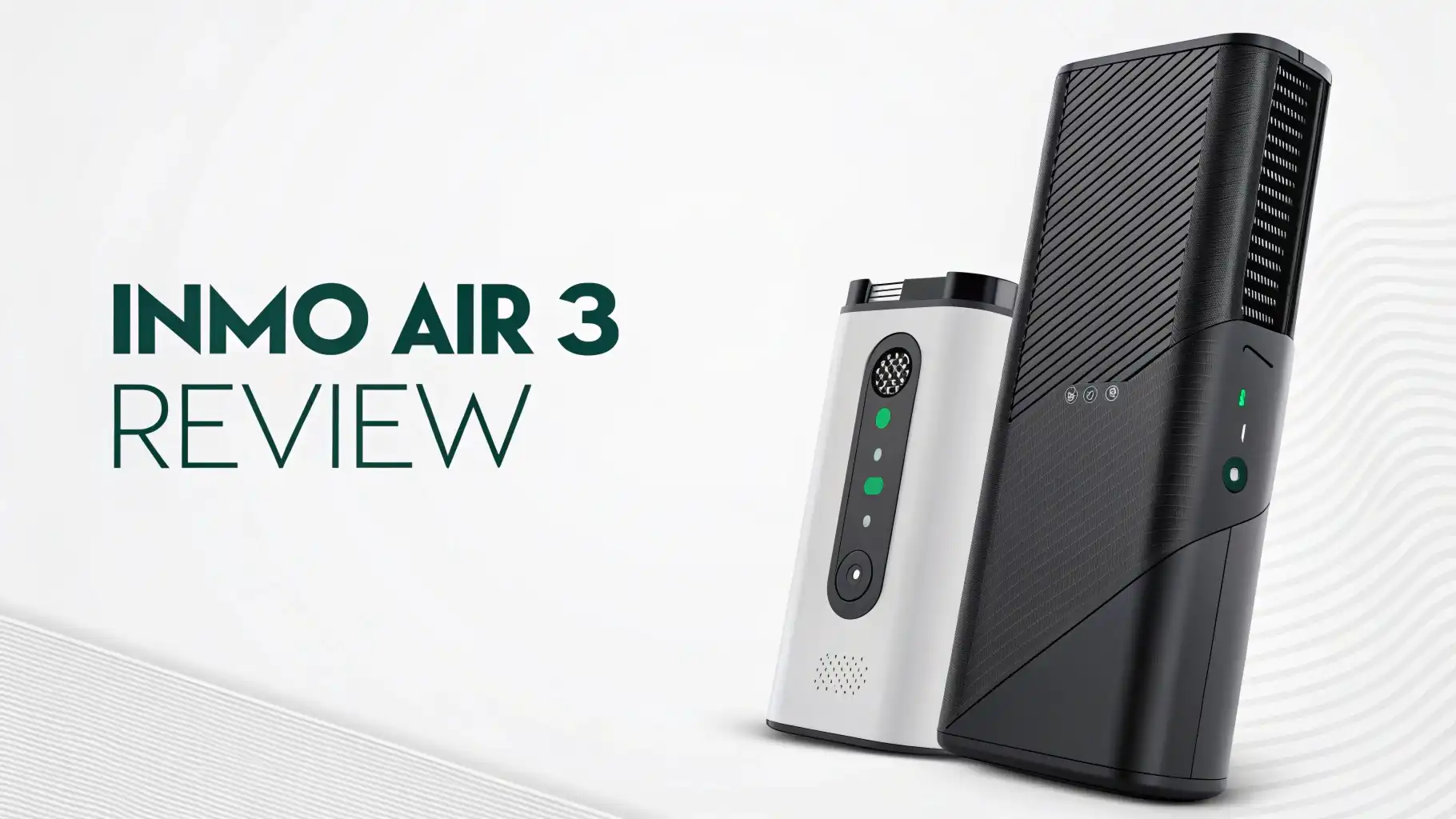
INMO Air 3 Review: Is It Really the #1 Choice?
Are you tired of staring at your phone screen all day? Do you dream of having a massive display that follows you everywhere without the bulk of a VR headset?
The INMO Air 3 smart glasses might be exactly what you’ve been waiting for. These futuristic AR glasses promise to bring a 150-inch virtual screen right before your eyes.
But do they actually deliver on this bold promise? After testing these cutting-edge smart glasses extensively, I’m here to share everything you need to know before you hit that buy button.
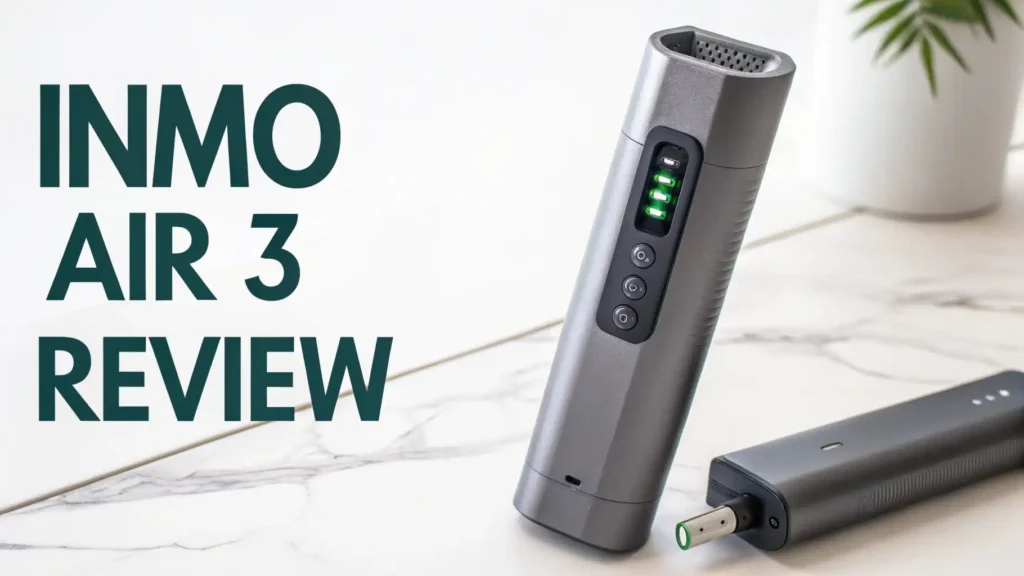
Key Takeaways:
- Display Quality is Outstanding: The INMO Air 3 features the world’s first 1080P full-color waveguide display with Sony Micro-OLED technology. This means you get crystal-clear visuals with vibrant colors and excellent privacy, even in bright sunlight thanks to 600 nits of brightness.
- True All-in-One Freedom: Unlike many AR glasses that require a phone connection, these glasses run independently on Android 14 with a powerful Qualcomm Snapdragon processor. You get 8GB RAM and 128GB storage, making them feel more like wearing a smartphone on your face.
- Battery Reality Check: The 660mAh battery provides around 1.5 to 2 hours of active video use or up to 7 hours of general standby time. This is the biggest limitation, but it’s comparable to other devices in this category.
- Premium Price Point: Currently available for pre-order at $999 (reduced from $1,099 with the code INMO2026), these glasses sit at the higher end of the smart glasses market. You’re paying for cutting-edge technology and independence from tethered devices.
- Content Creator Features: With a 16MP ultra-wide camera, built-in ChatGPT integration, and the ability to record your POV, these glasses offer unique advantages for creators, professionals, and anyone who wants hands-free AI assistance.
- Shipping Timeline: These are pre-order items with expected shipments in late January 2026, so patience is required if you want to be among the first adopters.

Last update on 2026-08-28 / Affiliate links / Images from Amazon Product Advertising API Some of the links on this website are affiliate links, which means that at no additional cost to you, I earn a commission if you click through and make a purchase. I only recommend products and services that I believe will add value to my readers. Thank you for your support!
What Makes INMO Air 3 Different from Other Smart Glasses
The smart glasses market is crowded with options, but the INMO Air 3 stands out for several compelling reasons.
Most AR glasses on the market fall into two categories: simple display glasses that mirror your phone screen, or AI-assistant glasses like Meta Ray-Ban that lack visual displays. The INMO Air 3 bridges this gap beautifully.
What sets these glasses apart is their standalone capability. You don’t need to keep your phone in your pocket or connect to a computer. Everything runs directly on the glasses themselves.
This means you can leave your house with just the INMO Air 3 and still browse the web, watch videos, play games, and interact with AI assistants. The waveguide display technology also ensures that your screen content remains private. People around you cannot see what you’re viewing, unlike projection-based systems.
Design and Comfort: Can You Really Wear These All Day
The INMO Air 3 weighs approximately 135 grams, which makes them noticeably heavier than regular sunglasses but lighter than many VR headsets.
The weight is distributed fairly well across the frame, though extended wear sessions might cause some pressure on your nose bridge. The global version features a dual-pad nose design specifically engineered for improved comfort during longer sessions.
The aesthetic design strikes a balance between tech-forward and wearable. These glasses definitely look futuristic, but they’re not as bulky as some competing AR headsets.
The flat-lens design makes them more portable and less conspicuous than previous generations. The frames are constructed from upgraded PA material, offering better durability than the ABS+PC used in earlier Chinese versions.
One thoughtful touch is the included sunglasses clip that attaches magnetically to the frames. This makes the INMO Air 3 practical for outdoor use, protecting your eyes while you enjoy content in bright conditions.
Display Technology: How Good is That 1080P Screen Really

Last update on 2026-08-28 / Affiliate links / Images from Amazon Product Advertising API Some of the links on this website are affiliate links, which means that at no additional cost to you, I earn a commission if you click through and make a purchase. I only recommend products and services that I believe will add value to my readers. Thank you for your support!
The display is where the INMO Air 3 truly shines. The 1080P full-color waveguide display combines a Sony Micro-OLED screen with 1D expanded exit pupil technology.
In practical terms, this means you get a virtual display equivalent to viewing a 150-inch screen from about 13 feet away. The colors are vibrant, blacks are deep, and text remains readable even at smaller sizes.
The 36-degree field of view (FOV) might seem modest compared to VR headsets, but for AR glasses, it’s actually quite substantial.
This FOV provides enough screen real estate for comfortable video watching and productivity work without overwhelming your peripheral vision. You can still see the real world around you, which is essential for safety and social interaction.
Brightness reaches up to 600 nits, adjustable to suit different environments. I tested these glasses outdoors in direct sunlight, and content remained visible and enjoyable.
Top 3 Alternatives for INMO Air 3
Last update on 2026-08-28 / Affiliate links / Images from Amazon Product Advertising API Some of the links on this website are affiliate links, which means that at no additional cost to you, I earn a commission if you click through and make a purchase. I only recommend products and services that I believe will add value to my readers. Thank you for your support!

Last update on 2026-08-28 / Affiliate links / Images from Amazon Product Advertising API Some of the links on this website are affiliate links, which means that at no additional cost to you, I earn a commission if you click through and make a purchase. I only recommend products and services that I believe will add value to my readers. Thank you for your support!

Last update on 2026-08-28 / Affiliate links / Images from Amazon Product Advertising API Some of the links on this website are affiliate links, which means that at no additional cost to you, I earn a commission if you click through and make a purchase. I only recommend products and services that I believe will add value to my readers. Thank you for your support!
Performance and Processing Power: What Can These Glasses Actually Do
Under the hood, the INMO Air 3 runs on a Qualcomm Snapdragon 8-core processor paired with 8GB of RAM and 128GB of storage.
This configuration puts these glasses on par with mid-range smartphones from a few years ago. For most AR applications, media consumption, and productivity tasks, this hardware proves more than adequate.
The glasses run Android 14, which provides access to millions of apps through Google Play Store. I tested popular apps like YouTube, Netflix, and various productivity tools, and they all ran smoothly.
The IMOS 3.0 spatial operating system overlay adds AR-specific features and controls that make navigating content intuitive even without a traditional touchscreen.
Gaming performance depends heavily on the titles you choose. Retro games and emulators for systems like SNES and Neo Geo run flawlessly.
Cloud gaming services work well when you have a stable internet connection, effectively turning the INMO Air 3 into a portable gaming device with a massive virtual screen. However, graphics-intensive native Android games may push the hardware limitations, causing occasional frame drops or stuttering.
AI Integration: ChatGPT and Smart Features That Actually Help
One of the most compelling aspects of the INMO Air 3 is its deep AI integration. ChatGPT is built directly into the system, accessible through voice commands.
You can ask questions, request information, or have conversations with the AI assistant while going about your day. The responses appear on your virtual display, creating a truly hands-free AI interaction experience.
The real-time translation feature uses a combination of the camera and AI to translate text in your environment. Point the glasses at a foreign language menu, street sign, or document, and watch as translations appear overlaid on your display.
This feature is particularly valuable for travelers or anyone working in multilingual environments. The system supports 11 languages, covering most common use cases.
The INMO Agent development platform, based on the open-source n8n project, allows users to customize or create their own AI agents. This opens up fascinating possibilities for personalized automation and workflows.
Whether you want an agent that summarizes articles, manages your schedule, or provides contextual information based on what you’re looking at, the platform provides the tools to build it.
Battery Life: The Reality of Portable AR Power
Let’s address the elephant in the room: battery life is the INMO Air 3’s most significant limitation. The 660mAh battery provides vastly different runtimes depending on usage patterns.
For general use with minimal screen activity, you might squeeze out the advertised 7 hours of standby time. However, active video watching drains the battery in approximately 1.5 to 2 hours.
Recording video or gaming reduces runtime even further, with intensive use consuming the battery in roughly 90 minutes to 1 hour. This limitation isn’t unique to the INMO Air 3, as competing standalone AR glasses face similar challenges.
The laws of physics make it difficult to pack enough battery capacity into lightweight frames while maintaining reasonable weight and heat dissipation.
The charging time is relatively quick at around 1 hour and 20 minutes to reach full capacity. The glasses use a proprietary charging cable (included in the box), which means you’ll need to carry this specific cable if you plan to charge on the go.
Some users have reported success using portable power banks to extend usage time, effectively making the glasses tethered during extended sessions but keeping them functional.
Content Consumption: Movies, Gaming, and Media Experience
As a media consumption device, the INMO Air 3 excels in creating an immersive personal theater experience. Watching movies on these glasses genuinely feels like having a private cinema wherever you go.
The large virtual screen size, combined with the OLED display quality, makes content pop with vibrant colors and deep blacks that rival premium televisions.
Streaming services work seamlessly through the Android ecosystem. Netflix, YouTube, Prime Video, and other platforms can be installed and used just like on a tablet or smartphone.
The binocular display eliminates the eye strain sometimes associated with extended screen time on smaller devices. The privacy aspect is also valuable, you can watch content on public transportation or in shared spaces without others seeing your screen.
For gaming, the experience varies based on game type. Cloud gaming platforms like Xbox Game Pass or GeForce NOW transform the INMO Air 3 into a powerful gaming device that leverages server-side processing.
Playing AAA titles on a massive virtual screen while sitting in a park or traveling on a train feels genuinely futuristic. The 3DoF smart ring provides intuitive controls for many games, though more complex titles benefit from connecting a Bluetooth controller.
Smart Ring and Controls: How You Navigate Your Virtual World
The INMO Air 3 includes both a touchpad controller and a 3DoF smart ring (limited to the first 100 buyers, sold separately afterward). These input methods provide different advantages depending on your activity and environment. The touchpad attaches to clothing or sits in your pocket, allowing discreet control through swipes and taps.
The Ring 3 connects via Bluetooth and lets you point and click to navigate menus and content. This hands-free control method feels intuitive once you get accustomed to it, though reviews mention there’s noticeable latency that can make precise interactions frustrating.
For simple navigation like scrolling through feeds or selecting menu options, the ring works well. For tasks requiring precision or quick reactions, the touchpad might be more reliable.
Voice control through the four-microphone array provides another input option. This works particularly well when you’re hands-free or multitasking.
App Ecosystem and Software Experience
Running Android 14 with full Google Mobile Services (GMS) certification gives the INMO Air 3 access to millions of apps through the Google Play Store.
This is a significant advantage over competitors with limited or proprietary app ecosystems. Most Android apps work out of the box, though some may require interface adjustments for the AR display format.
The INMO proprietary app store adds specialized AR applications designed specifically for the glasses’ unique capabilities.
These include AR games, productivity tools, creative applications, and utilities that leverage the camera and spatial computing features. The developer community is growing, with more AR-specific apps launching regularly.
The IMOS 3.0 spatial operating system overlay provides AR-specific features like window management for the three floating screens, spatial anchoring for virtual objects, and gesture recognition.
Privacy and Security Considerations
The INMO Air 3 raises important privacy questions that users should consider. The 16MP camera constantly faces forward when you’re wearing the glasses, potentially recording anything in your field of view.
While there are indicators when recording is active, the always-present camera makes some people uncomfortable, similar to early concerns about Google Glass.
The waveguide display provides content privacy, ensuring others cannot see what you’re viewing. This is a significant advantage over projection-based systems or screen mirroring devices. You can work on sensitive documents, watch personal content, or browse privately without worrying about shoulder surfing.
Data privacy depends largely on the apps you use and permissions you grant. Running Android 14 with GMS means standard Google privacy policies apply. The AI features, particularly ChatGPT integration, transmit data to external servers for processing.
Price and Value: Are They Worth the Investment
At $999 with the pre-order discount (regular price $1,099), the INMO Air 3 sits at the premium end of the smart glasses market. This price point puts them above simpler display glasses like the XREAL Air series but below fully immersive VR headsets like the Meta Quest Pro or Apple Vision Pro.
What you’re paying for is the all-in-one independence and cutting-edge waveguide display technology. Compared to tethered AR glasses that require a phone or computer, the INMO Air 3 offers true freedom. The included accessories (touchpad, ring for early buyers, charging cables, sunglasses clip, and polishing cloth) add value to the package.
However, potential buyers should carefully consider whether the current capabilities justify this investment. The battery life limitations mean these aren’t truly all-day devices yet. The app ecosystem, while growing, doesn’t yet rival mature smartphone platforms.
Comparison with Competitors: How INMO Air 3 Stacks Up
The smart glasses market offers several alternatives worth considering. The Meta Ray-Ban Display glasses provide a different approach, focusing on camera capabilities and AI assistance without immersive displays.
They’re lighter, more socially acceptable, and have longer battery life, but lack the massive virtual screen that defines the INMO Air 3 experience.
XREAL Air 2 Pro and RayNeo Air 3s offer excellent display quality and connect to your devices for screen mirroring. They typically cost less than the INMO Air 3 but require constant connection to a phone, computer, or gaming console.
They’re essentially wearable monitors rather than standalone computers. Battery life is excellent because they draw power from connected devices.
The Rokid Max provides similar features to XREAL with slightly different design choices and software approaches. Again, these are dependent devices that excel at display quality but can’t operate independently.
Real-World Use Cases: Who Should Buy INMO Air 3
Content creators will find unique advantages in the INMO Air 3. The POV camera lets you record exactly what you’re seeing, the AI integration helps with scripting and research, and the ability to edit content on the massive virtual screen makes mobile content creation more practical.
The hands-free operation means you can capture moments without constantly holding a phone.
Frequent travelers benefit from the personal entertainment system that works anywhere. Long flights become enjoyable with a 150-inch screen for movies. Translation features help navigate foreign countries. The privacy screen means you can work on sensitive documents without worrying about prying eyes in airports or cafes.
Tech enthusiasts and early adopters who love experimenting with cutting-edge technology will enjoy exploring the INMO Air 3’s capabilities. The developer platform, growing app ecosystem, and regular software updates provide ongoing discovery. These glasses represent a glimpse into how we might interact with technology in the coming years.
Remote workers might use the INMO Air 3 to create a mobile office with multiple virtual monitors. However, the current battery life and input limitations make this practical only for specific tasks rather than full workdays.
FAQs
Can I use INMO Air 3 with prescription lenses?
Yes, the INMO Air 3 is designed to work with prescription inserts. The global version, co-developed with Essilor, integrates a protective layer, waveguide lens, and myopia lens into one unified design. You can order custom prescription lenses that fit into the frames, making the glasses usable for people who normally wear corrective eyewear.
Do the INMO Air 3 glasses work with iPhone and iOS devices?
The INMO Air 3 operates as a standalone Android device, so it doesn’t directly connect to or require an iPhone. However, you can access cloud services, file sharing platforms, and cross-platform apps to sync data between your iPhone and the glasses. They’re not iOS accessories like some competitor glasses but independent devices.
How long does it take to fully charge the INMO Air 3?
A full charge takes approximately 1 hour and 20 minutes using the included charging cable. The 660mAh battery charges relatively quickly, though you’ll need to charge frequently if you use the glasses for extended video watching or gaming sessions.
Can other people see what I’m watching on the INMO Air 3?
No, the waveguide display technology ensures your screen content remains completely private. Others see only the glasses themselves, not the virtual display you’re viewing. This privacy feature sets the INMO Air 3 apart from projection-based systems where content might be partially visible to others.
What happens if the INMO Air 3 glasses break or malfunction?
The glasses come with a warranty covering defects in materials and workmanship. Within 30 days of receipt, you can choose a refund, replacement, or repair for defective products. After 30 days and within the warranty period, INMO provides free repair or replacement. The warranty doesn’t cover damage from misuse, accidents, or unauthorized repairs.
Are INMO Air 3 glasses waterproof or water-resistant?
The specifications don’t mention an official IP rating for water resistance. It’s best to assume these glasses aren’t water-resistant and should be protected from rain, splashes, and high-humidity environments. Treat them like you would any premium electronic device that lacks specific water resistance ratings.
Can I connect Bluetooth headphones to the INMO Air 3?
Yes, the INMO Air 3 supports Bluetooth connectivity, allowing you to pair wireless headphones or earbuds for improved audio quality. While the built-in speakers provide adequate sound, Bluetooth audio devices offer better sound quality and privacy for calls and media consumption.
How do I update the software on my INMO Air 3?
Software updates are delivered over-the-air through the IMOS system. When updates are available, you’ll receive a notification on the glasses. Connect to Wi-Fi, follow the prompts to download and install updates, similar to updating a smartphone or tablet. Regular updates improve stability, add features, and enhance security.

Hello everyone my name is Alenya and i am a gadget discovering Enthusiast 🐻🐻