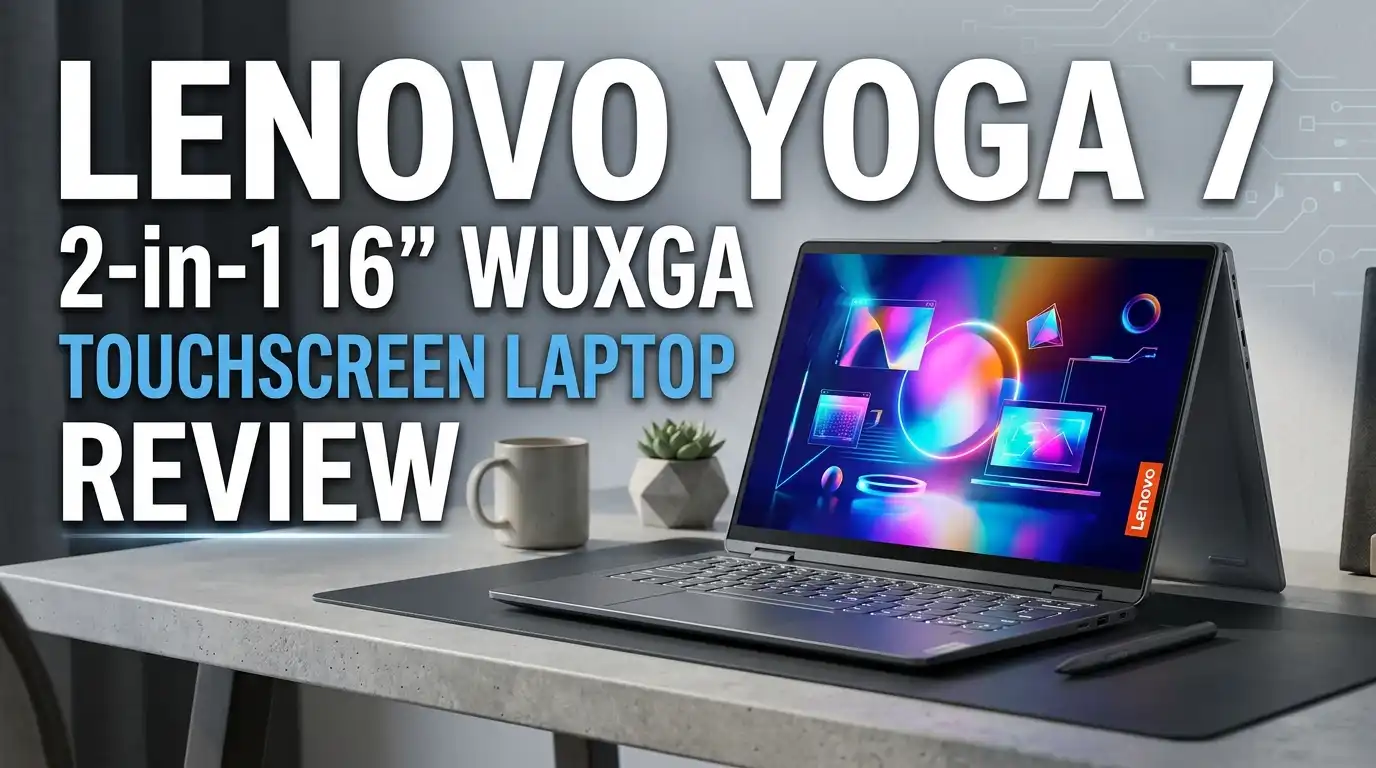
Lenovo Yoga 7 2-in-1 16″ WUXGA Touchscreen Laptop Review 2026
Shopping for a 16-inch convertible that handles college essays, late-night Netflix, and the occasional Photoshop session without crushing your budget? The Lenovo Yoga 7 2-in-1 keeps showing up on shortlists, but specs sheets only tell half the story.
I spent weeks with this machine, dug through owner forums, and pulled together every honest detail I could find. This review covers the WUXGA touchscreen configuration powered by Intel Core Ultra, the version most shoppers actually see on Amazon and Best Buy shelves.
If you want a flexible daily driver and you can live with one or two trade-offs, this laptop deserves a serious look. Here’s what stands out, what disappoints, and who should skip it entirely.
In a Nutshell
- Form factor: A true 360-degree convertible with a 16-inch WUXGA (1920 x 1200) IPS touchscreen that flips into tablet, tent, and stand modes for movies, sketching, or shared viewing.
- Performance: Intel Core Ultra 7 with 16GB LPDDR5x RAM and a 1TB PCIe Gen 4 SSD handles 20+ Chrome tabs, Office, Teams, and light Lightroom edits without choking.
- Battery life: Real-world 13 hours on light tasks, dropping to 6–7 hours under heavy multitasking, which beats most rivals in this price bracket.
- Build quality: A full aluminum chassis with a stiff hinge, backlit keyboard with numpad, fingerprint reader, and Thunderbolt 4 on both sides.
- Weak spots: Average sRGB coverage near 62%, a glossy reflective panel, 3.96-pound weight that feels heavy in tablet mode, and a grainy 1080p webcam.
- Best for: Students, hybrid workers, casual creators, and note-takers wanting one device for everything. Not for serious gamers or color-critical creatives.
What Is the Lenovo Yoga 7 2-in-1 16″?

Last update on 2026-09-19 / Affiliate links / Images from Amazon Product Advertising API Some of the links on this website are affiliate links, which means that at no additional cost to you, I earn a commission if you click through and make a purchase. I only recommend products and services that I believe will add value to my readers. Thank you for your support!
The Lenovo Yoga 7 2-in-1 16″ is a convertible laptop built around a 16-inch touchscreen and a 360-degree hinge. You can use it as a regular laptop, fold it into tent mode for movies, prop it in stand mode for video calls, or flip it flat into a giant tablet.
The configuration most shoppers buy pairs an Intel Core Ultra 7 155U processor with 16GB of soldered LPDDR5x memory and a 1TB Gen 4 NVMe SSD. The display is a WUXGA 1920 x 1200 IPS panel with 10-point multi-touch and an active pen input layer.
It targets the same crowd as the HP Envy x360 16 and Dell Inspiron 16 2-in-1, slotting into the upper-midrange category between entry laptops and premium ultrabooks like the Yoga Slim 9i.
Unboxing and First Impressions
The packaging is restrained brown cardboard with foam padding, a 65W USB-C charger, and a brief setup card. No stylus is included, which feels like a miss given the touchscreen pitch.
Lift the lid and you see a polished aluminum deck in Storm Grey. The chassis feels cold, dense, and well-finished, with no flex around the keyboard or palmrest. It looks closer to a $1,500 ThinkPad than a sub-$1,000 convertible.
Power-on takes about eight seconds to Windows 11 setup. The Lenovo bloatware load is mercifully light, with just Lenovo Vantage, McAfee, and a handful of Microsoft defaults to clear out on day one.
Design and Build Quality
The full-metal body measures 14.21 x 10.12 x 0.67 inches and tips the scale at 3.96 pounds. That is normal for a 16-inch convertible but heavy if you plan to hold it as a tablet for longer than a few minutes.
The hinge is the standout. It glides smoothly through all four modes and holds position firmly, though you cannot open the lid with one finger. Lenovo deliberately tunes it stiff to support pen pressure.
Bezels are slim on the sides, a bit thicker on top and bottom. The webcam sits in the top bezel with a physical privacy shutter, which I genuinely appreciate. Build quality across the board feels premium for the price.
Display Quality and Touch Performance
The 16-inch WUXGA IPS touchscreen is the most polarizing part of this laptop. Sharpness is fine for productivity, text is crisp, and the 16:10 aspect ratio gives you noticeably more vertical room than a 16:9 panel.
Color is where things slip. The panel covers around 62% sRGB and 44% DCI-P3, with brightness peaking near 316 nits. Indoors it looks fine. Outdoors or near a sunny window, the glossy finish kicks back heavy reflections.
Touch response is excellent, with no missed taps during scrolling, pinching, or handwriting tests. Pen latency feels low, though you must buy the Lenovo Active Pen separately. Creators working with color-accurate workflows should skip this configuration and chase the 2.8K OLED variant instead.
Top 3 Alternatives for Lenovo Yoga 7 2-in-1 16″

Last update on 2026-09-20 / Affiliate links / Images from Amazon Product Advertising API Some of the links on this website are affiliate links, which means that at no additional cost to you, I earn a commission if you click through and make a purchase. I only recommend products and services that I believe will add value to my readers. Thank you for your support!
HP Envy x360 16

Last update on 2026-10-14 / Affiliate links / Images from Amazon Product Advertising API Some of the links on this website are affiliate links, which means that at no additional cost to you, I earn a commission if you click through and make a purchase. I only recommend products and services that I believe will add value to my readers. Thank you for your support!
Lenovo IdeaPad Flex 5i

Last update on 2026-09-20 / Affiliate links / Images from Amazon Product Advertising API Some of the links on this website are affiliate links, which means that at no additional cost to you, I earn a commission if you click through and make a purchase. I only recommend products and services that I believe will add value to my readers. Thank you for your support!
HP Spectre x360 14 OLED
Keyboard, Trackpad, and Pen Input
The backlit keyboard is a Lenovo strong suit. Keys have a 1.5mm travel, soft landing, and quiet bottom-out, with a full numpad that data-heavy users will love. I clocked 100 words per minute on Monkeytype with full accuracy.
Some users describe the keys as slightly mushy compared with ThinkPad models, and that is fair. Travel feels softer than crisp, but typing for two hours straight never left my fingers tired.
The precision trackpad is generously sized, smooth, and accurate. Multi-finger gestures work cleanly in Windows 11. Pen input is responsive on the touchscreen and good enough for handwritten notes, mind maps, and rough sketches.
Performance and Everyday Speed
Last update on 2026-09-19 / Affiliate links / Images from Amazon Product Advertising API Some of the links on this website are affiliate links, which means that at no additional cost to you, I earn a commission if you click through and make a purchase. I only recommend products and services that I believe will add value to my readers. Thank you for your support!
The Intel Core Ultra 7 155U is a 12-core, 14-thread chip tuned for efficiency. In real use it cruises through 20+ Chrome tabs, multiple Office documents, Teams calls, Spotify, and a Lightroom edit at the same time without stutter.
Geekbench 6 lands around 11,000 multi-core and Cinebench R23 hits 8,000 multi-core. Those numbers trail the MacBook Air M4 by a meaningful margin but match other Core Ultra laptops in this bracket.
For students, hybrid office workers, programmers, and casual creators, this performance level is more than enough. Heavy 4K video editors and 3D modelers will quickly hit the wall of integrated graphics and limited sustained power.
Graphics and Gaming Capability
The integrated Intel graphics are surprisingly capable for an iGPU. Civilization VI averages 56 fps at 1080p, Fortnite runs 70–90 fps on Performance settings, and Minecraft holds a steady 60 fps without shaders.
3DMark Fire Strike scores around 9,200, which is competitive with the latest AMD Radeon 780M chips. Light indie titles, older AAA games on low settings, and most esports favorites are playable.
Anything more demanding, like Cyberpunk 2077, Elden Ring Nightreign, or Hogwarts Legacy, will struggle even at low settings. If gaming matters more than convertibility, look at a dedicated gaming laptop with a discrete GPU instead.
Battery Life and Charging
Battery life is one of the strongest selling points. The 71Wh cell delivers around 13 hours of light browsing, 9 hours of continuous video playback, and 6–7 hours of mixed productivity use.
Push it with photo editing or sustained multitasking and you will see 4–5 hours. That is still respectable for a 16-inch touchscreen laptop with a Core Ultra chip.
The included 65W USB-C charger refills the battery to roughly 60% in 45 minutes. Rapid Charge is supported, and you can top up via any Thunderbolt 4 port on either side, which is genuinely convenient for daily use.
Speakers, Webcam, and Connectivity
The bottom-firing speakers sound louder and richer than expected for a thin convertible. Vocals are clean, mids carry decent body, and bass is present without being thumpy. Movie nights and Spotify sessions hold up well without headphones.
The 1080p webcam is the weakest link. Footage looks grainy even in bright indoor light, with washed-out skin tones. It works for Zoom calls but feels behind 2026 standards. The dual-array microphones, fortunately, sound crisp and clean.
Connectivity is generous, with 2x Thunderbolt 4, 1x USB-A 3.2, HDMI 1.4, a microSD reader, a 3.5mm jack, Wi-Fi 6E, and Bluetooth 5.3. The fingerprint reader on the power button works fast and reliably.
Heat, Noise, and Software Experience
Under heavy load the CPU touches the mid-80s Celsius, with the chassis warming to around 95°F near the hinge. The keyboard deck stays comfortable, and the palmrest never gets hot during normal work.
Fan noise is quiet during browsing or video playback. Push the chip with exports or sustained rendering and the fans audibly ramp up, though they never reach distracting levels for office use.
Software ships with Windows 11 Home and Lenovo Vantage, which centralizes drivers, battery health controls, and conservation mode. Copilot+ AI features work where available, and there is a dedicated Copilot key on the keyboard.
Honest Downsides and Who Should Skip It
The WUXGA panel is the biggest compromise. If you care about vibrant color, HDR movies, or photo accuracy, the dull display will frustrate you. Look at the OLED configuration or a competitor with a brighter screen.
The weight matters too. At nearly 4 pounds, tablet mode is fine for short stretches but tiring during long sketching or reading sessions. Anyone who plans to use it primarily as a tablet should consider a 14-inch model instead.
RAM and storage are soldered and non-upgradeable. A handful of owner reports mention sudden hardware failures within the first few months, so registering for warranty coverage on day one is smart. Serious gamers and color-critical creators should skip this model entirely.
Final Verdict and Value Assessment
The Lenovo Yoga 7 2-in-1 16″ delivers serious value for the price. You get a premium aluminum build, long battery life, strong productivity performance, surprisingly capable speakers, and a flexible 360-degree hinge in one well-priced package.
The dull WUXGA display and heavy tablet feel keep it from being a perfect recommendation. But for students, hybrid professionals, and casual creators who want one machine for work, school, streaming, and light play, the trade-offs feel fair.
If you can find it on sale near $750–$850, it becomes a near no-brainer in the 16-inch convertible category. Pay full retail only if the form factor and battery life genuinely matter more than display vibrancy to your daily routine.
Frequently Asked Questions
Is the Lenovo Yoga 7 2-in-1 16″ good for college students?
Yes. The long battery life, 16-inch screen, touch and pen support, and strong CPU handle essays, lectures, Zoom calls, and research sessions easily. The weight is the only real drawback for backpack commuters.
Can it run Photoshop, Lightroom, or video editing software?
Light to moderate work runs well. Lightroom edits, Photoshop layers, and 1080p video cuts in DaVinci Resolve are smooth. Heavy 4K timelines, 3D rendering, or color-critical photo work demand a better display and a discrete GPU.
How does battery life compare to a MacBook Air?
The Yoga 7 delivers around 13 hours of light use, while the 15-inch MacBook Air M4 stretches closer to 15 hours. The Yoga still beats most Windows convertibles in its price range by a wide margin.
Does it come with a stylus or pen?
No. The screen supports an active pen, but the Lenovo Active Pen or Lenovo Yoga Pen must be purchased separately for around $50 to $60. Any USI-compatible pen also works.
Is the RAM or SSD upgradeable later?
The RAM is soldered and cannot be upgraded. The SSD is a standard M.2 2242 PCIe Gen 4 drive that can be swapped, though doing so voids the warranty unless handled by a Lenovo-authorized technician.
How is it for casual gaming?
Casual gaming works well. Esports titles, indie games, and older AAA games at low settings run smoothly. Modern demanding AAA games on medium or higher settings will struggle due to the integrated graphics.
Is the touchscreen worth it for note-taking?
Yes, especially with the optional pen. The WUXGA panel is responsive, the hinge holds firm in tablet and tent modes, and apps like OneNote, Notion, and Goodnotes for Windows work smoothly for handwritten notes and diagrams.
What is the warranty coverage like?
Lenovo includes a standard one-year limited warranty for parts and labor. You can upgrade to Lenovo Premium Care Plus for extended coverage and accidental damage protection, which is worth considering for daily commuting use.
Disclosure: This content is part of an Amazon Affiliate+ campaign, meaning I earn a commission from qualifying purchases.
Using these links costs you nothing extra but directly supports my page and future content.

Hello everyone my name is Alenya and i am a gadget discovering Enthusiast 🐻🐻