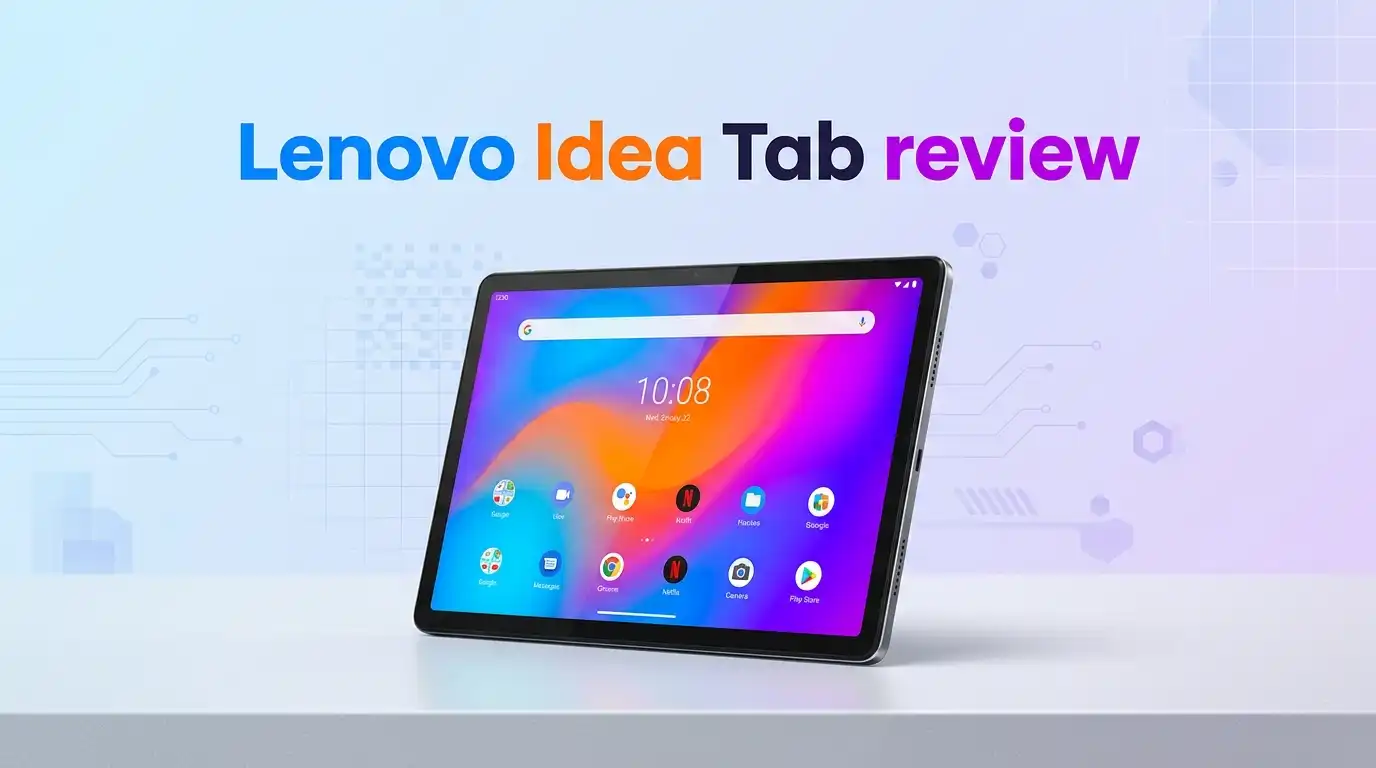
Lenovo Idea Tab review 2026: Budget Winner?
The mid-range Android tablet market is crowded, and most shoppers want one simple thing: a big, sharp screen that does not cost a fortune.
The Lenovo Idea Tab steps into that gap with an 11-inch 2.5K display, an included stylus, and a sub-$200 sticker price. The question is whether the MediaTek Dimensity 6300 chip and budget build hold up for daily streaming, note-taking, and light productivity.
This review pulls together hands-on impressions, public spec sheets, and verified owner feedback from across 2025 and early 2026 to give a clear verdict.
In a Nutshell
- Display first, everything else second: The 2.5K (2560×1600) IPS panel with a 90Hz refresh rate punches well above the price tag and is the main reason to buy.
- Casual-use chip: The MediaTek Dimensity 6300 handles streaming, browsing, and split-screen multitasking, but it is not built for heavy gaming.
- Stylus and folio in the box: Lenovo bundles the Tab Pen and a folio case with most retail kits, saving roughly $60 in accessories.
- Battery that lasts a workday: A 7,040mAh cell delivers around 10 to 12 hours of mixed video and web use.
- Good for students and families: Best fit for students, light readers, and second-screen users; weak fit for power users and mobile gamers.
- Price-to-screen ratio is the headline: Frequent sales drop the 8GB/128GB kit to around $179, which is hard to match.

Last update on 2026-09-19 / Affiliate links / Images from Amazon Product Advertising API Some of the links on this website are affiliate links, which means that at no additional cost to you, I earn a commission if you click through and make a purchase. I only recommend products and services that I believe will add value to my readers. Thank you for your support!
Who the Lenovo Idea Tab Is Built For
This tablet targets a clear shopper: someone who watches Netflix in bed, reads PDFs on a couch, and occasionally jots notes in class. The 2.5K screen and quad speakers with Dolby Atmos push it ahead of cheaper 1080p rivals.
It also lands well for students on a budget. The included Tab Pen writes smoothly enough for lecture notes in apps like Nebo or OneNote, even if it lacks the pressure layers of premium styluses.
Families looking for a shared living-room tablet will appreciate the Kids Space mode and eye-care certifications. Anyone expecting iPad-level app polish should look elsewhere.
Lenovo Idea Tab
The retail box ships with the tablet, a USB-C cable, a 20W charger, the Tab Pen, a quick-start guide, and on many listings a folio case. The hardware feels aluminum-cool on the back, with a matte Luna Grey finish that resists fingerprints.
The 11-inch panel hits 2560×1600 resolution at 90Hz and pushes around 400 nits of peak brightness. Outdoor visibility is average; indoors, the screen is genuinely crisp.
Under the hood sits the MediaTek Dimensity 6300, paired with either 4GB or 8GB of LPDDR4X RAM and 128GB of expandable storage. The microSD slot accepts cards up to 1TB.
Unboxing and First Impressions
The packaging is plain cardboard, recyclable, and free of plastic wrap. Pulling the tablet out, the first impression is thinness: 7.39mm and roughly 480 grams. It feels closer to a mid-range device than a $180 one.
The bezels are uniform on all four sides, which makes landscape video viewing comfortable. The power button doubles as a fingerprint reader, and it unlocks the device in under a second once trained.
Setup uses Android 15 with Lenovo’s light skin on top. Bloatware is minimal: Netflix, a Lenovo notes app, and a few utilities. Most can be uninstalled within minutes.
Top 3 Alternatives for Lenovo Idea Tab

Last update on 2026-09-19 / Affiliate links / Images from Amazon Product Advertising API Some of the links on this website are affiliate links, which means that at no additional cost to you, I earn a commission if you click through and make a purchase. I only recommend products and services that I believe will add value to my readers. Thank you for your support!
Samsung Galaxy Tab A9+

Last update on 2026-09-19 / Affiliate links / Images from Amazon Product Advertising API Some of the links on this website are affiliate links, which means that at no additional cost to you, I earn a commission if you click through and make a purchase. I only recommend products and services that I believe will add value to my readers. Thank you for your support!
Apple iPad (10th Generation)

Last update on 2026-09-19 / Affiliate links / Images from Amazon Product Advertising API Some of the links on this website are affiliate links, which means that at no additional cost to you, I earn a commission if you click through and make a purchase. I only recommend products and services that I believe will add value to my readers. Thank you for your support!
Xiaomi Redmi Pad SE
Display and Speaker Performance
The screen is the strongest selling point. At 2.5K resolution on an 11-inch IPS panel, text rendering is sharp enough for ebook reading and PDF study sessions. The 90Hz refresh rate smooths out scrolling in Chrome and social apps.
Color accuracy is solid for an LCD, with TÜV Rheinland Low Blue Light certification reducing eye fatigue during long sessions. Blacks are grey rather than inky, which is normal at this price.
Audio comes through four JBL-tuned speakers with Dolby Atmos. They get loud, stay clean at 80% volume, and produce noticeable stereo separation in landscape mode. Bass is shallow, as expected from a slim tablet.
Performance and Daily Use
The Dimensity 6300 is a 6nm chip with two performance cores and six efficiency cores. In Geekbench 6, it scores roughly 740 single-core and 2,050 multi-core, which is enough for everyday Android tasks.
Streaming Netflix, YouTube, Disney+, and Prime Video runs without stutter. Split-screen with Chrome and a video app works smoothly on the 8GB model; the 4GB version reloads tabs more often.
Gaming is the weak point. Genshin Impact and Wuthering Waves play only at low settings with frame drops. Casual titles like Stardew Valley, Subway Surfers, and Minecraft run fine on medium graphics.
Battery Life and Charging
Lenovo packs a 7,040mAh battery, which is on the smaller side compared to the Idea Tab Pro’s 10,200mAh cell. In practice, that still translates to 10 to 12 hours of video playback at 50% brightness.
Mixed daily use, meaning some browsing, an hour of video, and stylus notes, stretches the tablet to a full two days between charges. Standby drain is well-managed thanks to the efficient chip.
Charging is 20W wired over USB-C. A full top-up takes around 2 hours and 15 minutes, which is slow by 2026 standards. There is no wireless charging, and reverse charging is not supported.
Stylus and Productivity Experience
The bundled Tab Pen uses an AAAA battery rather than active charging, which means no pairing fuss but periodic battery swaps. It offers 4,096 pressure levels and a fine plastic tip.
Handwriting in Nebo, Samsung Notes (sideloaded), and Lenovo’s own notes app feels accurate, with minor lag of about 30ms. It is good for students taking class notes, not for illustration work.
There is no first-party keyboard accessory in the box, but the tablet pairs with any Bluetooth keyboard. DocsApp, Google Workspace, and WPS Office run smoothly for light writing and spreadsheets.
Software, AI Features, and Updates
The Idea Tab ships with Android 15 and Lenovo’s productivity layer. The interface is close to stock Android, with added split-screen gestures and a floating window mode that is genuinely useful.
Lenovo includes AI Now, a small on-device assistant for summarizing articles and generating quick replies. It works on-device for basic tasks and offloads heavier requests to the cloud.
Update commitment is the catch. Lenovo promises one major Android version upgrade (Android 16) and two years of security patches. That is short of Samsung and Apple, and it is the single biggest long-term weakness.
Honest Downsides and Who Should Skip It
The plastic-framed bezels, while slim, flex slightly under pressure. The single USB-C 2.0 port limits external display use; do not expect desktop-mode docking.
Cameras are an afterthought. The 8MP rear and 8MP front shooters handle Zoom and Google Meet adequately but produce noisy, muted photos. Document scanning works in good light only.
Skip this tablet if you are a mobile gamer, a digital artist, or someone who needs long-term software support past 2027. Power users should step up to the Idea Tab Pro or a Samsung Tab S9 FE.
Real Owner Feedback from 2025 to 2026
Verified buyers on Amazon and Best Buy give the Idea Tab an average of 4.3 out of 5 stars across roughly 1,800 reviews as of early 2026. The most repeated praise is screen quality for the price.
Reddit threads in r/androidtablets describe it as a “perfect couch tablet” and a strong gift for parents or grandparents. Common complaints involve slow charging and occasional Wi-Fi 5 dropouts on older routers.
Returns rates appear low for the category. Most negative reviews come from buyers who expected gaming performance the spec sheet never promised. Set expectations correctly, and the satisfaction rate is high.
Final Verdict
The Lenovo Idea Tab is one of the easiest budget recommendations in 2026. It is not the fastest, the most premium, or the longest-supported tablet at this price. It is, however, the one with the best screen, included stylus, and most balanced day-to-day feel under $200.
For students, casual streamers, and households needing a shared tablet, it is an obvious yes. The bundled accessories alone make the value hard to beat at sale prices around $179.
Skip it if you need iPadOS apps, console-grade gaming, or five-year software support. For everyone else, the Idea Tab earns a confident 4.2 out of 5 and a clear buy recommendation.
Frequently Asked Questions
Is the Lenovo Idea Tab good for college students?
Yes. The 2.5K screen, included Tab Pen, and 12-hour battery fit lecture halls and library sessions well. Note-taking apps run smoothly, and split-screen lets you read a PDF while writing notes. The 8GB/128GB version is the better pick for four-year use.
Can the Lenovo Idea Tab run heavy games like Genshin Impact?
Not comfortably. The Dimensity 6300 handles light and mid-tier games, but graphically demanding titles drop frames even at low settings. Casual gamers will be happy; competitive or AAA mobile gamers should look at the Idea Tab Pro or a gaming-focused Android tablet instead.
How long will the Lenovo Idea Tab receive software updates?
Lenovo confirms one major Android upgrade (to Android 16) and roughly two years of security patches. That is shorter than Samsung’s seven-year promise on Galaxy Tabs or Apple’s five-plus years on iPads. Plan to replace the tablet around 2028 if you want to stay current.
Does the Lenovo Idea Tab support a keyboard case?
Yes, through Bluetooth pairing. Lenovo does not bundle a magnetic keyboard, but third-party Bluetooth keyboards from Logitech, Anker, and others work without issue. The folio case in the box is a stand and protector only, with no integrated keys.
Is the Lenovo Idea Tab waterproof?
No. The tablet carries no IP rating, so keep it away from pools, sinks, and heavy rain. The aluminum back resists scuffs reasonably well, but a folio case is still smart for daily carry, especially in school or commute bags.
How does the Lenovo Idea Tab compare to the iPad 10th generation?
The iPad wins on app quality, performance, and update length. The Idea Tab wins on screen resolution, included stylus, expandable storage, and price. If your apps live on iPadOS, buy the iPad. If you want the best Android value, the Idea Tab is the smarter pick.

Hello everyone my name is Alenya and i am a gadget discovering Enthusiast 🐻🐻