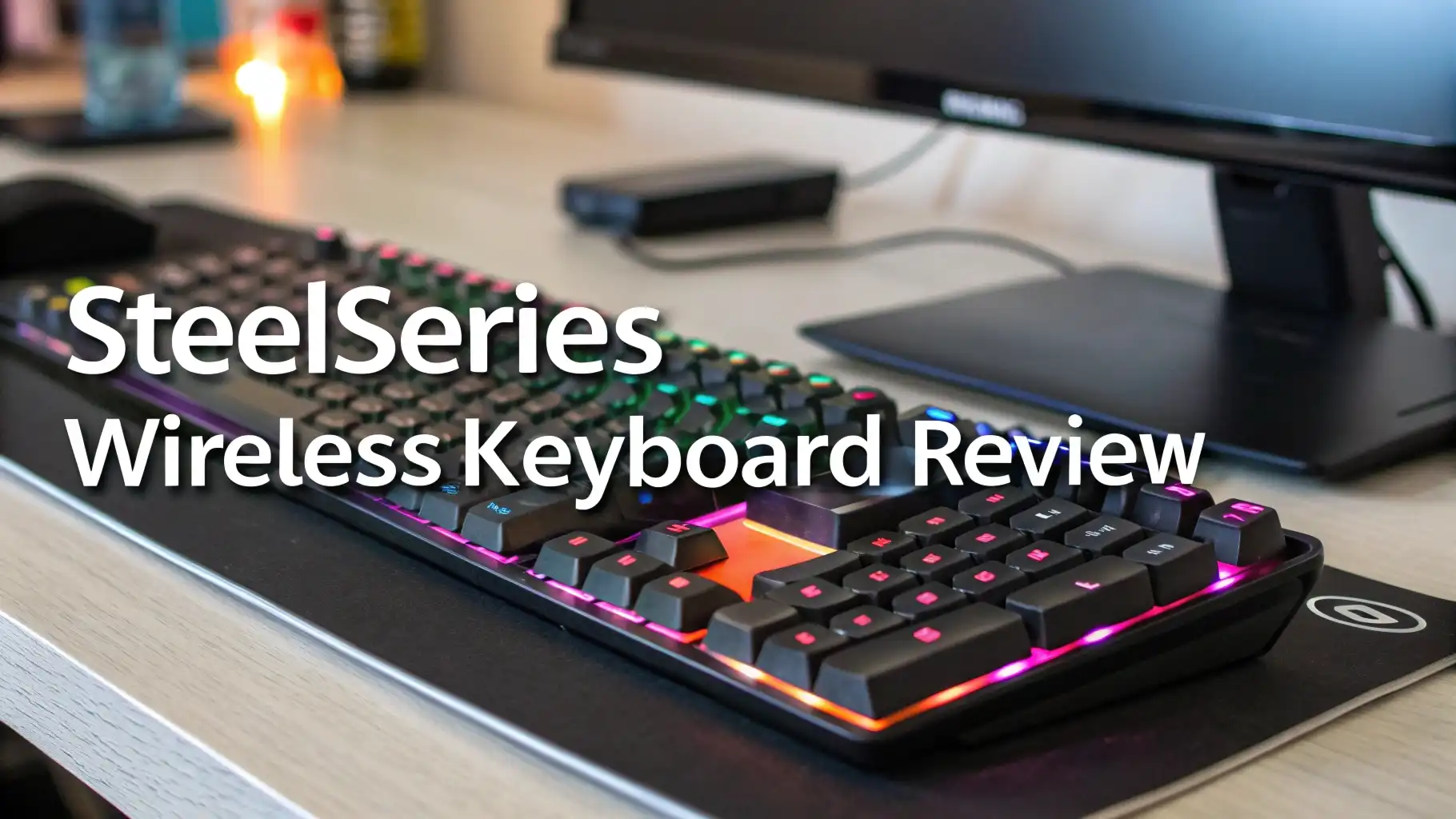
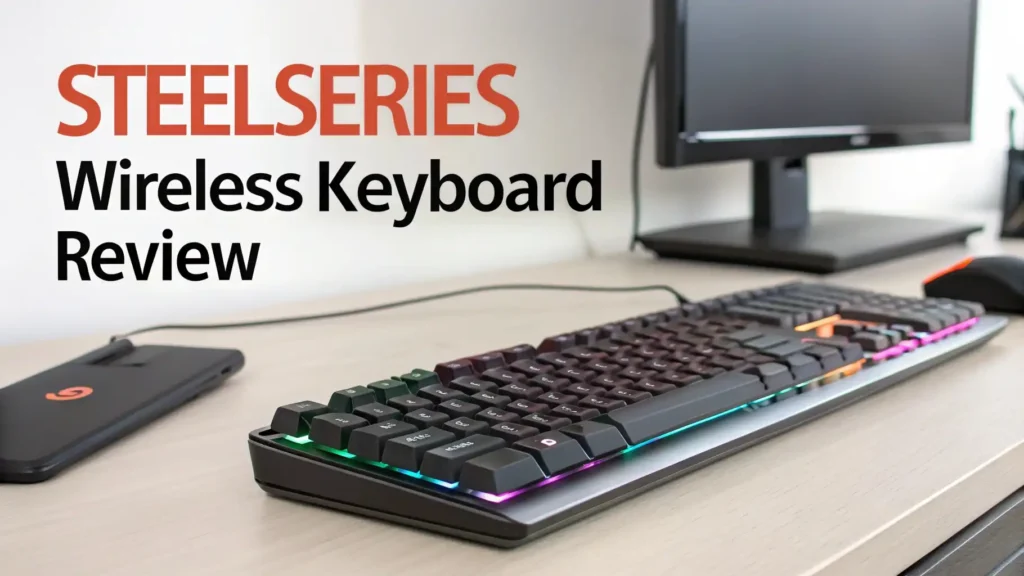
SteelSeries Wireless Keyboard Review: A Comprehensive Guide
Are you tired of dealing with cable mess on your gaming desk? Do you want the freedom to game from anywhere without sacrificing performance? You’re in the right place!
Today we’re diving deep into the world of SteelSeries wireless keyboards and showing you the best options available on Amazon right now.
This review covers everything you need to know. We’ll look at the top models, their features, and what makes them worth your money. Get ready to discover keyboards that can change your gaming experience forever!
Key Takeaways:
- OmniPoint Switches are revolutionary – These magnetic switches let you adjust how far you press each key before it registers. You can set them anywhere from 0.2mm to 3.8mm. This means you get 20x faster actuation than regular mechanical keyboards.
- Wireless doesn’t mean lag – SteelSeries uses Quantum 2.0 Wireless technology that delivers the same speed as wired keyboards. You can switch between 2.4GHz wireless, Bluetooth, and USB-C wired connections.
- Battery life that actually lasts – Most models give you 40+ hours of gaming on a single charge. You can game all week without worrying about running out of power.
- Premium build quality justifies the price – These keyboards use aircraft grade aluminum frames. They feel solid and look professional. The PBT keycaps won’t wear down or get shiny over time.
- Smart features make a real difference – The OLED screen shows useful information like Discord notifications, game stats, and settings. You don’t need to tab out of your game anymore.

SteelSeries Apex Pro TKL Wireless Gen 3: The Champion
The Apex Pro TKL Wireless Gen 3 sits at the top of the SteelSeries lineup. This keyboard represents the latest evolution in gaming keyboard technology. It combines everything gamers love about the previous generation with exciting new features.
The OmniPoint 3.0 switches take adjustability to the next level. You get 40 levels of customization for each key. The switches respond in just 0.1 milliseconds. This speed makes a huge difference in competitive games where every millisecond counts.
What makes Gen 3 special is the Rapid Trigger technology. This feature removes the need for keys to fully reset before registering another press. You can tap keys rapidly and the keyboard keeps up perfectly. Many pro gamers consider this a game changer for FPS titles and rhythm games.
The Protection Mode feature helps prevent accidental key presses during intense gaming moments. You can set specific keys to require more pressure to activate. This stops you from hitting the wrong button when things get hectic.
SteelSeries Apex Pro TKL Wireless 2023: Still a Solid Choice

The 2023 version of the Apex Pro TKL Wireless remains a fantastic keyboard. Many gamers still choose this model over the Gen 3 because of the lower price. You save money while getting most of the premium features.
This keyboard uses OmniPoint 2.0 switches instead of the newer 3.0 version. The difference is small for most users. You still get adjustable actuation and incredibly fast response times. The switches feel smooth and consistent across all keys.
The typing experience feels excellent. The switches provide just enough feedback without being too loud. You can type for hours without fatigue. Many users report they type faster and more accurately on this keyboard compared to their previous ones.
Gaming performance matches the Gen 3 in most scenarios. The wireless connection stays stable even in crowded WiFi environments. Input lag is undetectable even for professional esports players. The keyboard works perfectly for every game genre.
SteelSeries Apex Pro Mini Wireless: Compact Powerhouse

The Apex Pro Mini Wireless brings all the premium features into a tiny 60% form factor. This keyboard saves massive amounts of desk space. It’s perfect for gamers with small desks or those who want more room for mouse movement.
Don’t let the size fool you. This keyboard packs the same OmniPoint 2.0 switches found in the full size models. Every key gets individual adjustability. The performance matches the larger keyboards in every way that matters.
The 60% layout takes some getting used to. You lose the number pad, function row, and arrow keys. All these functions still exist but you access them through key combinations. After a week most users adapt completely to the new layout.
Many competitive FPS players prefer this compact size. The keyboard takes up less space so you can position your mouse and keyboard closer together. This improves ergonomics and can help with aim precision.
Top 3 Alternatives for SteelSeries Wireless Keyboards


What Makes OmniPoint Switches Special
OmniPoint switches represent a breakthrough in keyboard technology. Unlike traditional mechanical switches that use physical metal contacts, these use magnetic hall effect sensors. This design brings several advantages that matter for gaming.
The magnetic design means no physical contact between parts. This eliminates wear and tear that happens in regular switches. SteelSeries claims these switches last over 100 million keypresses. Traditional mechanical switches usually fail around 50 million.
Adjustability sets OmniPoint apart from every other switch type. You can change the actuation point through software for each individual key. Set your WASD keys to actuate at 0.2mm for instant movement. Configure ability keys at 3.0mm to prevent accidental activation.
Wireless Technology That Actually Works
Many gamers avoid wireless keyboards because of lag concerns. SteelSeries solved this problem with their Quantum 2.0 Wireless technology. This system delivers performance identical to wired connections.
The 2.4GHz wireless mode uses a USB dongle for the fastest possible connection. Latency measures under 1 millisecond which human reflexes can’t even detect. Professional esports players use these keyboards in tournaments without any concerns.
Bluetooth 5.0 connectivity offers another option for everyday use. This mode uses slightly more power and has marginally higher latency. The difference only matters for the most competitive gaming. Bluetooth works great for casual gaming and regular typing.
You can pair the keyboard with multiple devices. Switch between your gaming PC and laptop with a quick button press. This feature proves useful for people who use multiple computers throughout the day.
Build Quality and Design Philosophy
SteelSeries doesn’t cut corners on construction. The aircraft grade aluminum top plate gives these keyboards exceptional rigidity. You can pick up the keyboard by one corner without any flex or creaking sounds.
The weight distribution feels perfect. Heavy enough to stay in place during intense gaming but light enough to reposition easily. The rubber feet grip desks firmly without leaving marks or residue.
PBT keycaps resist wear better than cheaper ABS plastic. Your keys won’t develop a shiny appearance after months of use. The legends use doubleshot molding so they never fade away. You can see key labels clearly even in dim lighting.
The minimal design aesthetic appeals to both gamers and professionals. No aggressive gamer styling or unnecessary decorations. These keyboards look at home in an office or a gaming setup. The clean lines and simple branding show maturity in design thinking.
Software and Customization Options
The SteelSeries GG software acts as your control center. This application manages all settings and customizations. The interface looks clean and intuitive compared to competing software.
You can create separate profiles for different games. Each profile saves your preferred actuation points, RGB effects, and macro assignments. The keyboard automatically switches profiles when you launch specific games.
The actuation adjustment tool provides visual feedback. You see exactly where each key will register. Many users spend time experimenting to find their perfect settings. WASD keys usually work best around 0.3-0.5mm while other keys can go higher.
RGB lighting customization goes deep. Choose from preset effects or create custom animations. You can assign different colors to different key groups. The lighting syncs with other SteelSeries devices for a coordinated setup.
Macro recording works without requiring complicated setup. Record keyboard and mouse actions then assign them to any key. The macros can include delays and loops for complex sequences. This helps in MMO games with long ability rotations.
Gaming Performance Across Different Genres
FPS players benefit most from the adjustable actuation. Set your strafe keys to trigger at the slightest touch for instant direction changes. The Rapid Trigger feature on Gen 3 models helps with counter strafing in games like Counter Strike and Valorant.
MOBA and RTS players appreciate the macro capabilities. Assign complex ability combos to single keys. The fast actuation helps you execute your commands before opponents can react. The anti ghosting ensures every keypress registers even during intense team fights.
MMO gamers love having extra programmable keys through the function layer. You can access dozens of abilities without moving your hand far from home position. The adjustable actuation prevents accidental ability usage during combat.
Racing game enthusiasts find creative uses for the analog like actuation control. Some users map throttle and brake to keys with very high actuation points. This gives more granular control compared to simple on off switches.
Typing Experience for Work and Productivity
Gaming keyboards often fail at typing tasks. The Apex Pro series breaks this trend. These keyboards work excellently for programming, writing, and general office work.
The switches feel smooth and consistent across all keys. There’s no scratchiness that makes typing tiring. The actuation points adjust to your typing style. Most people prefer 1.5-2.0mm for typing which provides good feedback without requiring heavy presses.
The sound level stays office appropriate. The keyboards aren’t silent but they’re much quieter than clicky mechanical switches. Your coworkers won’t complain about keyboard noise during video calls.
The tenkeyless layout improves ergonomics for typing. You can center the main key cluster in front of your body. This reduces shoulder strain during long typing sessions. The compact Mini model takes this benefit even further.
Key wobble stays minimal which helps accuracy. The keys move straight up and down without wiggling side to side. This consistent feel helps build muscle memory for touch typing.
Price and Value Proposition
SteelSeries wireless keyboards cost more than budget alternatives. The Apex Pro TKL Wireless Gen 3 sells for around $240. The previous generation drops to about $160. The Mini Wireless also costs around $240.
These prices place them in the premium category. You can buy three budget gaming keyboards for the cost of one Apex Pro. The question becomes whether the features justify the expense.
For competitive gamers the answer is usually yes. The performance advantages can improve your gameplay. The adjustable switches and fast response times provide measurable benefits. Many pro players choose these keyboards which says something about their quality.
Casual gamers might find the cost harder to justify. A $50 mechanical keyboard provides 80% of the experience for a fraction of the cost. You need to value the extra features and build quality to make the premium worthwhile.
The keyboards hold resale value well. Used models sell for good prices on the secondhand market. If you decide the keyboard isn’t for you then you can recoup much of your investment.
Potential Drawbacks to Consider
No product is perfect and these keyboards have some weaknesses. The software requires internet connection for initial setup. This annoys users who prefer offline solutions. Once configured the keyboards remember settings without the software running.
The OLED screen sometimes shows driver issues. It might stop working after Windows updates. Usually a driver reinstall fixes the problem but it causes frustration. Some users wish for more reliable firmware.
Battery life decreases significantly with bright RGB lighting. Running maximum brightness animations drops usage time to 15-20 hours. Users who love RGB effects need to charge more frequently. Dimming the lights or using single colors extends battery life.
The price creates high expectations. Some users feel disappointed when they don’t notice massive improvements over cheaper keyboards. The benefits are real but subtle for casual use.
Customization can be overwhelming for new users. The software offers so many options that finding optimal settings takes time. Some people prefer keyboards that work great out of the box without configuration.
Who Should Buy These Keyboards
Competitive gamers gain the most value from these keyboards. The fast response times and customization options provide real advantages. If you play ranked modes seriously then these keyboards deserve consideration.
Content creators who game and work on the same PC love these keyboards. The professional appearance looks good on camera. The excellent typing experience helps with video editing and script writing.
Tech enthusiasts who appreciate innovation find these keyboards fascinating. The magnetic switches and adjustable actuation represent cutting edge technology. Playing with different settings and optimizing performance appeals to tinkerers.
People with multiple computers benefit from the easy device switching. The ability to pair with several devices and switch between them with a button press adds convenience to multi computer setups.
Users who value premium build quality appreciate what SteelSeries delivers. These keyboards feel expensive in the best way. Every interaction reinforces that you bought something built to last.
Someone with a small desk needs the space savings from TKL or Mini layouts. The wireless operation removes cable clutter. You get maximum desk space for mouse movement.
Final Verdict: Are They Worth It
SteelSeries wireless keyboards deliver on their promises. They combine top tier gaming performance with excellent wireless connectivity. The build quality justifies the premium pricing. These keyboards feel like they’ll last for many years of heavy use.
The OmniPoint switches offer something truly unique in the keyboard market. The adjustability isn’t a gimmick but a useful feature that improves both gaming and typing. Once you dial in your perfect settings the keyboards feel incredible to use.
Wireless performance exceeds expectations. There’s zero perceptible lag even for professional level gaming. Battery life lasts long enough that charging becomes a weekly task rather than daily concern.
The main question is whether you want to spend this much on a keyboard. The premium features matter most to serious gamers and keyboard enthusiasts. Casual users might find equal satisfaction with cheaper alternatives.
For those who can afford them and appreciate their benefits these keyboards represent excellent purchases. They’re among the best wireless gaming keyboards available today. The combination of features and performance is hard to beat at any price point.
Frequently Asked Questions
How long does the battery last on SteelSeries wireless keyboards?
Battery life depends on your RGB settings. With lighting on you get 30-40 hours of gaming. Turn off the RGB and battery lasts 70-100 hours. The keyboards charge fully in about 2 hours. You can use them while charging so you never have to stop gaming.
Can you use these keyboards while charging?
Yes absolutely. Plug in the USB-C cable and the keyboard works in wired mode while charging. The cable is detachable so you can switch between wired and wireless anytime. Many users keep the cable handy for important matches or when battery runs low.
What is the difference between Gen 3 and previous generation models?
Gen 3 uses OmniPoint 3.0 switches with 40 levels of adjustment instead of infinite adjustment. It adds Rapid Trigger technology that removes reset distance for faster repeated presses. Protection Mode prevents accidental inputs. Gen 3 also has updated firmware and slightly different keycap material.
Do these keyboards work with Mac and Linux?
Yes they work with Mac and Linux through Bluetooth or wired connection. The SteelSeries GG software only runs on Windows but your saved settings stay in the keyboard memory. Basic functionality works perfectly on all operating systems.
Are SteelSeries keyboards better than other gaming brands?
SteelSeries keyboards excel at adjustable actuation which most competitors don’t offer. Brands like Razer and Corsair make excellent keyboards too with different features. SteelSeries wins for customization while others might be better for different priorities like price or specific switch types.
Can you replace the keycaps on SteelSeries keyboards?
Yes these keyboards use standard Cherry MX style stems. Any aftermarket keycap set will fit. The PBT keycaps that come stock are already high quality so most users don’t feel the need to replace them.
How loud are these keyboards?
The OmniPoint switches are relatively quiet. They’re louder than membrane keyboards but much quieter than clicky mechanical switches. The sound level stays office appropriate. You can use them in shared spaces without disturbing others.
What warranty does SteelSeries offer?
SteelSeries provides a one year warranty on all keyboards. This covers manufacturing defects and failures under normal use. The warranty doesn’t cover damage from spills or drops. Customer service responds quickly to warranty claims according to user reports.