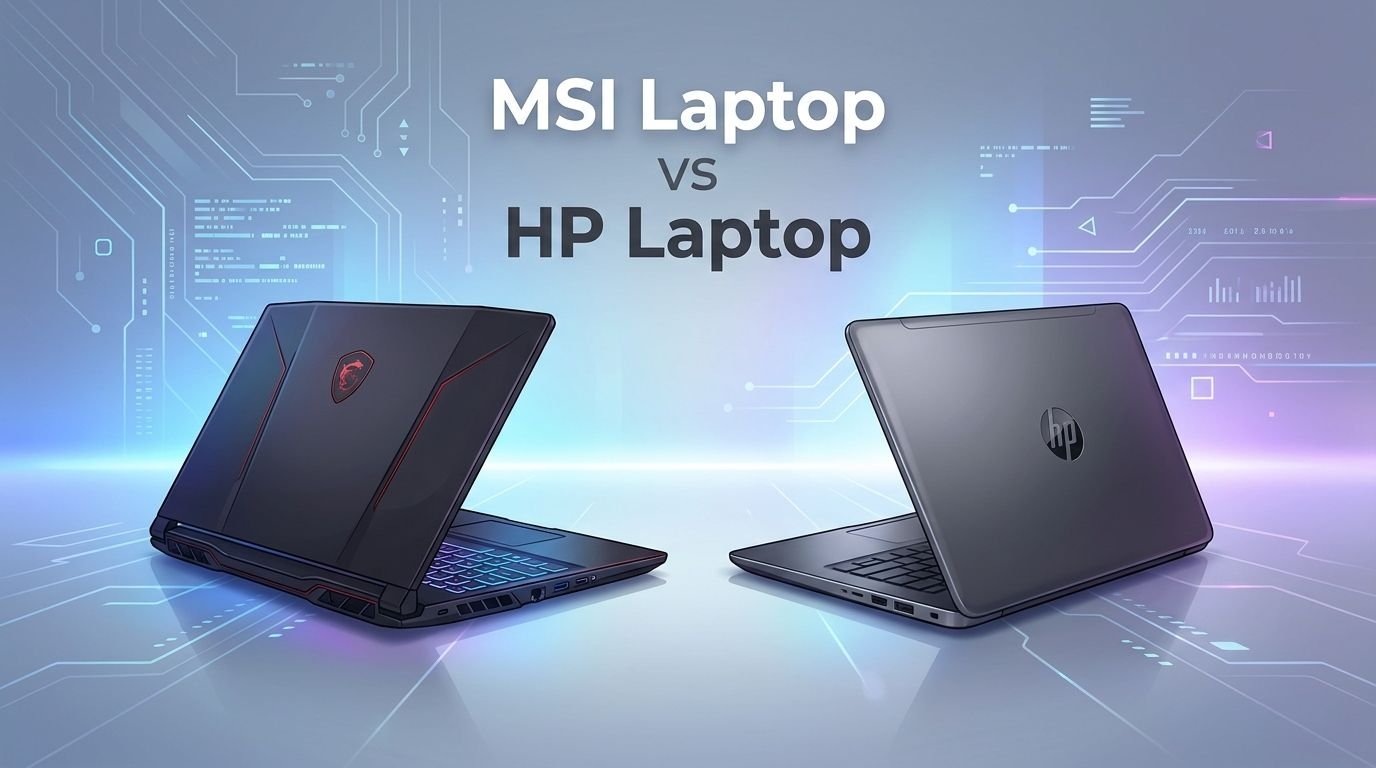
MSI Laptop vs HP Laptop: Battle of the Best
You want a new laptop. You have narrowed your choices to two popular brands: MSI and HP. Both companies make laptops for gamers, professionals, students, and everyday users. But they differ in design philosophy, performance priorities, and price strategy.
MSI focuses heavily on gaming and creator workflows. HP casts a wider net with business ultrabooks, budget options, and gaming machines.
This guide breaks down every key difference so you can pick the right laptop for your needs. We compare build quality, display technology, thermal performance, gaming power, battery life, pricing, and more. By the end of this post, you will know exactly which brand fits your lifestyle.
Key Takeaways
- MSI dominates gaming performance. MSI laptops generally pack higher wattage GPUs, better cooling systems, and faster refresh rate displays. If raw gaming power is your top priority, MSI offers more bang for your buck in the mid to high range.
- HP offers greater variety and versatility. HP makes everything from budget student laptops to premium business ultrabooks like the EliteBook and OmniBook series. This range means HP has a laptop for almost every use case and price point.
- Thermal management is a key MSI advantage. MSI’s Cooler Boost technology keeps temperatures lower during heavy workloads. HP laptops sometimes struggle with sustained heat under load, especially in budget gaming models like the Victus.
- HP leads in build quality for business laptops. The HP EliteBook and OmniBook Ultra lines feature premium aluminum builds, excellent keyboards, and long battery life. MSI’s business line, the Prestige series, is good but has fewer options.
- After sales service favors HP in most regions. HP has a larger global service network. MSI’s service centers are fewer, and some users report slower turnaround times for repairs.
- Both brands offer strong value at different price tiers. MSI wins for gaming laptops under $1,500. HP wins for productivity and business laptops under $1,200. Your budget and use case should drive your final decision.
MSI Katana 15: A Popular Mid Range Gaming Choice


Last update on 2026-07-27 / Affiliate links / Images from Amazon Product Advertising API Some of the links on this website are affiliate links, which means that at no additional cost to you, I earn a commission if you click through and make a purchase. I only recommend products and services that I believe will add value to my readers. Thank you for your support!
The MSI Katana 15 HX is one of the best selling gaming laptops in the mid range segment. It packs an Intel Core i9-14900HX processor and an NVIDIA RTX 5070 GPU. The 15.6 inch QHD+ display runs at 165Hz, which delivers smooth visuals in fast paced games.
This laptop comes with 32GB DDR5 RAM and a 1TB NVMe SSD. The Cooler Boost 5 thermal system uses dedicated heat pipes to keep the CPU and GPU cool during heavy sessions. The RGB backlit keyboard adds a nice gaming aesthetic.
The Katana series has been a go to choice for gamers who want solid performance without spending $2,000 or more.
Pros:
- Powerful i9 processor and RTX 5070 GPU combo
- 165Hz QHD+ display for sharp gaming visuals
- 32GB DDR5 RAM handles multitasking with ease
- Effective Cooler Boost 5 thermal system
- Good value for the performance tier
Cons:
- Battery life is average at around 4 to 5 hours
- Build quality feels plasticky compared to premium models
- Fan noise gets loud under full load
- Display color accuracy is not ideal for professional photo editing
HP Victus 15: Budget Gaming Done Right

Last update on 2026-07-31 / Affiliate links / Images from Amazon Product Advertising API Some of the links on this website are affiliate links, which means that at no additional cost to you, I earn a commission if you click through and make a purchase. I only recommend products and services that I believe will add value to my readers. Thank you for your support!
The HP Victus 15 targets budget conscious gamers who want decent performance. This model features an AMD Ryzen 7 7445HS processor paired with an NVIDIA RTX 4050 GPU. It includes a 15.6 inch FHD 144Hz display, 32GB DDR5 RAM, and a 2TB SSD.
HP designed the Victus line to be accessible. The clean, understated design does not scream “gaming laptop,” which makes it suitable for school or office use too. The backlit keyboard and solid port selection add practical value.
The Victus is a strong entry point for anyone new to gaming laptops. It handles popular titles at medium to high settings without problems.
Pros:
- Affordable price point for a gaming laptop
- Clean design works in professional settings
- Ryzen 7 processor offers efficient multitasking
- 2TB SSD provides plenty of storage
- Good 144Hz display for casual gaming
Cons:
- RTX 4050 struggles with AAA games at max settings
- Thermals can get warm during extended gaming
- Speaker quality is below average
- Screen brightness is limited for outdoor use
Display Quality Comparison
Display quality is a major factor for both gamers and creators. MSI takes the lead here with options like OLED panels, QHD+ resolution, and refresh rates up to 240Hz on premium models like the Stealth A16 AI+.
HP offers solid displays across its range. The OmniBook Ultra Flip features a stunning 2.8K OLED touchscreen. The Victus line uses standard FHD IPS panels that look decent but lack the punch of MSI’s gaming displays.
MSI laptops also tend to have better color accuracy on their higher end models. If you need a laptop for video editing, graphic design, or content creation, MSI’s display options give you more to work with.
Thermal Performance and Cooling
MSI has invested heavily in cooling technology. The Cooler Boost system uses multiple fans and dedicated heat pipes for the CPU and GPU. This design keeps temperatures manageable even during long gaming sessions or rendering tasks.
HP uses a standard thermal design in most of its laptops. The Omen 16 has improved cooling with its vent design and larger fans. But the Victus series can struggle with heat under sustained loads.
Temperature management matters because it directly affects performance. A laptop that gets too hot will throttle its CPU and GPU, which reduces frame rates and slows down workloads. MSI’s thermal advantage is a real performance benefit.
MSI Stealth A16 AI+: Premium Gaming Power

Last update on 2026-07-31 / Affiliate links / Images from Amazon Product Advertising API Some of the links on this website are affiliate links, which means that at no additional cost to you, I earn a commission if you click through and make a purchase. I only recommend products and services that I believe will add value to my readers. Thank you for your support!
The MSI Stealth A16 AI+ is a premium gaming laptop with a sleek form factor. It features an AMD Ryzen AI 9 HX 370 processor and an NVIDIA RTX 5070 Ti GPU. The 16 inch 240Hz QHD+ OLED display delivers breathtaking visuals.
This laptop packs 32GB DDR5 RAM and a 2TB NVMe SSD. It supports Wi-Fi 7 for the fastest wireless connections. The thin and light design makes it one of the most portable high performance gaming laptops available.
The Stealth series proves that gaming laptops can look professional. You can take this to a business meeting and a LAN party on the same day.
Pros:
- Stunning 240Hz QHD+ OLED display
- RTX 5070 Ti delivers excellent gaming and creative performance
- Thin and light design for a gaming laptop
- Wi-Fi 7 support for future proof connectivity
- 2TB SSD offers ample storage
Cons:
- Premium price tag above $2,000
- OLED panels carry a risk of burn in over time
- Battery life is shorter due to the OLED display
- Limited upgrade options due to the slim design
HP Omen 16: HP’s Gaming Flagship

Last update on 2026-07-31 / Affiliate links / Images from Amazon Product Advertising API Some of the links on this website are affiliate links, which means that at no additional cost to you, I earn a commission if you click through and make a purchase. I only recommend products and services that I believe will add value to my readers. Thank you for your support!
The HP Omen 16 is HP’s answer to high performance gaming. This model features an Intel Core Ultra 9-285H processor and an NVIDIA RTX 5070 GPU. The 16 inch WQXGA display runs at 240Hz for smooth gameplay.
HP has improved the Omen line with better cooling, a sleek chassis design, and 16GB DDR5 RAM. The 1TB PCIe SSD provides fast load times. The RGB backlit keyboard gives gamers full control over lighting customization.
The Omen 16 competes directly with MSI’s mid to high tier offerings. It offers strong performance with a more mainstream brand reputation.
Pros:
- Intel Core Ultra 9 processor delivers top tier performance
- 240Hz WQXGA display is sharp and fluid
- Improved cooling system over previous Omen models
- Strong brand reputation and widespread service support
- RGB keyboard with per key lighting
Cons:
- 16GB RAM may feel limiting for heavy multitasking
- Heavier than some competing 16 inch gaming laptops
- Fan noise is noticeable under load
- Battery life averages about 4 to 5 hours during mixed use
Build Quality and Design
HP generally offers better build quality in its premium lines. The OmniBook Ultra and EliteBook feature all metal aluminum chassis, tight tolerances, and premium finishes. These laptops feel solid and refined.
MSI’s premium models like the Stealth and Prestige use quality materials too. But MSI’s budget and mid range laptops often use more plastic in their builds. The Katana and Cyborg lines feel less premium than HP’s Victus at similar prices.
If build quality and a professional look matter to you, HP has a slight edge. MSI prioritizes internal performance over exterior polish in its mid range products.
HP OmniBook Ultra Flip: The Productivity Champion

Last update on 2026-07-31 / Affiliate links / Images from Amazon Product Advertising API Some of the links on this website are affiliate links, which means that at no additional cost to you, I earn a commission if you click through and make a purchase. I only recommend products and services that I believe will add value to my readers. Thank you for your support!
The HP OmniBook Ultra Flip is a standout productivity laptop. It features a 14 inch 2.8K touchscreen display, an Intel Core Ultra 7-256V processor, 16GB LPDDR5 RAM, and a 1TB SSD. The 360 degree hinge lets you use it as a laptop, tablet, or tent.
This 2 in 1 design makes it perfect for presentations, note taking, and creative work. Thunderbolt 4 ports provide fast data transfer and external display support. The lightweight design makes it easy to carry all day.
HP’s OmniBook Ultra Flip is ideal for professionals and students who need flexibility and portability above raw gaming power.
Pros:
- Versatile 2 in 1 design with 360 degree hinge
- Beautiful 2.8K touchscreen display
- Intel Core Ultra 7 processor handles productivity tasks well
- Thunderbolt 4 connectivity
- Lightweight and portable for daily carry
Cons:
- Not suitable for gaming or heavy GPU workloads
- 16GB RAM is not upgradeable
- Higher price compared to standard clamshell laptops
- Stylus is sold separately
Battery Life Comparison
Battery life is an area where HP often wins. The OmniBook and EliteBook series can last 10 to 14 hours on a single charge for light productivity tasks. HP optimizes its processors and displays for energy efficiency in its business laptops.
MSI laptops prioritize performance over battery life. Most MSI gaming laptops last between 3 to 6 hours on battery. The Prestige 14 does better with around 8 to 10 hours, but gaming models drain faster due to high wattage components.
If you travel frequently or work away from outlets, HP’s productivity laptops are the better choice. MSI expects you to stay near a power source for serious work or gaming.
Customer Support and Warranty
HP has a larger global service network. You can find HP authorized service centers in most cities worldwide. HP offers standard one year warranties with options to extend coverage. Their support website and phone lines are well established.
MSI’s service network is smaller. Support quality varies by region. Some users report good experiences, while others mention slow response times and limited local repair options. MSI does offer standard warranties and some models come with accidental damage protection.
For peace of mind, HP’s service infrastructure gives it an advantage. This matters a lot if you depend on your laptop for daily work.
Pricing and Value for Money
MSI offers better value in gaming laptops. You get higher performance hardware for your money compared to HP’s gaming lines. The Katana 15 with an RTX 5070 costs less than a similarly equipped HP Omen in most markets.
HP offers better value in the productivity segment. The Victus line provides affordable gaming, while the OmniBook and Pavilion series deliver solid everyday performance at competitive prices.
Here is a quick price breakdown: MSI gaming laptops start around $700 and go up to $4,000 for flagship models like the Titan 18 HX. HP laptops start around $400 for basic models and reach $3,000 for premium gaming or workstation configurations. Your best value depends on your primary use case.
Which Brand Should You Choose?
Choose MSI if you want the best gaming performance, superior cooling, high refresh rate displays, and strong GPU performance for your budget. MSI is the right pick for gamers, 3D artists, and video editors who need raw power.
Choose HP if you want a versatile laptop with excellent build quality, long battery life, strong customer support, and a design that works in both professional and personal settings. HP suits business users, students, and general consumers.
Both brands make quality laptops. The decision comes down to what you value most: performance or versatility.
Frequently Asked Questions
Are MSI laptops better than HP laptops for gaming?
Yes, MSI laptops generally offer better gaming performance. MSI uses higher wattage GPUs, faster displays, and more effective cooling systems. HP’s Omen line is competitive, but MSI provides more options across a wider range of gaming price points.
Do HP laptops last longer than MSI laptops?
HP laptops, especially the EliteBook and OmniBook lines, are built with durability in mind. They often pass military grade durability tests. MSI gaming laptops are built well but focus more on performance. Both brands can last 4 to 6 years with proper care.
Which brand has better customer support?
HP has a larger global service network with more authorized repair centers. MSI’s support is adequate but less widespread. If easy access to service matters to you, HP is the safer choice.
Can I use an MSI gaming laptop for work?
Absolutely. MSI gaming laptops have powerful processors and plenty of RAM. The Prestige series is designed specifically for professional use. However, gaming laptops tend to have shorter battery life and louder fans, which may not suit quiet office settings.
Is HP Victus good enough for gaming?
The HP Victus is a solid entry level gaming laptop. It handles popular games at medium to high settings. For AAA titles at maximum settings, you may want to look at the HP Omen or an MSI Katana instead.
Which brand offers better displays?
MSI offers superior display options for gaming and content creation. Models like the Stealth A16 AI+ feature OLED panels with 240Hz refresh rates. HP’s OmniBook Ultra Flip has a gorgeous 2.8K OLED screen for productivity. Both brands have strong display offerings at the premium level.

Hello everyone my name is Alenya and i am a gadget discovering Enthusiast 🐻🐻