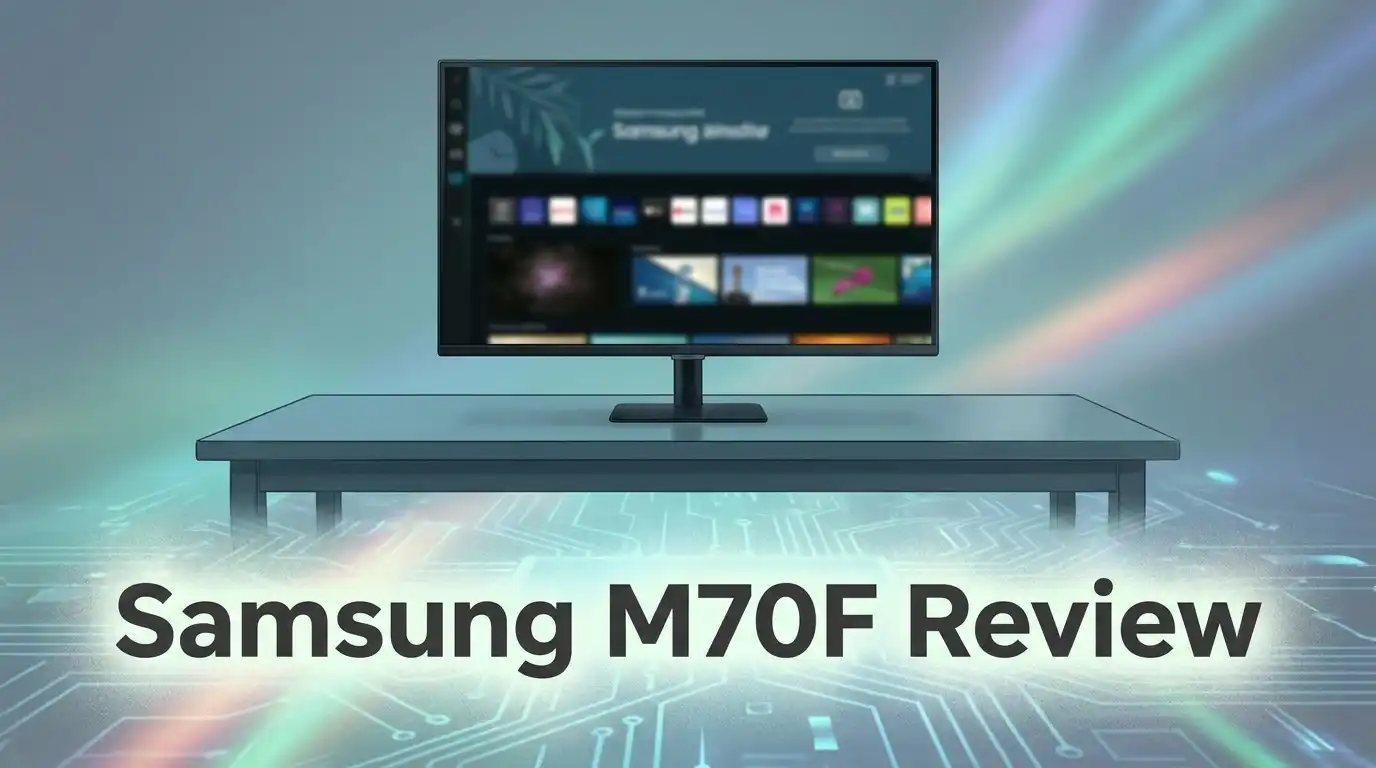
Samsung M70F Review: Worth Buying?
Do you want one screen for work and play? The Samsung M70F monitor might be your answer. It blends a monitor and a smart TV into one sleek device.
This monitor comes in 32″ and 43″ sizes. Both offer stunning 4K UHD resolution for crisp, clear visuals.
You get a matte display that cuts glare. The 3,000:1 contrast ratio makes colors pop and details stand out.
Connectivity is simple too. With USB-C, HDMI, and USB-A ports, you can link laptops, consoles, or smartphones with ease.
In a Nutshell
- 4K UHD clarity: You get sharp 2160p resolution on both the 32″ and 43″ models. Videos and text look crisp and clean.
- Zero lag experience: Users report smooth performance with no noticeable lag. This makes it reliable for daily tasks and casual viewing.
- Smart integration: The M70F connects easily with your PC and smartphone. Samsung’s ecosystem makes switching between devices simple.
- Built for streaming: With Samsung TV Plus onboard, you get instant access to smart TV apps. No extra streaming device needed.
- Bright and vivid display: The panel delivers strong brightness and excellent video quality. This suits both work presentations and movie nights.
- A hybrid tradeoff: It skips some specialized gaming or professional monitor features. Details on refresh rate and color accuracy stay limited.
Display Quality and Resolution
The Samsung M70F display excels in clarity and brightness. You get 4K UHD resolution at 2160p across both the 32″ and 43″ models. This means sharp text, crisp images, and detailed video content.
The matte finish is a smart choice. It reduces glare and reflections without sacrificing image quality. You can use this monitor in bright rooms or near windows without struggling to see your screen.
Contrast and color performance stand out here. The 3,000:1 contrast ratio delivers deep blacks and vibrant colors. Video streaming looks excellent, whether you’re watching movies on Samsung TV Plus or working with photos on your PC.
Brightness levels are impressive. The panel gets bright enough for well lit spaces and outdoor viewing. This brightness also helps when you’re switching between work tasks and entertainment content.
The display handles motion smoothly. Users report zero lag during everyday use, which matters whether you’re scrolling documents or streaming shows. The response time keeps up with your actions without stuttering or ghosting.
One limitation exists here. The research doesn’t specify refresh rate details or professional color accuracy specs. If you’re a competitive gamer or color grader, you may need to dig deeper into these technical aspects.
The matte surface serves dual purposes. It cuts reflections in bright environments and reduces eye strain during long sessions. This works well for both office work and casual viewing.
Samsung Vision AI enhances the viewing experience. This technology adjusts picture settings based on what’s on screen. Darker scenes get optimized for shadow detail, while bright scenes stay clear without washing out.
The overall picture quality justifies the hybrid design. You’re not sacrificing display performance for the monitor/TV combination. Instead, Samsung packed strong visual capabilities into a versatile screen that handles streaming, work, and general computing equally well.


Last update on 2026-09-12 / Affiliate links / Images from Amazon Product Advertising API Some of the links on this website are affiliate links, which means that at no additional cost to you, I earn a commission if you click through and make a purchase. I only recommend products and services that I believe will add value to my readers. Thank you for your support!
Design and Build Quality
The Samsung M70F stands out because of how it’s built. This monitor uses a matte display panel that works hard to reduce glare. You’ll notice the difference immediately, especially if your desk sits near a window or under bright lights.
The physical design reflects a hybrid philosophy. Samsung packed this device to work as both a monitor and a smart TV. The 32″ and 43″ size options give you flexibility based on your space. The build feels sturdy without being bulky. The stand provides stable support, and the overall construction suggests this device can handle daily use for years.
Connectivity matters for any monitor, and the M70F delivers here. You get USB-C, HDMI, and USB-A ports. This variety means you can connect your laptop, gaming console, or streaming device without hunting for adapters. The USB-C port adds modern convenience. Built-in speakers eliminate the need for external audio equipment, though serious audiophiles may still prefer dedicated speakers.
The display itself uses a 3,000:1 contrast ratio. This specification tells you the monitor handles both bright whites and deep blacks effectively. The matte finish serves double duty. It cuts reflections that plague glossy screens, and it reduces eye strain during extended work sessions. This matters if you spend eight hours daily staring at your screen.
Samsung Vision AI technology integrates into the display system. This feature optimizes picture quality automatically based on what you’re watching. Whether you’re editing photos, watching movies, or browsing the web, the AI adjusts settings in real time.
The hybrid nature means some compromises exist. This monitor doesn’t emphasize specialized gaming features like extreme refresh rates. Professional color grading tools also take a backseat to the all-in-one approach. However, for users who want one screen to handle work, entertainment, and everyday tasks, the build quality supports that mission effectively. The materials and engineering feel appropriate for a device meant to replace both a traditional monitor and a TV.
Smart Features and Integration
The Samsung M70F shines when it comes to connecting your devices and apps. Samsung Vision AI sits at the heart of this experience. This technology learns how you use your screen and adjusts settings automatically. You get smarter picture quality without lifting a finger.
Your PC and smartphone link up effortlessly. The USB-C port handles both data and power in one cable. This means fewer wires on your desk. HDMI and USB-A ports give you flexibility for other devices too. Everything works together smoothly.
Smart TV apps come pre-installed. Samsung TV Plus loads instantly when you turn on the monitor. You access streaming services and live channels right away. No need for an external box or stick. The integration feels natural and quick.
The built-in speakers add another layer of convenience. You don’t need separate audio equipment for casual viewing. For serious gaming or content creation, you might want external speakers. But for everyday use, they handle the job well.
One key benefit is dual functionality without switching inputs. You can use this as a PC monitor one moment and a smart TV the next. Your apps and settings stay organized. The transition happens instantly. This hybrid approach saves desk space and reduces clutter.
Samsung’s ecosystem works best if you own other Samsung devices. Your TV, phone, and monitor communicate with each other. Files transfer easily. Settings sync across screens. If you use different brands, basic connections still work fine. You just won’t get all the ecosystem perks.
The matte display pairs well with these smart features. It reduces glare while you’re streaming or working. Your eyes stay comfortable during long sessions. Vision AI adjusts brightness based on what’s on screen. A dark movie gets different settings than a bright spreadsheet.
This monitor prioritizes ease of use. You don’t need tech skills to set it up. The interface feels intuitive. Most people get everything working within minutes. That’s where the M70F really stands out in the smart features category.
Top 3 Alternatives
LG UltraGear Monitor

Last update on 2026-09-19 / Affiliate links / Images from Amazon Product Advertising API Some of the links on this website are affiliate links, which means that at no additional cost to you, I earn a commission if you click through and make a purchase. I only recommend products and services that I believe will add value to my readers. Thank you for your support!
ASUS ProArt Display

Last update on 2026-09-19 / Affiliate links / Images from Amazon Product Advertising API Some of the links on this website are affiliate links, which means that at no additional cost to you, I earn a commission if you click through and make a purchase. I only recommend products and services that I believe will add value to my readers. Thank you for your support!
Dell UltraSharp Monitor

Last update on 2026-09-19 / Affiliate links / Images from Amazon Product Advertising API Some of the links on this website are affiliate links, which means that at no additional cost to you, I earn a commission if you click through and make a purchase. I only recommend products and services that I believe will add value to my readers. Thank you for your support!
Performance for Work and Gaming
The Samsung M70F handles work tasks with impressive speed and smoothness. Your applications launch quickly, and switching between windows feels responsive. The 4K resolution gives you plenty of screen real estate for spreadsheets, documents, and design work.
For gaming, the M70F offers a different experience than traditional gaming monitors. The display shows no lag during gameplay, which is excellent news. However, the monitor doesn’t emphasize refresh rate specs in its marketing materials. This suggests it may not target competitive gamers who need 144Hz or higher performance. Casual gamers and console players will find the experience perfectly adequate.
The 3,000:1 contrast ratio delivers solid black levels and bright highlights. This matters when you’re editing photos or watching videos. Colors pop without looking oversaturated. The matte finish prevents glare, which helps during long work sessions at your desk.
Samsung Vision AI enhances what you see on screen. The technology adjusts brightness and contrast based on content. When you’re working on spreadsheets, the display optimizes for clarity. Switch to video content, and the system adapts automatically. This intelligent approach reduces eye strain throughout your day.
The built-in speakers add convenience for video calls and media playback. You won’t need external speakers for basic office tasks. Sound quality is decent for a monitor, though serious audio work still benefits from dedicated speakers.
One key advantage for work is the USB-C port. You can charge your laptop while transferring data and displaying content simultaneously. This reduces cable clutter on your desk. Smartphone integration works seamlessly too. Your Samsung phone connects instantly for screen mirroring and file sharing.
The hybrid nature means some specialized gaming features are absent. You won’t find advanced color calibration options or gaming specific modes. Professional color grading also requires dedicated tools.
For everyday work and casual gaming, the M70F performs well. It balances productivity features with entertainment capabilities. The smart integration keeps everything connected and simple. If you need a screen that handles both office work and entertainment equally, this monitor delivers.
Connectivity and Ports
The Samsung M70F gives you multiple ways to connect your devices. This monitor includes USB-C, HDMI, and USB-A ports. Each port serves a different purpose in your setup.
USB-C stands out as the most versatile option. You can charge your laptop while using it as your display. This single cable handles both power and video, which reduces clutter on your desk. The USB-C connection also transfers data at fast speeds.
HDMI ports let you connect gaming consoles, streaming devices, or cable boxes. You get traditional video connectivity alongside the modern USB-C option. This dual approach works well if you switch between different devices throughout your day.
USB-A ports add extra flexibility for peripherals. You can plug in external hard drives, printers, or other accessories directly into the monitor. This saves space on your actual computer and keeps everything organized in one place.
The built-in speakers connect wirelessly to your devices through Bluetooth or Wi-Fi. You don’t need separate speakers for video calls or media playback. Sound comes directly from the monitor itself, which simplifies your setup.
Samsung’s ecosystem integration makes device switching smooth. Your phone, tablet, and computer all link up without complicated setup steps. The monitor recognizes your Samsung devices automatically and adjusts settings for you.
One practical benefit is the USB-C power delivery feature. Your laptop charges while you work. You eliminate the need for a separate power adapter taking up desk space.
The port arrangement works best if you use multiple devices regularly. Switching between your work computer, personal laptop, and phone happens instantly. You don’t need to unplug cables or restart applications.
This connectivity approach differs from traditional gaming monitors. Those devices focus on gaming-specific ports and high refresh rates. The M70F prioritizes flexibility and ease of use instead.
The monitor handles everyday connectivity tasks without issues. File transfers happen quickly through USB-C and USB-A. Video streaming over HDMI performs smoothly without lag or interruptions.
Pros and Cons
Pros
- Switches between monitor and TV mode without changing inputs or cables
- Bright, sharp 4K display with solid contrast for everyday viewing and work
- USB-C port charges your laptop while you use it as a display
- Samsung TV apps and Vision AI come built in, so no extra devices needed
- Strong connectivity with USB-C, HDMI, and USB-A ports for multiple devices
Cons
- Gaming specs like refresh rate and response time are not clearly defined
- Lacks specialized features you’d find on dedicated gaming or professional monitors
- Matte screen and smart TV focus mean it’s a generalist, not a specialist tool
- Limited detail on color accuracy for photo or video editing work
Who Should Buy It
The Samsung M70F works best for people who want one device to handle multiple jobs. You get a monitor and a smart TV in a single screen, so you don’t need separate equipment taking up desk space.
Content creators and office workers benefit from the USB-C port. You can charge your laptop while using the M70F as your main display. This setup keeps your desk clean and reduces cable clutter. The 4K resolution and solid contrast ratio make text sharp and images clear for long work sessions.
Casual gamers find this monitor appealing. It handles everyday gaming smoothly without lag. However, if you play competitive shooters or fast-action games, you may miss specialized gaming features like high refresh rates. This monitor prioritizes general performance over gaming-specific specs.
People who stream content get real value here. The built-in speakers work for video calls and media playback. Samsung TV apps come integrated, so you can watch shows or browse content without extra devices. The matte display reduces glare, making it comfortable for extended viewing.
Students and remote workers appreciate the hybrid approach. You can switch between work mode and entertainment mode instantly. No input switching or cable changes needed. The strong device integration with Samsung phones and computers means you can mirror your smartphone or tablet easily.
Families sharing one screen find the larger sizes practical. The 32 and 43 inch options give everyone enough viewing space. One device serves multiple purposes: work, gaming, streaming, and video calls.
The M70F is not ideal for professional photo or video editors who need exact color accuracy. It’s also not the right choice for hardcore gamers seeking extreme performance specs. Think of it as a generalist device that does many things well rather than one thing perfectly.
If you want simplicity, versatility, and a screen that works for work and entertainment alike, this monitor fits your needs. You get functionality without complexity or extra hardware cluttering your space.
Final Verdict
The Samsung M70F earns its spot as a smart choice for anyone who wants one screen to do many jobs. It blends monitor and TV functions into a single device. This makes it a practical pick for busy homes and flexible workspaces.
Dual functionality sets this display apart from typical monitors. You get work tools and entertainment options without buying two separate screens. That combo saves space and simplifies your setup.
The picture quality impresses for everyday use. Bright visuals and solid contrast make movies, shows, and work documents look clear. Most users report smooth performance with no noticeable lag.
However, this monitor has clear limits. Gamers who need precise refresh rates should look elsewhere. Professionals who edit photos or videos for a living may find the color accuracy unclear or insufficient.
Think of the M70F as a generalist, not a specialist. It handles many tasks well but does not excel in any single technical area. This tradeoff makes sense for casual users but may frustrate power users.
Who should buy this monitor? Students, remote workers, and casual streamers will likely love it. Families who share one screen for different purposes will also find real value here.
Who should skip it? Serious gamers and creative professionals with strict technical needs should consider dedicated monitors instead. Those users benefit more from specs built specifically for their craft.
Overall, the Samsung M70F delivers strong value for hybrid use cases. It merges smart TV features with monitor capabilities in a way few competitors match. This makes it a unique option in a crowded market.
If you want one screen that adapts to your day, from work calls to weekend movies, this monitor fits well. It rewards users who prioritize flexibility over specialized performance. For most everyday households and offices, that tradeoff feels worth it.
Frequently Asked Questions
Does the M70F work as both a monitor and a TV?
Yes, it does. The Samsung M70F functions as a full smart TV and a computer monitor at the same time. You can switch between PC input and TV apps instantly. Samsung TV Plus comes built in, so you get streaming apps without extra hardware. The dual functionality means one screen handles your work and entertainment needs.
Can I charge my laptop while using this monitor?
Absolutely. The USB-C port delivers power to your laptop while displaying your content. This eliminates the need for a separate charger cable. You get display, data transfer, and charging all through one connection. This feature saves desk space and reduces cable clutter.
Is the M70F good for gaming?
The monitor works fine for casual gaming. However, Samsung doesn’t clearly specify the refresh rate or response time, which are critical for competitive gaming. If you play fast paced games seriously, a dedicated gaming monitor might serve you better. The M70F prioritizes general use over gaming performance.
What size options are available?
You can choose between a 32 inch or 43 inch screen. Both offer 4K resolution and the same smart TV features. The larger 43 inch model works well for living rooms or shared spaces. The 32 inch fits better on standard desks for work and personal use.
Who should buy the M70F?
Students, remote workers, and casual streamers benefit most from this monitor. Content creators appreciate the USB-C charging feature. Families sharing one screen find the larger sizes practical. Skip this if you need exact color accuracy for photo editing or demand high refresh rates for competitive gaming.

Hello everyone my name is Alenya and i am a gadget discovering Enthusiast 🐻🐻