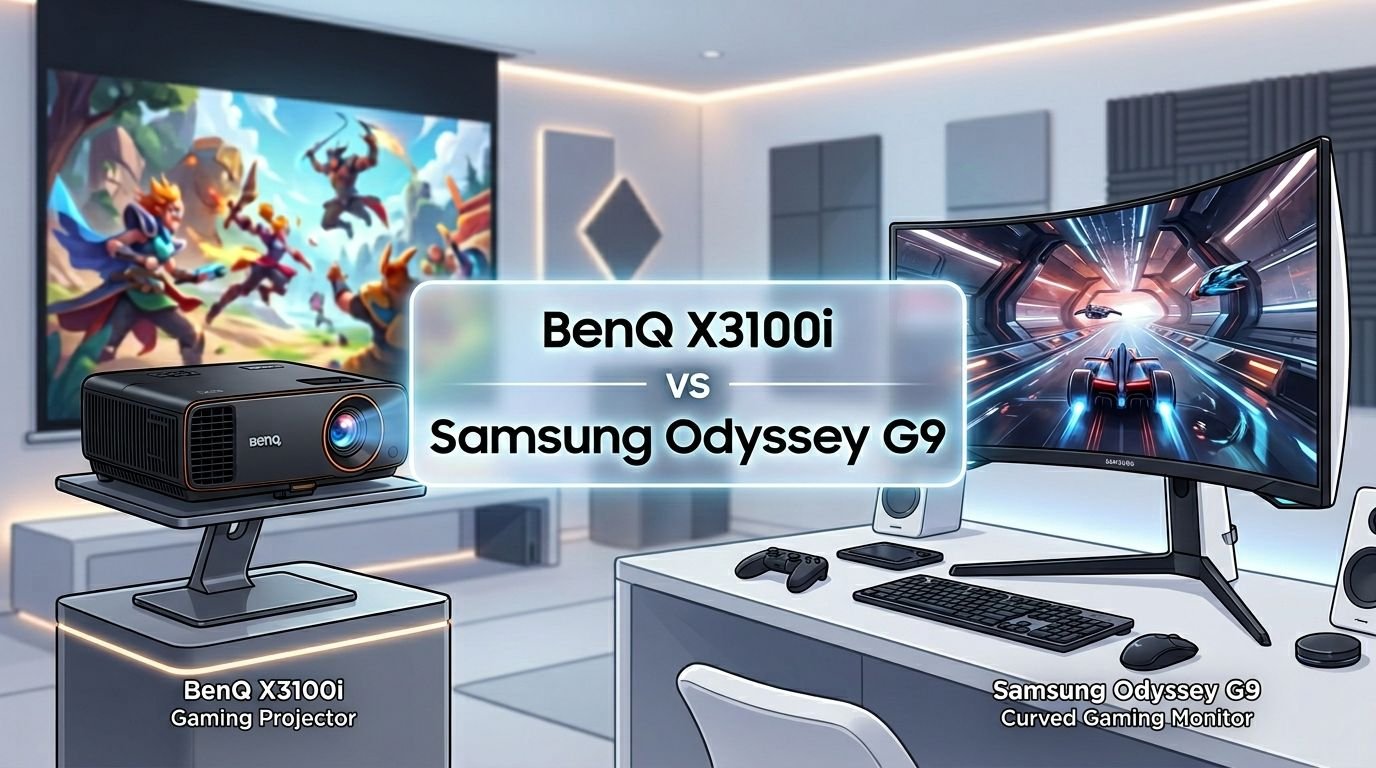
BenQ X3100i vs Samsung Odyssey G9: Which One Wins?
Are you torn between a massive gaming projector and a super ultrawide gaming monitor? The BenQ X3100i and Samsung Odyssey G9 represent two very different paths to an immersive gaming setup.
One throws a giant 4K image on your wall. The other wraps a 49 inch curved screen around your field of view. Both promise stunning visuals, lightning fast response, and a gaming experience you will not forget.
But which one is right for your setup, your budget, and your play style? This detailed comparison breaks down every spec, feature, and real world advantage of each product. By the end, you will know exactly which display deserves a spot in your gaming room. Let’s dive in.
Key Takeaways:
- The BenQ X3100i is a 4K gaming projector with 3300 ANSI lumens, a 4.2ms input lag at 1080p/240Hz, and Android TV built in. It delivers screen sizes up to 120 inches or more, making it ideal for gamers who want a cinematic, big screen experience from a single compact device.
- The Samsung Odyssey G9 (G95C) is a 49 inch curved gaming monitor with Dual QHD resolution (5120×1440), a 240Hz refresh rate, and 1ms GtG response time. Its 32:9 aspect ratio fills your peripheral vision and replaces a dual monitor setup.
- Image quality differs by type. The BenQ X3100i supports true 4K UHD and HDR10 with 100% DCI P3 color. The Samsung Odyssey G9 uses a VA panel with DisplayHDR 1000, delivering a 1,000,000:1 contrast ratio and 1000 nit peak brightness.
- Input lag goes to both products depending on use. The BenQ hits 4.2ms at 1080p/240Hz. The Samsung Odyssey G9 reaches roughly 3ms at 240Hz in game mode. Both are excellent for competitive gaming.
- Price and purpose set them apart. The BenQ X3100i retails around $2,399 and suits console gamers who want a huge display. The Samsung Odyssey G9 G95C sits around $899 and fits PC gamers who want ultrawide productivity and gaming in one screen.
- Room setup matters. The projector needs a dark or controlled light room and throw distance. The monitor sits on any desk and works in bright rooms without issue.
BenQ X3100i: Overview and Key Features

Last update on 2026-08-02 / Affiliate links / Images from Amazon Product Advertising API Some of the links on this website are affiliate links, which means that at no additional cost to you, I earn a commission if you click through and make a purchase. I only recommend products and services that I believe will add value to my readers. Thank you for your support!
The BenQ X3100i is a flagship 4K gaming projector built for console and PC gamers who want a huge screen experience. It uses a 4LED light source to produce 3300 ANSI lumens of brightness. That is bright enough for most living rooms with some light control.
The projector supports true 4K UHD (3840×2160) resolution. It covers 100% of the DCI P3 color space. HDR10 and HLG are both supported through BenQ’s proprietary HDR PRO technology. This gives games and movies vivid, accurate colors.
For gaming, the X3100i offers a 4.2ms input lag at 1080p/240Hz and 8.3ms at 1080p/120Hz. These numbers make it one of the fastest projectors available. It also features preset game modes for FPS, RPG, and SPG genres. Android TV is built in, so you get access to streaming apps like Netflix without extra devices.
Pros:
- True 4K resolution with HDR10 and 100% DCI P3 color
- Ultra low 4.2ms input lag at 1080p/240Hz
- Screen sizes up to 120 inches and beyond
- Built in Android TV with streaming apps
- 10W TreVolo speakers with Dolby Atmos output support
Cons:
- High price point around $2,399
- Requires a dark or dimmed room for best picture quality
- Fan noise can be noticeable in quiet scenes
- Only two HDMI 2.0 ports (no HDMI 2.1)
Samsung Odyssey G9 (G95C): Overview and Key Features

Last update on 2026-08-02 / Affiliate links / Images from Amazon Product Advertising API Some of the links on this website are affiliate links, which means that at no additional cost to you, I earn a commission if you click through and make a purchase. I only recommend products and services that I believe will add value to my readers. Thank you for your support!
The Samsung Odyssey G9 G95C is a 49 inch super ultrawide curved gaming monitor. It features a 32:9 aspect ratio with Dual QHD resolution (5120×1440). This gives you the equivalent of two 27 inch QHD monitors placed side by side.
The display uses a VA panel with a 1000R curve that wraps around your field of view. It reaches a peak brightness of 1000 nits and carries VESA DisplayHDR 1000 certification. The contrast ratio is rated at 1,000,000:1, which delivers deep blacks and rich shadow detail.
Gaming performance is excellent. The monitor runs at 240Hz with a 1ms GtG response time. AMD FreeSync Premium Pro is supported for tear free gameplay. Input lag sits around 3ms at 240Hz in game mode. CoreSync and Core Lighting Plus add ambient RGB lighting that matches your game’s on screen colors.
Pros:
- Massive 49 inch ultrawide screen replaces dual monitor setups
- 240Hz refresh rate with 1ms response time
- DisplayHDR 1000 with 1000 nit peak brightness
- 1000R curve for full peripheral immersion
- AMD FreeSync Premium Pro support
- Ergonomic stand with height, tilt, and swivel adjustments
Cons:
- 1440p vertical resolution may feel limiting for some users
- VA panel can show slower dark transitions compared to OLED
- Large desk footprint required
- No built in speakers
- Can be difficult to drive at full resolution with older GPUs
Display Quality and Resolution Comparison
The BenQ X3100i and Samsung Odyssey G9 take very different approaches to display quality. The BenQ projects a 3840×2160 (4K UHD) image. The Samsung displays at 5120×1440 (Dual QHD). In total pixel count, they are surprisingly close. But the pixel layout and experience differ greatly.
The BenQ X3100i shines in color accuracy. Its 100% DCI P3 coverage and HDR PRO technology produce rich, saturated colors. The projected image looks fantastic on a proper screen or light colored wall. However, brightness depends on ambient light. A dark room gives you the best results.
The Samsung Odyssey G9 delivers sharper pixel density at its native viewing distance. The VA panel produces a 1,000,000:1 contrast ratio with deep blacks. DisplayHDR 1000 certification means it handles HDR content with authority. Bright highlights and dark shadows coexist beautifully on screen.
For pure image sharpness at a desk, the Samsung wins. For cinematic scale and color range, the BenQ holds its own.
Gaming Performance: Input Lag and Refresh Rate
Both devices deliver impressive gaming performance, but they cater to different setups. The BenQ X3100i supports 1080p at 240Hz with a 4.2ms input lag. At 4K/60Hz, the input lag rises to 16.7ms. This is still fast by projector standards.
The Samsung Odyssey G9 runs at 240Hz natively with a 1ms GtG response time. Input lag at 240Hz drops to roughly 3ms. This makes it slightly faster than the BenQ in raw response. The FreeSync Premium Pro support also eliminates screen tearing and stuttering.
One important note: the BenQ X3100i does not have HDMI 2.1 ports. It uses HDMI 2.0, which limits 4K output to 60Hz. You get 240Hz only at 1080p. The Samsung connects via DisplayPort 1.4 and HDMI 2.1, supporting its full DQHD resolution at 240Hz.
For competitive FPS gamers at a desk, the Samsung Odyssey G9 has the edge. For couch gaming on a big screen, the BenQ X3100i delivers an unmatched experience.
Screen Size and Immersion
This is where the BenQ X3100i truly stands out. It can project a screen size of 100 to 120 inches or even larger depending on throw distance. That kind of scale creates a cinematic experience that no monitor can match. Playing a game like Elden Ring on a 100 inch projected image is unforgettable.
The Samsung Odyssey G9 counters with a different kind of immersion. Its 49 inch 1000R curve wraps the image around your peripheral vision. The 32:9 aspect ratio fills your sight line. Racing games and flight simulators feel incredibly natural on this screen. You see more of the game world at once without turning your head.
Both products create immersion, but they do it differently. The BenQ offers raw scale. You feel like you are inside a theater. The Samsung offers wraparound coverage. You feel like you are sitting inside a cockpit.
Your room layout will play a big role in this decision. The projector needs distance and darkness. The monitor needs a wide desk and proper seating position.
HDR Performance
HDR handling is a key factor for modern gaming displays. The BenQ X3100i supports HDR10 and HLG with BenQ’s HDR PRO tone mapping. This adjusts the image in real time to maintain detail in bright and dark areas. The result is solid HDR performance for a projector, though it cannot match the peak brightness of a direct view display.
The Samsung Odyssey G9 G95C is VESA DisplayHDR 1000 certified. It reaches 1000 nits of peak brightness. The VA panel’s high native contrast helps HDR content look dramatic and punchy. Bright highlights pop against deep, dark blacks. Local dimming zones further improve HDR accuracy.
In a direct HDR comparison, the Samsung Odyssey G9 delivers stronger highlights and contrast. The BenQ X3100i provides a more subtle, film like HDR presentation that works well for its projection format. Both are good at HDR, but the monitor has a clear brightness advantage.
Connectivity and Ports
The BenQ X3100i comes with two HDMI 2.0 ports, one USB Type A port, and a 3.5mm audio output. HDMI 2.0 limits 4K to 60Hz. The second HDMI port supports eARC for external sound systems. Wireless connectivity includes Wi-Fi and Bluetooth for streaming and audio devices.
The Samsung Odyssey G9 G95C includes one HDMI 2.1 port, one DisplayPort 1.4 port, one USB hub upstream port, and two USB 3.0 downstream ports. A 3.5mm headphone jack is also available. The HDMI 2.1 port supports higher bandwidth for next gen consoles.
The Samsung offers more versatile wired connectivity for PC and console gaming. The BenQ compensates with wireless streaming through Android TV and Bluetooth audio support. If you game primarily on a PS5 or Xbox Series X, the Samsung’s HDMI 2.1 port is a meaningful advantage.
Smart Features and Software
The BenQ X3100i runs Android TV on its built in QS02 dongle. This gives you access to the Google Play Store, Netflix, YouTube, Disney Plus, and other streaming apps. You can use the projector as a standalone entertainment device. Chromecast and AirPlay support are also included for wireless screen mirroring.
The Samsung Odyssey G9 G95C does not include smart TV features. It is a dedicated monitor. You connect your PC, console, or streaming device to it. Samsung does include Gaming Hub on some models, but the G95C focuses on raw display performance.
For users who want an all in one entertainment center, the BenQ X3100i is the clear winner. It eliminates the need for a separate streaming stick or smart TV box. The Samsung requires external source devices for all content.
Audio Quality
The BenQ X3100i includes dual 5W TreVolo tuned speakers with support for Dolby Atmos output via eARC. The built in audio is decent for casual gaming and movie watching. It will not replace a dedicated sound system, but it works well enough for a clean, simple setup.
The Samsung Odyssey G9 G95C has no built in speakers. You will need external speakers or a headset for audio. Most serious gamers already use headphones, so this may not be a deal breaker. But if you want sound out of the box, the Samsung falls short.
This is a clear advantage for the BenQ X3100i. The built in speakers save you money and desk space. They also support Dolby Atmos passthrough to an external sound system through eARC.
Price and Value for Money
The BenQ X3100i retails at around $2,399. That is a significant investment. However, you get a true 4K projector with smart features, low input lag, and screen sizes above 100 inches. A comparable TV at that screen size would cost far more.
The Samsung Odyssey G9 G95C retails at around $899 (often found on sale for less). For that price, you get a 49 inch ultrawide with 240Hz, DisplayHDR 1000, and a 1ms response time. It is excellent value for what it offers.
Dollar for dollar, the Samsung Odyssey G9 provides more gaming performance per dollar spent. The BenQ X3100i justifies its higher price through massive screen size and projector flexibility. Your budget and priorities will decide which one offers better value for you.
Who Should Buy the BenQ X3100i?
The BenQ X3100i is the right pick for gamers who want a big screen, theater style experience. If you play games on a PS5 or Xbox Series X from a couch, this projector delivers. It is also a great choice for movie lovers who want one device for gaming and streaming.
Buyers who have a dedicated media room or basement will love this product. It performs best in darker spaces. If you enjoy RPGs, story driven adventures, and cinematic games, the massive projected image adds real emotional impact.
It is not ideal for competitive PC gamers who need 240Hz at full resolution with pixel perfect clarity.
Who Should Buy the Samsung Odyssey G9?
The Samsung Odyssey G9 G95C fits PC gamers and productivity users perfectly. If you want one screen for gaming and work, the 49 inch ultrawide replaces a dual monitor setup. The 240Hz refresh rate and 1ms response time satisfy competitive gamers.
It is a top pick for sim racers, flight simulator fans, and open world game lovers. The 32:9 aspect ratio provides an unmatched field of view that standard monitors cannot deliver. Users with powerful gaming PCs will get the most out of this display.
It is not the best fit for console only gamers who want a cinema sized image in a dark living room.
FAQs
Is the BenQ X3100i good for competitive gaming?
Yes. The BenQ X3100i delivers a 4.2ms input lag at 1080p/240Hz. That is fast enough for competitive play. However, a dedicated gaming monitor like the Samsung Odyssey G9 will offer slightly better raw response and pixel clarity at close range.
Does the Samsung Odyssey G9 support HDMI 2.1?
Yes. The Samsung Odyssey G9 G95C includes one HDMI 2.1 port. This supports higher bandwidth connections from PS5, Xbox Series X, and modern GPUs.
Can the BenQ X3100i replace a TV?
Absolutely. With Android TV built in, streaming app access, and screen sizes over 100 inches, the BenQ X3100i works as a full TV replacement. You will need a dark or dimmed room for the best picture quality.
Does the Samsung Odyssey G9 have speakers?
No. The Samsung Odyssey G9 G95C does not include built in speakers. You will need to use headphones, external speakers, or a soundbar.
Which one is better for PS5 gaming?
Both work with PS5. The BenQ X3100i gives you a massive screen for cinematic games. The Samsung Odyssey G9 offers sharper visuals and faster response at the desk. The PS5 does not fully utilize the 32:9 aspect ratio of the Samsung, so the BenQ may provide a more natural console experience.
Is the Samsung Odyssey G9 worth it for productivity?
Yes. The 49 inch ultrawide display with 5120×1440 resolution is excellent for multitasking. You can split the screen into two or three windows easily. It replaces a dual monitor setup and removes the bezel gap in the middle.

Hello everyone my name is Alenya and i am a gadget discovering Enthusiast 🐻🐻