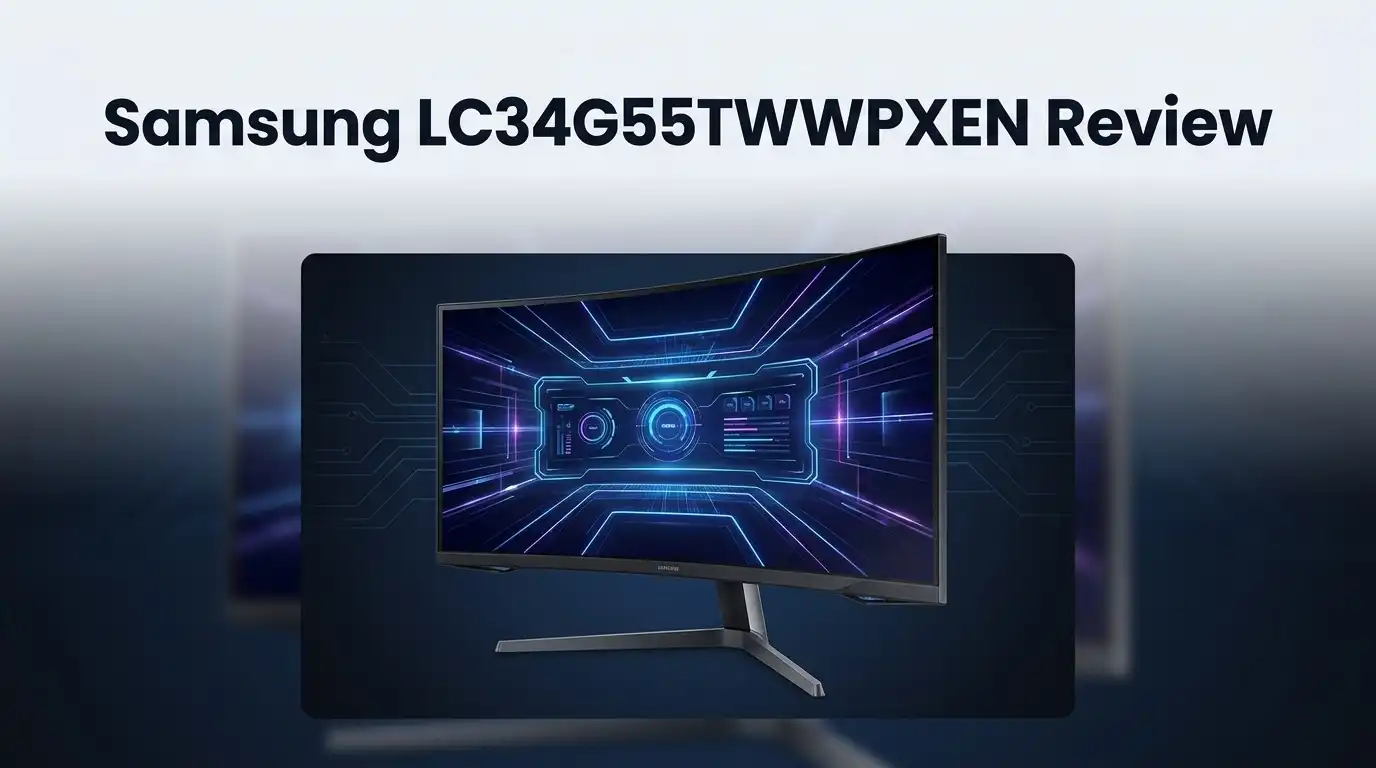
Samsung LC34G55TWWPXEN Review: Worth It?
Ultrawide monitors grab attention fast. The Samsung LC34G55TWWPXEN takes that appeal further with a bold curve.
This 34 inch display uses a 1000R curvature. That means the screen wraps around your view. Games and movies feel more immersive this way.
But does the curve actually help? Or is it just a gimmick brands use to stand out?
We put this Odyssey G5 model under the lens. Its 3440×1440 resolution delivers crisp detail. The 165Hz refresh rate keeps motion smooth during fast gameplay.
In a Nutshell
- Immersive curve: The 1000R curvature wraps around your view. It pulls you into games and movies. Your eyes stay focused without extra strain.
- Smooth gameplay: A 165Hz refresh rate keeps motion crisp. Fast paced games feel fluid and responsive. Screen tearing becomes a thing of the past.
- Sharp visuals: The WQHD resolution delivers clear details. Text looks crisp. Colors pop without looking washed out.
- True to life colors: This panel offers excellent color accuracy. Creative work benefits from this precision. Movies and games look vibrant and natural.
- Deep contrast: The VA panel produces rich blacks. Dark scenes gain more depth. Bright scenes still shine through clearly.
- Wide comfort zone: Viewing angles stay consistent across the screen. Multiple people can watch without color shifts. Reflection handling also keeps glare to a minimum.
Display Quality and Panel Technology
The VA panel technology in this Samsung monitor delivers outstanding black levels that most competitors struggle to match. VA panels excel at blocking light, which means darker scenes in games and movies look genuinely impressive.
Color accuracy stands out as a major strength here. The display reproduces colors faithfully, so photos and video editing work feel natural. You won’t see the washed out tones that cheaper panels produce.
The 1000R curvature wraps your field of view smoothly. This curve radius means the screen edges stay roughly equidistant from your eyes. The practical benefit? Less head turning and a more immersive experience during long gaming sessions.
Reflection handling proves solid across the panel surface. The anti glare coating reduces screen glare without creating a grainy texture. You can work comfortably even in bright rooms without constant reflections breaking your focus.
Viewing angles remain consistent thanks to the VA technology. You won’t see color shifts or contrast loss when viewing from the side. This matters if multiple people watch the screen together or if you lean back in your chair.
The 3440×1440 resolution packs 33% more horizontal pixels than standard ultrawide displays. This extra width opens up workspace real estate for multitasking. Video editors and traders benefit from the additional screen space.
Response time hits 1ms, which eliminates ghosting during fast action sequences. Combined with the 165Hz refresh rate, motion appears smooth and responsive. Competitive gamers appreciate this snappy performance.
The panel’s contrast ratio excels at separating bright and dark elements. This separation creates visual depth that pulls you into the experience. Whether you’re gaming or watching films, the depth feels tangible.
One consideration: The steep 1000R curve isn’t for everyone. Some users prefer flatter screens or gentler curves. Your seating distance and personal preference matter here.
Overall, the display quality components work together effectively. The VA panel foundation provides excellent blacks and contrast. The ultrawide resolution adds practical screen space. The curve enhances immersion without sacrificing comfort. This combination makes the monitor suitable for both gaming and professional work.

Last update on 2026-09-19 / Affiliate links / Images from Amazon Product Advertising API Some of the links on this website are affiliate links, which means that at no additional cost to you, I earn a commission if you click through and make a purchase. I only recommend products and services that I believe will add value to my readers. Thank you for your support!
Gaming Performance and Refresh Rate
Gaming on this Samsung monitor feels smooth and responsive. The 165Hz refresh rate keeps every frame flowing without stutters or lag. When you’re in fast paced games, this speed makes a real difference compared to standard 60Hz displays.
The 1ms response time eliminates ghosting during quick camera movements. You see enemies clearly even when the action gets intense. This matters most in competitive shooters and fighting games where split second reactions count.
FreeSync Premium support syncs your graphics card output with the screen. No more screen tearing ruins your gameplay experience. AMD users get smooth visuals automatically, which removes distracting visual glitches that break immersion.
The ultrawide 3440×1440 resolution gives you a tactical advantage in many games. You see more of the game world without turning your camera. Strategy games and racing sims benefit hugely from this extra horizontal space. Your peripheral vision gets more information, which helps you react faster to threats.
The 1000R curve wraps around your eyes naturally. This design keeps all screen areas at roughly the same distance from your face. Your eyes don’t need to work as hard to focus on distant edges. Gaming sessions feel less tiring because your neck stays relaxed in a neutral position.
VA panel technology produces deep blacks and rich contrast. Dark corners of games look genuinely dark, not washed out gray. This helps you spot enemies hiding in shadows before they spot you. The color accuracy also means in game environments look exactly as developers intended.
The monitor handles fast motion without blur or smearing. Whether you’re playing platformers, shooters, or action RPGs, movement stays crisp and defined. The combination of high refresh rate and quick response time creates a responsive feel that gamers crave.
This Samsung display handles gaming demands well. Fast paced action stays smooth. Competitive games run without tearing. The ultrawide view gives strategic advantages. Deep blacks reveal hidden details. Everything points to solid gaming performance that serious players will appreciate.
Design, Build Quality, and Curvature
The Samsung LC34G55TWWPXEN sports a chassis built for serious use. The frame feels sturdy and grounded, with minimal flex when you press on the bezels. The stand offers solid adjustment options including height, tilt, and swivel functions for finding your perfect viewing angle.
The 34 inch ultrawide form factor dominates your desk space. This monitor stretches 53.7 inches wide, so measure your workspace before committing. The curved design sits closer to your face than flat alternatives, creating an immersive bubble around your field of view.
The 1000R curvature is the real star here. This aggressive bend means every inch of the screen sits roughly the same distance from your eyes. You won’t need to crane your neck side to side. The curve feels natural during gaming sessions and creative work alike. Some users prefer flatter panels, but this curve genuinely reduces eye strain during long hours.
Build materials use plastic construction throughout, which keeps weight manageable. The stand connects securely to the panel with no wobbling during normal use. Cable management slots keep your desk organized and clean. The power brick sits external, reducing clutter behind your monitor.
The panel’s matte finish handles reflections exceptionally well. Overhead lights and windows don’t create annoying glare spots. This coating also reduces fingerprints compared to glossy alternatives. The surface feels slightly textured but smooth to touch.
Port selection includes DisplayPort and HDMI connections for flexible device pairing. The USB hub integration adds convenience for keyboard and mouse connections. All ports sit at the rear, making cable routing straightforward.
The overall design prioritizes function over flashy aesthetics. You get a no nonsense gaming monitor that prioritizes performance. The curved ultrawide format creates genuine immersion without sacrificing build quality or durability.
Top 3 Alternatives
LG 34GP950G


Last update on 2026-09-19 / Affiliate links / Images from Amazon Product Advertising API Some of the links on this website are affiliate links, which means that at no additional cost to you, I earn a commission if you click through and make a purchase. I only recommend products and services that I believe will add value to my readers. Thank you for your support!
ASUS ProArt PA348QV

Last update on 2026-09-19 / Affiliate links / Images from Amazon Product Advertising API Some of the links on this website are affiliate links, which means that at no additional cost to you, I earn a commission if you click through and make a purchase. I only recommend products and services that I believe will add value to my readers. Thank you for your support!
Dell S3422DWG

Last update on 2026-09-19 / Affiliate links / Images from Amazon Product Advertising API Some of the links on this website are affiliate links, which means that at no additional cost to you, I earn a commission if you click through and make a purchase. I only recommend products and services that I believe will add value to my readers. Thank you for your support!
Color Accuracy and Visual Precision
Color accuracy matters when you spend hours staring at a screen. The Samsung LC34G55TWWPXEN delivers impressive color reproduction that keeps images looking natural and vibrant. This VA panel excels at rendering colors without washing them out, even when you view from different angles.
The monitor handles color gradients smoothly. You won’t see banding or strange color shifts when moving from one tone to another. This matters for photo editing, video work, and even gaming where environmental details need to look authentic.
Contrast plays a huge role in visual precision. The VA technology creates sharp separation between light and dark areas. Your eyes perceive more depth and detail because blacks stay truly black instead of turning gray. Bright elements pop against dark backgrounds without bleeding into each other.
Viewing angles remain consistent across the entire 34 inch display. The VA panel maintains color accuracy even when you look at the screen from the side. This becomes important in ultrawide setups where your eyes naturally look at different screen sections from slightly different angles.
The matte finish coating protects color accuracy by reducing glare. Reflections don’t wash out your colors or create hot spots that distort what you see. You get a clear, unfiltered view of the actual image data on screen.
Saturation levels feel right without overshooting into unrealistic territory. Colors don’t look artificially boosted or dull. The panel strikes a balance that works for creative professionals and casual users alike.
The 3440×1440 resolution supports this color precision by offering more pixels to display subtle color transitions. Higher pixel density means smoother gradients and fewer visible steps between color changes.
Response time affects how colors appear during motion. The 1ms response time ensures colors stay accurate even during fast camera pans or quick scene changes. You won’t see color ghosting trailing behind moving objects.
Overall, the Samsung LC34G55TWWPXEN proves itself as a solid choice for anyone prioritizing color accuracy. The VA panel technology, combined with the ultrawide format, creates an environment where colors look true to life and maintain their integrity across the entire curved display.
Connectivity and Compatibility
The Samsung LC34G55TWWPXEN connects to your devices through multiple ports. You get DisplayPort and HDMI options for flexible setup choices. This dual connectivity approach works well whether you’re pairing a gaming PC, workstation, or console.
DisplayPort delivers the full 165Hz refresh rate and 3440×1440 resolution without compromise. This connection handles high bandwidth requirements easily. HDMI provides an alternative for devices that don’t support DisplayPort natively.
Daisy chaining isn’t supported on this model. You’ll need separate cables for each device you want to connect simultaneously. This setup works fine if you rotate between different systems throughout your day.
The monitor lacks USB hubs or USB downstream ports. You won’t find audio jacks either. This keeps the design simple and reduces cable clutter around your desk area.
Compatibility extends across most modern graphics cards. NVIDIA GPUs work smoothly with the FreeSync Premium support. AMD Radeon cards sync perfectly since FreeSync is AMD’s variable refresh rate technology. Older systems may need firmware updates to unlock full compatibility features.
Windows and macOS both recognize the ultrawide resolution without driver issues. The 3440×1440 format has become standard enough that operating systems handle it automatically. Linux users should verify driver support for their specific GPU before purchasing.
Gaming consoles present a different story. The PlayStation 5 and Xbox Series X can output to the monitor, but they won’t achieve the full 165Hz refresh rate. Console gaming still works fine at standard refresh rates through HDMI.
The 1000R curvature doesn’t affect connectivity in any way. All ports sit on the rear panel and remain easily accessible. Cable management stays straightforward even with the aggressive curve wrapping around your seating position.
Firmware updates come occasionally to improve compatibility with newer graphics card drivers. Samsung provides these through a USB connection process. The monitor maintains solid long term compatibility as technology evolves.
Pros and Cons
Pros
- The 1000R curvature wraps the display around your eyes, keeping every inch at the same viewing distance for immersive gaming and work
- VA panel delivers deep blacks and strong contrast that make colors pop without washing out
- 165Hz refresh rate handles fast action games smoothly, while the 1ms response time eliminates ghosting during motion
- Matte finish coating stops reflections cold, so overhead lights and windows won’t create annoying glare spots
- Wide viewing angles stay consistent across the entire 34 inch screen, letting multiple people see the same image clearly
Cons
- The steep 1000R curvature won’t work for everyone, especially if you prefer flat screens or sit very close to the display
- Plastic construction throughout means the build feels less premium than metal alternatives, though it does keep weight manageable
- No USB ports or hubs built in, so you can’t charge devices or connect peripherals directly to the monitor
- Gaming consoles struggle with the 3440×1440 ultrawide format, limiting this monitor to PC and Mac users for full compatibility
Who Should Buy It
This monitor shines for specific user types who value immersive gaming and professional work. Let’s break down who gets the most from it.
Competitive gamers benefit greatly from the 165Hz refresh rate and 1ms response time. Fast action games feel smooth and responsive. The ultrawide format gives you a wider field of view than standard monitors, which helps you spot enemies sooner in shooters and strategy games.
Content creators find real value here too. The 3440×1440 resolution provides extra horizontal space for editing timelines, arranging design elements, or comparing multiple reference images side by side. Color accuracy matters in this work, and the VA panel delivers deep blacks with strong contrast. You see subtle color shifts without oversaturation.
Professionals who work with spreadsheets, code, or documents appreciate the extra screen real estate. You fit more columns or lines of text without scrolling constantly. The wide viewing angles mean your work stays clear even if you shift position during long sessions.
However, this monitor isn’t ideal for everyone. If you sit very close to your screen (under 24 inches), the steep 1000R curvature might feel overwhelming. Some people simply prefer flat displays for comfort reasons.
Casual gamers who play slower paced games don’t need the 165Hz refresh rate. You’d get the same experience on a 60Hz ultrawide at a fraction of the specifications.
Mac users should verify their graphics card supports ultrawide resolution output, though most modern Macs handle it without issues. Console gamers won’t access the full 3440×1440 resolution since current generation systems don’t support it.
Office workers in bright environments benefit from the matte finish coating. Glare won’t wash out your display even with windows nearby or overhead lighting.
The bottom line: grab this monitor if you game competitively, create content professionally, or need serious multitasking space. Skip it if you prefer smaller screens, flat panels, or only do light computing tasks.
Final Verdict
The Samsung LC34G55TWWPXEN earns its spot as a solid ultrawide choice. It brings together gaming performance and visual comfort in one package. Few monitors at this size manage both so well.
Its curved VA panel delivers deep contrast and smooth motion. Fast refresh rates and quick response times satisfy gamers who chase every frame. Colors stay accurate across the whole screen, which matters for creative work too.
The build handles reflections well. This makes it a good fit for rooms with strong lighting or big windows. You won’t fight glare during long sessions.
That said, this monitor asks you to accept its curve. Some users adjust fast. Others never fully warm up to it. Testing it in person helps you decide before committing.
Think about your daily tasks before you buy. Gamers who play fast titles will feel the benefits right away. Writers, coders, and analysts also gain from the extra screen space.
If you mostly browse the web or watch videos, the extra features may feel unnecessary. A flat monitor might suit your needs just as well.
Overall, this Samsung model rewards users who want more than a basic screen. It performs best for people who spend hours gaming or working on detailed projects. The panel quality and refresh rate justify the switch from a standard flat display for many users.
Before you decide, weigh your usage habits against what this monitor offers. Check that your setup, desk space, and viewing distance align with a 1000R curve. Doing this small step avoids buyer’s remorse later.
In short, this monitor stands out through strong visuals, smooth gaming performance, and thoughtful screen design. It fits gamers, professionals, and creators who want an upgrade. Choose it if immersive viewing and fast response matter to you daily.
Frequently Asked Questions
Is the 1000R curve too extreme for everyday use?
The 1000R curve sits on the aggressive side. Most users adapt within a few days, but your seating distance matters. If you sit closer than 24 inches, the curve may feel distorted. Sit at arm’s length (24-30 inches), and the curve feels natural and immersive instead.
The curve works best for gaming and creative work. For basic web browsing or email, a flatter screen might feel more comfortable. Test one in person if possible before committing.
Can this monitor work with console gaming?
Yes, but with limits. The PS5 and Xbox Series X both support ultrawide output through specific games. Not every title unlocks the full 3440×1440 resolution, though. Many games default to standard widescreen instead.
PC gaming offers more ultrawide support overall. If console gaming is your main focus, check which games you play to confirm ultrawide compatibility first.
Does the VA panel cause motion blur during fast games?
No. The 1ms response time keeps motion clean and sharp. VA panels excel at eliminating ghosting during fast action. Combined with the 165Hz refresh rate, you get smooth, blur free gameplay in competitive titles.
The trade off with VA panels is slightly slower pixel transitions compared to IPS, but this model handles it well.
Will this monitor fit my desk space?
The 34 inch ultrawide is genuinely wide. Measure your desk from left to right. Most standard desks fit it, but you’ll have limited room for other items. The stand takes up significant depth too.
If space is tight, consider a monitor arm to free up desk real estate and improve your viewing angle.

Hello everyone my name is Alenya and i am a gadget discovering Enthusiast 🐻🐻